
Introduction
This manual provides comprehensive instructions for the NBCP Large Gaming Mouse Pad, Model 779. It covers essential information regarding the product's features, setup, proper usage, maintenance, and troubleshooting. Please read this manual thoroughly to ensure optimal performance and longevity of your desk mat.

Image: The NBCP Large Gaming Mouse Pad, featuring an NES Retro Controller design, laid out on a desk with a keyboard and mouse, ready for use.
Product Features
- Odorless Rubber Base & Quick Flatness: Constructed with premium, eco-friendly natural rubber, this mouse pad is designed to be virtually odorless upon unboxing. Its flexible material allows it to lay flat almost instantly, avoiding prolonged curling.
- Nostalgic NES Retro Design: Features a high-definition, color-matched NES controller print, suitable for retro gaming enthusiasts and modern setups.
- XL Extended Size for Total Control: Measures 23.6 x 11.8 inches, providing ample space for both keyboard and mouse. The micro-weave cloth surface is optimized for precision with optical and laser sensors.
- Water-Resistant & Stitched Durability: Equipped with a spill-proof coating that causes liquids to bead up for easy cleaning. Reinforced anti-fray stitched edges prevent surface peeling and edge curling.
- Non-Slip Grip: A heavy-duty rubber base ensures the mat remains firmly in place on various surfaces, including wood, glass, or metal.
Setup
- Unroll the Mouse Pad: Carefully unroll the mouse pad from its packaging. Due to its flexible material, it should lay flat quickly. If slight curling occurs, gently roll it in the opposite direction or place heavy, flat objects on the edges for a short period.
- Position on Desk: Place the mouse pad on your desired desk or workspace. Ensure the surface beneath is clean and dry for optimal grip.
- Arrange Peripherals: Position your keyboard, mouse, and other peripherals on the mat as desired. The extended size provides ample room for various setups.
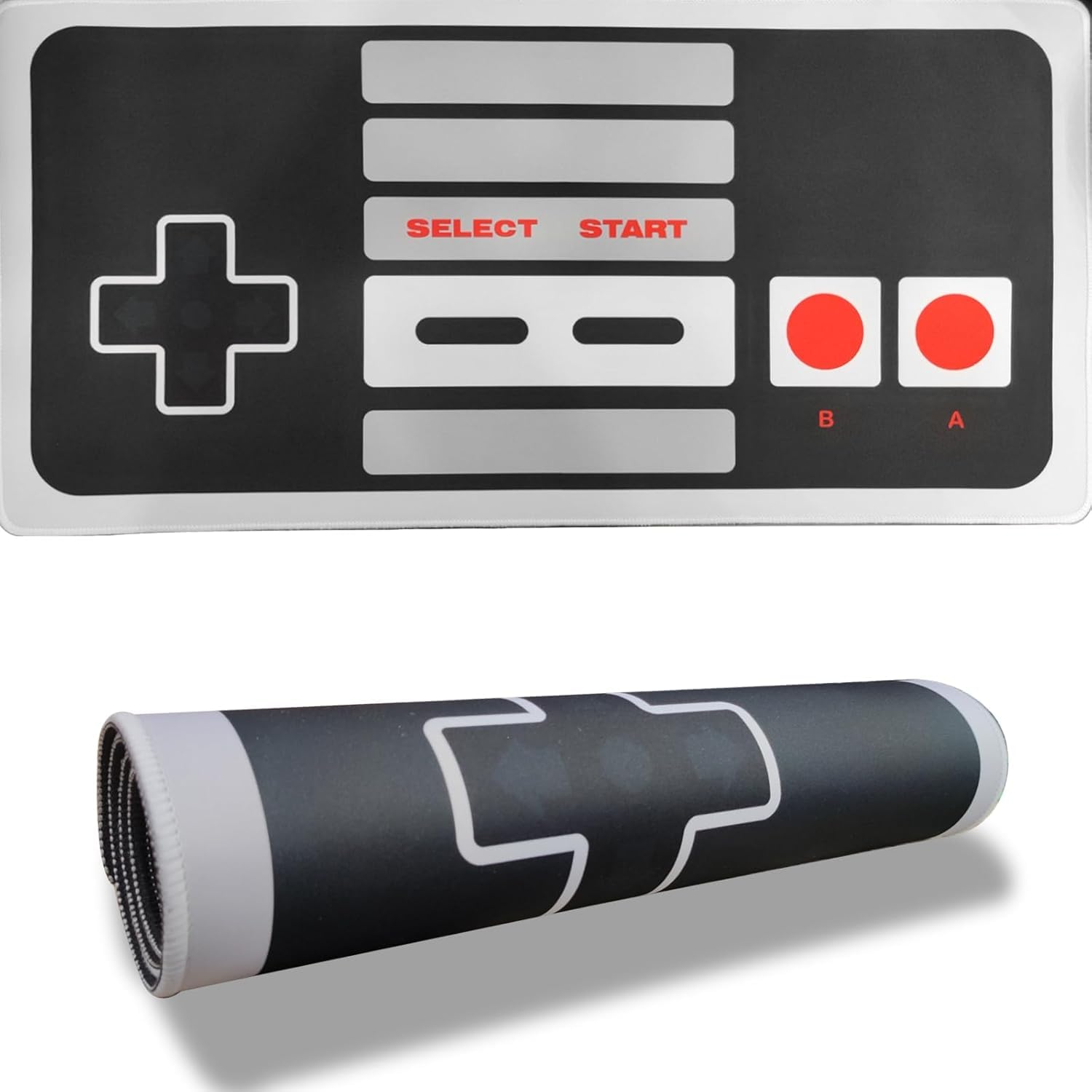
Image: The NBCP Large Gaming Mouse Pad unrolled and set up on a desk with a keyboard and mouse, demonstrating its extended size.
Operating Instructions
The NBCP Large Gaming Mouse Pad is designed for immediate use without complex setup. Simply place it on your desk and arrange your computer peripherals. Its micro-weave surface is engineered to provide a smooth and precise tracking experience for both optical and laser mice.
- Mouse Movement: Move your mouse freely across the surface. The low-friction texture ensures smooth gliding and accurate sensor tracking.
- Stability: The non-slip rubber base prevents the mat from shifting during intense use, providing a stable platform for gaming or work.

Image: A user's hands operating a mouse on the NBCP Large Gaming Mouse Pad, illustrating the smooth surface for precise control.
Maintenance
Proper care will extend the life and maintain the appearance of your NBCP Large Gaming Mouse Pad.
- Cleaning Spills: The mat features a water-resistant coating. In case of liquid spills, liquids will bead on the surface. Gently wipe them away immediately with a clean, damp cloth.
- General Cleaning: For general cleaning, use a soft, damp cloth with a small amount of mild soap (e.g., dish soap) if necessary. Gently wipe the surface. Avoid harsh chemicals or abrasive cleaners, as these can damage the surface and print.
- Drying: Allow the mouse pad to air dry completely before reuse. Do not machine wash or tumble dry.
- Storage: When not in use or for transport, roll the mouse pad loosely with the design facing outwards to prevent creasing.

Image: Water droplets on the NBCP Large Gaming Mouse Pad surface, showing its water-resistant properties for easy cleaning.
Troubleshooting
- Issue: Mouse pad does not lay completely flat.
- Solution: This can sometimes occur after unrolling. Gently roll the mat in the opposite direction for a few minutes, or place heavy, flat objects (like books) on the curled edges overnight. The flexible material is designed to flatten quickly.
- Issue: Mouse tracking is inconsistent or jumpy.
- Solution: Ensure the mouse pad surface is clean and free of dust or debris. Wipe it gently with a damp cloth. Also, check your mouse's sensor for any obstructions and ensure its settings are appropriate for your usage.
- Issue: Mouse pad slides on the desk surface.
- Solution: Verify that the desk surface beneath the mouse pad is clean and dry. The non-slip rubber base requires a clean surface for optimal grip. Avoid placing the mat on uneven or excessively dusty surfaces.
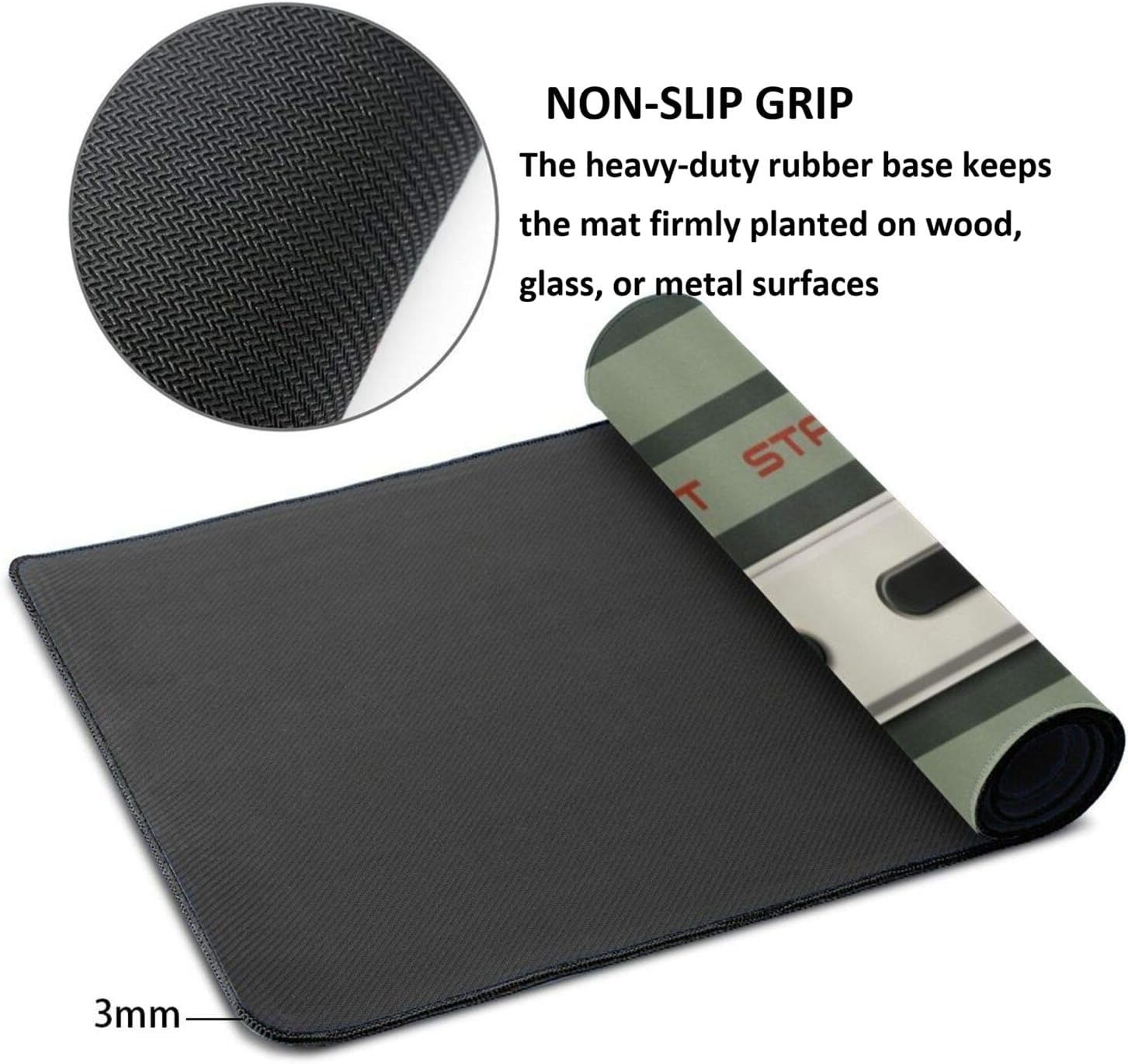
Image: A detailed view of the textured non-slip rubber base of the mouse pad, designed to prevent movement during use.
Specifications
| Brand | NBCP |
| Model Number | 779 |
| Product Dimensions | 23.6 x 11.8 x 0.1 inches (60 x 30 x 0.25 cm) |
| Item Weight | 14.4 ounces (408 grams) |
| Color | Grey (NES Retro Controller design) |
| Shape | Rectangular |
| Material Type | Leather, Rubber, Weave Cloth |
| Special Features | Odorless, Water-Resistant, Non-Slip Base, Stitched Edges |

Image: A diagram illustrating the exact dimensions of the mouse pad, 23.6 inches by 11.8 inches, with a keyboard and mouse for scale.
Warranty Information
NBCP products are manufactured to high-quality standards. For specific warranty details, including coverage period and terms, please refer to the product packaging or contact NBCP customer support directly. Keep your purchase receipt as proof of purchase for any warranty claims.
Support
If you encounter any issues or have questions regarding your NBCP Large Gaming Mouse Pad that are not addressed in this manual, please contact NBCP customer support. You can typically find contact information on the product packaging or on the official NBCP website.
For more information, visit the NBCP Store on Amazon.