1. Introduction
This manual provides comprehensive instructions for the RETROSUN Treadmill Replacement Remote Control. Designed for ease of use and broad compatibility, this remote ensures seamless operation of your walking pad or folding treadmill. Please read this manual thoroughly before use to ensure proper function and longevity of your device.
2. Compatibility
The RETROSUN Treadmill Replacement Remote Control is specifically designed to be compatible with the following HomeFitnessCode Walking Pad models:
- HomeFitnessCode Walking Pad C1
- HomeFitnessCode Walking Pad M55
- HomeFitnessCode Walking Pad Q1
- HomeFitnessCode Walking Pad Q2
- HomeFitnessCode Walking Pad Q2-1
- HomeFitnessCode Walking Pad S1
- HomeFitnessCode Walking Pad S2-1
- HomeFitnessCode Walking Pad T1
- Cursor Fitness Home Folding Treadmill
Important Note:
Please ensure your original remote control is identical in appearance and button layout to this replacement remote before ordering to guarantee compatibility. This remote incorporates infrared 3.0 technology and does not require programming or pairing.
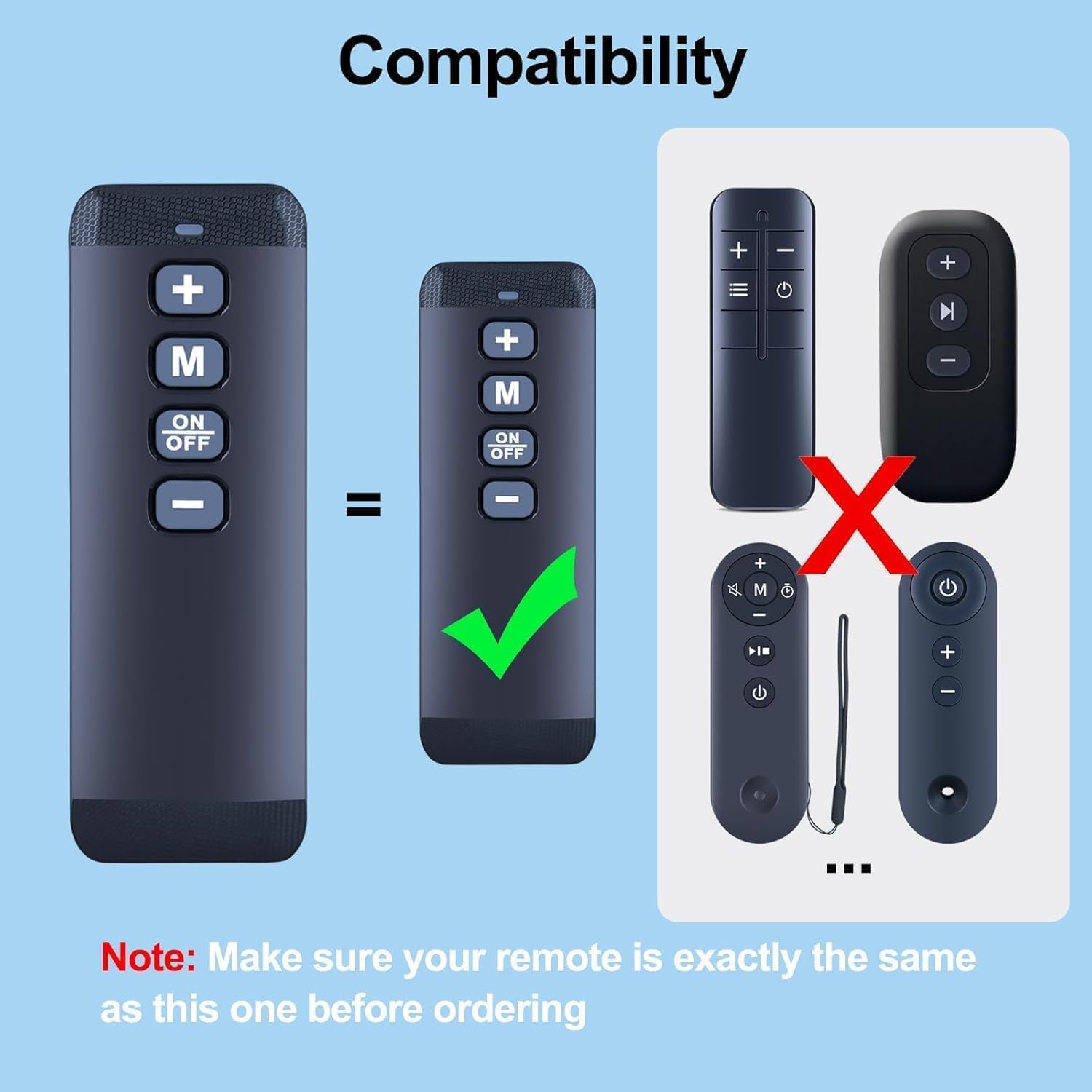
Figure 2.1: Visual guide for remote compatibility. Ensure your original remote matches the design shown as compatible.

Figure 2.2: The RETROSUN remote control's design, emphasizing its perfect fit and similarity to original remotes for compatible models.
3. Setup: Battery Installation
The remote control requires two (2) AAA alkaline batteries (not included). Follow these steps to install the batteries:
- Locate the battery compartment cover on the back of the remote control.
- Slide the cover downwards or press the latch (if present) to open the compartment.
- Insert two AAA batteries, ensuring the positive (+) and negative (-) terminals align correctly with the markings inside the compartment.
- Slide the battery compartment cover back into place until it clicks securely.
Once batteries are installed, the remote is ready for use. No programming or pairing is required.

Figure 3.1: Battery compartment for two AAA batteries. Ensure correct polarity during installation.
Video 3.1: Demonstration of battery installation for the treadmill remote control.
Video 3.2: Another view of battery compartment access and battery insertion.
4. Operating Instructions
The remote control features an intuitive button layout for easy operation of your treadmill:
- '+' Button: Increases the treadmill speed.
- '-' Button: Decreases the treadmill speed.
- 'M' Button: Cycles through different modes (e.g., countdown for time, distance, calories, or free mode).
- 'ON/OFF' Button: Starts or stops the treadmill.
The remote provides a reliable 8m/26ft range coverage with a 120-degree wide-angle design, eliminating positioning constraints.

Figure 4.1: Remote control in use with a walking pad, demonstrating its primary function.
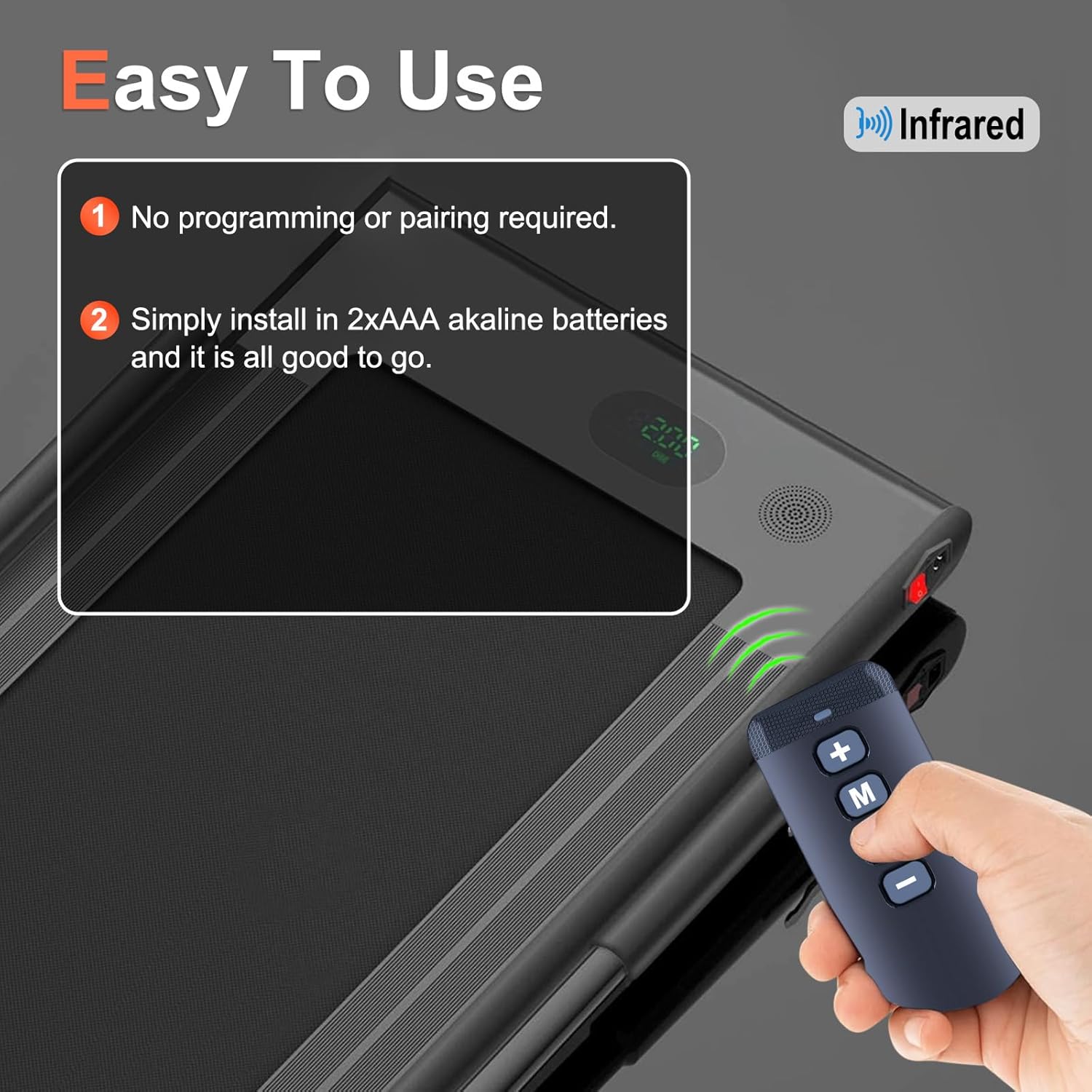
Figure 4.2: Emphasizes the infrared technology and ease of use, requiring only battery installation.
Video 4.1: Demonstrates the remote control's functionality with a Q1 Walking Pad, showing speed adjustments and mode changes.
Video 4.2: Shows the remote control's responsive buttons and ease of use for various treadmill functions.
Video 4.3: Illustrates the remote's simple operation for controlling a treadmill.
Video 4.4: Shows the remote control's compatibility and basic functions for a walking pad.
5. Features
The RETROSUN Treadmill Replacement Remote Control is engineered with advanced features for optimal performance:
- Infrared 3.0 Technology: Ensures reliable and responsive communication with your treadmill.
- High-Quality Construction: Made with durable ABS material for longevity.
- New-Gen Smart Chip: Delivers instant button response for precise control.
- Extended Range: Operates effectively within an 8-meter (26-foot) range.
- Wide-Angle Design: A 120-degree wide-angle signal eliminates strict positioning requirements.
- Ergonomic Design: Curved shape for comfortable, fatigue-free control during extended use.
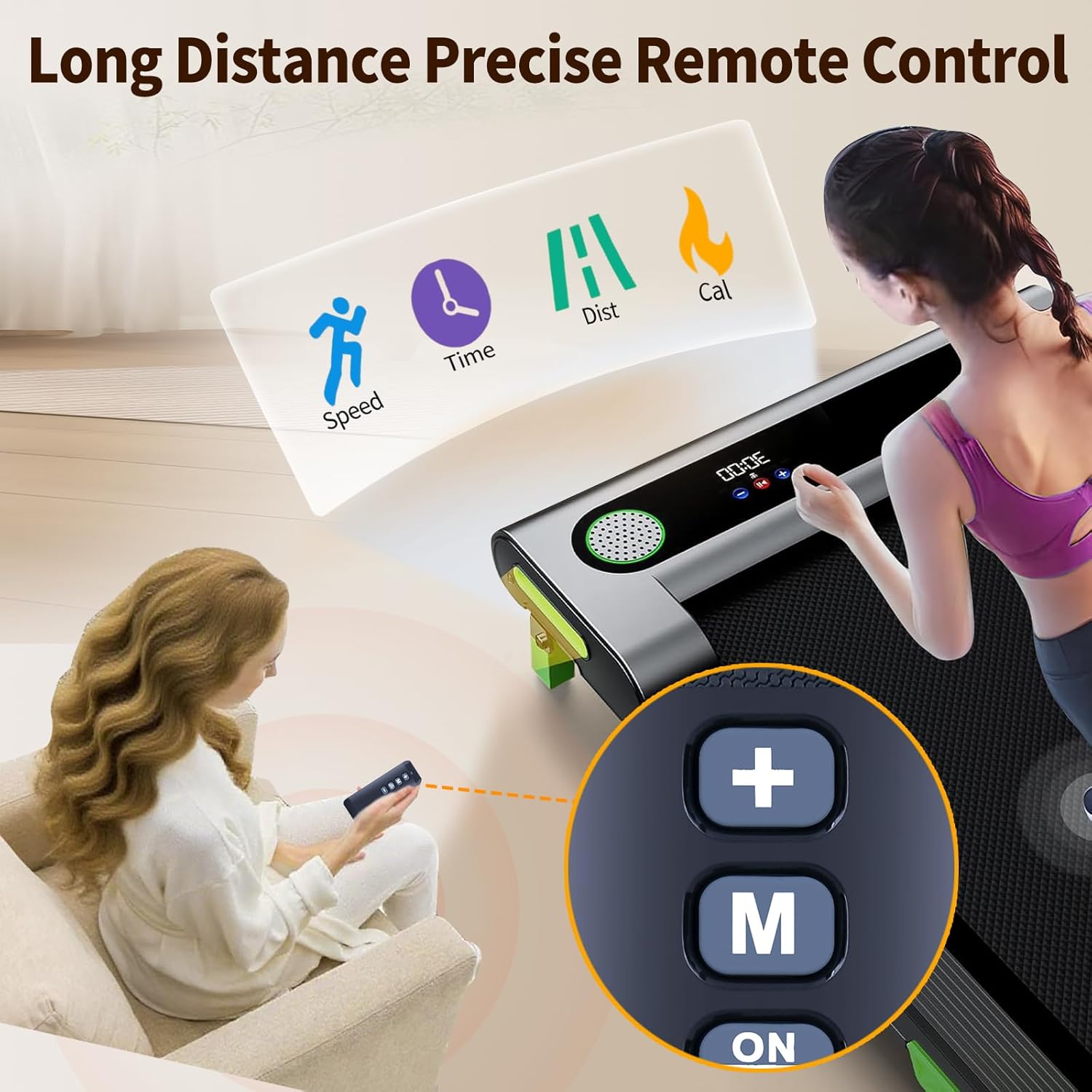
Figure 5.1: The remote's precise control over treadmill functions including speed, time, distance, and calories.
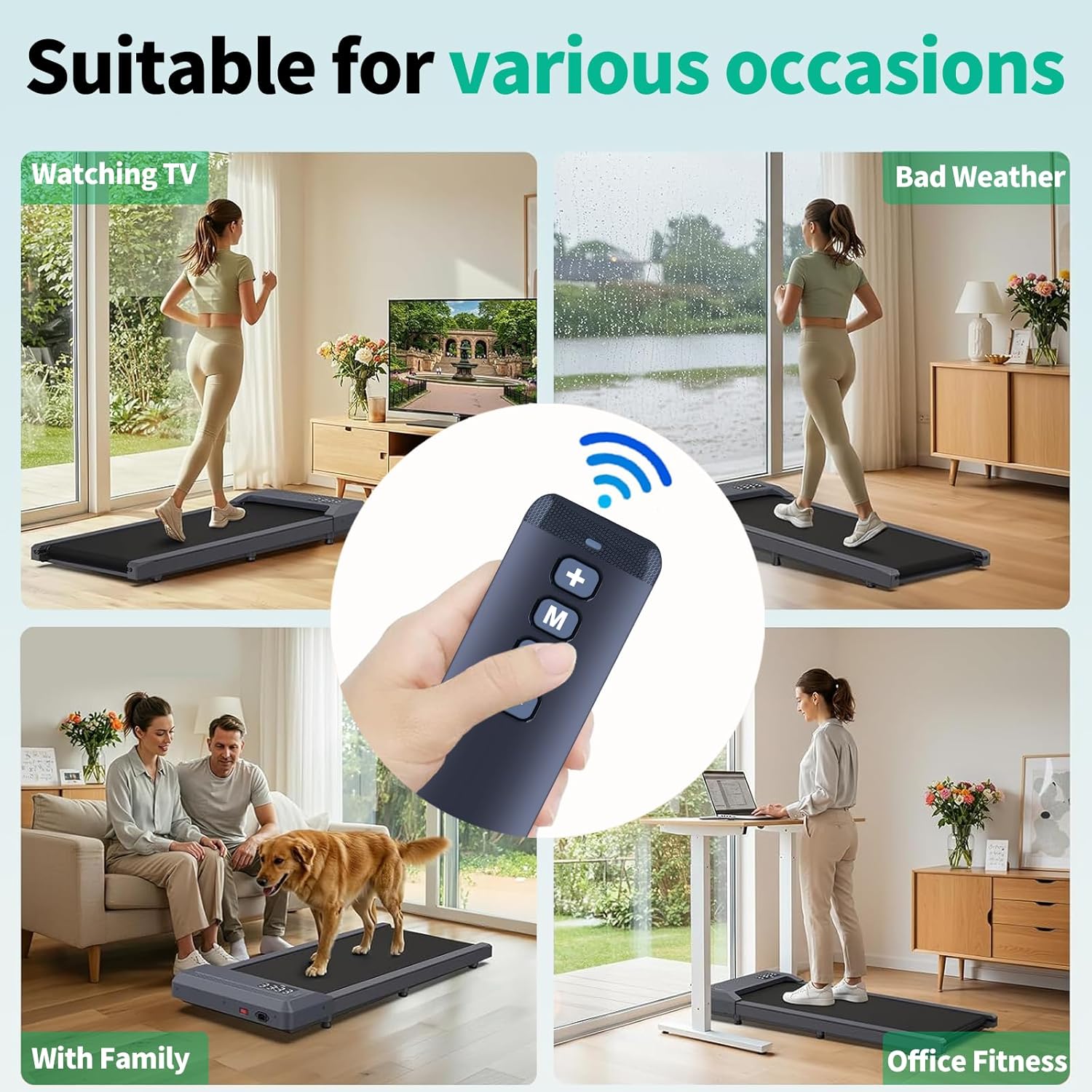
Figure 5.2: Versatile use of the remote control for different occasions and environments.
6. Specifications
| Attribute | Detail |
|---|---|
| Brand | RETROSUN |
| Model Number | VW299 |
| Compatible Devices | HomeFitnessCode Walking Pads (C1, M55, Q1, Q2, Q2-1, S1, S2-1, T1), Cursor Fitness Home Folding Treadmills |
| Connectivity Technology | Infrared 3.0 |
| Power Source | 2 x AAA Batteries (not included) |
| Material | High-quality ABS |
| Color | Black |
| Item Weight | 1.41 ounces |
| Package Dimensions | 4.92 x 1.65 x 0.39 inches |
7. Troubleshooting
If you experience issues with your RETROSUN Treadmill Replacement Remote Control, please consider the following:
- Remote Not Responding:
- Check if the batteries are inserted correctly with the proper polarity.
- Replace old batteries with new AAA alkaline batteries.
- Ensure there are no obstructions between the remote and the treadmill's infrared receiver.
- Verify that the treadmill is powered on.
- Limited Range:
- Ensure you are within the effective operating range of 8 meters (26 feet).
- Replace batteries if they are low, as this can affect signal strength.
- Incorrect Functionality:
- Double-check the compatibility section to confirm your treadmill model is supported.
- Ensure the remote's buttons are clean and free from debris.
This remote does not require programming or pairing, so if issues persist after checking the above, please contact customer support.
8. Customer Support
For any questions regarding your order, product model, or if you encounter any issues not resolved by the troubleshooting steps, please reach out to us directly. Our customer support team is available to assist you.
Contact Information:
- We aim to respond to all inquiries within 24 hours on weekdays.
- Please refer to your purchase platform for specific contact methods.