1. Introduction
This manual provides detailed instructions for the setup, operation, and maintenance of your PUSOKEI 5G Mobile Hotspot (Model M5 E). This portable device allows you to create a Wi-Fi network using a 4G/5G SIM card, providing internet access for up to 10 devices simultaneously. Please read this manual thoroughly before using the device to ensure proper functionality and safety.
2. Safety Information
- Do not expose the device to extreme temperatures, direct sunlight, or high humidity.
- Avoid dropping or subjecting the device to strong impacts.
- Use only the provided charging cable or a compatible charger.
- Do not attempt to disassemble or modify the device. This will void the warranty.
- Keep the device away from water and other liquids.
- Ensure adequate ventilation during extended use to prevent overheating.
3. Package Contents
Please check the package for the following items:
- 1 x PUSOKEI Portable Router (Model M5 E)
- 1 x USB Charging Cable
- 1 x Instruction Manual (This document)
4. Product Overview
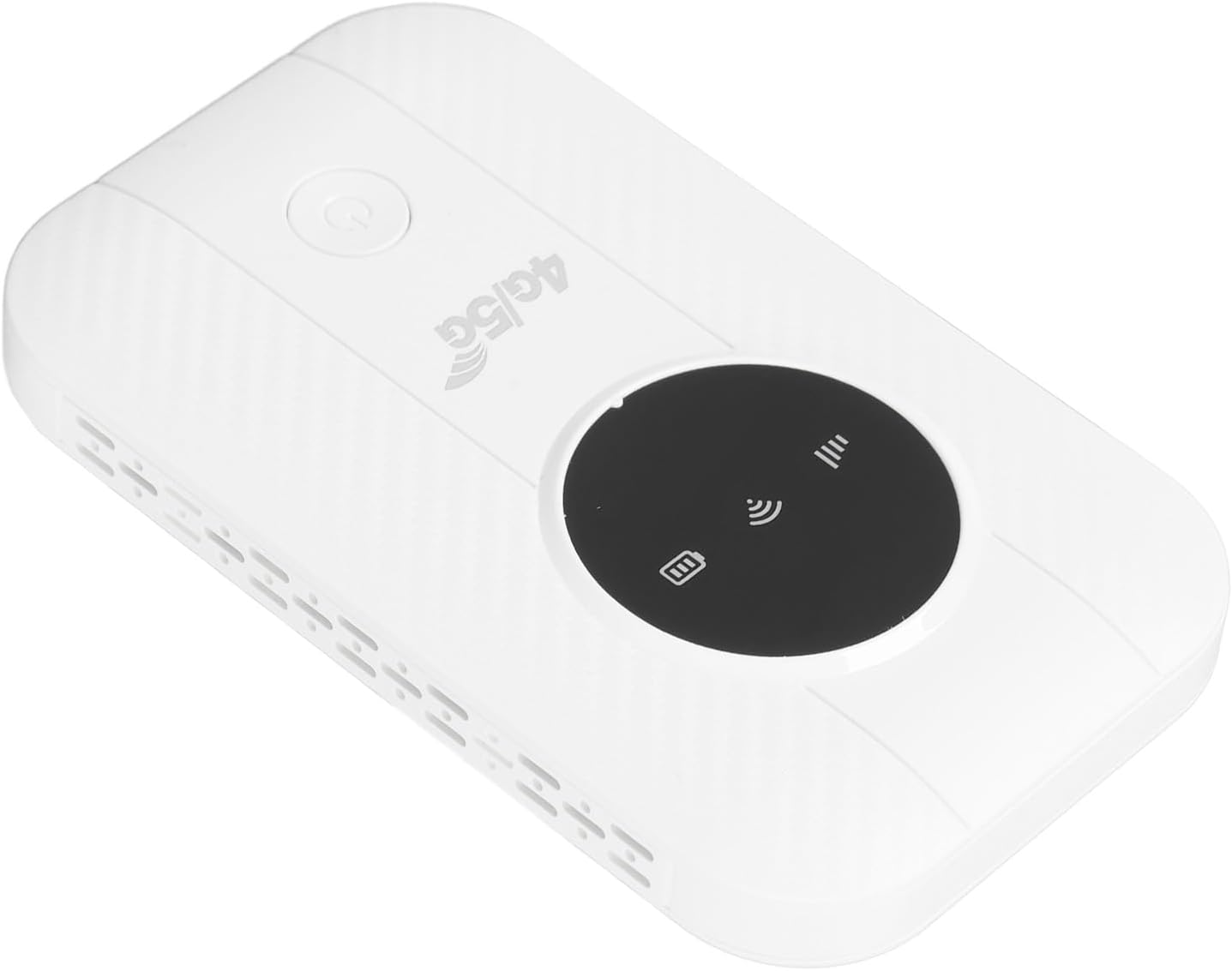
The PUSOKEI 5G Mobile Hotspot is designed for portability and ease of use. It features a compact design with indicator lights for signal strength, Wi-Fi status, and battery.

Image of the PUSOKEI 5G Mobile Hotspot, showing its compact white design with a black display area and power button.

Close-up image of the PUSOKEI 5G Mobile Hotspot, highlighting the '4G/5G' branding and indicator lights.
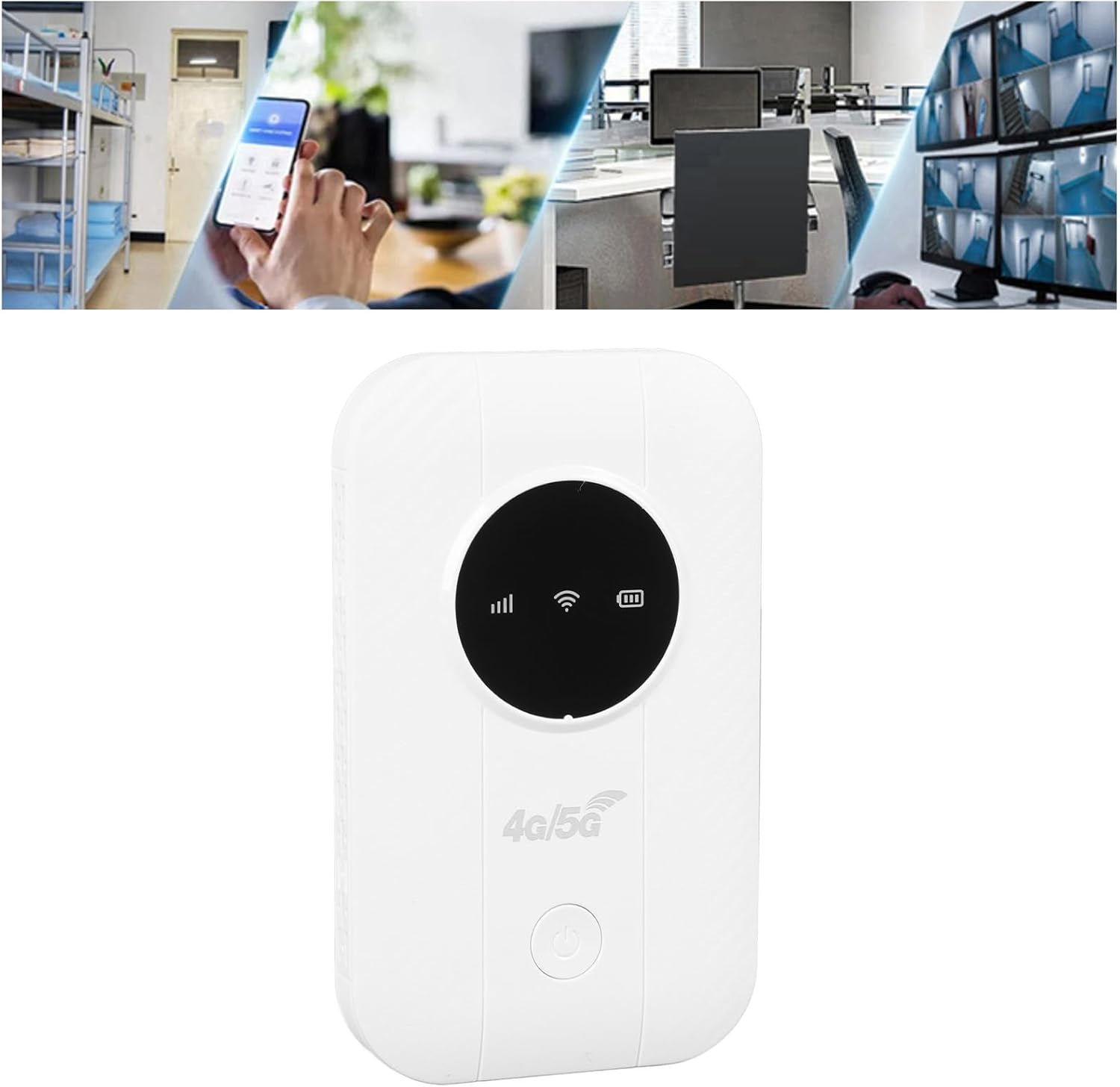
Image showing the PUSOKEI 5G Mobile Hotspot alongside its included USB charging cable.
5. Setup
5.1. Charging the Device
Before initial use, fully charge the hotspot. Connect the provided USB charging cable to the device's charging port and plug the other end into a computer USB port, a mobile power source, or a car USB charger. The battery indicator will show charging status.
Graphic representation of a battery cell, symbolizing the long-lasting performance and 2100mAh battery capacity of the PUSOKEI 5G Mobile Hotspot.
5.2. Inserting the SIM Card
- Ensure the device is powered off.
- Locate the SIM card slot on the device. This device uses a Micro SIM card.
- Carefully insert your Micro SIM card into the slot until it clicks into place. Ensure the SIM card is activated by your service provider and any PIN code is disabled before insertion.
- If necessary, you may need to configure the Access Point Name (APN) settings. Refer to your SIM card provider for the correct APN details. You can typically access the router's settings via its IP address (usually printed on the device or found in the manual).
6. Operating Instructions
6.1. Powering On/Off
- To power on: Press and hold the power button until the indicator lights illuminate.
- To power off: Press and hold the power button until the indicator lights turn off.
6.2. Connecting Devices to Wi-Fi
Once the hotspot is powered on and has established a network connection (indicated by the signal light), you can connect your devices:
- On your smartphone, tablet, laptop, or other Wi-Fi enabled device, go to the Wi-Fi settings.
- Search for available Wi-Fi networks.
- Select the network name (SSID) of your PUSOKEI Mobile Hotspot. The SSID and default password are usually printed on a label inside the device or on the packaging.
- Enter the Wi-Fi password when prompted.
- Your device should now be connected to the internet. The hotspot supports connecting up to 10 devices simultaneously.

Illustration demonstrating the PUSOKEI 5G Mobile Hotspot connecting up to 10 devices simultaneously, including monitors, desktop PCs, laptops, and phones.
6.3. Network Performance
- Speed: The hotspot supports the LTE CAT4 standard, delivering theoretical speeds up to 300Mbps. Actual speeds may vary based on network conditions and service provider.
- Network Bands: This device is compatible with FDD bands B1, B3, B5, B7, B8, B20 and TDD bands B40, B41. Ensure your SIM card's network provider operates on these bands for optimal performance.
- Battery Life: Equipped with a 2100mAh Li-Polymer battery, the device offers over 10 hours of continuous use on a full charge.

Diagram illustrating the PUSOKEI 5G Mobile Hotspot providing Wi-Fi signal coverage throughout a multi-room house.

Collage of images showing the PUSOKEI 5G Mobile Hotspot being used in various scenarios: business office, playing games, binge-watching, travel, outdoor internet access, and live streaming.
7. Maintenance
- Cleaning: Use a soft, dry cloth to clean the device. Do not use liquid cleaners or aerosols.
- Storage: Store the device in a cool, dry place when not in use. Avoid storing it in areas with extreme temperatures or high humidity.
- Cooling: For prolonged use, ensure the device has adequate airflow to prevent overheating and maintain optimal performance.
8. Troubleshooting
| Problem | Possible Cause | Solution |
|---|---|---|
| No internet connection after SIM card insertion | SIM card PIN enabled; Incorrect APN settings; SIM card not activated; Poor network signal. | Disable SIM card PIN via another device or your service provider. Configure correct APN settings via the router's web interface. Ensure SIM card is active. Move to an area with better network coverage. |
| Device not powering on | Low battery; Device malfunction. | Charge the device fully. If the problem persists, contact customer support. |
| Slow internet speed | Weak network signal; Too many connected devices; Network congestion. | Move to an area with stronger signal. Disconnect some devices. Try again during off-peak hours. |
| Device overheating | Prolonged heavy use; Poor ventilation. | Ensure the device is in a well-ventilated area. Reduce usage if necessary. |
9. Specifications
| Feature | Detail |
|---|---|
| Model | M5 E (PUSOKEIbm5w9s1f0t) |
| Material | ABS |
| Chip | For 8916 |
| Network Bands (Eurasian Version) | FDD: B1, B3, B5, B7, B8, B20; TDD: B40, B41 |
| Max Speed | Up to 300Mbps (LTE CAT4) |
| SIM Card Slot | Micro SIM (Excluded) |
| Battery Type | Li-Polymer, 2100mAh (Built-in) |
| Connectivity Technology | Wireless (4G/5G cellular to Wi-Fi) |
| Wireless Communication Standard | 802.11ac |
| Max Connected Devices | 10 |
| Item Weight | 4.2 ounces |
| Package Dimensions | 5.12 x 4.33 x 1.18 inches |
10. Warranty Information
This PUSOKEI product is covered by a standard manufacturer's warranty. Please refer to the warranty card included in your package or contact your retailer for specific warranty terms and conditions. Keep your purchase receipt as proof of purchase for warranty claims.
11. Support
For technical assistance, troubleshooting, or product inquiries, please contact PUSOKEI customer support through the retailer where you purchased the device or visit the official PUSOKEI website for contact information.


