
1. Overview
This manual provides instructions for the safe and efficient use of your GUY-TECH replacement charger, designed for 21V 2000mAh batteries used in Seesii mini chainsaws and impact wrenches. Please read this manual thoroughly before use and retain it for future reference.

Image 1: GUY-TECH Replacement Charger. This image shows the overall design of the charger unit with its attached power cord.
Key Features:
- Universal Input: AC 100V - 240V for worldwide use.
- Safety Protections: Features Over Voltage, Over Current, and Short Circuit output protection.
- Efficient Design: High power exchange efficiency to maintain stable working temperature.
- Compact and Portable: Small and lightweight for easy transport and storage.
2. Setup
Before connecting the charger, ensure that the battery is compatible with the 21V output and that the charger's plug type matches your power outlet.
Installation Steps:
- Unpack the charger and inspect it for any visible damage. Do not use if damaged.
- Locate a suitable power outlet that is easily accessible and free from obstructions.
- Insert the charger's AC plug firmly into the power outlet.
- Connect the charger's DC output connector to the charging port of your 21V 2000mAh Seesii battery. Ensure a secure connection.
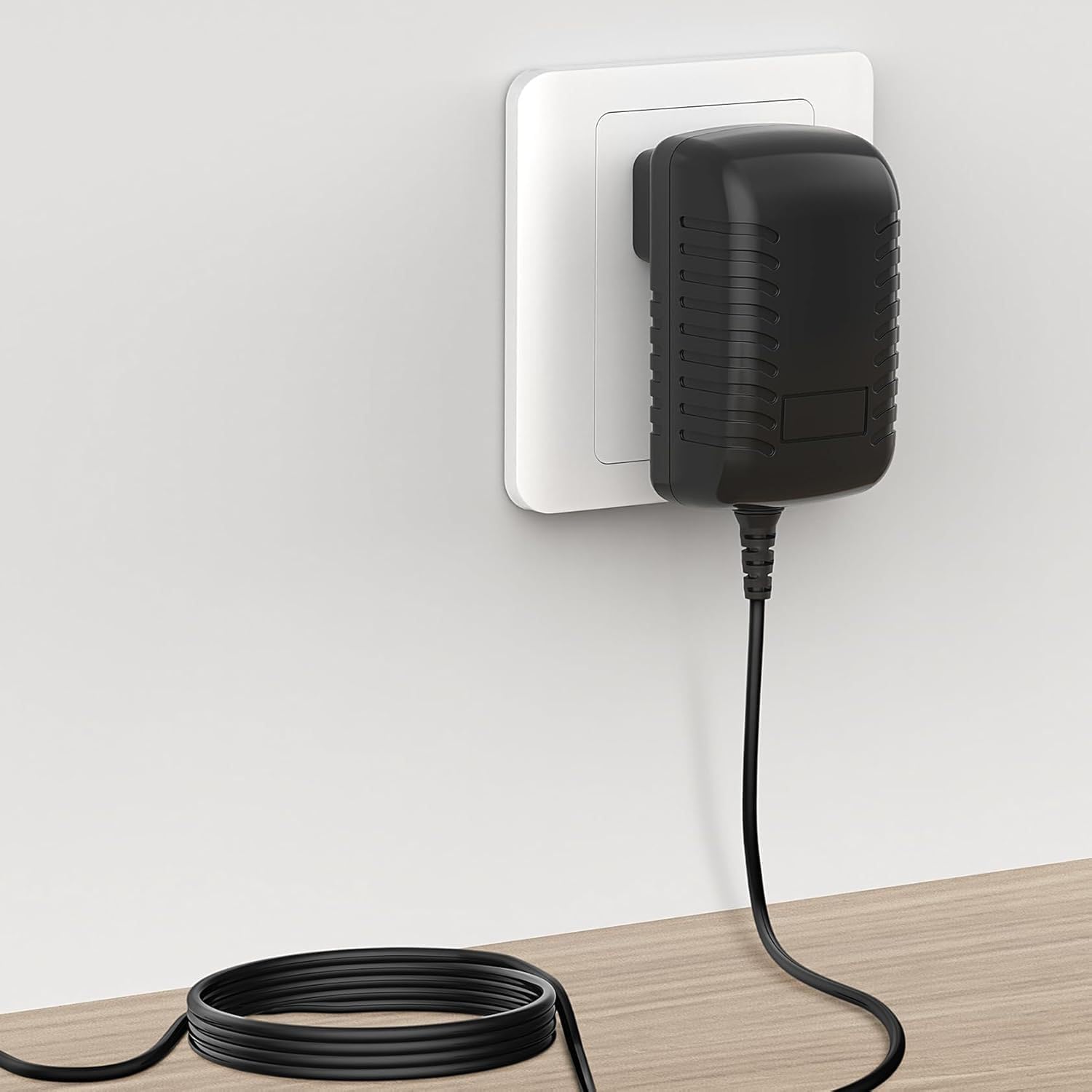
Image 2: Charger connected to a wall outlet. This image illustrates the charger plugged into a standard wall socket with its cable extending downwards.
3. Operating Instructions
Once properly connected, the charger will begin to supply power to the battery. The charging indicator (if present on your battery or device) will typically show the charging status.
Charging Process:
- Ensure the battery is securely connected to the charger and the charger is plugged into a live power outlet.
- Allow the battery to charge until it reaches full capacity, as indicated by the battery's own charge indicator.
- Once charging is complete, disconnect the charger from the battery first, then unplug the charger from the wall outlet.
Safety Precautions:
- Do not expose the charger to water or excessive moisture.
- Avoid operating the charger in extreme temperatures.
- Do not attempt to open or modify the charger.
- Keep out of reach of children.
4. Maintenance
Proper maintenance ensures the longevity and safe operation of your charger.
- Cleaning: Disconnect the charger from all power sources before cleaning. Use a dry, soft cloth to wipe the exterior. Do not use liquid cleaners or solvents.
- Storage: Store the charger in a cool, dry place away from direct sunlight and extreme temperatures when not in use.
- Inspection: Periodically check the power cord and charger casing for any signs of damage, such as cuts, fraying, or cracks. If damage is found, discontinue use immediately.
5. Troubleshooting
If you encounter issues with your charger, refer to the table below for common problems and solutions.
| Problem | Possible Cause | Solution |
|---|---|---|
| Charger not powering on / Battery not charging | No power from outlet; Loose connection; Damaged charger/cable; Incompatible battery. | Check outlet with another device; Ensure all connections are secure; Inspect charger/cable for damage; Verify battery compatibility. |
| Charger gets excessively hot | Poor ventilation; Overload; Internal fault. | Ensure adequate airflow around charger; Discontinue use if overheating persists and contact support. |
| Slow charging | Battery issue; Charger not providing full output. | Test with another compatible battery if possible; Ensure charger specifications match battery requirements. |
6. Specifications
Detailed technical specifications for the GUY-TECH replacement charger.

Image 3: Product Details. This image highlights the American plug type, the thick copper core of the cable, and the flexibility of the power cord.
| Feature | Detail |
|---|---|
| Model | HC1610-2100750 |
| Input Voltage | AC 100V - 240V (Worldwide Use) |
| Output Voltage | DC 21V |
| Compatible Batteries | Seesii 21V 2000mAh batteries for Mini Chainsaw and Impact Wrench |
| Connector Type | Plug |
| Color | Black |
| Special Feature | Travel-friendly design |
| Included Components | 1 x Adapter Charger |
| Certifications | CCC, CE, RoHS |

Image 4: Charger Dimensions. This image provides the physical measurements of the charger unit, showing its length, width, and height.

Image 5: Portability. This image demonstrates the compact size of the charger, showing it being easily placed into a bag.
7. Warranty Information
For specific warranty details regarding your GUY-TECH replacement charger, please refer to the product packaging or contact the seller directly. Standard return policies typically apply for manufacturing defects.
8. Customer Support
If you have any questions, concerns, or require assistance with your GUY-TECH replacement charger, please contact the seller or manufacturer through the platform where the purchase was made. Provide your order number and a detailed description of the issue for prompt support.