
1. Introduction
The FLYDrone S8 Pro Drone Simulator Controller is engineered to provide an authentic FPV flight experience for both novice and experienced pilots. This controller minimizes operational lag and slack, ensuring smooth, sensitive, and consistent control. It allows users to practice FPV flight maneuvers without the risks associated with real-world drone operation, such as crashes or equipment loss.

Figure 1: FLYDrone S8 Pro Drone Simulator Controller with its packaging and accessories.
2. Key Features
- Non-Centering Throttle & Immersive Flight: Features dual-bearing joysticks for smooth, sensitive, and consistent control, replicating real FPV flight tactile feedback.
- Wide Simulator Software Compatibility: Compatible with FPV and RC flight simulators across Windows, macOS, and Android systems. Supports software such as Uncrashed, Liftoff, DCL, DRL, RealFlight Evolution, TRYP FPV, Velocidrone, FPV Logic, Aerofly RC 10, Phoenix RC, DJI Virtual Flight, FeelFPV, SkyDive, and FPV Battlefield.
- Ergonomic Design: The body curve is designed to fit the palm comfortably, with a non-slip texture on the handle for a firm grip.
- Plug & Play Portability: Connects via USB Type-C for instant auto-recognition and ultra-low latency. No built-in battery is required as it draws power from the connected device.
- Authentic Feel for Skill Development: The non-centering throttle and 1:1 real-drone button layout aid in building muscle memory for a seamless transition from virtual to real flight.
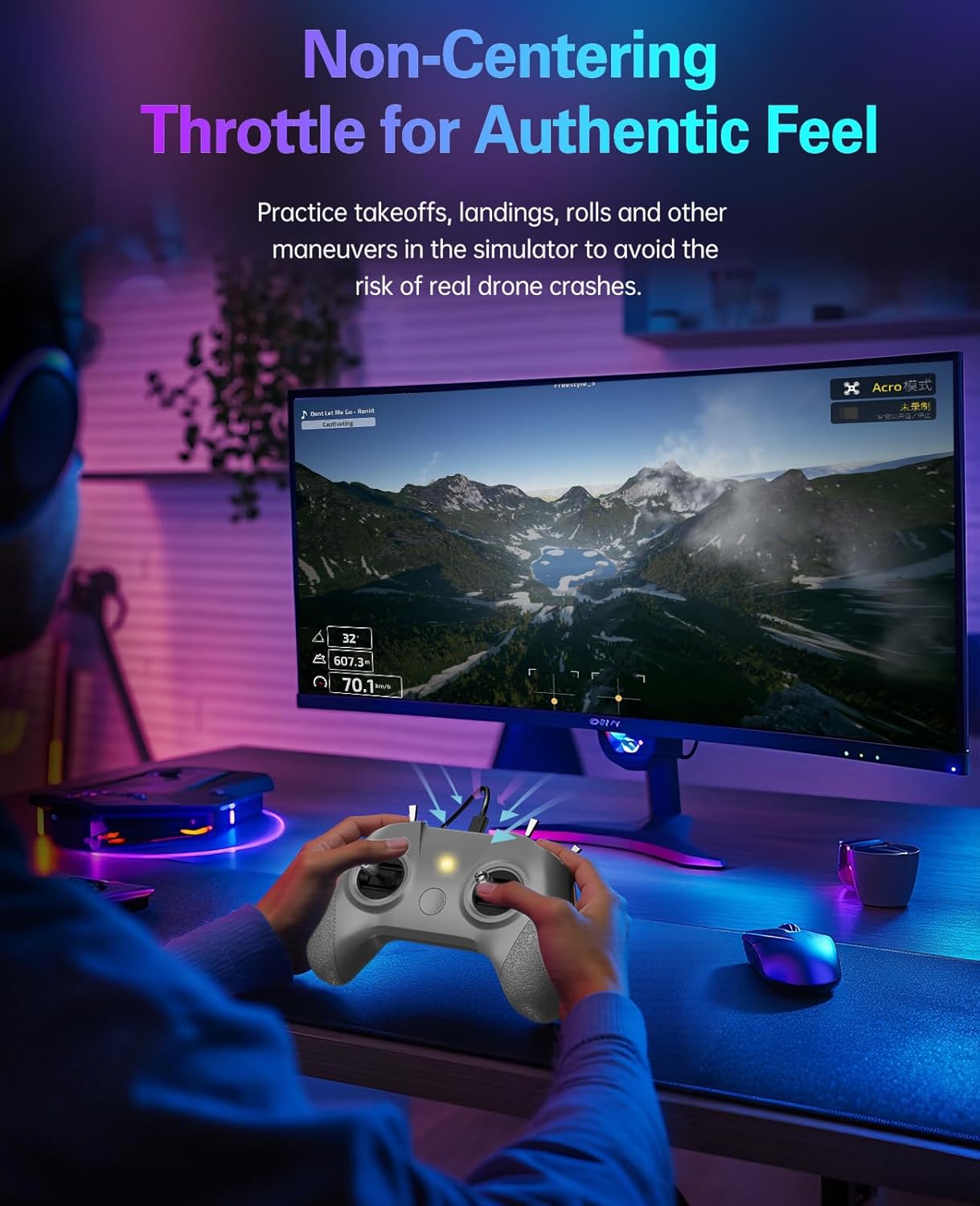
Figure 2: The non-centering throttle provides an authentic feel for practicing maneuvers.
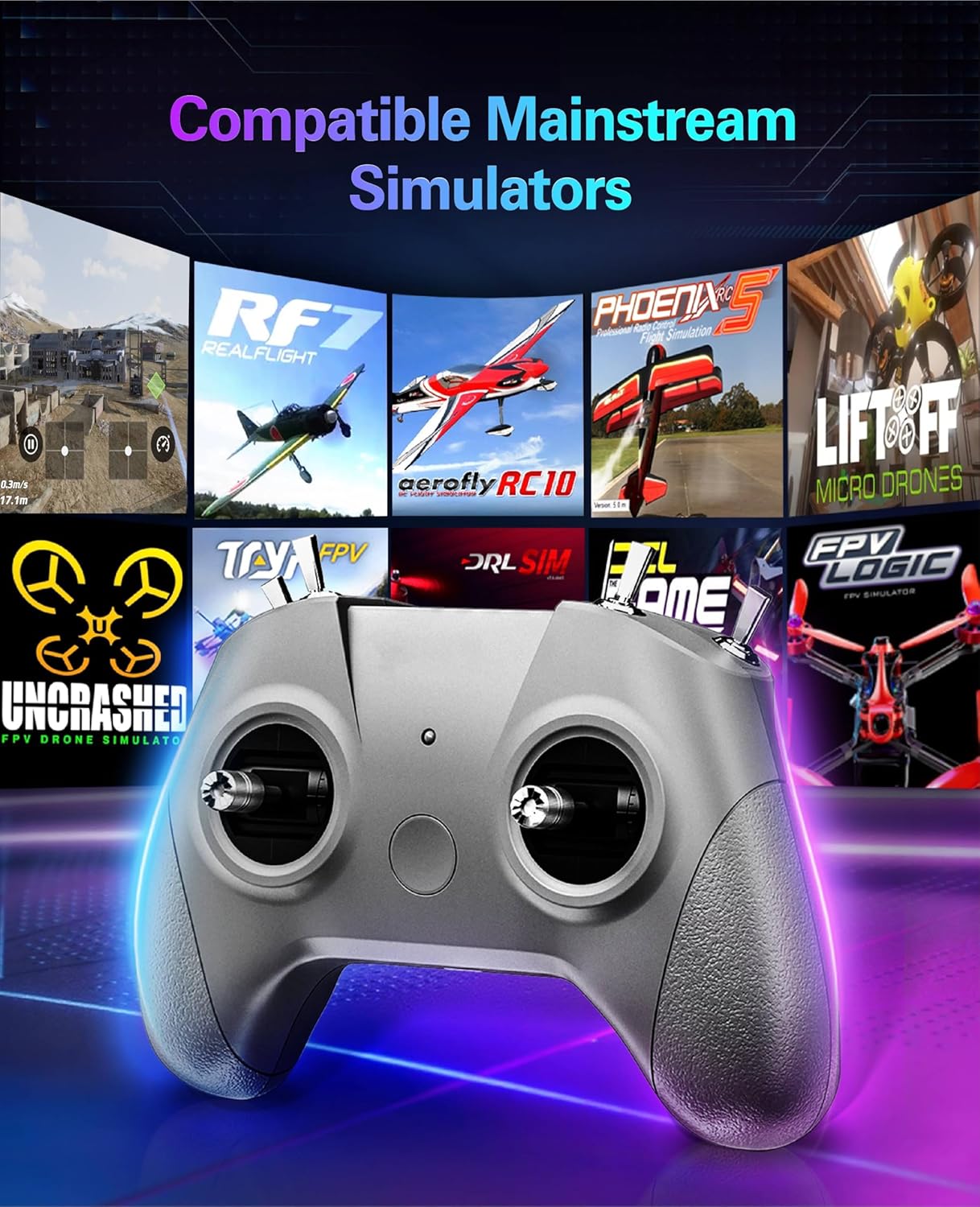
Figure 3: The S8 Pro controller is compatible with a wide range of FPV simulators.
3. Package Contents
The package includes the following items:
- 1 x S8 Pro Drone Simulator Controller (Mode 2)
- 1 x USB Type-C Cable
- 1 x Instruction Manual

Figure 4: The controller's portable design allows connection to various devices.
4. Setup
4.1. Joystick Installation
The joysticks are designed for quick and tool-free installation. Simply screw them into the designated ports on the controller.
4.2. Connecting to a Device
Connect the S8 Pro controller to your computer (Windows/macOS) or Android device using the provided USB Type-C cable. The controller is plug-and-play and should be automatically recognized by most compatible simulator software.
4.3. Calibration Steps
For optimal performance, it is recommended to calibrate the controller within your chosen simulator software. General calibration steps are as follows:
- Briefly press the central function button. Release, then press and hold the button for 3 seconds. The blue indicator light will blink rapidly to enter calibration mode.
- Push the throttle stick to its maximum/minimum limits and hold it. Keep other joysticks centered. Wait for the indicator light to stay solid (calibration completed).
- If calibration fails, restart the process or the controller and try again.

Figure 5: Visual guide for controller calibration.
5. Operating Instructions
5.1. Software Compatibility and Mode Switching
The S8 Pro controller supports various flight modes indicated by LED colors, allowing seamless integration with different simulator software. The manual provided with the product contains specific instructions for connecting and using multiple mainstream software titles.
- Yellow LED: For Steam Universal Mode
- Green LED: For DJI Virtual Flight Mode
- Blue LED: For PhoenixRC Mode
- Purple LED: For AeroFly Mode

Figure 6: LED indicators for different flight modes and simulator compatibility.
5.2. Joystick Functionality
The controller features high-precision dual-bearing joysticks for accurate control. The layout includes a Throttle/Yaw Stick and a Pitch/Roll Stick, along with various switches for advanced functions. These can often be customized within the simulator software settings.

Figure 7: Overview of the S8 Pro controller's operational components.
5.3. Official Product Videos
Below are official videos from the seller demonstrating the use and setup of the FLYDrone S8 Pro controller with various simulators.
Video 1: Quick Start Configuration Guide for DJI Virtual Flight using the S8 Pro controller.
Video 2: Quick Start Configuration Guide for Uncrashed simulator with the S8 Pro controller.
6. Maintenance
To ensure the longevity and optimal performance of your S8 Pro Drone Simulator Controller, follow these general maintenance guidelines:
- Keep the controller clean by wiping it with a soft, dry cloth. Avoid using harsh chemicals or abrasive materials.
- Store the controller in a cool, dry place away from direct sunlight and extreme temperatures.
- Avoid dropping the controller or subjecting it to strong impacts.
7. Troubleshooting
If you encounter issues with your S8 Pro controller, consider the following troubleshooting steps:
- Calibration Issues: If the controller's input is erratic or unresponsive, perform the calibration steps detailed in Section 4.3. Ensure all joysticks are centered before completing calibration.
- Connectivity Problems: Ensure the USB Type-C cable is securely connected to both the controller and your device. Try using a different USB port or cable to rule out cable or port issues.
- Software Recognition: If the simulator software does not recognize the controller, try restarting the software and reconnecting the controller. Verify that your operating system drivers are up to date.
- Unresponsive Controls: Check the simulator's control settings to ensure the correct input device is selected and that the controls are mapped appropriately.
8. Specifications
| Feature | Detail |
|---|---|
| Model | S8 Pro |
| Product Dimensions | 4.7 x 2 x 6 inches |
| Item Weight | 5.6 ounces |
| Channels | 8 Channel |
| Connectivity | USB Type-C |
| Compatibility | Windows, macOS, Android |
| Manufacturer | FLYDrone |
9. Warranty and Support
For warranty information and technical support, please refer to the documentation included in your product package or contact FLYDrone customer service directly. Details for contacting support are typically found on the manufacturer's official website or in the provided manual.