1. Introduction
This manual provides essential information for the safe and efficient operation of your ACEMAGIC LX15PRO laptop. Please read this manual thoroughly before using your device to ensure proper setup, usage, and maintenance.
2. Product Overview
The ACEMAGIC LX15PRO is a high-performance laptop designed for productivity and entertainment. It features an AMD Ryzen 5 7430U processor, 16GB DDR4 RAM, and a 512GB SSD, all housed in a slim and portable design.

Figure 2.1: Front view of the ACEMAGIC LX15PRO laptop.
Key Features:
- Processor: AMD Ryzen 5 7430U (6 Cores, 12 Threads, up to 4.3GHz)
- Memory: 16GB DDR4 2666MHz (expandable to 64GB)
- Storage: 512GB M.2 NVMe PCIe3.0 SSD (dual-drive bay, up to 4TB total)
- Display: 15.6-inch Full HD (1920x1080) Anti-glare LED Backlight
- Graphics: AMD Radeon RX Vega 7 (1800MHz)
- Connectivity: Wi-Fi 6 (802.11ax), Bluetooth 5.2
- Ports: 3x USB 3.2, 1x Full-featured Type-C, 1x HDMI 1.4, 1x Headphone/Microphone Combo, SD card reader
- Battery: 54.72Wh Li-ion polymer
- Operating System: Windows 11

Figure 2.2: Overview of the laptop's main components and features.

Figure 2.3: AMD Ryzen 5 7430U processor performance details.

Figure 2.4: Multitasking and data storage capabilities.
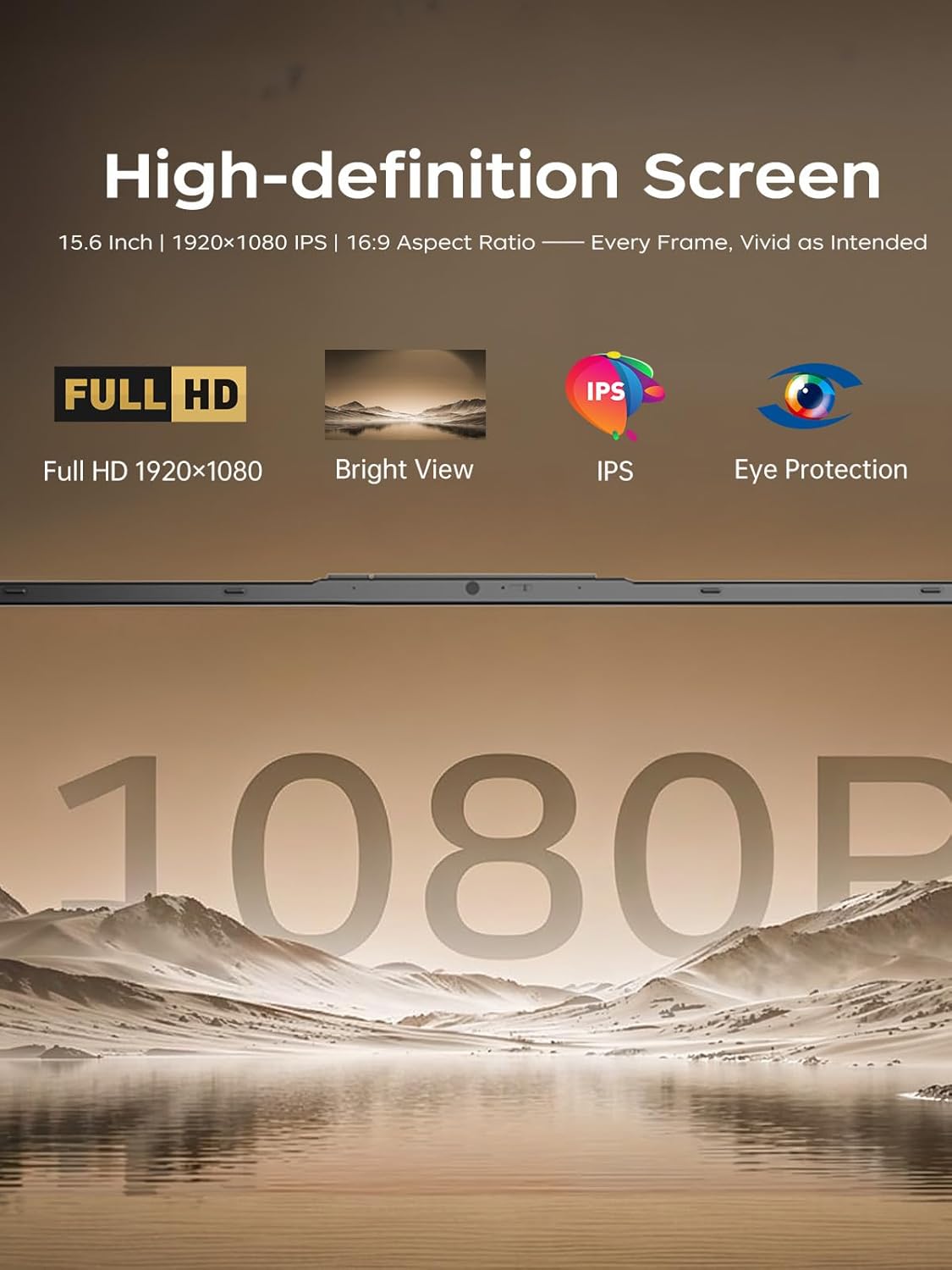
Figure 2.5: High-definition screen features.
3. Setup Guide
3.1 Unpacking and Initial Inspection
Carefully remove the laptop and all accessories from the packaging. Inspect for any signs of damage. If any components are missing or damaged, contact customer support immediately.
3.2 Connecting the Power Adapter
- Connect the power adapter to the DC-in port on the side of the laptop.
- Plug the power cord into a wall outlet.
- Allow the laptop to charge for at least 30 minutes before initial use, or until the battery indicator shows sufficient charge.

Figure 3.1: Location of the DC jack and other ports.
3.3 First Boot and Windows 11 Setup
- Open the laptop lid and press the power button.
- Follow the on-screen instructions to complete the Windows 11 setup process. This includes selecting your region, language, connecting to a Wi-Fi network, and creating a user account.
- Ensure you have an active internet connection for Windows updates and driver installations.
4. Operating Instructions
4.1 Using the Keyboard and Touchpad
The laptop features a full-sized keyboard and a precision touchpad. Refer to the Windows 11 settings for customizing touchpad gestures and keyboard shortcuts.
4.2 Connecting to Wi-Fi
- Click the Wi-Fi icon in the taskbar.
- Select your desired network from the list and click "Connect".
- Enter the network security key (password) if prompted.
- The laptop supports Wi-Fi 6 for faster and more stable wireless connections.

Figure 4.1: Wi-Fi 6 connectivity for enhanced network performance.
4.3 Connecting External Devices
The ACEMAGIC LX15PRO offers various ports for connecting peripherals:
- USB 3.2 Ports: For connecting USB drives, mice, keyboards, and other compatible devices.
- Type-C (Full Feature) Port: Supports data transfer, video output, and power delivery.
- HDMI 1.4 Port: For connecting to external monitors or projectors.
- Headphone/Microphone Combo Jack: For audio output and input.
- SD Card Reader: For reading data from SD memory cards.
5. Maintenance
5.1 Cleaning the Laptop
- Use a soft, lint-free cloth slightly dampened with water or a screen cleaner to clean the display.
- For the keyboard and chassis, use a soft cloth. Avoid harsh chemicals or abrasive materials.
- Ensure the laptop is powered off and unplugged before cleaning.
5.2 Battery Care
- Avoid fully discharging the battery frequently.
- Store the laptop in a cool, dry place if not used for extended periods.
- Do not expose the battery to extreme temperatures.
5.3 Storage and Expansion
The laptop features a dual-drive bay design, allowing for storage expansion up to 4TB total. The 16GB DDR4 RAM can also be expanded up to 64GB.

Figure 5.1: Illustrates M.2 SSD and DDR4 RAM for potential upgrades.
6. Troubleshooting
6.1 Laptop Does Not Power On
- Ensure the power adapter is securely connected to both the laptop and a working power outlet.
- Verify the power outlet is functional by plugging in another device.
- If the battery is completely drained, allow it to charge for a few minutes before attempting to power on.
6.2 No Wi-Fi Connection
- Check if Wi-Fi is enabled in Windows settings.
- Restart your Wi-Fi router and the laptop.
- Ensure you are within range of your Wi-Fi network.
- Verify the Wi-Fi password is entered correctly.
6.3 Slow Performance
- Close unnecessary applications running in the background.
- Check for and install any pending Windows updates.
- Ensure there is sufficient free space on the SSD.
- Run a virus scan to check for malware.
7. Specifications
| Feature | Detail |
|---|---|
| Model Name | LX15PRO |
| Processor | AMD Ryzen 5 7430U (6 Cores, 12 Threads, up to 4.3 GHz) |
| Graphics | AMD Radeon RX Vega 7 (Integrated) |
| RAM | 16GB DDR4 SDRAM (2666MHz, expandable to 64GB) |
| Storage | 512GB M.2 NVMe PCIe3.0 SSD (Dual-drive bay, up to 4TB total) |
| Display | 15.6-inch FHD (1920 x 1080) Anti-glare LED Backlight |
| Operating System | Windows 11 |
| Wireless Connectivity | Wi-Fi 6 (802.11ax), Bluetooth 5.2 |
| Ports | 3x USB 3.2, 1x Type-C (Full Feature), 1x HDMI 1.4, 1x Headphone/Microphone Combo, SD Card Reader |
| Battery | 54.72Wh Li-ion polymer |
| Dimensions (LxWxH) | 20 x 10 x 0.7 inches |
| Weight | Approximately 3.75 lbs (1.7 kg) |
8. Warranty and Support
For warranty information and technical support, please refer to the documentation included with your purchase or visit the official ACEMAGIC support website.
Online Support: ACEMAGIC Official Store on Amazon


