1. Introduction
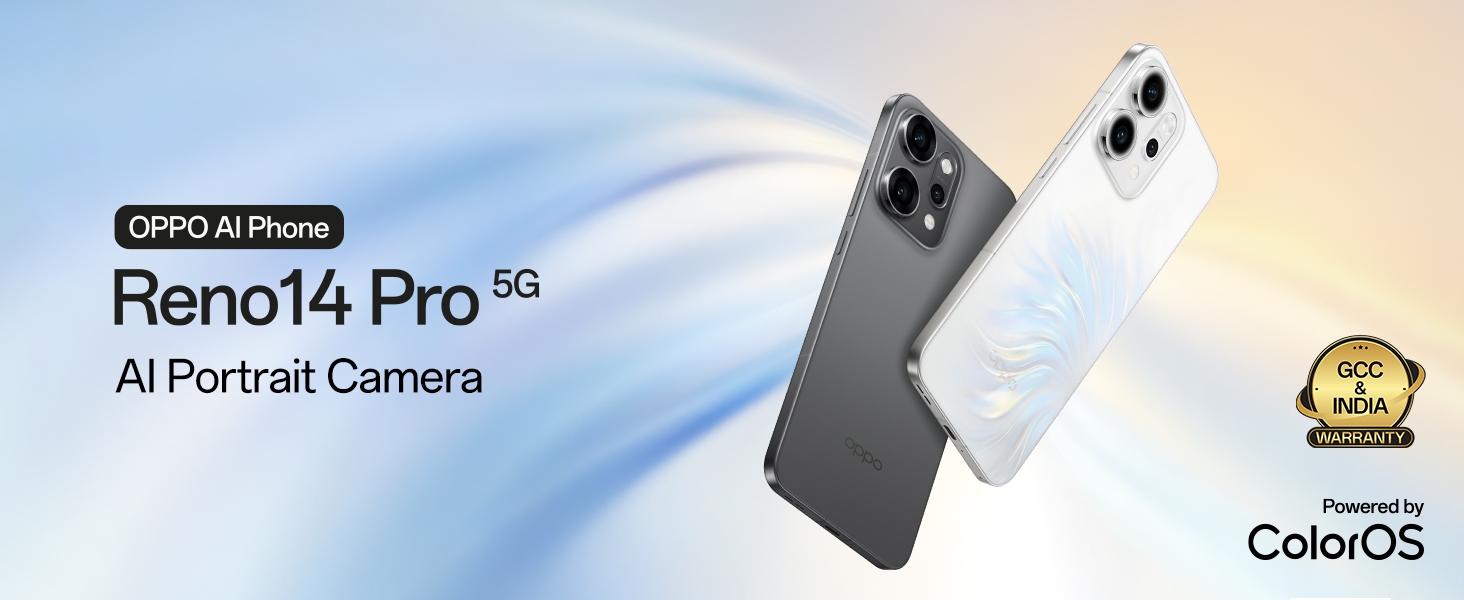
This manual provides essential information for the safe and efficient use of your OPPO Reno14Pro 5G smartphone. Please read this guide thoroughly before operating your device to ensure optimal performance and longevity.

Image: Front and back view of the OPPO Reno14Pro 5G in Pearl White.
2. Setup
2.1. Package Contents
Verify that your package contains the following items:
- OPPO Reno14Pro 5G Smartphone
- Power Adapter
- USB Cable
- Phone Case
- SIM Tray Ejector
2.2. SIM Card Installation
- Locate the SIM card tray on the side of your device.
- Insert the SIM tray ejector tool into the small hole next to the tray and press firmly until the tray pops out.
- Place your Nano-SIM card(s) into the tray with the gold contacts facing down. Ensure proper orientation.
- Carefully reinsert the SIM tray into the device until it clicks into place.
2.3. Initial Power On and Setup
- Press and hold the Power button until the OPPO logo appears.
- Follow the on-screen prompts to select your language, connect to a Wi-Fi network, and set up your Google account.
- Transfer data from a previous device if desired, or set up as a new device.
- Configure security settings such as fingerprint unlock or facial recognition.
3. Operating Your Device
3.1. Basic Navigation
The OPPO Reno14Pro 5G features a responsive touchscreen interface. Use gestures such as tapping, swiping, pinching, and spreading to navigate the device and interact with applications.
3.2. Camera Features
The device is equipped with an advanced camera system for high-quality photography and videography.
- Main Camera System: Features a 50MP IMX882 Main Camera, 50MP Ultra Wide Camera, 50MP 3.5x Telephoto Camera, and a 50MP front Ultra Clear Camera.
- Optical Zoom: Utilize 3.5x optical zoom and up to 120x Super Digital Zoom for detailed distant shots.
- Video Recording: Capture cinematic 4K HDR videos at 60fps across all lenses.
- AI Editor 2.0: Access creative tools including AI Composition, Perfect Shot, Style Transfer, and Flash LivePhoto for enhanced image editing.
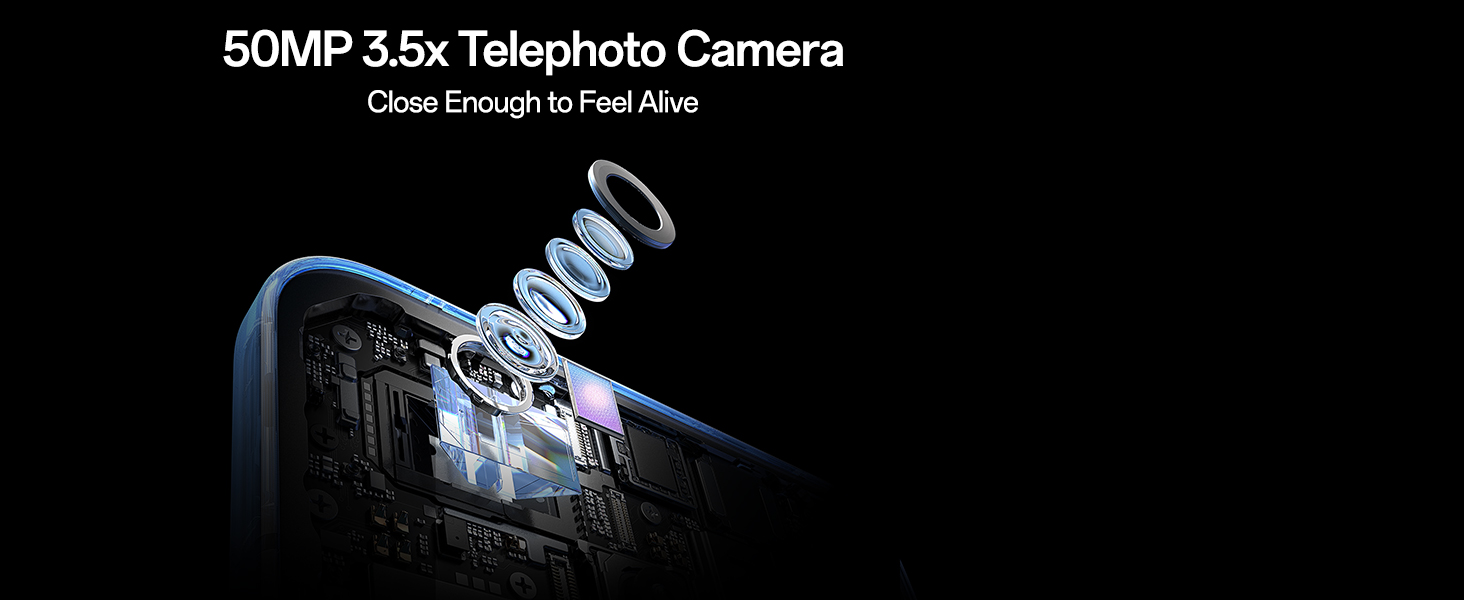
Image: Overview of the OPPO Reno14Pro 5G's camera system, detailing the 50MP lenses.
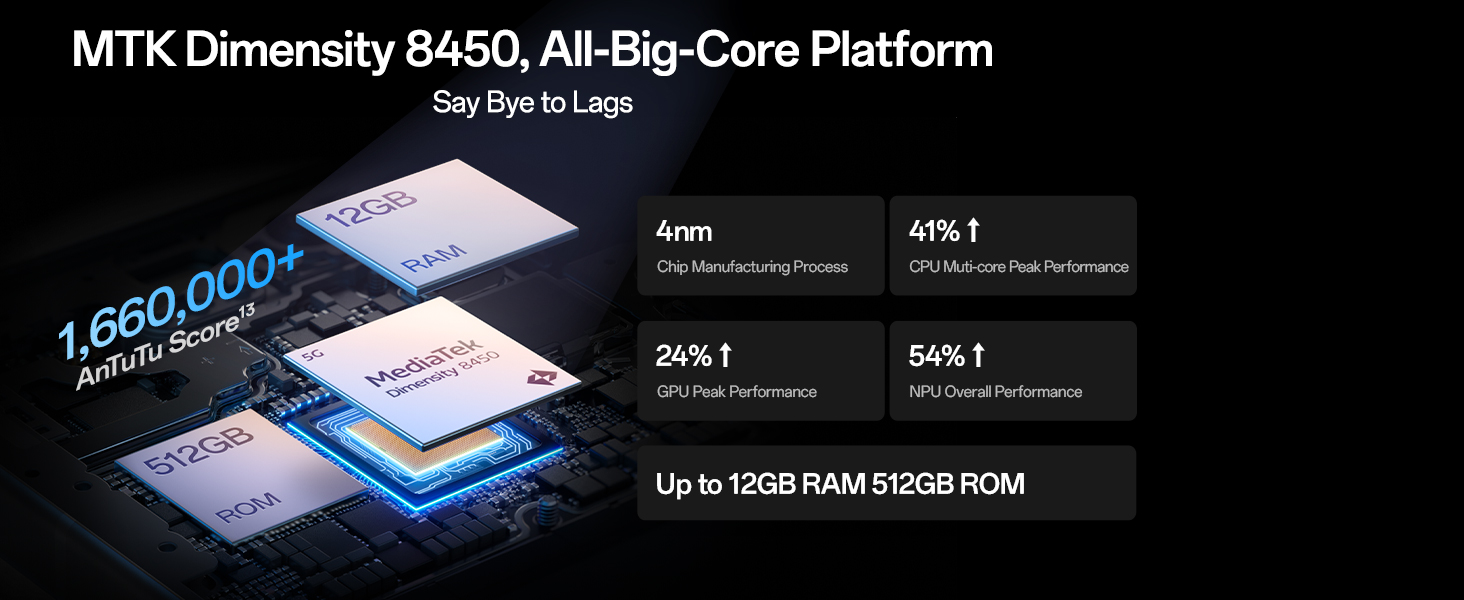
Image: Detailed view of the 50MP 3.5x Telephoto Camera's internal structure.
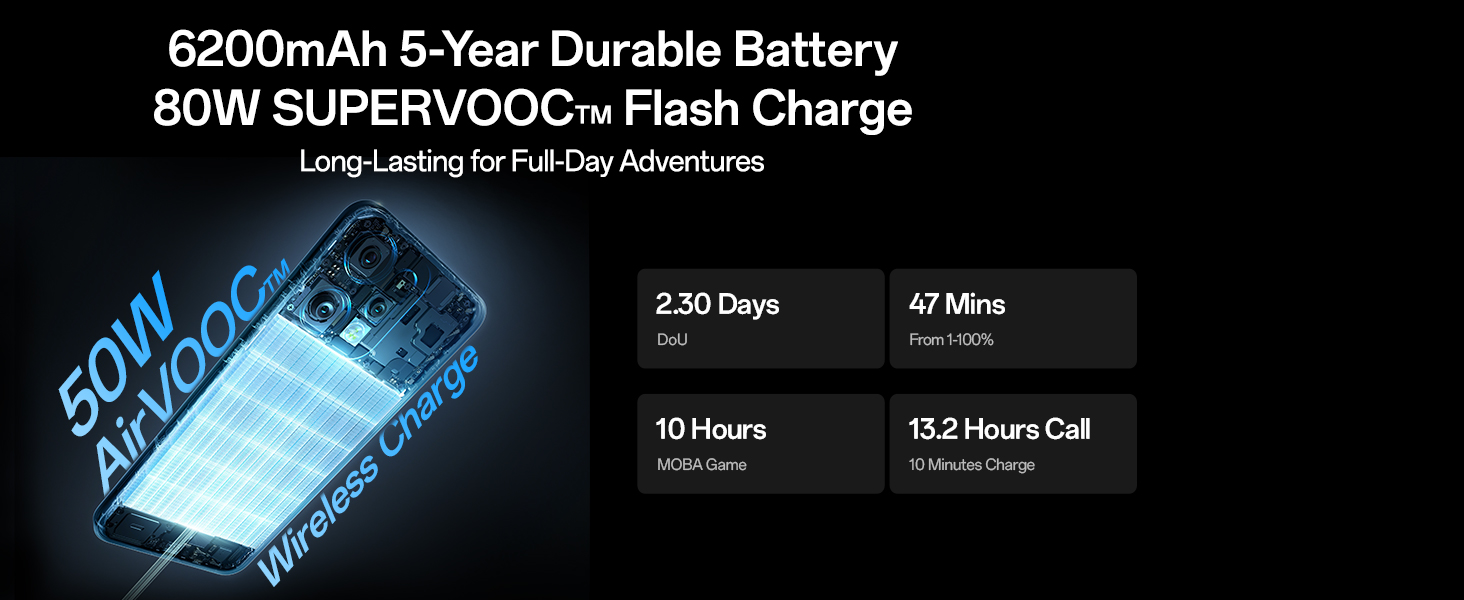
Image: Demonstrates the AI Telephoto Zoom capability, showing a scene at 1x and then at 120x digital zoom.
3.3. Performance
The OPPO Reno14Pro 5G is designed for responsive and smooth operation.
- Processor: Powered by the MediaTek 8450 All-Big-Core Chipset, ensuring high-tier speed.
- Cooling System: Features an AI Nano Dual-Drive Cooling System for sustained performance during intensive use.
- RAM: Equipped with 12GB RAM for efficient multitasking.

Image: Visual representation of the MediaTek Dimensity 8450 chipset and memory configuration.
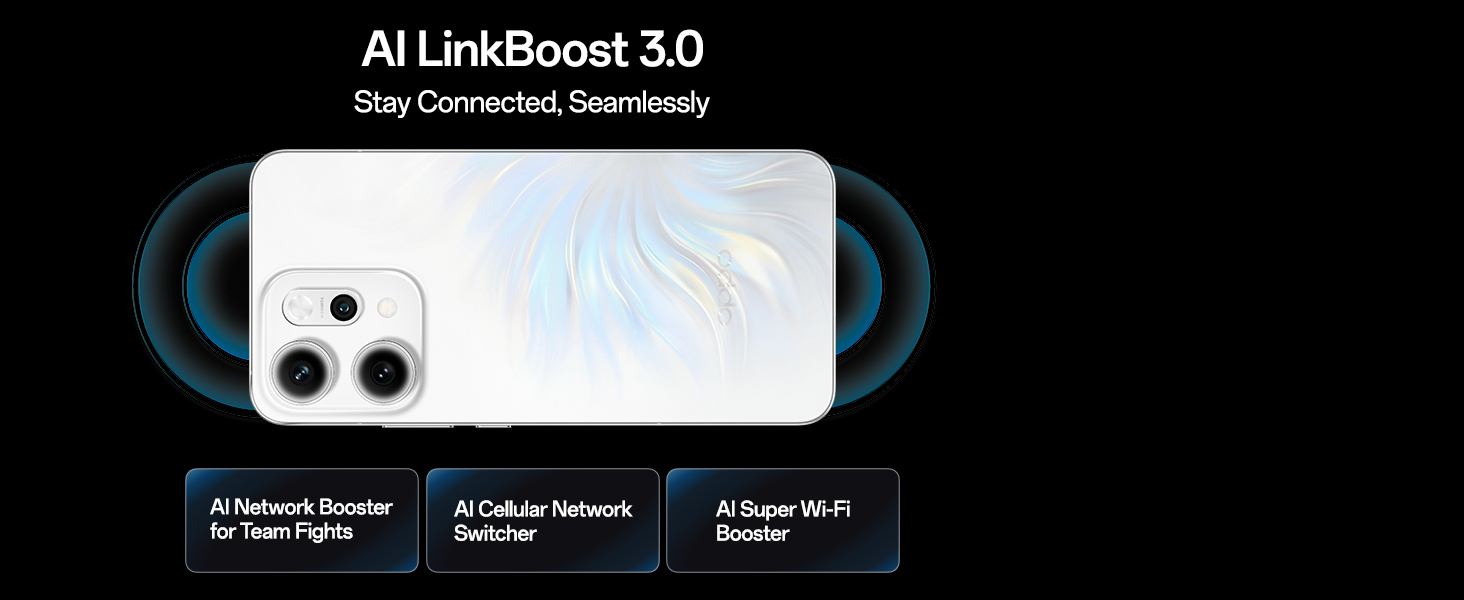
Image: Exploded view of the AI Nano Dual-Drive Cooling System, highlighting vapor chamber and graphite material.
3.4. Battery and Charging
The device is equipped with a high-capacity battery and fast charging capabilities.
- Battery Capacity: 6200mAh 5-Year Durable Battery.
- Wired Charging: Supports 80W SUPERVOOC Flash Charge.
- Wireless Charging: Supports 50W AirVOOC Wireless Charging.
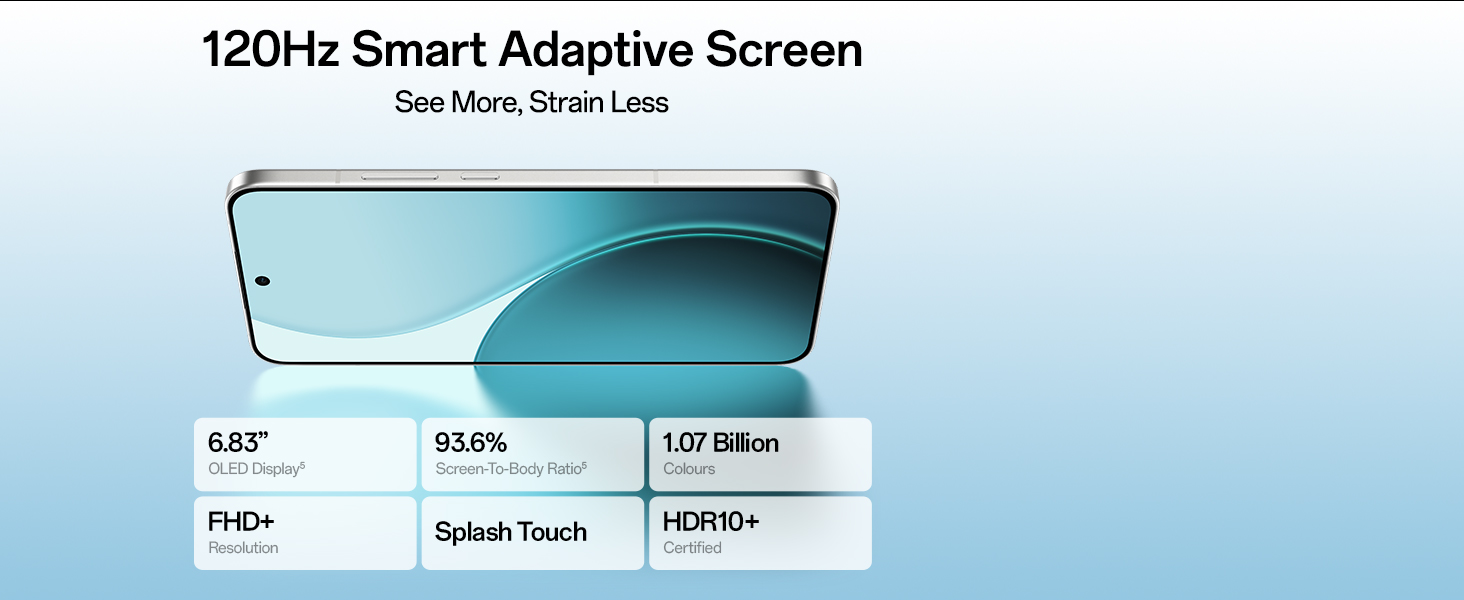
Image: Illustration of the phone's battery and charging technologies, including estimated usage times.
3.5. Display Features
Experience vibrant visuals on the device's advanced display.
- Screen Type: 6.83-inch 120Hz Smart Adaptive AMOLED Display.
- Resolution: 1256x2760 pixels (FHD+).
- Color Depth: Supports 1.07 Billion Colors and HDR10+.

Image: The phone's display with key specifications like size, screen-to-body ratio, and color support.
3.6. Connectivity
The OPPO Reno14Pro 5G offers robust connectivity options.
- Wireless: Bluetooth, Wi-Fi.
- Wired: USB.
- Navigation: GPS enabled.
- Network: 5G support with OPPO SignalBoost X1 Chip for stable network performance.

Image: Visual explanation of AI LinkBoost 3.0 features including AI Network Booster, AI Cellular Network Switcher, and AI Super Wi-Fi Booster.
3.7. Operating System
The device runs on Android 15 with OPPO's ColorOS interface, integrated with Google Gemini for an intuitive experience.
- AI Call Translator: Enables real-time voice translation.
- Google Gemini: Provides intelligent chat and multimodal interaction.
4. Maintenance
4.1. Water and Dust Resistance
The OPPO Reno14Pro 5G is built with IP68 & IP69 water and dust resistance, offering protection against splashes and submersion under specific conditions. While resistant, avoid intentional exposure to water or dust.

Image: The phone shown with water splashing, illustrating its IP68 and IP69 water and dust resistance.
4.2. General Care
- Clean the screen and body with a soft, lint-free cloth.
- Avoid exposing the device to extreme temperatures or direct sunlight for extended periods.
- Do not use harsh chemicals or abrasive materials for cleaning.
- Keep the device away from strong magnetic fields.
5. Troubleshooting
5.1. Common Issues and Solutions
- Device not powering on: Ensure the battery is charged. Connect to the power adapter and try again.
- Screen unresponsive: Restart the device by holding the Power button for approximately 10 seconds.
- Poor network signal: Check SIM card installation. Move to an area with better network coverage.
- Apps crashing: Clear the cache of the problematic app or reinstall it. Ensure your device software is up to date.
- Battery draining quickly: Reduce screen brightness, close background apps, or enable power-saving mode.
For persistent issues, refer to the official OPPO support website or contact customer service.
6. Specifications
| Feature | Detail |
|---|---|
| Operating System | Android 15 |
| Product Dimensions | 15.8 x 7.5 x 0.7 cm |
| Item Weight | 189 g |
| Item Model Number | CPH2739 |
| Connectivity Technologies | Bluetooth, USB, Wi-Fi |
| GPS | True |
| Special Features | Fast Charging Support, Wireless Charging |
| Display Features | Wireless |
| Primary Device Interface | Touchscreen |
| Resolution | 1256x2760 |
| Camera Features | Front, Rear |
| Form Factor | Slate |
| Colour | Pearl White |
| Battery Power Rating | 6200 mAh |
| RAM Memory Installed Size | 12 GB |
| CPU Model | MediaTek 8450 |
| CPU Speed | 3.25 GHz |
7. Warranty and Support
7.1. Manufacturer Information
Manufacturer: OPPO Mobiles India Pvt Ltd
Address: 5th FLOOR, Tower B, BUILDING, N-8, DLF Cyber City, DLF Phase 2, Gurugram, Haryana 122002
Customer Service: 18001032777
7.2. Warranty Information
Your OPPO Reno14Pro 5G comes with a standard manufacturer's warranty. Please refer to the warranty card included in your package for specific terms and conditions. Keep your proof of purchase for warranty claims.
7.3. Online Support
For additional support, FAQs, and software updates, visit the official OPPO website or the OPPO Store on Amazon: OPPO Store


