Bose 2025

Bose QuietComfort Wireless Noise Cancelling Headphones (Model 2025)

Instruction Manual

Introduction

Welcome to your Bose QuietComfort Wireless Noise Cancelling Headphones. These headphones are designed to provide high-fidelity audio and legendary noise cancellation, allowing you to immerse yourself in your audio experience or stay aware of your surroundings. This manual will guide you through the setup, operation, and maintenance of your new headphones.

What's in the Box

  • Bose QuietComfort Bluetooth Headphones
  • Green Extreme 20W 2-Port USB-C/USB-A Wall Charger, White
  • Audio cable with in-line microphone
  • USB-A to USB-C charging cable
  • Carrying case
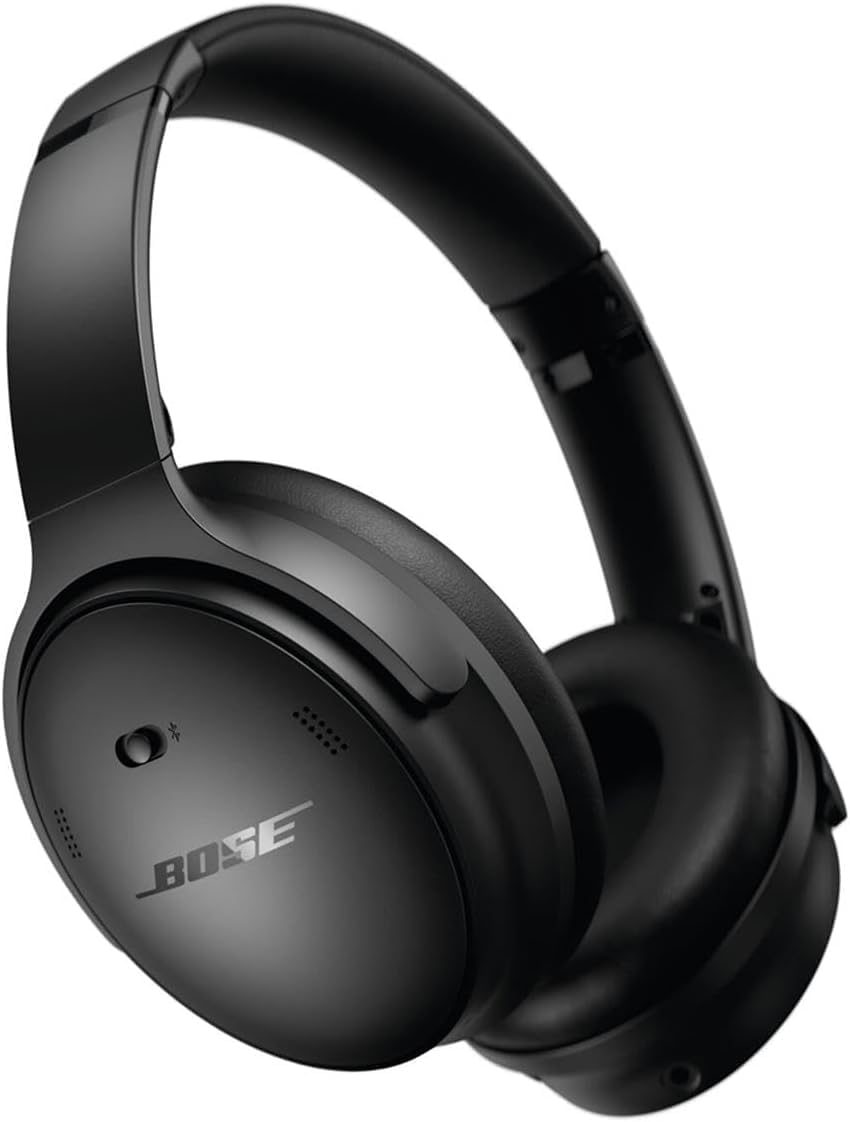
Bose QuietComfort Wireless Noise Cancelling Headphones in black

Image: Bose QuietComfort Wireless Noise Cancelling Headphones in black.
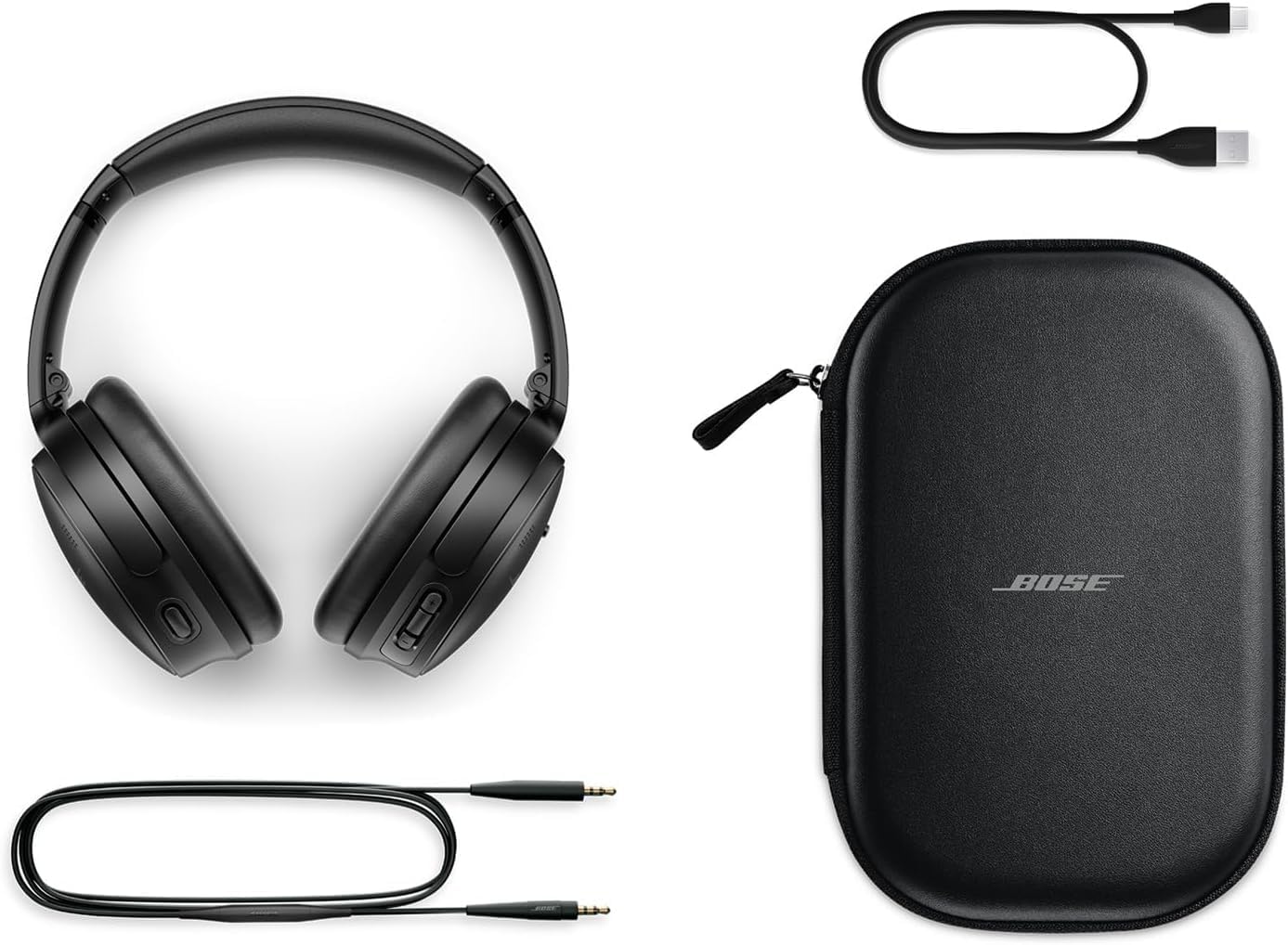
Bose QuietComfort headphones with included accessories: USB-C charging cable, 3.5mm audio cable, and carrying case

Image: Bose QuietComfort headphones with included accessories: USB-C charging cable, 3.5mm audio cable, and carrying case.

Setup

Charging the Headphones

Before first use, fully charge your Bose QuietComfort headphones. Connect the included USB-A to USB-C charging cable to the headphones and the Green Extreme 20W 2-Port USB-C/USB-A Wall Charger. A 15-minute charge provides up to 2.5 hours of additional play time. A full charge offers up to 24 hours of battery life.
Close-up of the right earcup of the Bose QuietComfort headphones, showing the USB-C charging port and control buttons.
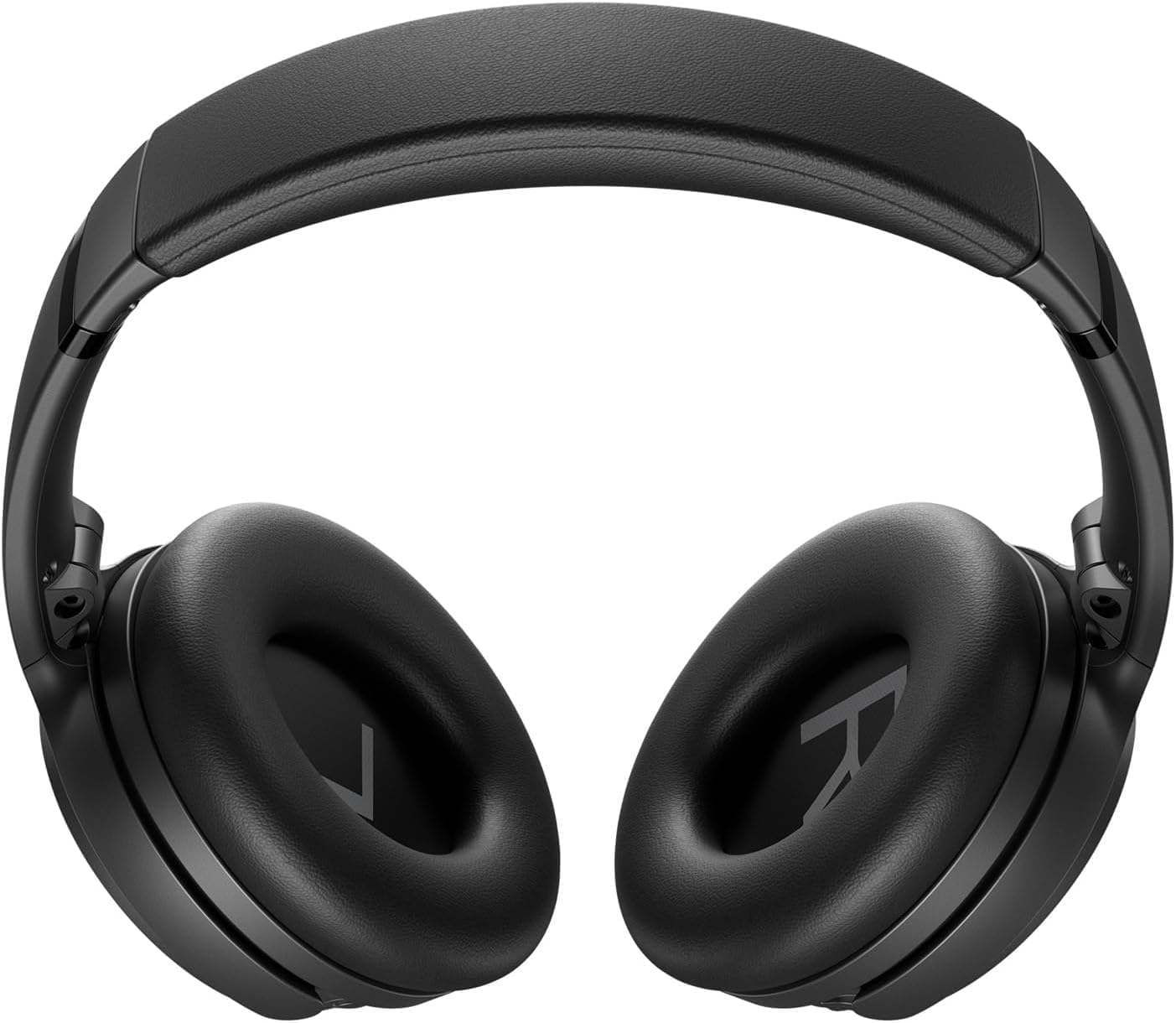
Image: Close-up of the right earcup of the Bose QuietComfort headphones, showing the USB-C charging port and control buttons.

Green Extreme 20W 2-Port USB-C/USB-A Wall Charger, White, being held in a hand.

Image: Green Extreme 20W 2-Port USB-C/USB-A Wall Charger, White, being held in a hand.

Bluetooth Pairing

To pair your headphones with a device:

  1. Slide the Power/Bluetooth switch to the Bluetooth symbol and hold until the indicator light blinks blue.
  2. On your device, open Bluetooth settings and select "Bose QuietComfort" from the list of available devices.
  3. Once connected, the indicator light will glow solid blue.
The headphones support multipoint Bluetooth, allowing seamless switching between connected devices.

Operating Instructions

Noise Cancellation Modes

Your Bose QuietComfort headphones feature two primary listening modes:

  • Quiet Mode: Provides full noise cancellation, ideal for eliminating distractions and focusing on your audio.
  • Aware Mode: Allows you to hear your surroundings while still enjoying your audio, enhancing situational awareness.
You can toggle between these modes using the dedicated button on the earcup. For advanced customization, use the Bose Music app to create custom modes.

Audio Playback and Calls

Use the media control buttons on the earcup to manage playback (play/pause, skip tracks) and handle calls. The integrated microphone ensures clear communication. An included audio cable with an in-line microphone allows for wired connection, even when the battery is depleted.
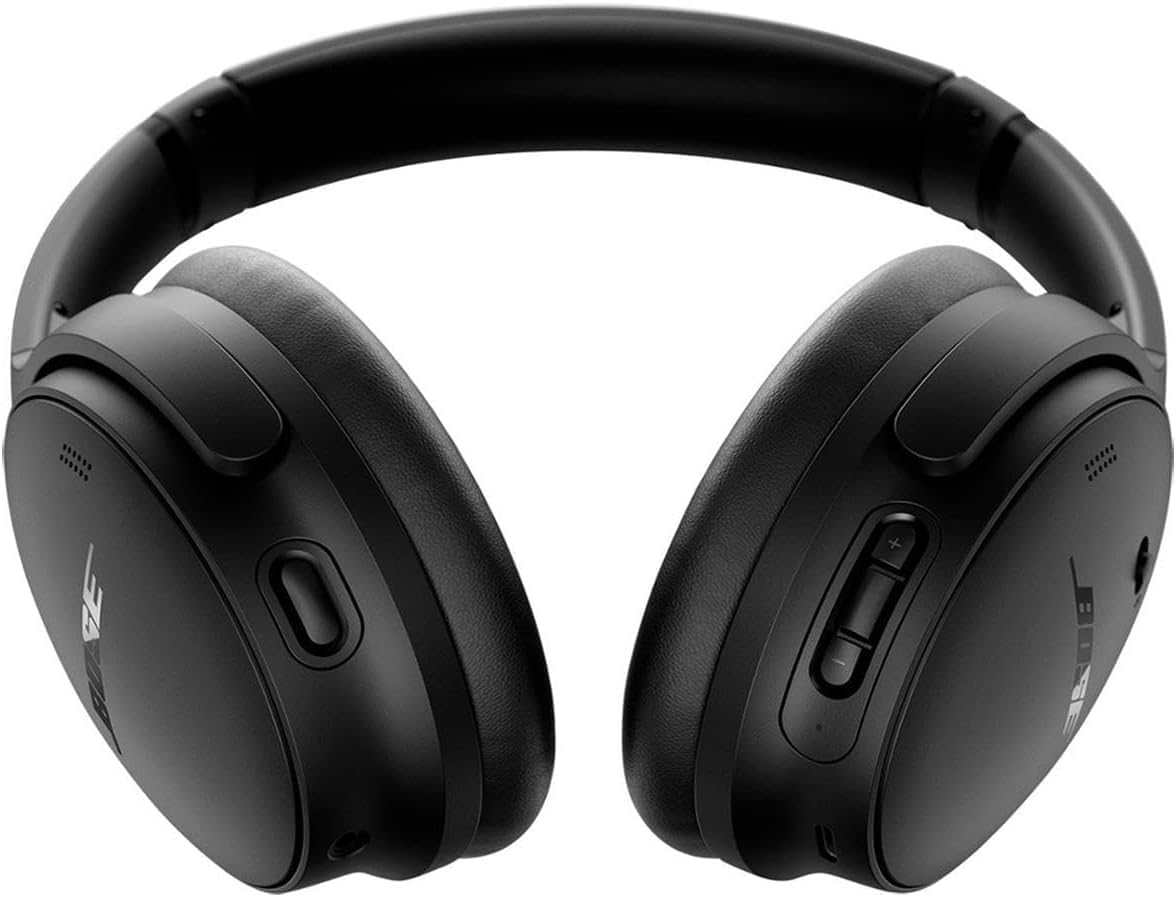
Front view of the Bose QuietComfort headphones, showing the control buttons on the right earcup.

Image: Front view of the Bose QuietComfort headphones, showing the control buttons on the right earcup.

Maintenance

Cleaning

Wipe the headphones with a soft, dry cloth. Do not use abrasive cleaners or solvents. Ensure charging ports are free of debris.

Storage

When not in use, store the headphones in their provided carrying case to protect them from dust and damage.

Troubleshooting

No Power

  • Ensure the headphones are fully charged using the provided charger and cable.
  • Check the charging cable and port for any damage or debris.

Bluetooth Connection Issues

  • Ensure Bluetooth is enabled on your device and the headphones are in pairing mode (blinking blue light).
  • Forget the device in your Bluetooth settings and attempt to re-pair.
  • Ensure the headphones are within the recommended Bluetooth range of your device.

Poor Sound Quality or Noise Cancellation

  • Adjust the EQ settings via the Bose Music app to optimize sound.
  • Ensure earcups are properly sealed around your ears for effective noise cancellation.
  • Check for software updates using the Bose Music app.

Specifications

FeatureDetail
Model NameBose QuietComfort Wireless Noise Cancelling Headphones
Model Number2025
Connectivity TechnologyBluetooth 5.1, Wired (3.5 mm Jack)
Noise ControlActive Noise Cancellation (Quiet Mode, Aware Mode)
Battery LifeUp to 24 hours
Charging Time15 minutes for 2.5 hours playtime
Ear PlacementOver Ear
MaterialFabric
Included ChargerGreen Extreme 20W 2-Port USB-C/USB-A Wall Charger

Warranty and Support

Warranty Information

For detailed warranty information, please refer to the documentation included with your product or visit the official Bose support website.

Customer Support

For further assistance, technical support, or to download the Bose Music app, please visit the Bose Support Website.

Ask a question about this manual

Ask about setup, troubleshooting, compatibility, parts, safety, or missing instructions. Manuals+ will review the question and use this page’s manual context to help answer it.

After a successful submission, we securely hash the supplied account or form email before sending it to Microsoft Advertising for conversion attribution. Privacy details.