
HomeSeer SmartStick ZB
HomeSeer SmartStick ZB Instruction Manual
Long Range Zigbee USB Dongle
1. Introduction
The HomeSeer SmartStick ZB is a long-range Zigbee USB dongle designed to extend the capabilities of your smart home platform. It provides robust and stable Zigbee connectivity, allowing you to integrate and control a wide range of Zigbee devices within your smart home ecosystem. This manual provides essential information for setting up, operating, maintaining, and troubleshooting your SmartStick ZB.
Key Features:
- Wide Compatibility: Fully compatible with HomeSeer, Home Assistant, OpenHAB, and Zigbee2MQTT.
- Extended Range Coverage: Features +20 dBm max output power and a high-gain +5 dBi detachable antenna.
- Powered by Silicon Labs ERF32MG21 Chipset: Enhanced signal processing and energy efficiency.
- Field Upgradable Firmware: Allows for future updates and improvements.
- Plug-and-Play via USB: Compatible with Windows, Linux, and Raspberry Pi systems.
- Secure & Stable Communication: Built-in hardware-level security features.

Figure 1.1: The HomeSeer SmartStick ZB USB Dongle with its detachable antenna.
2. Package Contents
Please verify that all items are present in your package:
- 1 x HomeSeer SmartStick ZB (Zigbee Interface)
- 1 x Detachable Antenna

Figure 2.1: The SmartStick ZB shown connected to various smart home hubs, illustrating its compatibility.
3. Setup Guide
Follow these steps to set up your HomeSeer SmartStick ZB:
- Attach the Antenna: Carefully screw the detachable antenna onto the SMA connector on the SmartStick ZB. Ensure it is finger-tight to establish a secure connection.
- Connect to Host Device: Insert the SmartStick ZB into an available USB port on your chosen smart home platform host device (e.g., HomeSeer hub, Raspberry Pi, Windows PC, Linux PC).
- Driver Installation (if necessary):
- For most modern Linux distributions and Raspberry Pi, drivers are typically built-in and no manual installation is required.
- For Windows, you may need to install specific drivers. Refer to the official HomeSeer website or search for "SmartStick ZB Quick Start Guide" for detailed driver installation instructions.
- Platform Configuration: Configure your smart home software (HomeSeer, Home Assistant, OpenHAB, Zigbee2MQTT) to recognize and utilize the SmartStick ZB. This usually involves selecting the correct serial port or device path within your platform's settings. Consult your platform's documentation for specific steps.
- Verify Connection: Once configured, verify that your smart home platform detects the SmartStick ZB and is ready to add Zigbee devices.

Figure 3.1: The SmartStick ZB is compatible with various popular smart home systems.
4. Operating Instructions
The SmartStick ZB acts as a Zigbee coordinator for your smart home network. Its operation is primarily managed through your chosen smart home software.
4.1 Adding Zigbee Devices
To add new Zigbee devices to your network:
- Initiate the "add device" or "pairing" mode within your smart home platform's Zigbee settings.
- Follow the specific pairing instructions for your Zigbee device (e.g., pressing a button, power cycling).
- The SmartStick ZB will facilitate the connection, and the device should appear in your platform.
4.2 Network Management
Your smart home platform will provide tools for managing your Zigbee network, including:
- Viewing connected devices and their status.
- Removing devices from the network.
- Optimizing network routes (if supported by your platform).
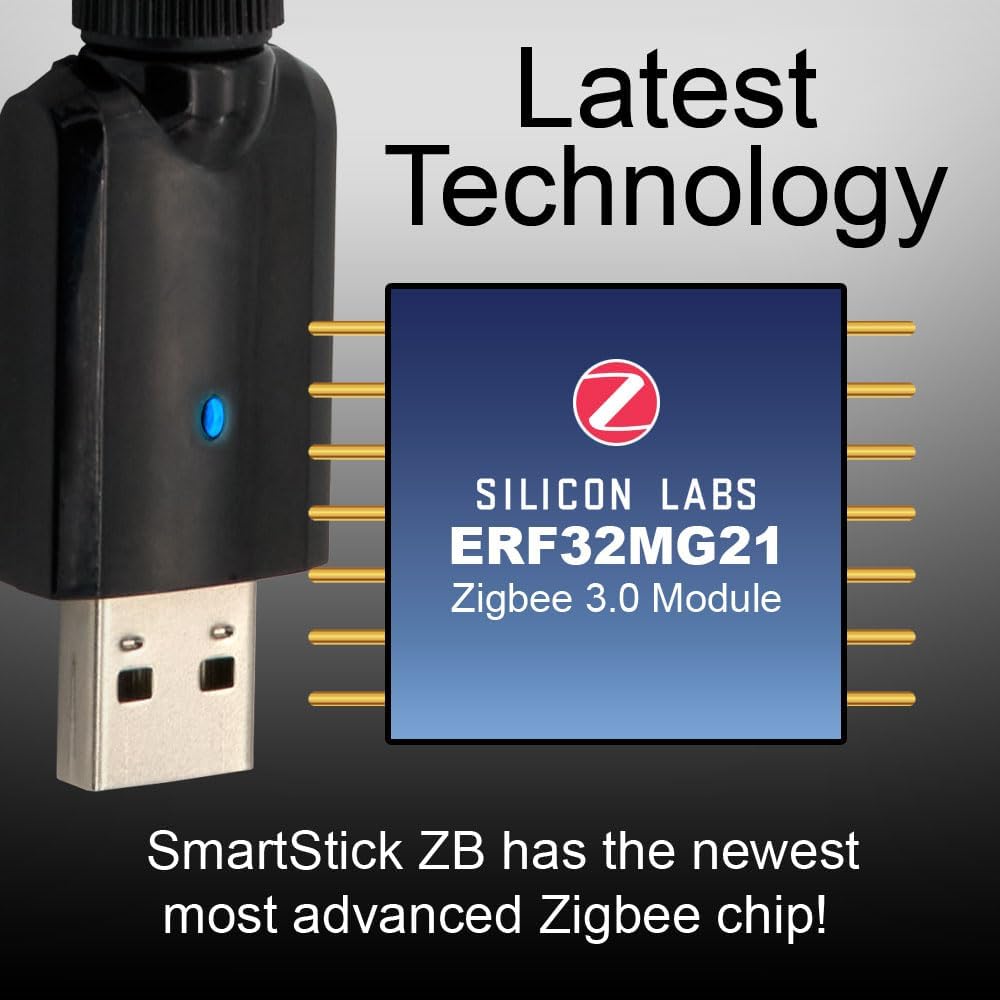
Figure 4.1: The SmartStick ZB utilizes the advanced Silicon Labs ERF32MG21 Zigbee 3.0 Module for reliable performance.
5. Maintenance
The HomeSeer SmartStick ZB requires minimal maintenance. Adhere to the following guidelines to ensure optimal performance and longevity:
- Keep Clean: Periodically wipe the exterior of the dongle with a soft, dry cloth. Avoid using liquid cleaners or solvents.
- Environmental Conditions: Operate the device within typical indoor temperature and humidity ranges. Avoid extreme temperatures, direct sunlight, or high moisture environments.
- Antenna Care: Ensure the antenna remains securely attached and is not bent or damaged. The antenna is crucial for optimal signal range.
- Firmware Updates: Regularly check the HomeSeer website or your smart home platform's documentation for available firmware updates for the SmartStick ZB. Firmware updates can improve performance, add features, and address security vulnerabilities. The device supports field upgradable firmware via USB.

Figure 5.1: Keeping the firmware updated ensures the best performance and reliability for your SmartStick ZB.
6. Troubleshooting
If you encounter issues with your SmartStick ZB, refer to the following common problems and solutions:
| Problem | Possible Cause | Solution |
|---|---|---|
| Device not recognized by host system. | Missing or incorrect drivers; USB port issue; hardware fault. |
|
| Cannot pair Zigbee devices. | Dongle not in pairing mode; device too far; interference; device already paired. |
|
| Poor Zigbee signal or unreliable connections. | Antenna not properly attached; physical obstructions; network congestion. |
|
| Firmware update fails. | Interrupted connection; incorrect firmware file; software issue. |
|

Figure 6.1: The SmartStick ZB's extended range antenna helps in achieving better signal coverage and reliability.
7. Specifications
| Feature | Detail |
|---|---|
| Model | SmartStick ZB |
| Chipset | Silicon Labs ERF32MG21 |
| Wireless Protocol | Zigbee 3.0, IEEE 802.15.4 |
| Frequency | 2.4 GHz |
| Max Output Power | +20 dBm |
| Antenna Gain | +5 dBi (detachable) |
| Interface | USB 2.0 |
| Compatible Operating Systems | Windows, Linux, Raspberry Pi |
| Compatible Platforms | HomeSeer, Home Assistant, OpenHAB, Zigbee2MQTT |
| Color | Black |
| Package Dimensions | 7.05 x 3.94 x 0.87 inches |
| Item Weight | 0.8 ounces (0.05 Pounds) |
| UPC | 757347267022 |

Figure 7.1: The SmartStick ZB is designed for ultra-long range performance with its high-gain antenna and powerful output.
8. Warranty Information
HomeSeer products are designed for reliability and performance. For specific warranty terms and conditions, please refer to the official HomeSeer website or the documentation included with your purchase. Typically, HomeSeer offers a limited warranty covering defects in materials and workmanship under normal use.
Please retain your proof of purchase for warranty claims.
9. Customer Support
For technical assistance, product inquiries, or support, please contact HomeSeer customer service:
- Website: Visit the official HomeSeer website for FAQs, knowledge base articles, and support forums. (www.homeseer.com)
- Contact: Look for contact information (email or phone) on the HomeSeer support page.
When contacting support, please have your product model (SmartStick ZB) and any relevant purchase information ready.
Ask a question about this manual
Ask about setup, troubleshooting, compatibility, parts, safety, or missing instructions. Manuals+ will review the question and use this page’s manual context to help answer it.