
1. Product Overview
The Basike BA-FON153 Bluetooth 5.4 Open-Ear Sport Earphones are designed for comfort and performance during physical activities. Featuring an open-ear design, they allow you to stay aware of your surroundings while enjoying high-quality audio. The earphones come with a charging case that provides extended battery life and a real-time LED display.
Key Features:
- Open-Ear & Lightweight Design: Ear-hook structure that contours the ear without blocking the ear canal, weighing only 8g, comfortable and ideal for prolonged use with environmental awareness.
- Fast Connection & Instant Pairing: Equipped with a Bluetooth 5.4 chip for automatic connection after the first use and stable signal up to 15 meters. Simply open the case to connect quickly to your device.
- Immersive Sound & Clear Voice: 14mm drivers deliver powerful stereo sound with deep bass and crisp highs. Integrated HD microphone captures your voice precisely for clear calls.
- Extended Playtime & LED Display: Enjoy up to 36 hours of use with the fully charged case (6 hours per earphone session). The LED display shows real-time battery levels for earphones and case.
- Smart Touch Controls: Simple touch operations control music, calls, volume, and voice assistant with total practicality.
- Sweat and Splash Resistant: IPX4 rating, suitable for workouts and outdoor activities.
Package Contents:
- 1x Basike BA-FON153 Bluetooth Sport Earphones (OWS)
- 1x Charging Case with LED Display
- 1x USB Type-C Charging Cable
- 1x User Manual
- 1x Packaging Box
Product Diagram:
Refer to the image below for a visual representation of the Basike BA-FON153 earphones and charging case.
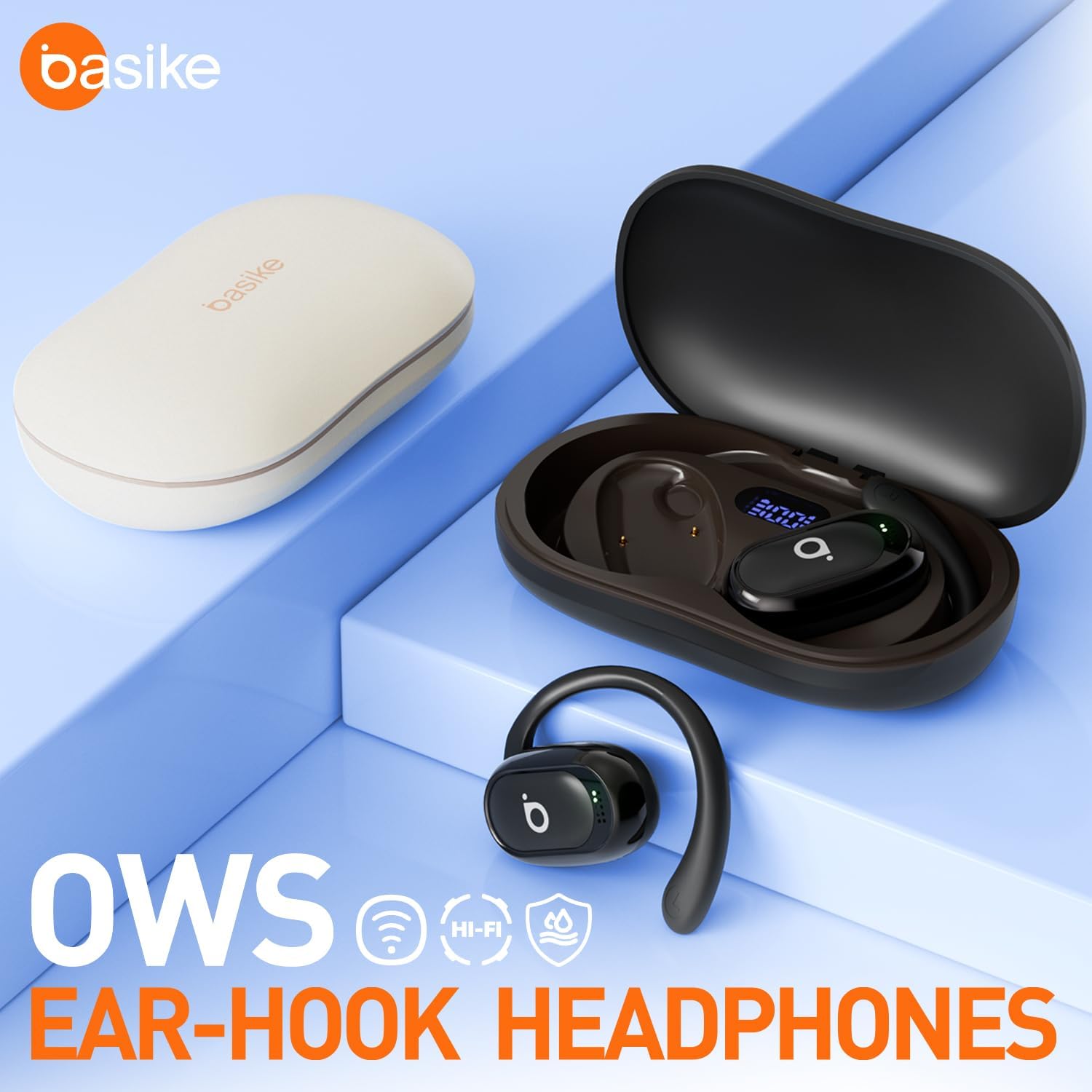
Figure 1: Basike BA-FON153 Earphones and Charging Case.
2. Specifications
| Model Name | BA-FON153 |
| Connectivity | Bluetooth 5.4 |
| Wireless Range | Up to 15 meters (49 feet) |
| Audio Codecs | AAC, SBC |
| Speaker Driver Size | 14 mm |
| Frequency Response | 20Hz – 20kHz |
| Impedance | 32 Ohms |
| Earphone Battery Capacity | 2 x 40mAh |
| Charging Case Battery Capacity | 400mAh |
| Earphone Playtime | Up to 6 hours |
| Total Playtime (with case) | Up to 36 hours |
| Call Time | Up to 5 hours |
| Standby Time | Up to 120 hours |
| Earphone Charging Time | Approx. 1 hour |
| Case Charging Time | Approx. 2 hours |
| Charging Port | USB Type-C |
| Water Resistance | IPX4 (Sweat and Splash Resistant) |
| Earphone Weight (each) | 7g (0.25 oz) |
| Case Weight | 50g (1.76 oz) |
| Case Dimensions | 95 × 27.5 × 56 mm |
3. Setup
3.1 Charging the Earphones and Case
Before first use, fully charge the earphones and the charging case.
- Place the earphones into the charging case. Ensure they are correctly seated.
- Connect the provided USB Type-C cable to the charging port on the case and to a power source (e.g., USB wall adapter, computer USB port).
- The LED display on the charging case will show the battery level during charging.
- Charging time for earphones is approximately 1 hour. Charging time for the case is approximately 2 hours.

Figure 2: Charging Case with LED Display indicating battery status.
3.2 Pairing with a Device
The earphones support automatic pairing after the initial setup.
- Ensure the earphones are charged.
- Open the charging case. The earphones will automatically enter pairing mode.
- On your device (smartphone, tablet, laptop), enable Bluetooth.
- Search for available Bluetooth devices and select "BA-FON153" (or similar name) from the list.
- Once connected, you will hear a confirmation sound, and the earphones will be ready for use.
- For subsequent uses, simply open the charging case, and the earphones will automatically connect to the last paired device.
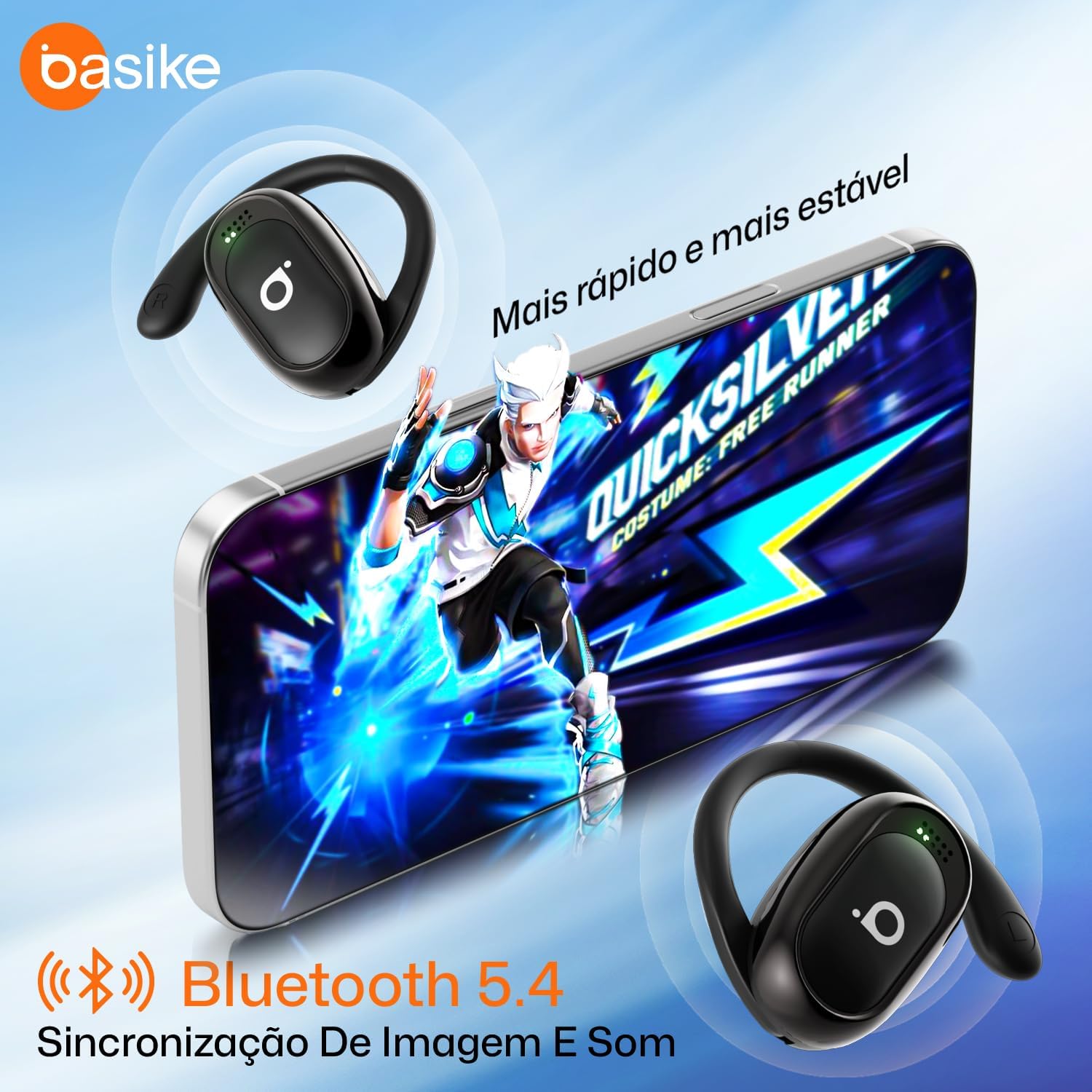
Figure 3: Earphones connected to a mobile device via Bluetooth 5.4.
4. Operating Instructions
4.1 Wearing the Earphones
The BA-FON153 earphones feature an open-ear hook design for a secure and comfortable fit.
- Identify the left (L) and right (R) earphones.
- Gently place the earphone over your ear, ensuring the ear hook sits comfortably behind your ear.
- Adjust the earphone until the speaker is positioned correctly near your ear canal for optimal sound without blocking it.
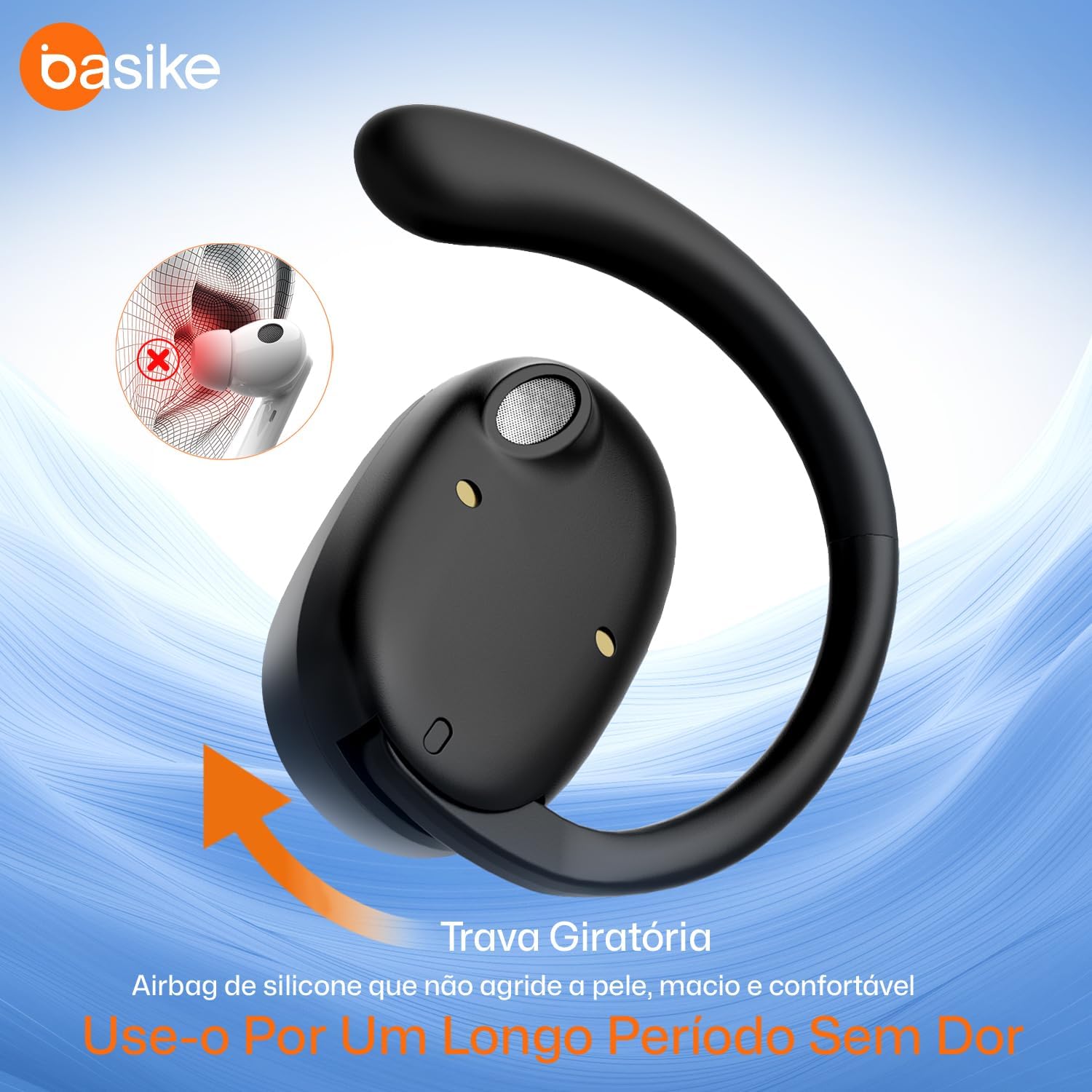
Figure 4: Proper wearing of the earphone with its flexible ear hook.
4.2 Touch Controls
The earphones are equipped with smart touch controls for easy management of music and calls.
| Action | Function |
|---|---|
| Single Tap | Play/Pause music, Answer/End call |
| Double Tap (Right Earphone) | Next Track |
| Double Tap (Left Earphone) | Previous Track |
| Triple Tap (Right Earphone) | Volume Up |
| Triple Tap (Left Earphone) | Volume Down |
| Long Press (2 seconds) | Activate Voice Assistant, Reject Call |
4.3 LED Display on Charging Case
The charging case features an LED display that indicates the battery level of both the case and the individual earphones. This allows for real-time monitoring of power status.