1. Introduction
Welcome to the user manual for your new Vibox UHD 4K 43 Inch Smart TV. This television delivers stunning Ultra High Definition visuals and integrated Smart TV functionalities powered by the intuitive WebOS platform. Designed for living rooms, bedrooms, or shared spaces, it combines immersive picture quality with seamless access to your favorite content.
This manual provides detailed instructions for setting up, operating, maintaining, and troubleshooting your TV to ensure you get the most out of its features, including 4K resolution (3840 x 2160), integrated speakers, multiple HDMI and USB ports, a DVB-T2 tuner, and a remote control with gesture and quick-access streaming functions. It also supports VESA 100 wall mounts for flexible installation.
2. What's in the Box
Please check the contents of your package to ensure all items are present:
- Vibox UHD 4K 43 Inch Smart TV
- Remote Control (requires 2 AAA batteries, not included)
- TV Stand (2 pieces)
- Power Cable
- User Manual (this document)
- Screws for Stand Assembly
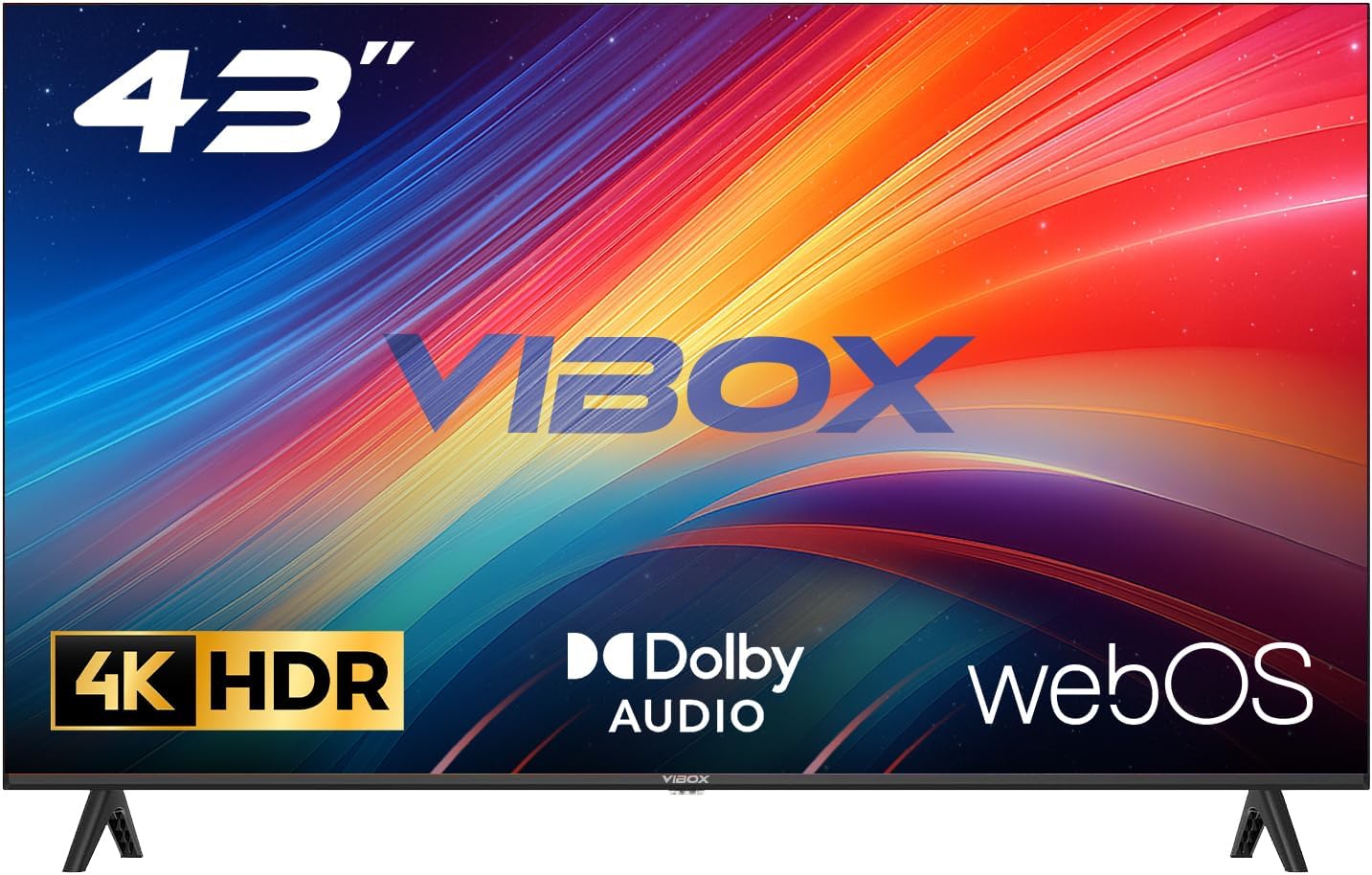
Image: The Vibox 43 Inch 4K Smart TV, showcasing its sleek design, remote control, and included stand components.
3. Setup
3.1 Assembling the Stand
- Carefully place the TV screen-down on a soft, flat surface to prevent scratches.
- Align the stand pieces with the corresponding slots on the bottom of the TV.
- Secure the stand pieces using the provided screws. Do not overtighten.
3.2 Wall Mounting (Optional)
This TV is compatible with VESA 100 x 100 mm wall mounts. Please refer to your wall mount's instructions for proper installation. Ensure the wall mount can support the weight of the TV.
3.3 Connecting Power
Plug the power cable into the TV's power input, then plug the other end into a wall outlet.
3.4 Connecting External Devices
Your TV is equipped with multiple ports for various devices:
- HDMI Ports (x3): Connect Blu-ray players, game consoles, set-top boxes, etc.
- USB Ports (x2): Connect USB drives for media playback or external devices.
- Antenna/Cable Input: Connect an antenna for DVB-T2 digital terrestrial broadcasts.
3.5 Initial Setup and Network Connection
- Power on the TV using the remote control.
- Follow the on-screen prompts to select your language, region, and perform channel scanning.
- Connect to your Wi-Fi network by selecting your network name and entering the password. This is essential for Smart TV features.
4. Operating Your TV
4.1 WebOS Smart TV Interface
Your Vibox Smart TV runs on WebOS, providing a fast, intuitive, and user-friendly interface. The Launcher Bar at the bottom of the screen gives you quick access to your favorite apps, inputs, and settings.

Image: The WebOS interface displaying a selection of popular streaming applications and content recommendations.
4.2 Remote Control
The included remote control features gesture control and dedicated buttons for popular streaming services, allowing for quick and easy navigation.
- Pointer Function: Move the remote to control an on-screen cursor.
- Quick Access Buttons: Directly launch services like Netflix, Prime Video, YouTube, etc.
- Voice Control: (If available) Use voice commands for search and control.

Image: A visual representation of various streaming service logos, indicating the wide range of entertainment options available on the TV.
4.3 Picture and Sound Settings
Access the settings menu to adjust picture and sound to your preference. The TV supports 4K resolution and HDR10 for vibrant colors and contrast, and Dolby Audio for enhanced sound.

Image: A side-by-side comparison illustrating the superior color reproduction and detail of 4K HDR content compared to 1080p.
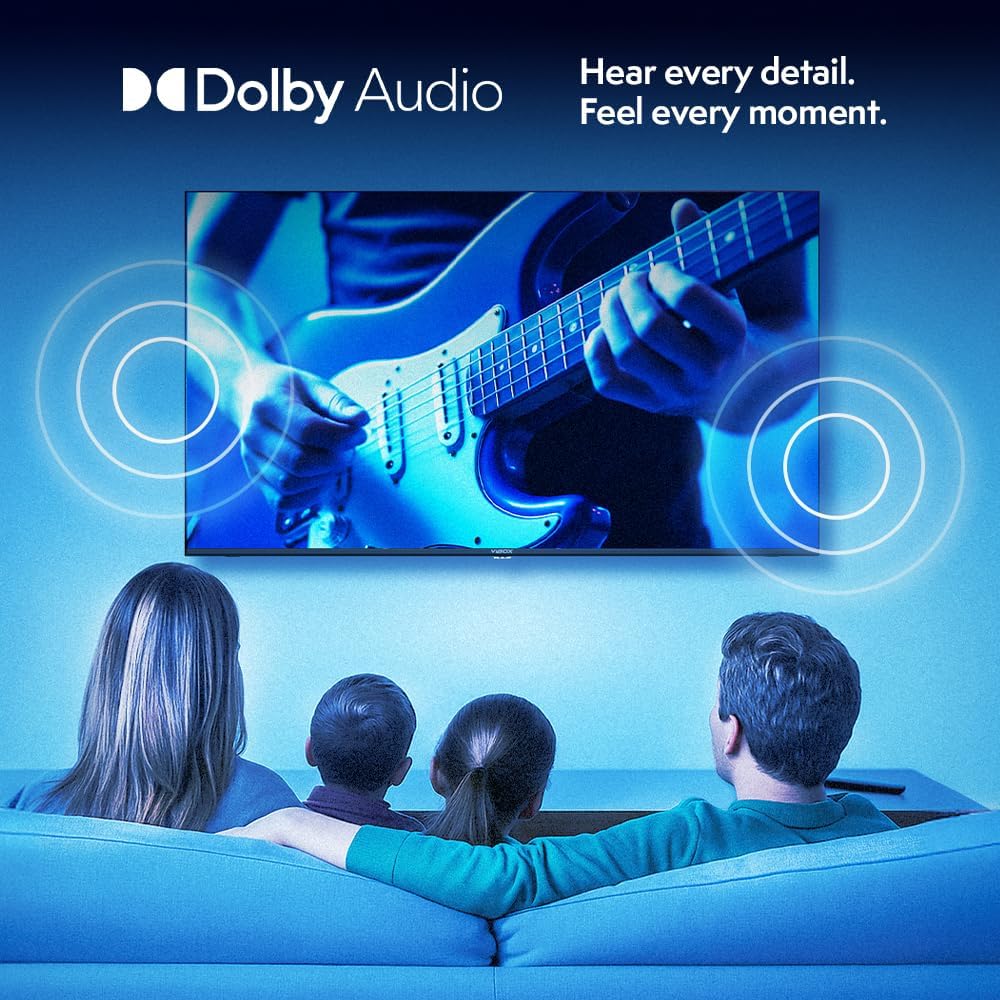
Image: A family enjoying television, with graphic overlays representing immersive Dolby Audio sound emanating from the screen.
4.4 Smart Features and Connectivity
- Streaming Apps: Access a wide range of pre-installed and downloadable apps.
- AirPlay & Screen Casting: Seamlessly cast content from your Apple or Android devices to the TV.
- Gaming: Enjoy 4K gaming with stunning realism and smooth frame rates.

Image: Icons representing AirPlay and Screen Casting functionalities, demonstrating how a smartphone's content can be mirrored onto the TV screen.

Image: A person engaged in 4K gaming on the TV, highlighting the detailed graphics and immersive experience.
5. Maintenance
5.1 Cleaning Your TV
- Always unplug the TV before cleaning.
- Use a soft, dry, lint-free cloth to wipe the screen and cabinet.
- For stubborn marks, lightly dampen the cloth with water or a specialized screen cleaner. Never spray cleaner directly onto the screen.
- Avoid using abrasive cleaners, waxes, or solvents.
5.2 Software Updates
Your WebOS TV may receive software updates periodically to improve performance and add new features. Ensure your TV is connected to the internet to receive these updates. You can usually check for updates in the TV's settings menu.
6. Troubleshooting
| Problem | Possible Cause | Solution |
|---|---|---|
| No Power | Power cable not connected; Power outlet issue. | Ensure power cable is securely plugged in. Try a different outlet. |
| No Picture / Black Screen | Incorrect input source; Loose HDMI/AV cable; Device not powered on. | Press the "Input" or "Source" button on the remote to select the correct input. Check all cable connections. Ensure connected devices are powered on. |
| No Sound | Volume too low or muted; External audio system issue; Incorrect audio settings. | Increase volume or unmute. Check connections to external audio devices. Adjust audio output settings in the TV menu. |
| Cannot Connect to Wi-Fi | Incorrect password; Router issue; TV too far from router. | Double-check Wi-Fi password. Restart your router. Move TV closer to the router or use a Wi-Fi extender. |
| Remote Control Not Working | Dead batteries; Obstruction; Remote not paired. | Replace batteries (2 AAA). Remove any obstructions between remote and TV. Refer to the TV's on-screen guide for remote pairing instructions if applicable. |
7. Specifications
| Feature | Detail |
|---|---|
| Brand | Vibox |
| Model Number | 43Z60UHD |
| Screen Size | 43 Inches |
| Display Technology | LED |
| Resolution | 4K (3840 x 2160) |
| Refresh Rate | 60 Hz |
| Operating System | WebOS |
| Connectivity | HDMI (x3), USB (x2), Wi-Fi, DVB-T2 Tuner |
| Special Features | Integrated Speaker, HDR10, Gesture Control Remote, AirPlay, Screen Casting |
| Aspect Ratio | 16:9 |
| Product Dimensions (WxHxD) | 103.2 x 61.5 x 15 cm (with stand) |
| Color | Black |
| Batteries Required | 2 AAA (for remote) |
Energy Efficiency Information
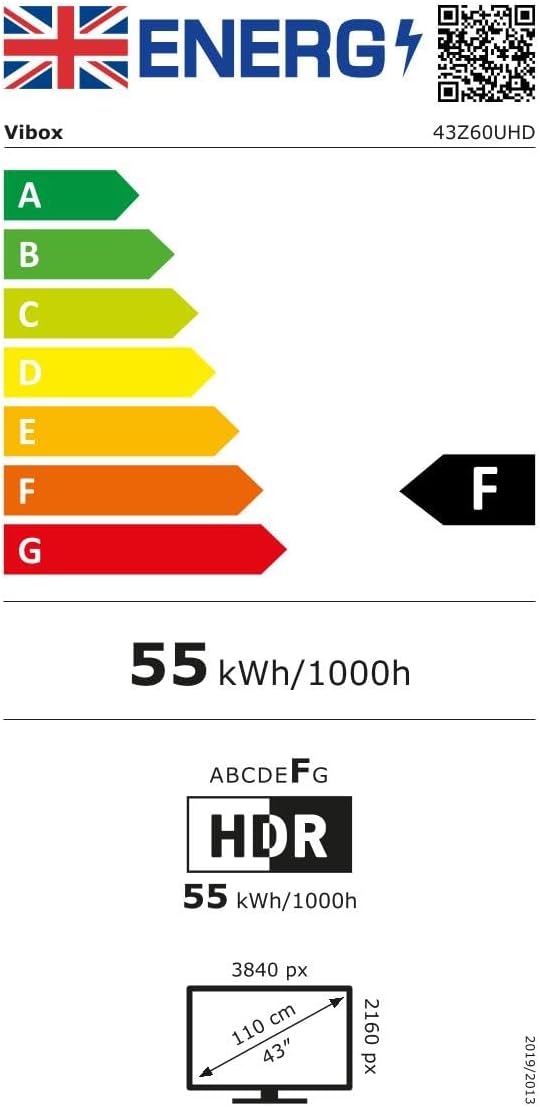
Image: UK Energy Efficiency Label for the Vibox 43Z60UHD TV, indicating an 'F' energy rating.
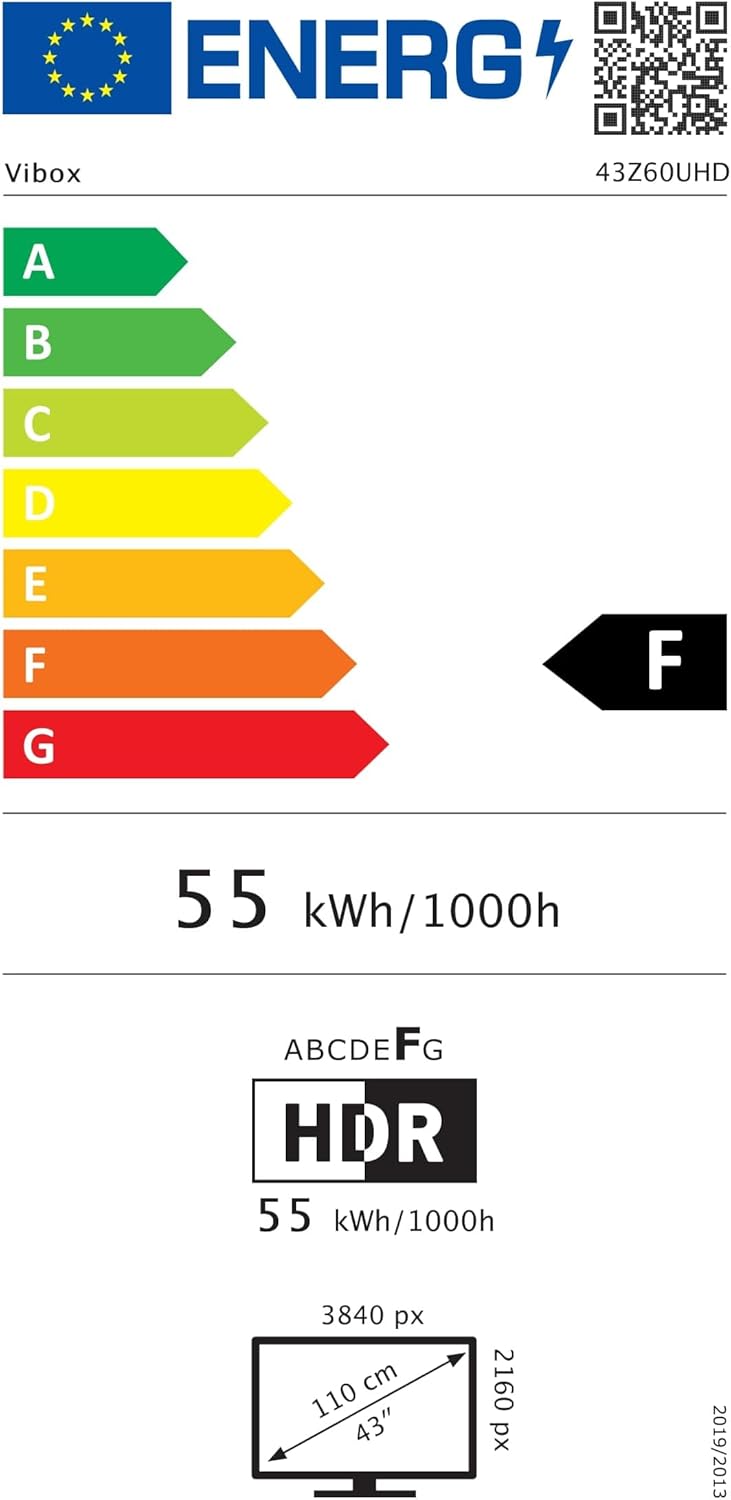
Image: EU Energy Efficiency Label for the Vibox 43Z60UHD TV, indicating an 'F' energy rating.
For detailed product information sheets and compliance documents, please refer to the following links:
8. Warranty and Support
8.1 Product Warranty
Your Vibox UHD 4K 43 Inch Smart TV comes with a minimum guaranteed product warranty of 2 years from the date of purchase. Please retain your proof of purchase for warranty claims.
8.2 Customer Support
For technical assistance, troubleshooting, or warranty inquiries, please contact Vibox customer support:
- Email: support@vibox.co.uk
- Phone: +441614258841
- Website: www.vibox.co.uk
- Address: Vibox EU, 3 RUE CHAMP AUX OEUFS, 57280 FEVEZ FRANCE