
1. Product Overview
The Cambridge Audio MXW 70 is a compact power amplifier designed to deliver high-fidelity audio. It features 70 Watts per channel, Hypex NCORE Class D amplification, and versatile input options including RCA and XLR. Its compact design allows for flexible placement within any audio setup.
Key Features
- 70 Watts per channel output
- Hypex NCORE Class D amplification for efficient power delivery
- RCA and XLR inputs for broad compatibility
- Compact casework for discreet integration
- 12V trigger input and pass-through for system integration
- Bridgeable into 250W mono mode for increased power
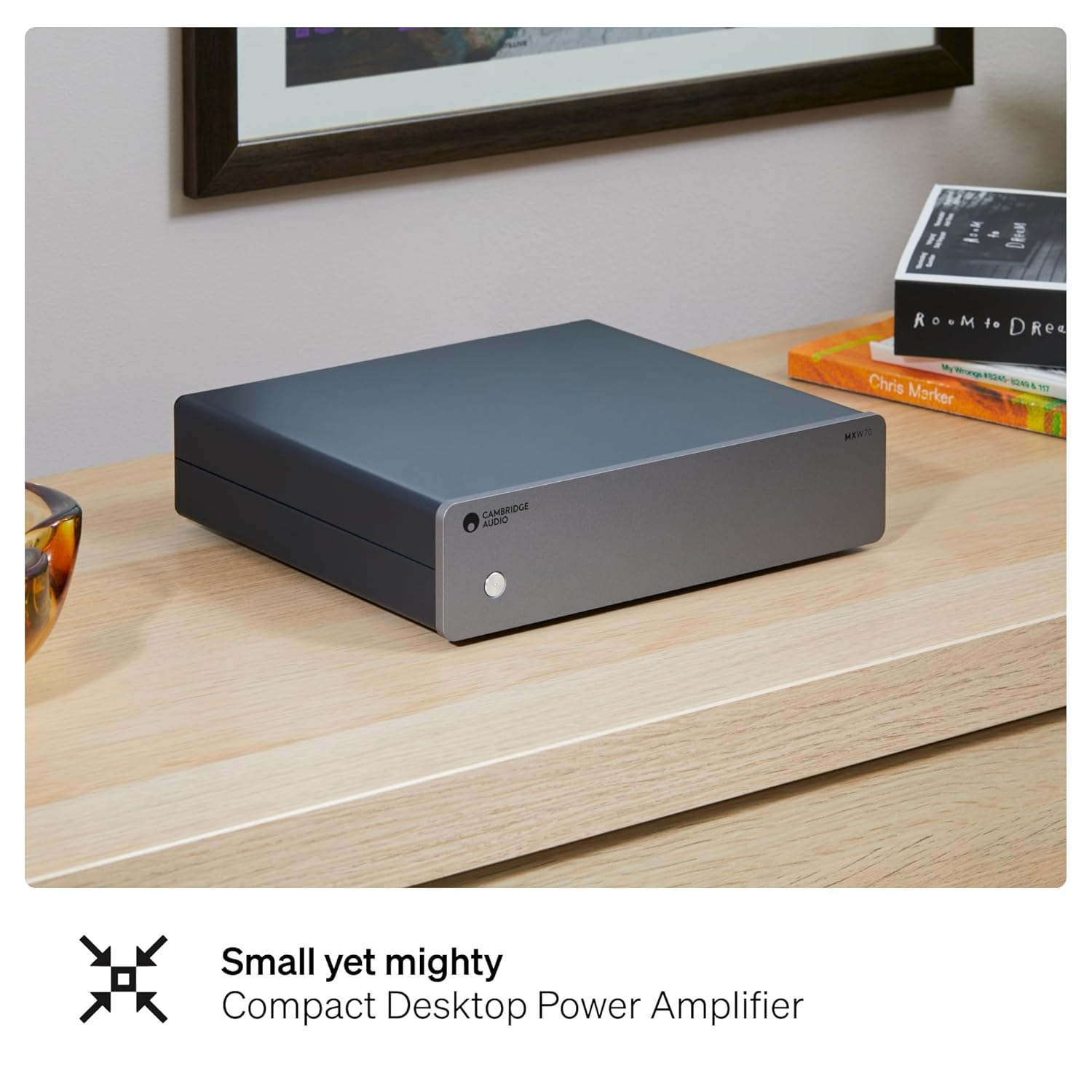
Image: The MXW 70 amplifier, showcasing its compact design suitable for desktop or shelf placement.
What's in the Box
- MXW70 Compact Power Amplifier
- Power Cable
- Registration Card
- Safety Guide
2. Setup Guide
Unpacking
Carefully remove the MXW 70 from its packaging. Retain all packaging materials for future transport or service needs. Inspect the unit for any signs of damage.
Placement
Place the amplifier on a stable, level surface. Ensure adequate ventilation around the unit to prevent overheating. Avoid placing it near heat sources or in direct sunlight. The compact design allows for integration with other half-width components like the Cambridge Audio MXN10 Music Streamer.

Image: The MXW 70 amplifier shown stacked with the MXN10 Music Streamer, demonstrating a compact system setup.
Connections
Before making any connections, ensure the MXW 70 and all connected components are powered off and unplugged from the mains supply.
- Input Connection: Connect your pre-amplifier or source component to the MXW 70 using either the Unbalanced RCA inputs or the Balanced XLR inputs. Use high-quality cables for optimal audio performance.
- Speaker Connection: Connect your loudspeakers to the speaker terminals on the rear panel. Ensure correct polarity (+ to + and - to -) for each speaker. The MXW 70 supports 4-8 Ohm speakers.
- 12V Trigger (Optional): If your pre-amplifier or source component has a 12V trigger output, connect it to the MXW 70's 'Trigger In' port. This allows the amplifier to power on/off automatically with the connected device. The 'Trigger Out' port can be used to daisy-chain the trigger signal to other compatible components.
- Power Connection: Once all audio and trigger connections are made, connect the supplied power cable to the MXW 70's AC input and then to a suitable mains power outlet.

Image: The rear panel of the MXW 70, highlighting the Unbalanced RCA, Balanced XLR inputs, Speaker Terminals, and Trigger connections.
Bridged Mono Mode
The MXW 70 can be configured for bridged mono operation, delivering 250W into a single channel. To enable this, ensure the 'Mode' switch on the rear panel is set to 'Mono'. Connect the speaker to the designated terminals for mono operation, typically using the positive terminal of the right channel and the negative terminal of the left channel. Refer to the markings on the rear panel for precise connection details. Always ensure speakers are rated to handle the increased power output in mono mode.
3. Operating Instructions
Powering On/Off
Press the power button on the front panel to turn the MXW 70 on or off. The indicator light will illuminate when the unit is powered on. If using the 12V trigger, the amplifier will power on/off automatically with the connected source component.
Audio Playback
Once powered on, ensure your pre-amplifier or source component is also active and playing audio. The MXW 70 is a power amplifier and does not have its own volume control; volume is controlled by the connected pre-amplifier or source.
4. Maintenance
Cleaning
To clean the unit, wipe the exterior surfaces with a soft, dry, lint-free cloth. Do not use abrasive cleaners, waxes, or solvents. Avoid spraying liquids directly onto the unit.
Storage
If storing the MXW 70 for an extended period, disconnect it from the power supply and store it in a cool, dry place, preferably in its original packaging to protect it from dust and physical damage.
5. Troubleshooting
If you experience issues with your MXW 70, consult the table below for common problems and solutions.
| Problem | Possible Cause | Solution |
|---|---|---|
| No power | Power cable not connected; Mains outlet faulty; Unit fuse blown | Check power cable connection; Test mains outlet with another device; Contact service for fuse replacement |
| No sound | Input cables incorrect; Speaker cables incorrect; Source component not playing; Pre-amplifier volume too low | Verify input and speaker cable connections and polarity; Ensure source is active; Increase pre-amplifier volume |
| Distorted sound | Input signal too high; Speaker impedance mismatch; Faulty cables | Reduce output level from source/pre-amp; Ensure speakers are 4-8 Ohm; Replace cables |
| Unit gets hot | Inadequate ventilation; Prolonged high-volume use | Ensure proper airflow around the unit; Reduce listening volume or take breaks |
6. Technical Specifications
| Specification | Detail |
|---|---|
| Model Number | MXW70 |
| Output Power | 70 Watts per channel (Stereo), 250 Watts (Mono Bridged) |
| Amplification Type | Hypex NCORE Class D |
| Number of Channels | 2 |
| Inputs | RCA (Unbalanced), XLR (Balanced) |
| Trigger Input/Output | 12V Trigger In, 12V Trigger Pass-through |
| Mounting Type | Freestanding |
| Item Weight | 5.94 pounds (2.69 kg) |
| Package Dimensions | 15.75 x 12.99 x 3.15 inches (40 x 33 x 8 cm) |
7. Warranty and Support
Cambridge Audio products are designed and manufactured to the highest quality standards. For information regarding warranty coverage, terms, and conditions, please refer to the warranty card included with your product or visit the official Cambridge Audio website. For technical support, service, or further assistance, please contact your authorized Cambridge Audio dealer or the customer support team via the official website.
Please retain your proof of purchase for warranty claims.


