Introduction
Thank you for choosing ABCPOW USB C Wired Earbuds. These earbuds are designed to provide high-quality audio and convenient control for your USB-C compatible devices. This manual will guide you through the setup, operation, and maintenance of your new earbuds.
Package Contents
- 1 Pack USB Type C Wired Headphones (White)
- 1 Pair of Eartips (S, M, L sizes included)
- 1 Cable Clip
Compatibility
These USB-C wired earbuds are compatible with most Type-C devices that do not have a 3.5mm audio jack. Please ensure your device has a USB-C port for audio output.
Compatible Models Include:
- iPhone: 17 Pro Max, 17 Pro, 17, Air, 16e, 16 Pro Max, 16 Pro, 16 Plus, 16, 15 Pro Max, 15 Pro, 15 Plus, 15
- Samsung Galaxy: A16 5G, A26, A36, A56, A35, A55, S25, S25+, S25 Ultra FE Edge, A54, A53, A33, Z Fold 6, Z Fold 5, Z Flip 6, Z Flip 5, S24, S23, S22, S21, S20 series
- Other USB-C devices without a 3.5mm audio jack.

Image: USB-C compatibility diagram. Shows devices with a USB-C port are compatible, while devices with both USB-C and 3.5mm jack, or only a Lightning port, are not compatible for audio.
Setup
- Select Eartips: Choose the appropriate size (S, M, or L) silicone eartips for a comfortable and secure fit. Gently attach them to the earbuds.
- Connect to Device: Insert the USB-C connector firmly into your device's USB-C port. Ensure there is no gap left between the connector and the device port.
- Secure Cable (Optional): Use the included cable clip to secure the earbud cord to your clothing, preventing tangling and accidental dislodgement during activity.
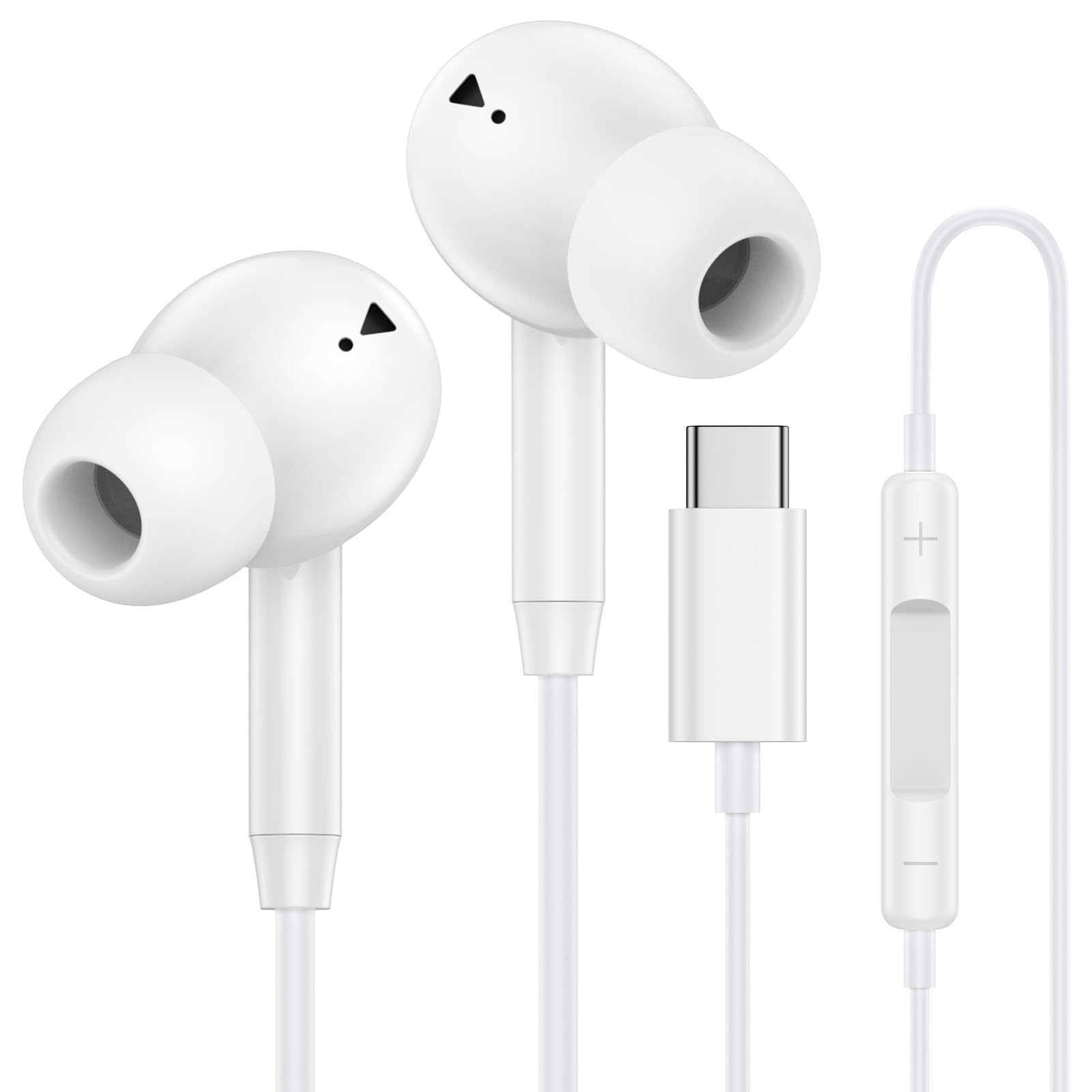
Image: ABCPOW USB C Wired Earbuds, showing the USB-C connector and the earbuds with silicone tips.
Operating Instructions
The inline control unit allows for easy management of music playback and calls without needing to access your device.
Music Control:
- Play/Pause: Press the middle button once.
- Next Track: Triple-click the middle button.
- Previous Track: Double-click the middle button.
Call Control:
- Answer Call: Click the middle button once.
- End Call: Press the middle button again.
- Reject Call: Press and hold the middle button for 2 seconds.
Volume Control:
- Increase Volume: Use the [+] button.
- Decrease Volume: Use the [-] button.

Image: Detailed view of the inline controls for music playback, call management, and volume adjustment.
Comfort and Design
The earbuds feature an ergonomic in-ear design to minimize discomfort during extended listening sessions and ensure a secure fit. The 4-foot long cable provides ample length for various activities, and the included clip helps manage the cord to prevent tangling.

Image: Ergonomic design features emphasizing comfort, secure fit, and lightweight construction.
Audio Features
Equipped with a state-of-the-art Digital-to-Analog Converter (DAC) chip and a 14.2MM dynamic driver, these earbuds deliver exceptional stereo audio performance. This technology ensures clearer mids, deeper bass, and superior lossless sound quality, providing an immersive listening experience with advanced noise-canceling capabilities.
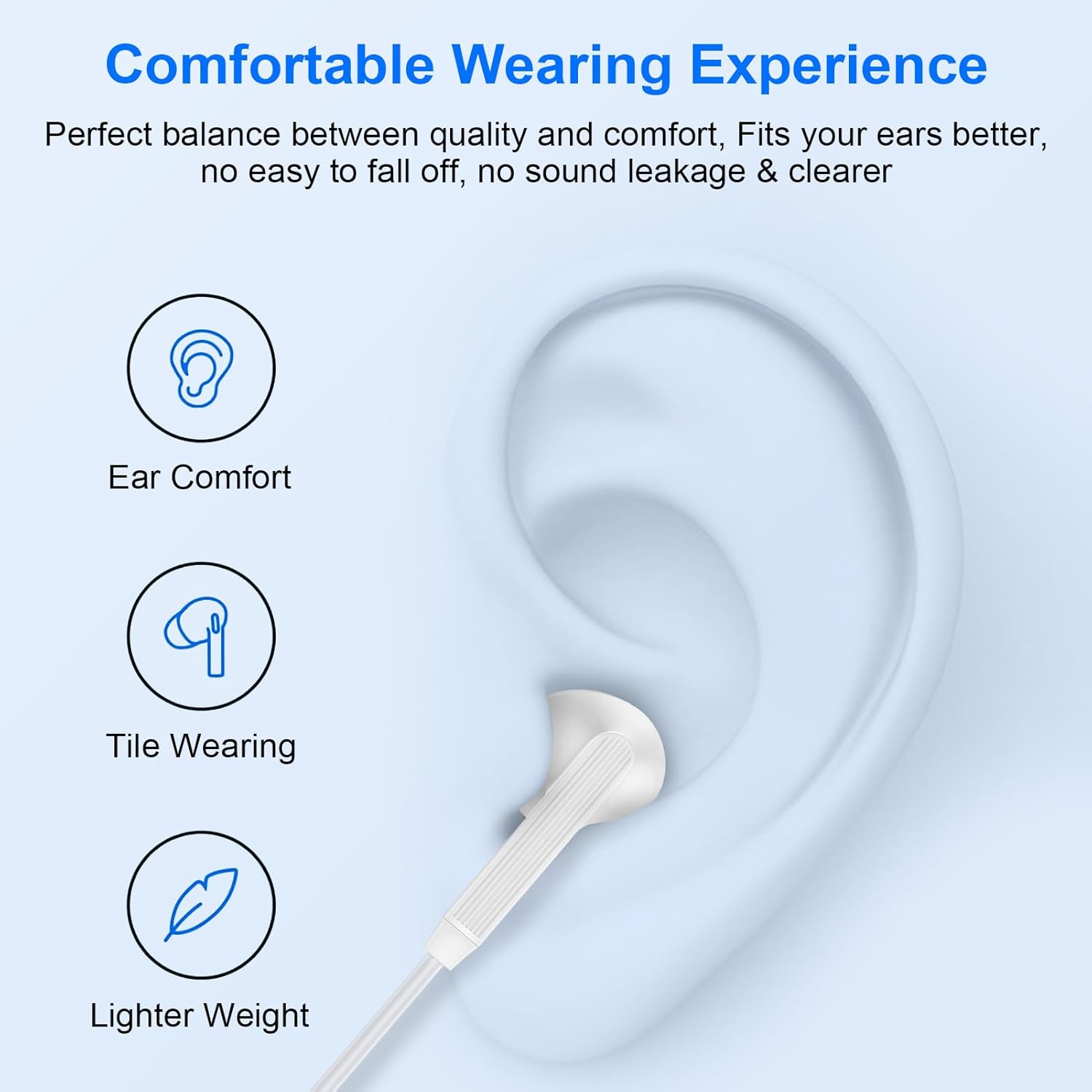
Image: Internal structure of the earbud highlighting high-quality metal drives and audio components.

Image: Visual representation of better sound quality for music playback and voice calls.
Important Usage Notes & Troubleshooting
- These are USB-C headphones. Ensure your phone has a USB-C port without a 3.5mm jack for proper audio output. Devices with a 3.5mm jack port may not produce sound or allow volume/microphone functionality.
- Ensure your phone case does not obstruct the USB-C charging port, as this may prevent the earbud's USB-C end from being fully inserted.
- Always ensure the USB-C end is fully inserted into your phone, with no gap remaining.
- Some devices (e.g., MacBook, iPad Pro, Samsung S8/S9/Note) may support music playback only, with phone call functionality not available.
- If you experience no sound, adjust the volume using the inline controls or try plugging the headphones into another compatible port.
Specifications
| Feature | Detail |
|---|---|
| Model Name | EASC07sKT |
| Connectivity Technology | Wired |
| Headphones Jack | USB-C |
| Audio Driver Type | Dynamic Driver (14.2MM) |
| Special Features | Enhanced Audio Quality, Built-in Microphone & Volume Control, DAC Chip |
| Noise Control | Sound Isolation, Noise-Canceling Technology |
| Cable Length | 4 feet |
| Material | Silicone |
| Color | White |
| Item Weight | 1.13 ounces |
Maintenance
- Keep earbuds clean by gently wiping with a soft, dry cloth.
- Store earbuds in a tangle-free manner, ideally using the provided cable clip or a small pouch, to prolong cable life.
- Avoid exposing earbuds to extreme temperatures, moisture, or direct sunlight.
- Do not pull on the cable to disconnect from your device; always grasp the USB-C connector.
Warranty and Customer Support
Your ABCPOW USB C Wired Earbuds come with a 12-month hassle-free warranty.
For any questions or support needs regarding your earbuds, please contact our customer service team. We offer 7x24 hours friendly customer service to assist you.
Contact information for customer service is typically found on the product packaging or the retailer's website.