Important Safety Information
Please read and understand all safety instructions before using this appliance. Failure to follow these instructions may result in electric shock, fire, or serious injury.
- ALCI Plug: This electric wall heater features an ALCI plug for enhanced safety, automatically cutting power if overheating occurs.
- Overheat Protection: The ETL-listed system provides overheat protection, automatically shutting off the unit if internal temperatures exceed safe limits.
- Flame Retardant Material: Constructed with V-0 flame retardant material for increased safety.
- Tip-Over Protection: The heater includes a tip-over protection feature, which automatically turns off the unit if it is accidentally knocked over.
- Child Lock: Utilize the child lock feature to prevent unintended operation by children.
- Electrical Circuit: For optimal performance and safety, avoid using the wall-mounted heater on the same circuit as other high-power appliances.
Product Overview
The Brightown Wall Heater UPH310M is a versatile and efficient heating solution designed for indoor use. It features a powerful 1500W output with advanced PTC ceramic heating technology for rapid and stable heat distribution. Control options include a touchscreen, remote control, mobile app, and Alexa voice commands. Its sleek design allows for both wall-mounted and freestanding placement, making it suitable for various living spaces.
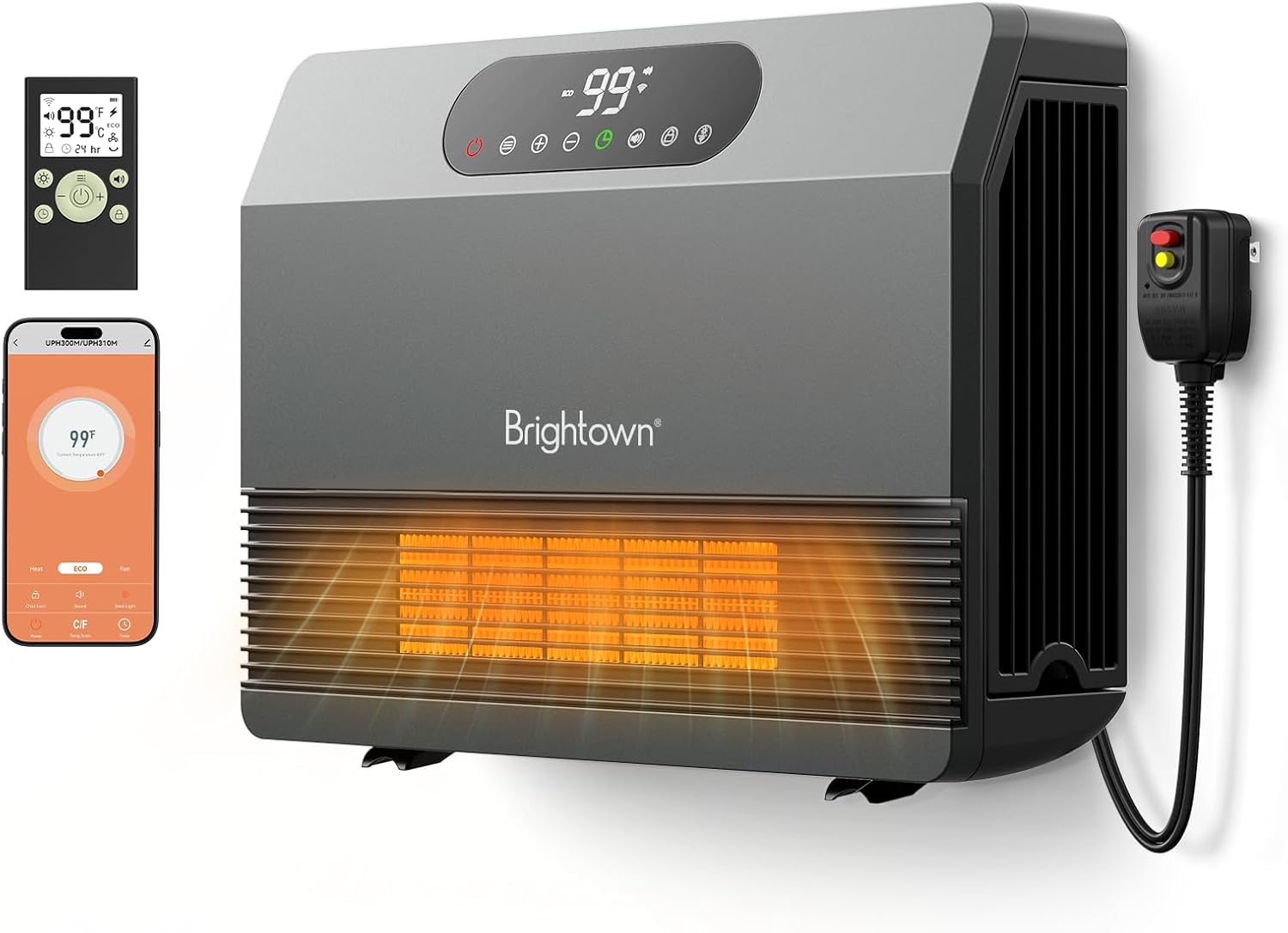
Brightown Wall Heater with remote control and smartphone app interface.
Setup and Installation
Unboxing
Upon opening the package, ensure all components are present:
- Brightown Wall Heater Unit
- Remote Control
- Mounting Hardware (screws, anchors, template with level)
- User Manual
Video demonstrating the unboxing and initial setup of the Brightown Wall Heater, highlighting its compact design and included accessories.
Mounting Options
The Brightown Wall Heater offers flexible placement options: wall-mounted or freestanding.
Wall Mounting
For wall installation, use the provided template and hardware to ensure secure and level mounting. Mark the drill points accurately and use appropriate anchors for your wall type. Ensure the heater is positioned to allow for proper airflow and is not obstructed.

The Brightown Wall Heater mounted on a wall, showcasing its space-saving design.
A review video demonstrating the wall mounting process for the Brightown Electric Wall Heater.
Freestanding Placement
The heater can also be placed on a flat, stable surface. Ensure it is not covered and has adequate clearance from walls and other objects to prevent overheating and allow for efficient heat distribution.
The Brightown Wall Heater placed on a surface, illustrating its versatility.
Operating Instructions
Control Methods
The Brightown Wall Heater offers multiple convenient control options:
- Touchscreen: Directly operate the heater using the integrated touch controls on the unit.
- Remote Control: Use the included remote for convenient adjustments from a distance.
- Mobile App: Connect the heater to your smartphone via the dedicated mobile app for advanced control and scheduling.
- Alexa Voice Commands: Integrate with Alexa-compatible devices for hands-free operation.
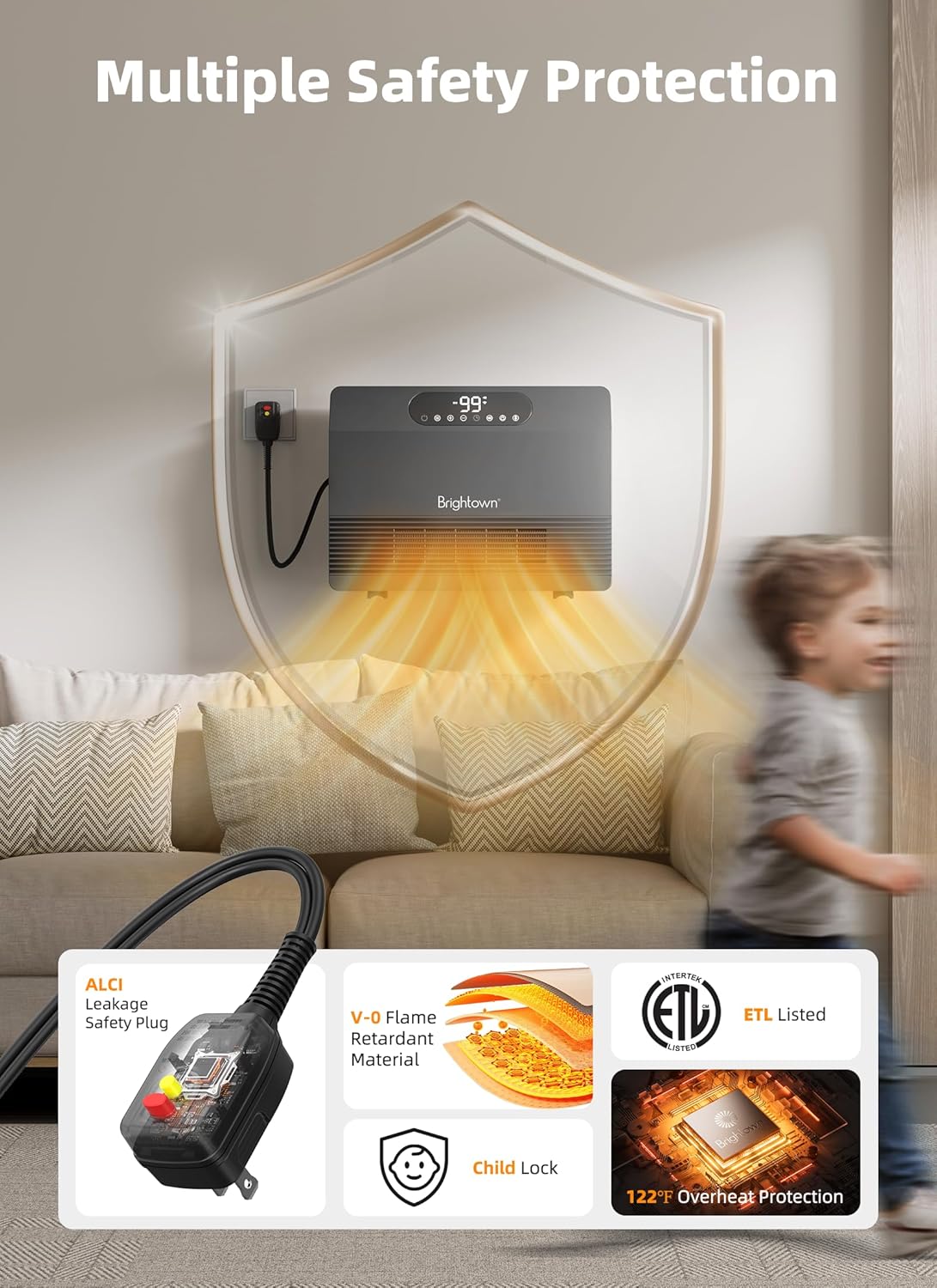
Image showing the various control methods for the Brightown Wall Heater: touchscreen, remote, mobile app, and Alexa.
Power On/Off
Press the power button (red icon) on the unit's touchscreen or the remote control to turn the heater on or off. The display will illuminate when the unit is active.
Mode Selection
The heater features five flexible operating modes:
- ECO Mode: This energy-efficient setting automatically modulates heating intensity to maintain your target temperature without unnecessary energy expenditure.
- Heating Levels (P1-P3):
- P1: 600W (Low Heat)
- P2: 1000W (Medium Heat)
- P3: 1500W (High Heat)
- Fan-Only Mode: Circulates air without engaging the heating element.

Close up of heater display showing ECO mode and temperature.
A detailed review and demonstration of the Brightown Wall Heater, including its various operating modes.
Temperature Adjustment
Adjust the desired temperature from 40°F to 99°F in 1°F increments using the '+' and '-' buttons on the unit's touchscreen or the remote control. The heater will work to maintain this set temperature.
Timer Function
To set the timer, press the timer icon. You can set the heater to automatically turn off after a period of 1 to 12 hours. The display will show the remaining time.
Child Lock
To activate or deactivate the child lock, press and hold the lock icon on the touchscreen for 3 seconds. A lock symbol will appear/disappear on the display to indicate its status.
Sound and Display Control
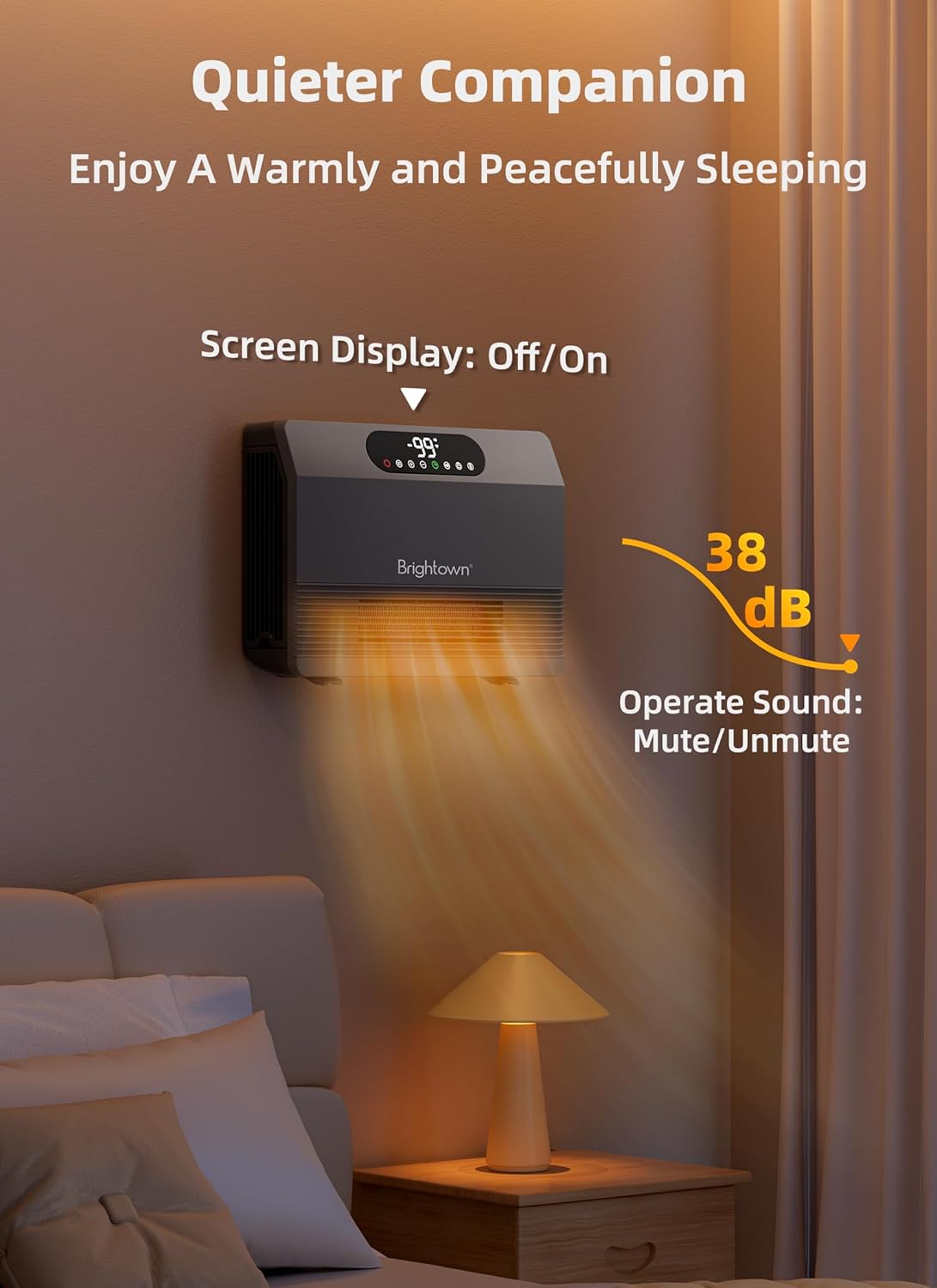
You can turn the audible button press sounds on or off by pressing the speaker icon. To turn the screen display on or off, press the lightbulb icon. This is useful for nighttime use.
Maintenance
Cleaning the Air Filter
Regularly cleaning the air filter is crucial for maintaining the heater's efficiency and prolonging its lifespan. The filter is removable and washable.
- Ensure the heater is unplugged and cool before attempting to clean.
- Locate the filter cover on the side of the unit.
- Gently pull the filter cover to remove it.
- Remove the foam filter from the cover.
- Rinse the foam filter under running water until clean.
- Allow the filter to air dry completely before reinserting it.
- Place the dry foam filter back into the cover and reattach the cover to the heater.
Video demonstrating the simple process of cleaning the air filter on the Brightown Smart Heater.
Troubleshooting
If you encounter issues with your Brightown Wall Heater, please refer to the following common troubleshooting steps:
- Heater not turning on: Ensure the ALCI plug is reset (press the reset button on the plug). Check that the unit is securely plugged into a working electrical outlet. Verify that the power button on the unit or remote is pressed. Confirm there is no power outage in your area.
- Insufficient heating: Check that the desired temperature setting is higher than the current room temperature. Ensure the air filter is clean and free of obstructions. Select a higher heating level (P2 or P3) if needed.
- Heater automatically shuts off: This may indicate that the overheat protection has been activated. Unplug the heater, allow it to cool down for at least 30 minutes, and inspect for any obstructions blocking the air intake or exhaust vents. Remove any blockages before restarting.
- Remote control not working: Check and replace the batteries in the remote control. Ensure there are no obstructions between the remote and the heater's sensor.
- Wi-Fi connectivity issues: Ensure your Wi-Fi network is active and the heater is within range of your router. Refer to the mobile app's specific instructions for troubleshooting connection problems or re-pairing the device.
- Controls unresponsive: If the control panel is unresponsive, check if the child lock is engaged (a lock icon may be visible on the display). Press and hold the child lock button for 3 seconds to deactivate it.
Specifications
| Feature | Detail |
|---|---|
| Brand | Brightown |
| Model Number | UPH310M |
| Heat Output | 1500 Watts |
| Voltage | 120 Volts |
| Product Dimensions | 16.1"D x 11"W x 4.3"H |
| Item Weight | 7.45 pounds |
| Heating Coverage | 200 sq. ft. |
| Min Temperature Setting | 40 Degrees Fahrenheit |
| Max Temperature Setting | 99 Degrees Fahrenheit |
| Special Features | Adjustable Thermostat, Wi-Fi Enabled, Memory Function, Silent Operation, Remote Control, Overheat Protection, Tip-over Protection, Digital Display, Child Lock |
| Burner Type | PTC |
| Fuel Type | Electric |
| Number of Speeds | 5 |
| Indoor/Outdoor Usage | Indoor |
| Mounting Type | Wall Mount |
| Room Type | Bedroom, Bathroom, Living Room, Study Room, Garage |


