1. Introduction
Thank you for choosing the JAY-PARK F10pro LED Flashlight. This manual provides essential information for the safe and effective use of your new flashlight. Please read it thoroughly before operation and retain it for future reference.
The JAY-PARK F10pro is a high-lumen, rechargeable LED flashlight designed for various applications, including home use, emergencies, and outdoor activities. It features multiple lighting modes, a zoomable focus, and a built-in high-capacity battery with an LCD power display.

Image 1.1: JAY-PARK F10pro LED Flashlight and its retail packaging.
1.1 Product Components
- JAY-PARK F10pro LED Flashlight (with built-in battery)
- Charging Cable (USB-C)
- User Manual
1.2 Safety Information
Please observe the following safety precautions:
- Do not look directly into the LED light when it is on, as it can cause temporary vision impairment.
- Keep the flashlight away from sources of ignition.
- Do not disassemble the flashlight or attempt to replace the built-in battery.
- Keep out of reach of children.
- Avoid exposing the flashlight to extreme temperatures or direct sunlight for prolonged periods.
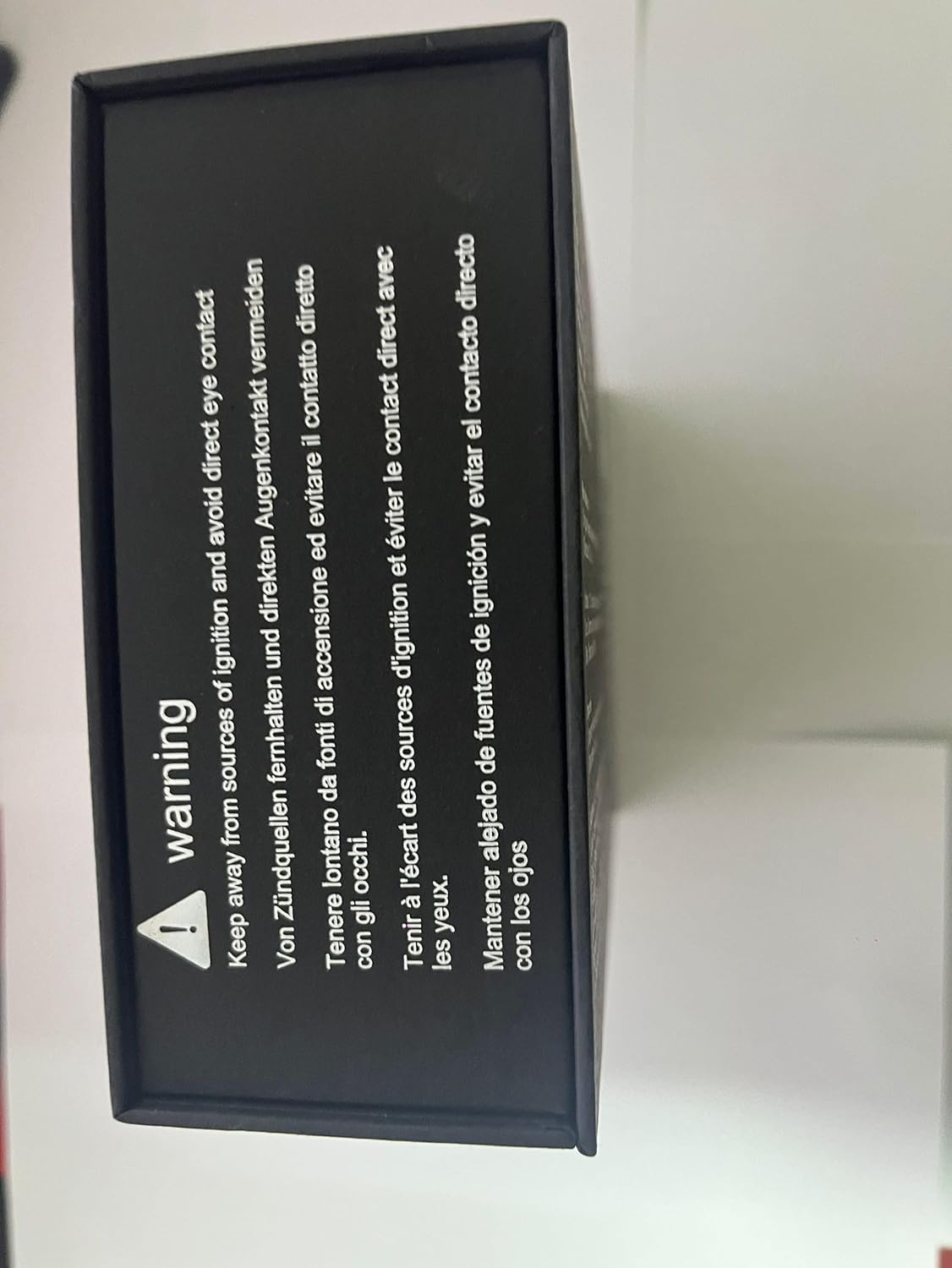
Image 1.2: Warning label indicating to keep away from ignition sources and avoid direct eye contact.
2. Setup
2.1 Initial Charging
Before first use, fully charge the flashlight. The JAY-PARK F10pro features a built-in 10,800mAh rechargeable battery and a USB-C charging port.
- Locate the USB-C charging port on the flashlight. It is typically protected by a rubber cover.
- Connect the provided USB-C cable to the flashlight and the other end to a compatible USB power adapter (not included) or a computer USB port.
- The LCD power display will show the charging progress, indicating the battery percentage.
- Charging typically takes 3-5 hours for a full charge. The display will show 100% when complete.
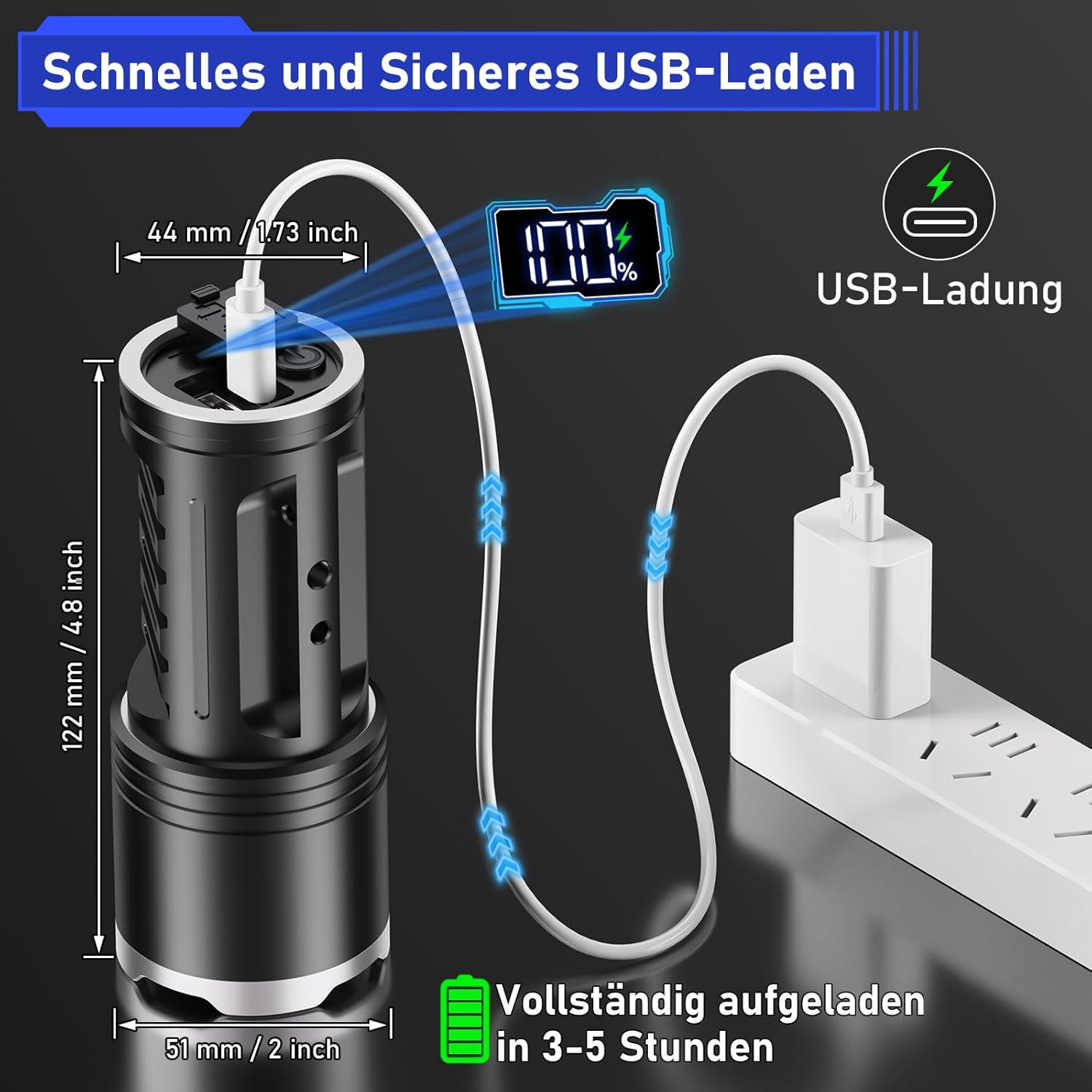
Image 2.1: Illustration of the flashlight being charged via USB-C, displaying 100% on the LCD screen.

Image 2.2: Visual representation of the built-in 10,800mAh rechargeable battery, offering 8-24 hours of operation depending on the mode.
3. Operation
3.1 Power On/Off
- To turn the flashlight ON, press the power button once.
- To turn the flashlight OFF directly from any mode, press and hold the power button for 2 seconds. This prevents cycling through all modes to turn off.
3.2 Changing Lighting Modes
The JAY-PARK F10pro features 5 lighting modes:
- High: Maximum brightness for powerful illumination.
- Medium: Balanced brightness for general use.
- Low: Reduced brightness for extended runtime or close-range tasks.
- Strobe: Flashing light for signaling or disorienting.
- SOS: International Morse code signal for emergencies.
To cycle through the modes, press the power button repeatedly after turning the flashlight on. The sequence is typically High > Medium > Low > Strobe > SOS.
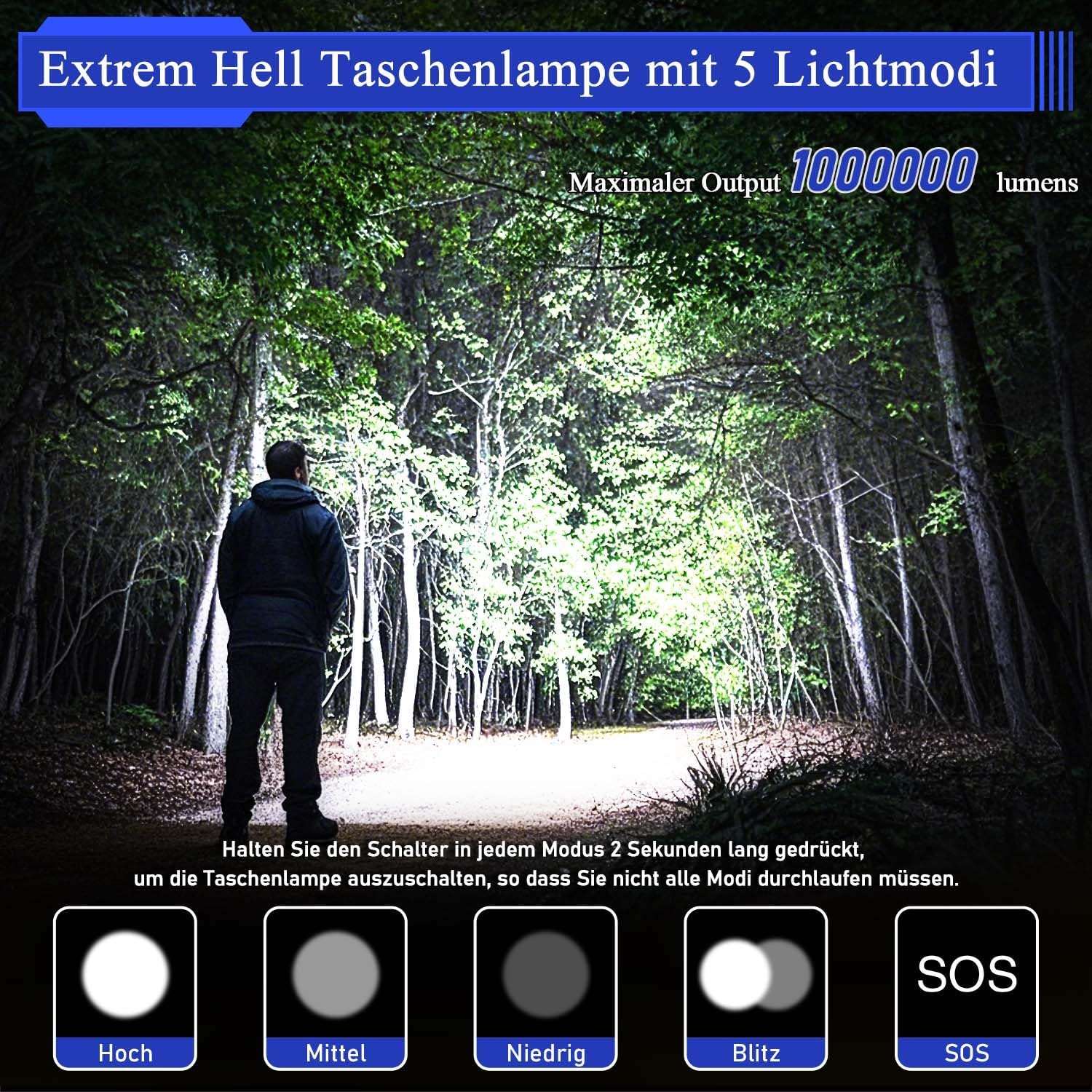
Image 3.1: The flashlight illuminating a forest path, demonstrating the five available lighting modes.

Image 3.2: Visual guide to the 5 lighting modes and how to switch between them or turn off the flashlight.
3.3 Zoom Function
The flashlight features an adjustable focus mechanism, allowing you to switch between a wide floodlight and a concentrated spotlight beam.
- To adjust the focus, gently slide the head of the flashlight forward or backward.
- Slide forward for a wide floodlight, ideal for illuminating a large area.
- Slide backward for a focused spotlight, suitable for long-distance illumination.

Image 3.3: The zoomable feature allows for versatile lighting, from wide-area floodlight to focused long-distance spotlight.

Image 3.4: Demonstrates the flashlight's ability to switch between wide-area and long-distance lighting by adjusting the zoom.
3.4 Power Bank Function
The JAY-PARK F10pro can also function as a power bank to charge other low-power electronic devices.
- Locate the USB-A output port, usually next to the USB-C input port.
- Connect your device's charging cable to the USB-A output port on the flashlight.
- The flashlight's internal battery will begin charging your connected device.

Image 3.5: The flashlight's power bank feature in use, charging a mobile phone.
4. Maintenance
4.1 Cleaning
- Wipe the flashlight body with a soft, damp cloth.
- Do not use abrasive cleaners or solvents.
- Clean the lens gently with a lens cloth to maintain optimal light output.
4.2 Storage
- Store the flashlight in a cool, dry place away from direct sunlight.
- For long-term storage, ensure the battery is partially charged (around 50-70%) and recharge it every 3-6 months to prolong battery life.
4.3 Water Resistance
The JAY-PARK F10pro is rated IP67 water-resistant, meaning it is protected from dust and can withstand immersion in water up to 1 meter for 30 minutes. While it is robust, avoid prolonged submersion or exposure to high-pressure water jets.

Image 4.1: The flashlight operating effectively in rainy and snowy conditions, highlighting its IP67 water resistance.
5. Troubleshooting
| Problem | Possible Cause | Solution |
|---|---|---|
| Flashlight does not turn on. | Battery is depleted. | Charge the flashlight fully. |
| Power button not pressed correctly. | Ensure a firm press for ON, or a 2-second hold for OFF. | |
| Low brightness or short runtime. | Battery is low. | Recharge the flashlight. |
| Lens is dirty. | Clean the lens with a soft cloth. | |
| Device not charging from flashlight (power bank function). | Flashlight battery is too low. | Ensure the flashlight has sufficient charge. |
| Incorrect cable or connection. | Verify the cable is correctly connected to the USB-A output port and your device. |
6. Specifications
| Feature | Detail |
|---|---|
| Model | F10pro |
| Brightness | 10,000 Lumens |
| Battery Capacity | 10,800mAh (Built-in Lithium Ion) |
| Lighting Modes | High, Medium, Low, Strobe, SOS |
| Charging Port | USB-C |
| Output Port | USB-A (for power bank function) |
| Material | Impact-resistant Aluminum Alloy |
| Water Resistance | IP67 (Waterproof) |
| Dimensions | 4.72"D x 1.96"W x 1.96"H (approx. 122mm x 51mm x 51mm) |
| Weight | 12 ounces (approx. 340 grams) |
| Runtime (approx.) | 6 hours (High mode), 16 hours (Low mode) |

Image 6.1: Detailed dimensions and technical specifications of the JAY-PARK F10pro flashlight.
7. Warranty and Support
7.1 Lifetime Limited Warranty
Your JAY-PARK F10pro Flashlight is backed by a Lifetime Limited Warranty against manufacturing defects. If your flashlight fails under normal use, JAY-PARK offers a free repair or replacement.
7.2 Customer Support
For warranty claims, technical assistance, or any questions regarding your JAY-PARK F10pro flashlight, please contact us directly via Amazon Messaging. Our customer support team is available to assist you.


