
1. Introduction
Thank you for choosing the XuanPad 1800 ANSI Smart Projector V18. This manual provides essential information for setting up, operating, and maintaining your projector. Please read it thoroughly before use to ensure optimal performance and safety.
2. Safety Information
To prevent fire, electric shock, or injury, always observe the following safety precautions:
- Do not block ventilation openings.
- Do not expose the projector to rain or moisture.
- Do not open the projector casing; refer all servicing to qualified personnel.
- Avoid direct eye exposure to the projector lens when the lamp is on.
- Use only attachments/accessories specified by the manufacturer.
- Ensure the power cord is not walked on or pinched.
3. Package Contents
Verify that all items are present in your package:
- XuanPad 1080P Projector (V18)
- HDMI Cord
- Remote Control
- User Manual
- Power Cord
Video: Unboxing the XuanPad V18 Smart Projector. This video demonstrates the contents of the package, including the projector, remote, cables, and user manual.
4. Product Overview
The XuanPad 1800 ANSI Smart Projector V18 is a compact and versatile home theater device designed for ease of use and high-quality projection. Key features include:
- Native 1080P Resolution: Delivers sharp and clear images.
- 4K Support: Compatible with 4K content for enhanced viewing.
- TOF Real-time Autofocus: Ensures instant clarity without manual adjustments.
- Automatic Keystone Correction: Corrects distorted images for a perfect rectangular display.
- 210° Rotatable Stand: Allows flexible projection angles, including ceiling projection.
- Built-in Streaming Apps: Preloaded with popular services like Netflix, YouTube, and Prime Video.
- Dolby Audio: Integrated for an immersive sound experience.
- Ultra-Fast WiFi 6 & Bluetooth 5.2: For seamless connectivity with networks and external audio devices.
4.1. Projector Components
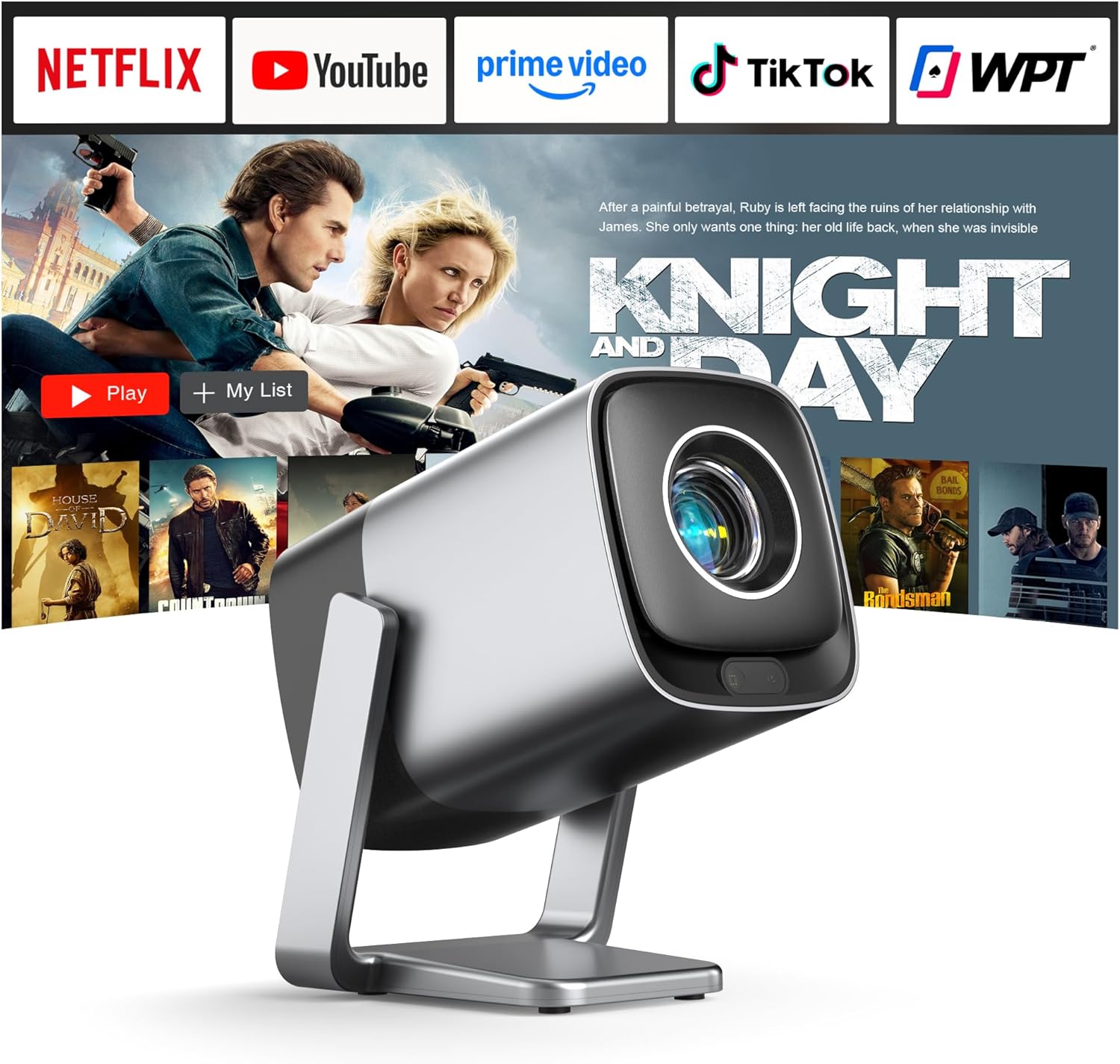
Image: Front view of the XuanPad V18 Smart Projector, showcasing its compact design and lens.
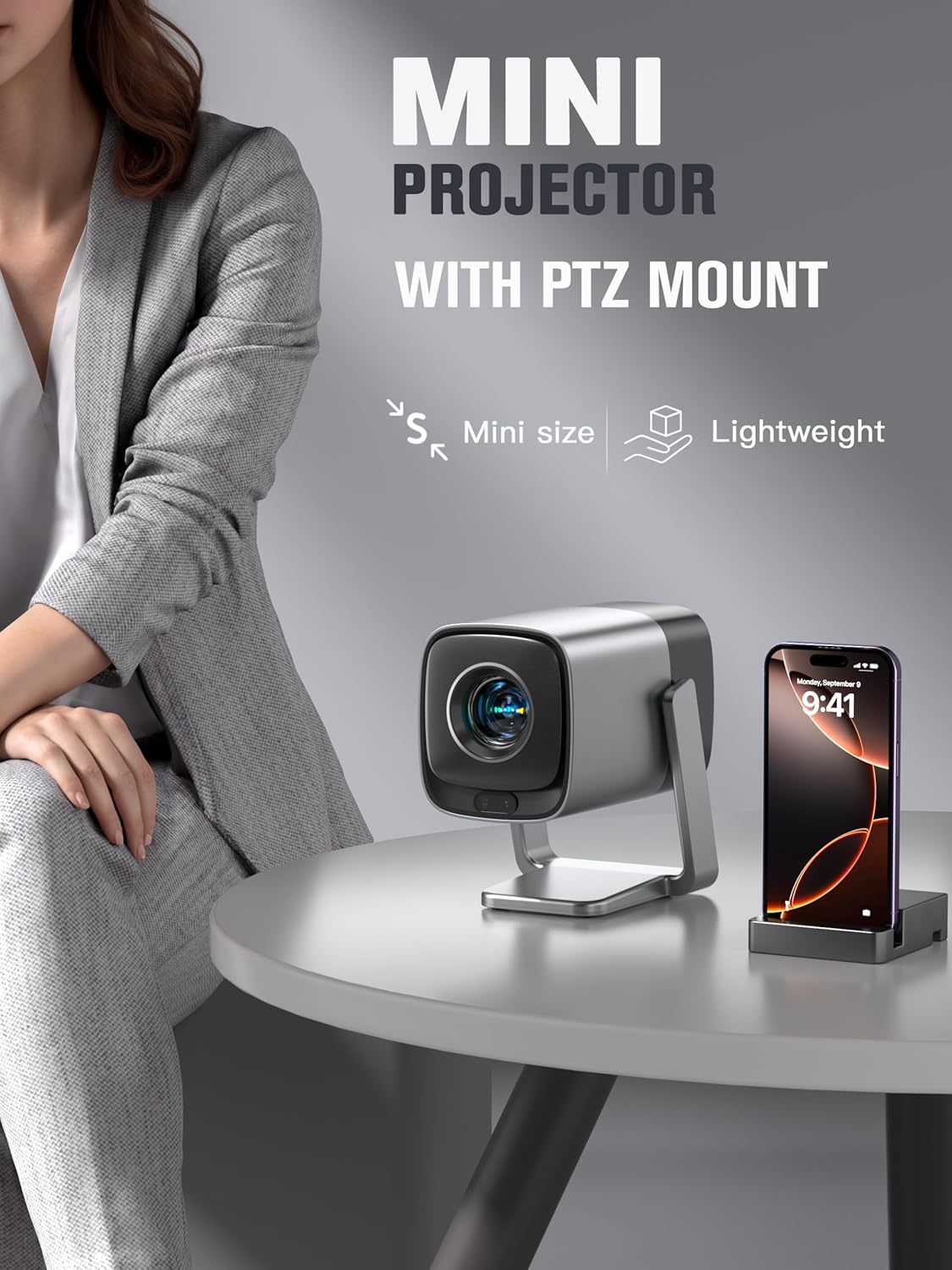
Image: The XuanPad V18 Mini Projector with its integrated rotatable stand, demonstrating its portability and flexible positioning.
4.2. Ports and Controls
The projector features various ports for connectivity:
- HDMI Port: For connecting external devices like laptops, gaming consoles, or Blu-ray players.
- USB Port: For playing media from USB drives.
- 3.5mm Audio Jack: For connecting external headphones or speakers.
- Power Input: For connecting the power adapter.
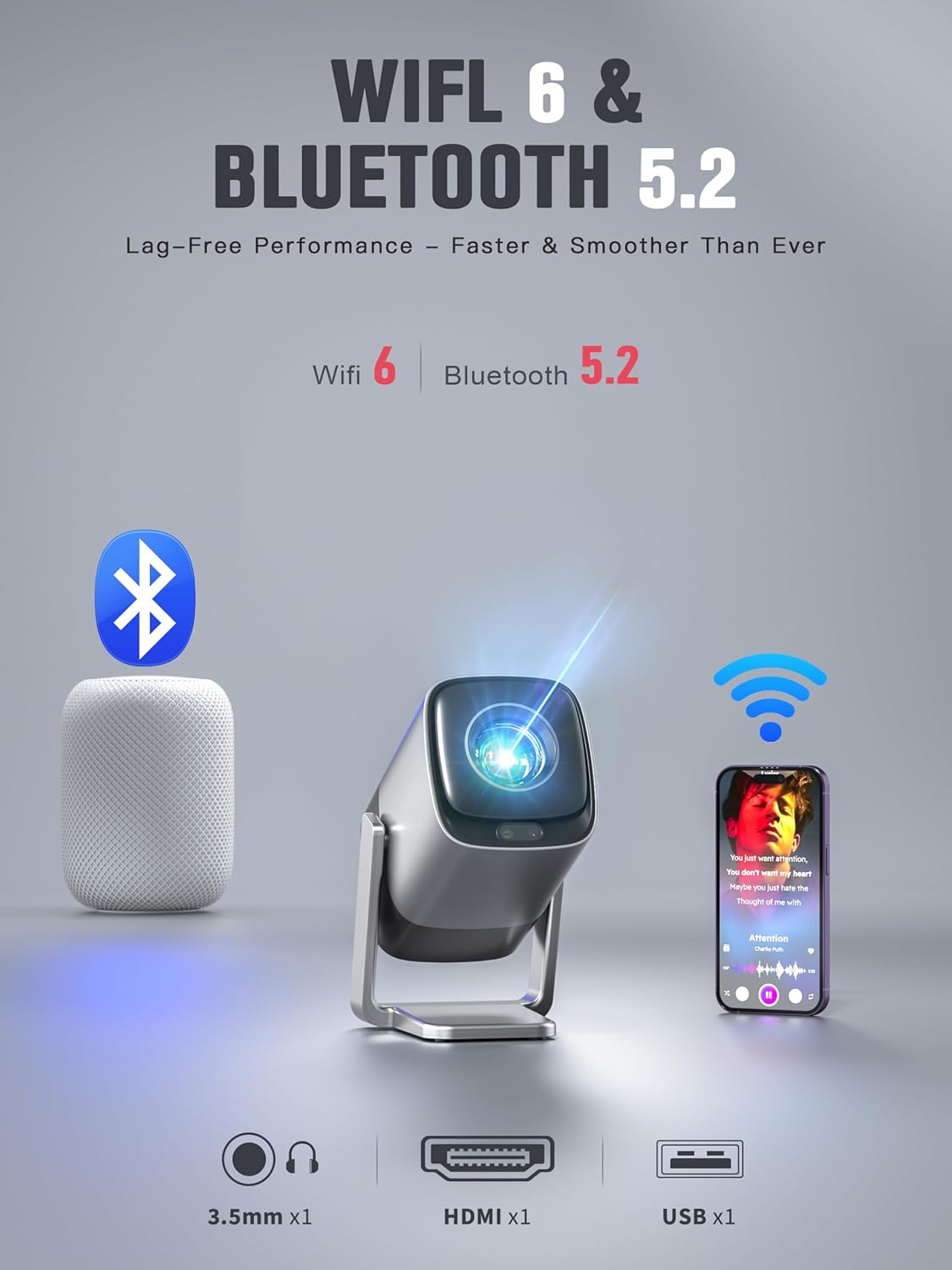
Image: Rear view of the XuanPad V18 Projector highlighting its connectivity options including 3.5mm Jack, HDMI, USB, WiFi 6, and Bluetooth 5.2.
Video: This video showcases the various features of the XuanPad V18, including its compact size, rotatable stand, and connectivity ports.
5. Setup
5.1. Initial Placement
Place the projector on a stable, flat surface. The 210° rotatable stand allows for flexible positioning, including projecting onto walls or ceilings. Ensure there are no obstructions in front of the lens.
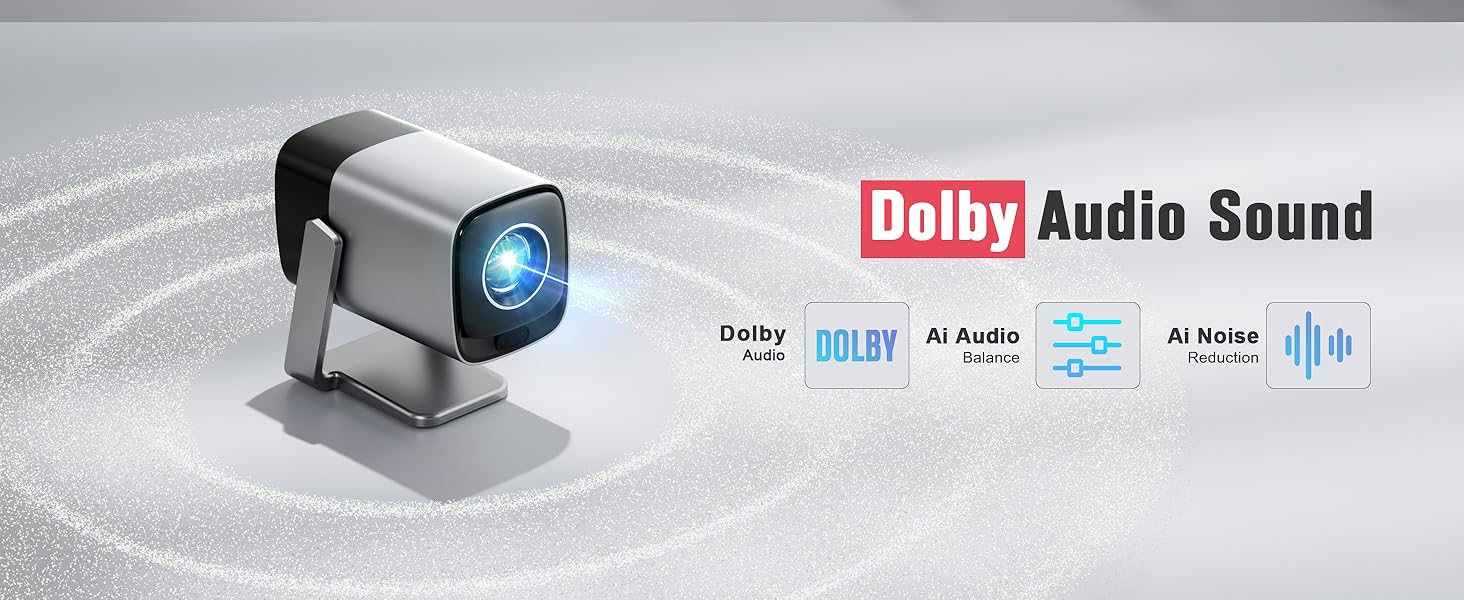
Image: The integrated 210° rotating stand of the XuanPad V18, illustrating its versatility for various projection angles.
5.2. Power Connection
Connect the provided power cord to the projector's power input and then to a power outlet.
5.3. First-Time Use
- Power on the projector using the power button or remote control.
- Follow the on-screen prompts to select your preferred language and region.
- Connect to your Wi-Fi network by selecting your network and entering the password.
- The projector will automatically perform TOF autofocus and keystone correction for a clear, rectangular image.
6. Operating Instructions
6.1. Navigation
Use the provided remote control to navigate the projector's interface. The directional buttons allow you to move between options, and the "OK" button confirms selections.
6.2. Built-in Streaming Apps
The XuanPad V18 comes preloaded with popular streaming applications. Access these directly from the home screen:
- Netflix
- YouTube
- Prime Video
- And more, accessible via the App Store or Open Browser.
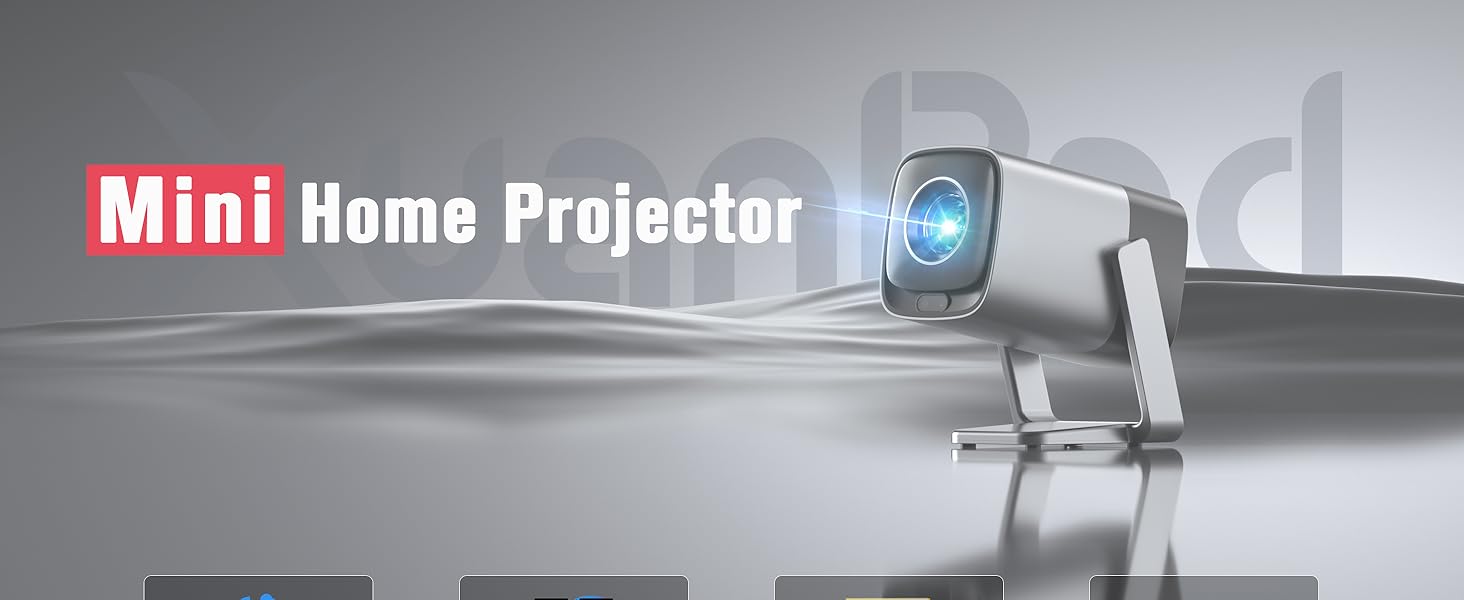
Image: The projector's home screen displaying pre-installed streaming applications like Netflix, YouTube, and Prime Video.
6.3. External Device Playback
Connect external devices using the HDMI or USB ports. Select the appropriate input source from the projector's menu to display content.
7. Connectivity
7.1. Wi-Fi Connection
The projector supports Wi-Fi 6 for fast and stable internet access. To connect or change Wi-Fi networks:
- Go to Settings > Network & Internet.
- Select your desired Wi-Fi network.
- Enter the password and confirm.
7.2. Bluetooth Connection
Utilize Bluetooth 5.2 to connect external audio devices such as speakers or headphones.
- Go to Settings > Bluetooth.
- Ensure Bluetooth is enabled on both the projector and your external device.
- Select your device from the list to pair.
8. Focus and Keystone Correction
The XuanPad V18 features advanced automatic adjustments for optimal image quality.
8.1. TOF Real-time Autofocus
The projector uses TOF (Time-of-Flight) technology to automatically focus the image in less than 1 second. This ensures a clear picture even if the projector is moved or repositioned.

Image: Diagram illustrating the TOF sensorless auto-adjustment feature, providing instant focus and clarity.
8.2. Automatic Keystone Correction
The projector automatically corrects image distortion (trapezoid effect) when placed at an angle to the screen. This ensures a perfectly rectangular image without manual intervention.
For fine-tuning or specific scenarios, manual keystone correction options are available in the settings menu.

Image: Visual representation of the TOF sensorless real-time focusing system, including auto keystone, automatic screen fit, and obstacle avoidance capabilities.
Video: A demonstration of the V18's projection display, showcasing its clarity and automatic adjustments in various settings.
9. Audio Settings
The projector is equipped with Dolby Audio for a rich and immersive sound experience. It features built-in Hi-Fi stereo speakers.
9.1. Built-in Speakers
The integrated speakers provide clear and powerful audio for most viewing environments. Adjust the volume using the remote control.
9.2. External Audio
For enhanced audio, connect external speakers or headphones via the 3.5mm audio jack or Bluetooth 5.2. Once connected, the projector's audio will output through the external device.

Image: The XuanPad V18 Projector highlighting its Dolby Audio Sound capabilities, including 5W loudspeaker and 3.5mm audio jack.
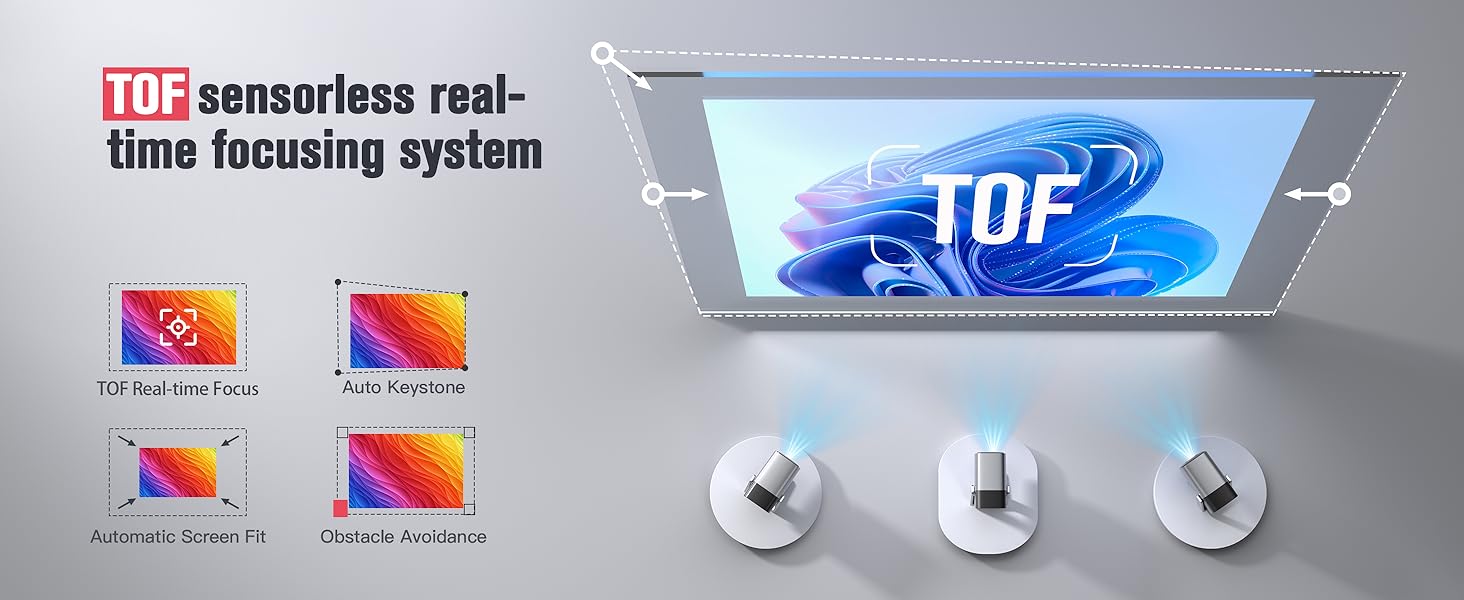
Image: Detailed view of the Dolby Audio Sound features, emphasizing built-in Dolby Atmos-Immersion without requiring extra speakers.
10. Maintenance
10.1. Cleaning the Lens
Use a soft, lint-free cloth specifically designed for optical lenses to gently wipe the projector lens. Avoid using abrasive cleaners or excessive force.
10.2. Cleaning the Casing
Wipe the projector's exterior with a soft, dry cloth. Do not use liquid or aerosol cleaners directly on the unit.
10.3. Ventilation
Ensure the ventilation openings are clear of dust and debris to prevent overheating. Do not place the projector on soft surfaces that may block airflow.
11. Troubleshooting
| Problem | Possible Solution |
|---|---|
| No image on screen |
|
| Blurry image |
|
| Distorted image (trapezoid) |
|
| No sound |
|
| Wi-Fi/Bluetooth connection issues |
|
12. Specifications
- Brand: XuanPad
- Model: V18
- Display Resolution: 1920 x 1080 (Native 1080P)
- 4K Support: Yes
- Brightness: 1800 ANSI Lumens
- Special Features: TOF Real-time Focus, Built-in apps, 210° Rotatable Stand, Automatic Keystone Correction, Built-in Wi-Fi 6, Built-in Bluetooth 5.2, Dolby Audio, 50%-100% Zoom, Built-in Speaker, Portable Size
- Connectivity Technology: 3.5mm Jack, Bluetooth, HDMI, USB, Wi-Fi
- Item Weight: 2.92 pounds
- Package Dimensions: 10.83 x 8.78 x 6.81 inches
- Recommended Uses: Indoor/Outdoor Cinema
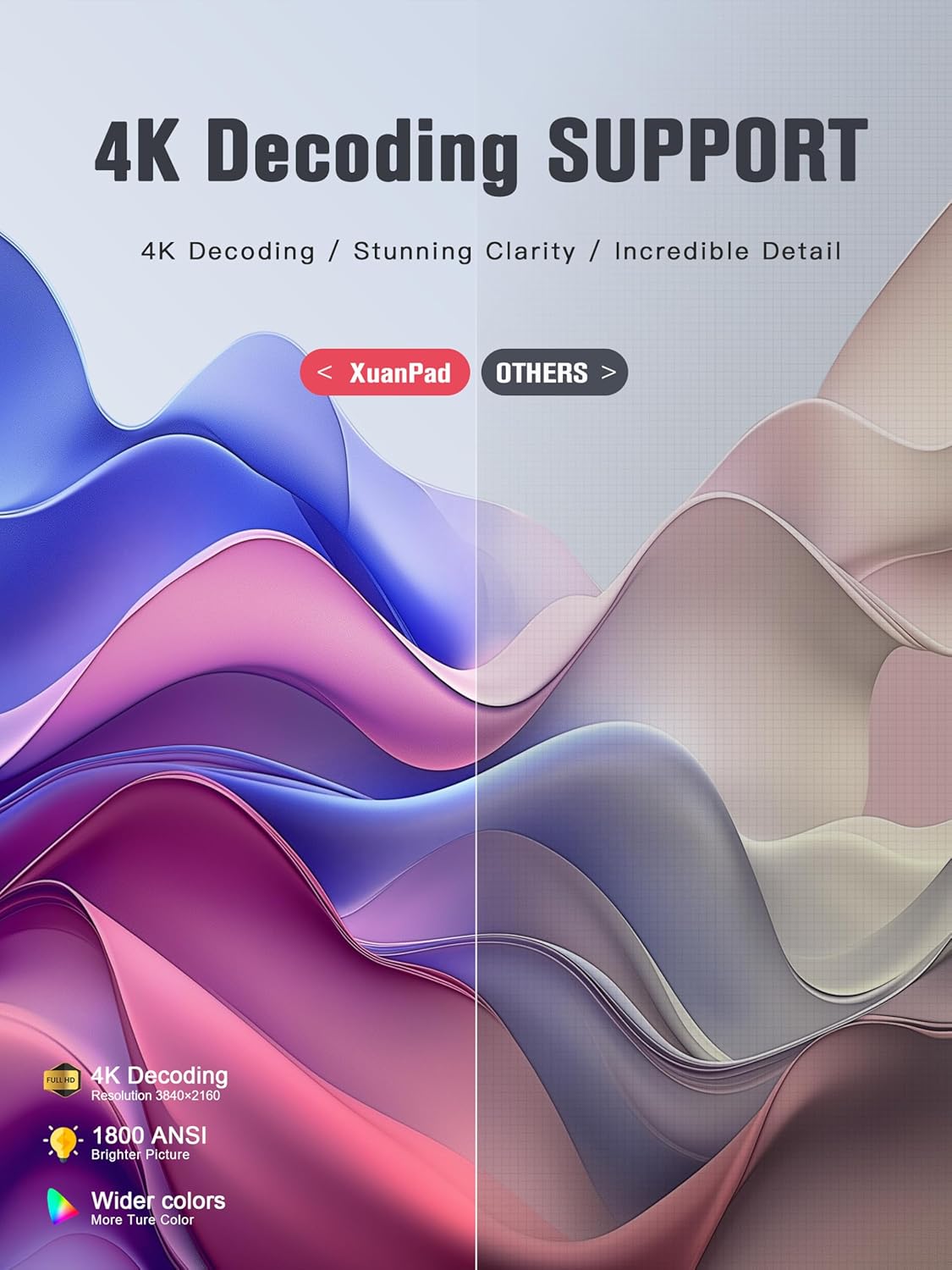
Image: The XuanPad V18 Projector highlighting its 4K Decoding Support, 1800 ANSI brightness, and wider color gamut for stunning clarity.
13. Warranty and Support
The XuanPad 1800 ANSI Smart Projector V18 comes with a manufacturer's warranty. Please refer to the warranty card included in your package for specific terms and conditions.
For technical support, troubleshooting assistance, or warranty claims, please contact XuanPad customer service through the contact information provided in your product documentation or on the official XuanPad website.


