
1. Product Overview
The AISLPC R36T is a portable retro gaming console designed to bring classic gaming experiences to your fingertips. Featuring a 3.5-inch IPS screen with a CRT-inspired design, it supports a wide range of game simulators and comes pre-loaded with over 18,000 classic games. Its compact size and long battery life make it ideal for gaming on the go.

Image: The R36T Retro Gaming Console in its red variant, showcasing its compact design and screen.
Key Features
- EmuELEC System: Equipped with a stable and efficient EmuELEC system for broad game compatibility.
- Extensive Game Library: Includes a 64GB TF card with over 18,000 classic games, supporting 23+ game simulators.
- CRT-Inspired IPS Screen: A 3.5-inch IPS full-viewing angle screen with 640x480 resolution, offering clear visuals and a nostalgic CRT aesthetic.
- Wireless Connectivity: Supports 5G WiFi and 2.4G OTG Wireless Controller for networked multiplayer gaming.
- Customizable RGB Lighting: Features 16 million color RGB joystick lighting with 16 adjustable light effects.
- Long Battery Life: Built-in 3500mAh battery provides 6-8 hours of continuous gameplay.

Image: An overview of the R36T's key features, including system, CPU, WiFi, TF card, emulators, classic games, display, RGB lighting, OTG controller, and battery.
2. What's in the Box
Upon unboxing your AISLPC R36T Retro Gaming Console, you should find the following items:
- Handheld Game Console (R36T)
- Portable Storage Bag
- TYPE-C Charger Cable
- Instruction Manual
- 64GB TF Card (pre-installed or separate)
3. Setup Guide
3.1 Initial Charging
Before first use, fully charge the console. Connect the provided Type-C charging cable to the console's charging port and plug the other end into a compatible USB power adapter (not included). The console features a 3500mAh battery, providing ample playtime once fully charged.
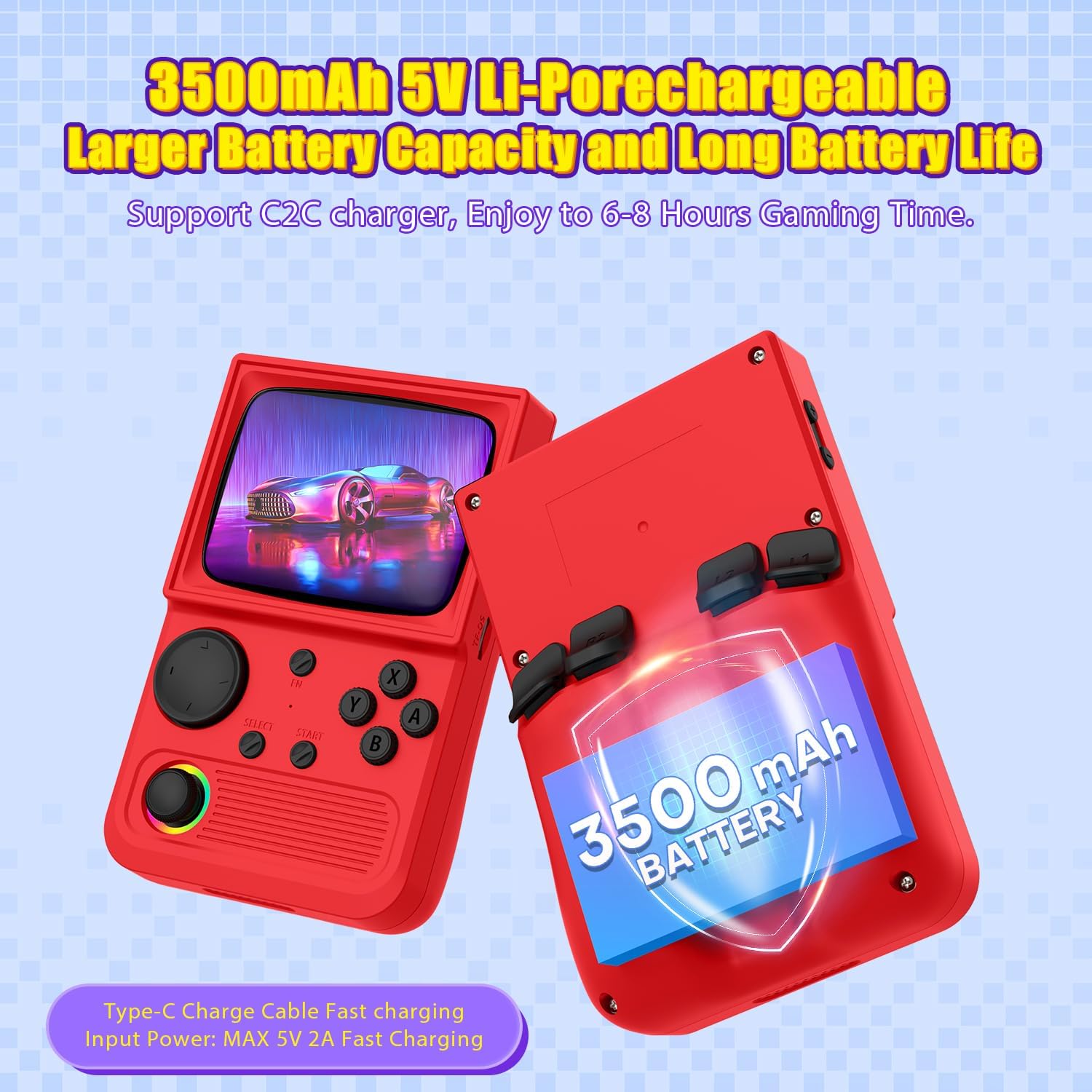
Image: Illustration highlighting the 3500mAh battery capacity and Type-C charging port of the R36T console.
3.2 Inserting the TF Card
The 64GB TF card, pre-loaded with games, should be inserted into the designated TF card slot on the console. Ensure it is properly seated to allow the system to read the game library.
3.3 Powering On/Off
To power on the console, locate the power button (usually on the side) and press and hold it for a few seconds until the screen illuminates. To power off, press and hold the power button again until the shutdown prompt appears, then confirm.
4. Operating Instructions
4.1 Navigation and Controls
The R36T console features a high-precision joystick and classic buttons (A, B, X, Y, Select, Start) for intuitive gameplay. Familiarize yourself with the button layout for optimal control across various games.
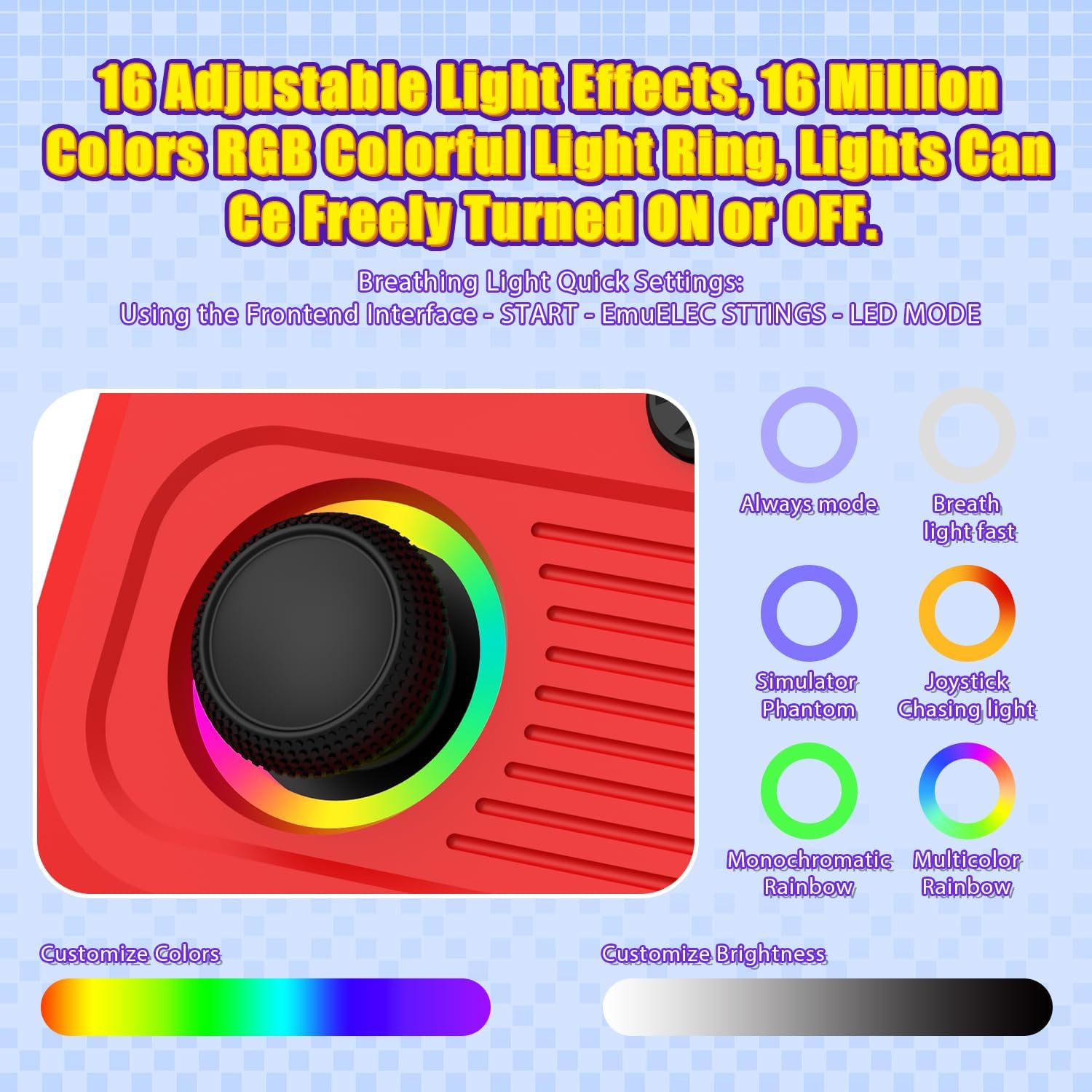
Image: Close-up of the R36T's joystick with customizable RGB lighting and control buttons.
4.2 Accessing and Playing Games
The console runs on the EmuELEC system, providing access to over 18,000 pre-installed classic games from various emulators. Navigate through the main menu using the joystick or D-pad to select your desired game or emulator.
4.3 Multiplayer Gaming
The R36T supports online multiplayer via 5G WiFi and local multiplayer using a 2.4G OTG Wireless Controller. To engage in multiplayer combat:
- Connect to Wi-Fi: Ensure all consoles are connected to the same Wi-Fi network.
- Launch Game: Open the same game on all devices.
- Host/Join: One player hosts the game, others join by entering the host's IP address.
- Fight: Begin your networked gaming session.

Image: Two R36T consoles being used simultaneously to illustrate the multiplayer gaming feature.
4.4 Display and Sound
The 3.5-inch IPS screen offers a clear and vibrant display with a 640x480 pixel resolution. The console includes a built-in speaker for audio, and a 3.5mm headphone jack is available for private listening.
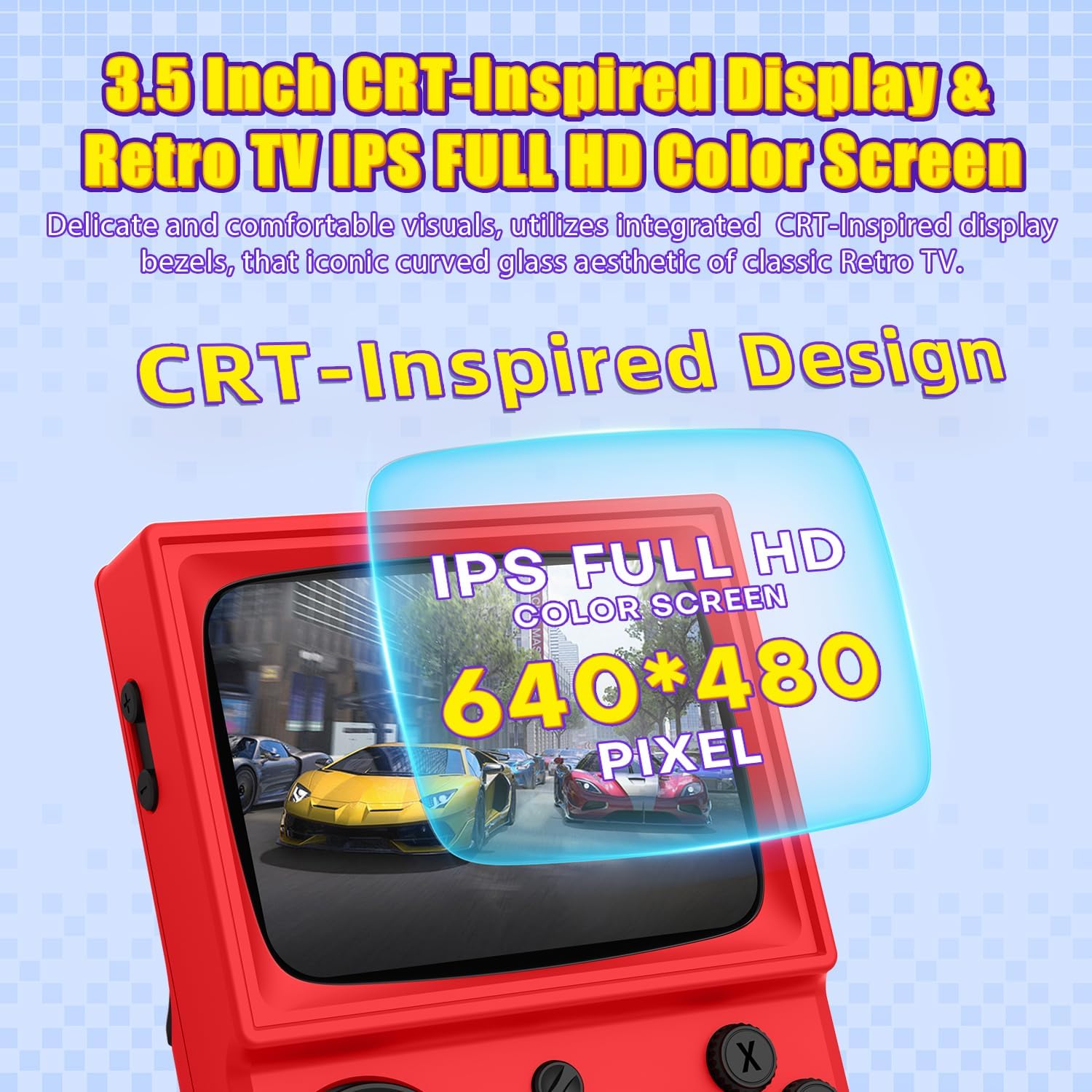
Image: A detailed view of the R36T's 3.5-inch IPS full HD color screen, emphasizing its CRT-inspired design.
5. Maintenance
5.1 Cleaning
Use a soft, dry cloth to clean the console's exterior. For the screen, use a microfiber cloth specifically designed for electronics. Avoid using harsh chemicals or abrasive materials.
5.2 Storage
When not in use, store the console in its provided portable storage bag to protect it from dust, scratches, and minor impacts. Keep it in a cool, dry place away from direct sunlight and extreme temperatures.
5.3 Battery Care
To prolong battery life, avoid fully discharging the console frequently. Charge it regularly, and if storing for an extended period, ensure it has at least a 50% charge.
6. Troubleshooting
Common Issues and Solutions:
- Console not powering on: Ensure the battery is charged. Connect the Type-C cable and try again.
- Games not loading: Check if the TF card is properly inserted. Restart the console.
- Poor Wi-Fi connection: Ensure the console is within range of a strong Wi-Fi signal. Restart your router if necessary.
- Screen issues (flickering, no display): Try restarting the console. If the issue persists, contact customer support.
For further assistance, please refer to the official AISLPC support resources.
7. Specifications
| Feature | Detail |
|---|---|
| Brand | AISLPC |
| Model Number | R36T |
| Material | Plastic |
| Product Dimensions | 5 x 2 x 6 inches |
| Item Weight | 12.3 ounces |
| Screen Size | 3.5 inches |
| Screen Resolution | 640x480 pixels |
| Battery Capacity | 3500mAh |
| System | EmuELEC System |
| CPU | RK3326 Quad Core Cortex-A35 CPU |
| Memory | 1GB RAM + 8GB internal (64GB TF card included) |
8. Safety Information
For external use only. Do not attempt to disassemble or modify the device. Keep out of reach of small children due to small parts. Avoid exposure to water or extreme temperatures. Use only the provided charging cable.
9. Warranty and Support
For warranty information and customer support, please refer to the official AISLPC website or contact their customer service directly. Keep your purchase receipt for any warranty claims.


