
AIRIVO BL-3D01
AIRIVO 3D Galaxy Projector BL-3D01 User Manual
Model: BL-3D01
Introduction
Thank you for purchasing the AIRIVO 3D Galaxy Projector. This device combines advanced optical technology with high-definition lenses to create immersive 3D scenes, nebulae, and moving stars, complemented by a Bluetooth speaker. This manual provides detailed instructions for safe and effective use of your projector.
Important Safety Information
- Do not look directly into the projector lens when the light is on.
- Keep the device away from water or other liquids to prevent electric shock.
- Do not disassemble or attempt to repair the device yourself. Contact customer support for assistance.
- Ensure the device is placed on a stable, flat surface to prevent tipping.
- Use only the provided power adapter.
- Keep out of reach of small children to prevent accidental ingestion of small parts or direct eye exposure to light.
- The device features a cooling system. Ensure ventilation holes are not blocked during operation.
Package Contents
Verify that all items are present in the package:
- AIRIVO 3D Galaxy Projector
- Remote Control
- User Manual (this document)
- Power Adapter
Product Overview
The AIRIVO 3D Galaxy Projector is designed to transform your space with dynamic visual and auditory experiences. Key components include the projection lens, control buttons, cooling holes, and a built-in Bluetooth speaker.
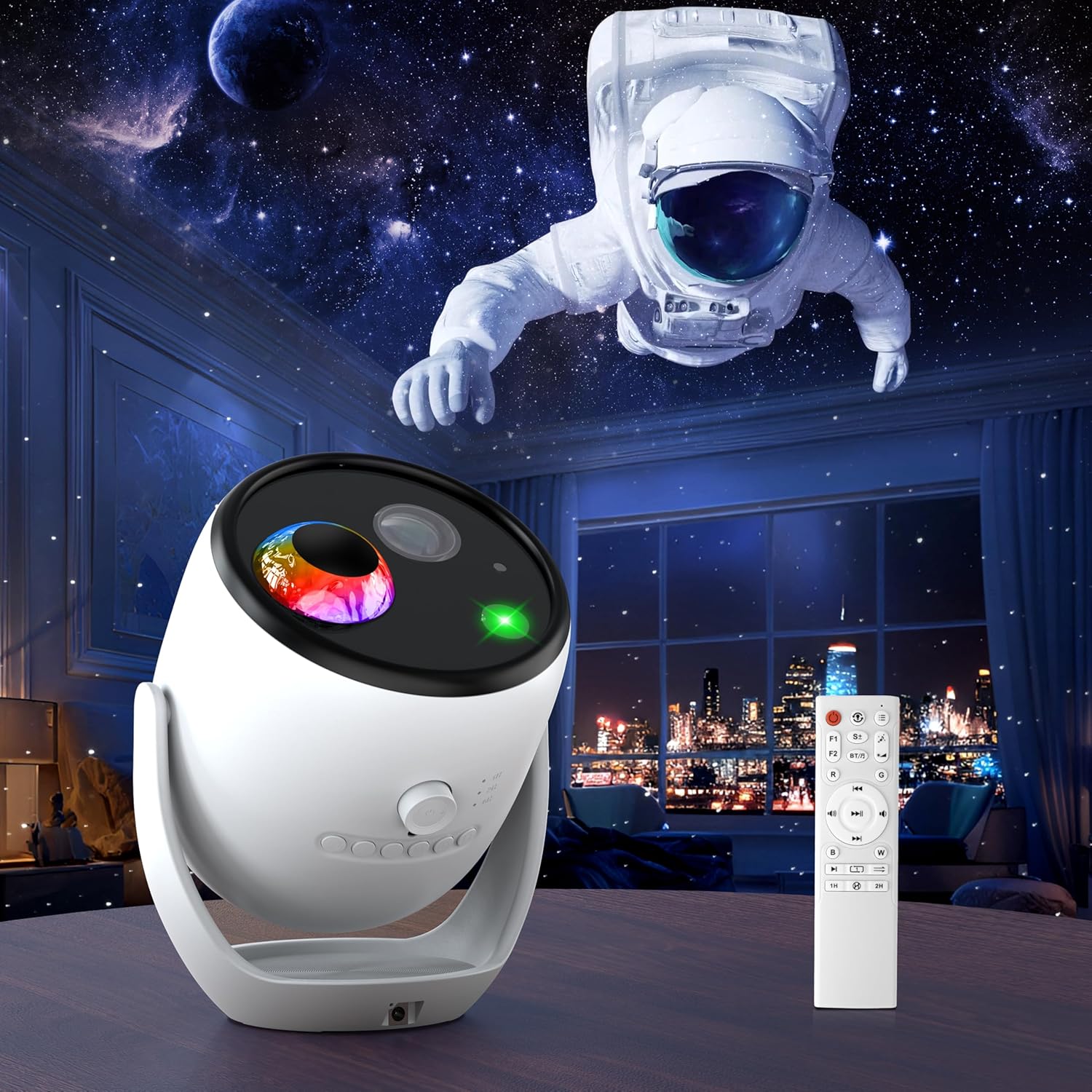
Image: The AIRIVO 3D Galaxy Projector, its remote control, and a projected cosmic scene with an astronaut.

Image: A diagram illustrating the projector's adjustable angle, focus wheel, cooling holes, and approximate dimensions (7.6" width, 9.45" height).
Main Components:
- Projection Lens: Emits the visual scenes.
- Focus Wheel: Adjusts the clarity of the projected image.
- Control Buttons: On-device controls for power, mode, and volume.
- Cooling Holes: Designed for heat dissipation to ensure stable performance.
- Bluetooth Speaker: For audio playback and built-in ambient sounds.
- Remote Control: Provides convenient wireless operation.
Setup
- Placement: Place the projector on a stable, flat surface. For optimal projection, position it 3-5 meters from the desired projection surface (wall or ceiling).
- Power Connection: Connect the provided power adapter to the projector's power input port and then plug it into a standard electrical outlet.
- Initial Power On: Press the power button on the device or the remote control to turn on the projector.
- Adjust Focus: Rotate the focus wheel on the device to fine-tune the lens clarity until the projected image appears sharp and clear.
Operating Instructions
1. Power On/Off
- Press the Power Button on the device or remote control to turn the projector on or off.
2. Scene Selection (90 Dynamic 3D Scenes & 11 Themes)
The projector offers 90 dynamic 3D scenes across 11 captivating themes, including oceans, wildlife, landscapes, cosmic wonders, and festive celebrations. Use the remote control to navigate and select scenes.

Image: A visual representation of the 90 dynamic 3D scenes and 11 themes, such as dinosaurs, cosmic wonders, and mysterious oceans.

Image: A family enjoying cosmic mystery projections, including an astronaut, on their ceiling.

Image: A family observing an ocean life projection, featuring a large whale, on their ceiling.
3. 3-in-1 Lighting Effects
The projector can blend 3D dynamic scenes, nebula lighting effects, and moving green stars. These can be used individually, paired, or all three simultaneously to create custom ambiance.
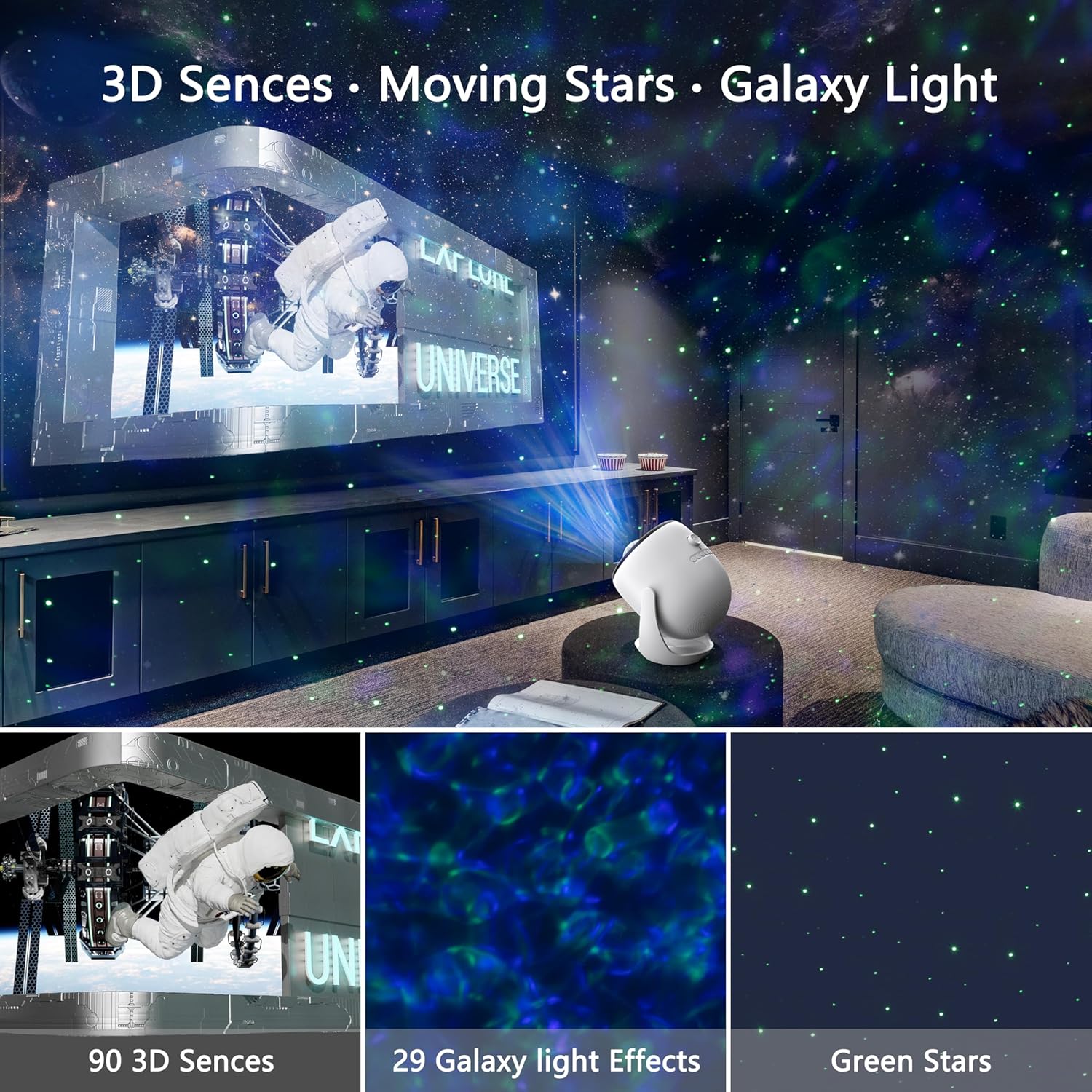
Image: A visual demonstration of the projector's ability to combine 3D scenes, moving stars, and galaxy light effects.
4. Bluetooth Speaker & Built-in Ambient Sound
The projector features a built-in Bluetooth speaker and pre-loaded ambient sounds.
- Bluetooth Connectivity: To stream your own music, activate Bluetooth on the projector and pair it with your smartphone or other Bluetooth-enabled device.
- Built-in Sounds: Each 3D scene features exclusive built-in music or ambient sounds. These will play automatically when a scene is selected.
- Adjust volume using the remote control or device buttons.

Image: Two children dancing in a room with a light projection, demonstrating the Bluetooth speaker feature.
5. Auto-Off Timer & Auto Shutdown
- Timer Function: Set a 1-hour or 2-hour timer using the remote control to conserve energy.
- Automatic Shutdown: For safety and energy efficiency, the device will automatically power off after 6 hours of continuous use. This feature is not adjustable.
Maintenance
- Cleaning: Use a soft, dry cloth to clean the exterior of the projector. Do not use abrasive cleaners or solvents. For the lens, use a lens cleaning cloth specifically designed for optical surfaces.
- Storage: When not in use, store the projector in a cool, dry place, away from direct sunlight and extreme temperatures.
- Cooling System: The projector has a built-in cooling fan. Ensure the cooling holes are free from dust and obstructions. A slight fan sound during operation is normal.
Troubleshooting
| Problem | Possible Cause | Solution |
|---|---|---|
| Projector does not turn on. | No power, loose connection. | Ensure power adapter is securely connected and plugged into a working outlet. |
| Remote control is unresponsive. | Low battery, obstruction, temporary disconnection. | Replace remote control batteries. Ensure no obstructions between remote and projector. Try unplugging and re-plugging the projector. |
| Projected image is blurry. | Focus not adjusted, incorrect projection distance. | Rotate the focus wheel on the device until the image is clear. Adjust the distance of the projector from the surface (optimal 3-5 meters). |
| Bluetooth speaker not connecting. | Bluetooth not enabled, device too far. | Ensure Bluetooth is enabled on both the projector and your device. Keep devices within range. |
| Fan noise is noticeable. | Normal operation of cooling system. | A certain level of fan noise is normal for heat dissipation. Ensure cooling holes are not blocked. |
Specifications
| Model Number | BL-3D01 |
| Brand | AIRIVO |
| Color | White |
| Material | Plastic |
| Light Source Type | LED |
| Power Source | Corded Electric |
| Voltage | 24 Volts (DC) |
| Wattage | 5 Watt-hours |
| Brightness | 350 Lumen |
| Item Weight | 2.8 Pounds |
| Package Dimensions | 12.48 x 11.65 x 7.56 inches |
| Special Features | 90 3D Scenes, Background Lighting Effect, Bluetooth Speaker, Built-in Background Sound, Star Projection |
| Included Components | 3D Galaxy Projector, Remote Control, User Manual |
Note: The product features 90 dynamic 3D scenes as described in the product overview and feature list.
Warranty and Support
For warranty information and customer support, please refer to the warranty card included in your product packaging or visit the official AIRIVO website. If you encounter any issues not covered in this manual, please contact AIRIVO customer service for assistance.
You can also visit the AIRIVO Store on Amazon for more product information and support resources.
Related Documents - BL-3D01
 |
BL-3D01 User Manual: Setup, Operation, and Specifications Comprehensive user manual for the BL-3D01 projection device, detailing unpacking, setup, button functions, remote control operations, specifications, and regulatory information. |
 |
Globe Galaxy Projector User Manual - Immersive Starry Light Show Comprehensive user manual for the Globe Galaxy Projector (Model BL-DQY02). Learn about unboxing, product features, operating instructions, how to change film discs, adjust focus, and view technical specifications. Experience a realistic starry light show. |
 |
FLEWKEN Globe Galaxy Projector User Manual - BL-DQY02 Operation Guide Comprehensive user manual for the FLEWKEN Globe Galaxy Projector (Model BL-DQY02). Learn about setup, operation, features, and specifications for this starry night light projector. |
 |
Star Galaxy Projector User Manual User manual for the Star Galaxy Projector (Model: BL-XK09), detailing product introduction, operation instructions, charging, technical specifications, precautions, and FCC compliance. |
 |
Space Dog Galaxy Projector User Manual Comprehensive user manual for the Space Dog Galaxy Projector (Model BL-X02). Learn how to set up, operate, and troubleshoot your device. Features include galaxy projection, built-in music playback, white noise tracks, and remote control functionality. |
 |
Verk 18313 Projektor noční oblohy, polární záře a galaxie 4K Návod Kompletní uživatelský manuál pro projektor Verk 18313, který nabízí projekci noční oblohy, polární záře a galaxií v rozlišení 4K. Obsahuje podrobné pokyny k instalaci, ovládání, funkcím, řešení běžných problémů a technické specifikace. |
Ask a question about this manual
Ask about setup, troubleshooting, compatibility, parts, safety, or missing instructions. Manuals+ will review the question and use this page’s manual context to help answer it.