Introduction
The VEKJ A68 Pro AI Translation Earbuds are designed to facilitate seamless communication across language barriers, offering real-time translation capabilities alongside high-quality audio for music and calls. These earbuds integrate advanced technology to provide a versatile audio experience for various scenarios, from international travel to business meetings and language learning.

Figure 1: VEKJ A68 Pro AI Translation Earbuds and Charging Case.
What's in the Box
- A68 Pro Translator Earbuds (2 units)
- USB-C charging cable (1 unit)
- Instructions for use (1 unit)
- Translation manual (1 unit)
- Ear tips (3 pairs: S, M, L)
Setup
1. Charging the Earbuds and Case
Before first use, fully charge the earbuds and the charging case. Connect the provided USB-C cable to the charging port on the case and a power source. The LED display on the charging case will indicate the battery level. A full charge typically takes approximately 1.5 hours.

Figure 2: Battery Life and Charging Indicators.
2. Bluetooth Pairing
- Ensure the earbuds are charged.
- Open the charging case. The earbuds will automatically power on and enter pairing mode.
- On your smartphone or Bluetooth-enabled device, go to Bluetooth settings.
- Search for "A68 Pro" in the list of available devices and select it to connect.
- Once connected, a confirmation sound will play, and the device will show as paired.

Figure 3: One-Step Bluetooth Pairing.
3. Ear Dance App Installation and Activation
To utilize the full translation capabilities, download and activate the "Ear Dance" application on your smartphone.
- Download: Scan the QR code in the instruction manual or search for "Ear Dance" in your device's app store (Google Play Store for Android, Apple App Store for iOS). You can also download it directly from earjoy.watchfun.cn/app-download-h5?appCode=eardance.
- Activation:
- Connect the earbuds to your phone via Bluetooth as described above.
- Launch the "Ear Dance" app. It should automatically detect and connect to the earbuds.
- Follow the in-app instructions to complete activation, which may involve scanning an authorization code from the manual.

Figure 4: Ear Dance App Download and Activation Steps.
Operating Modes
The VEKJ A68 Pro earbuds offer multiple translation modes to suit various communication needs.

Figure 5: Overview of 7 Translation Modes.
1. Audio & Video Call Translation (Supports 164 Languages)
This mode enables real-time language conversion during audio and video calls. By connecting via Bluetooth, the earbuds automatically recognize and translate spoken dialogue, displaying subtitles on your screen or playing translated audio directly. This is ideal for cross-lingual communication in virtual meetings or with international contacts.

Figure 6: Audio and Video Call Translation in Action.
2. Free Talk Mode (Supports 164 Languages)
In Free Talk mode, simply wear the earbuds and speak in your native language. The device automatically detects and translates languages in real-time without needing to tap the phone or the earbuds. The translation is delivered through the earbuds or via your phone speaker, making it suitable for spontaneous conversations and travel.

Figure 7: Free Talk Mode for Natural Conversations.
3. Headphone + Phone Mode (Supports 164 Languages)
This mode is designed for two-way interaction. One person wears the earbuds, while the other interacts with the smartphone. Voice input is captured through the earbuds, and translations appear on your phone screen in real-time. Audio output is available through either the earbuds or the phone speaker, useful for situations like ordering food or quick exchanges.

Figure 8: Headphone + Phone Mode for Interactive Translation.
4. Translator Machine Mode (Supports 164 Languages)
This mode allows the device to work as a standalone translator without requiring the earbuds to be worn. Speak directly into your phone for instant voice translation, with results displayed on-screen and played through the phone's speaker. This is convenient for quick translations or when sharing the translation with a group.

Figure 9: Translator Machine Mode for Standalone Use.
5. Photo Translation (Supports 20 Languages)
Use your phone's camera to take a picture of foreign text, such as a menu or document. The app will automatically translate the text in the image into your desired language, simplifying understanding of written foreign content.
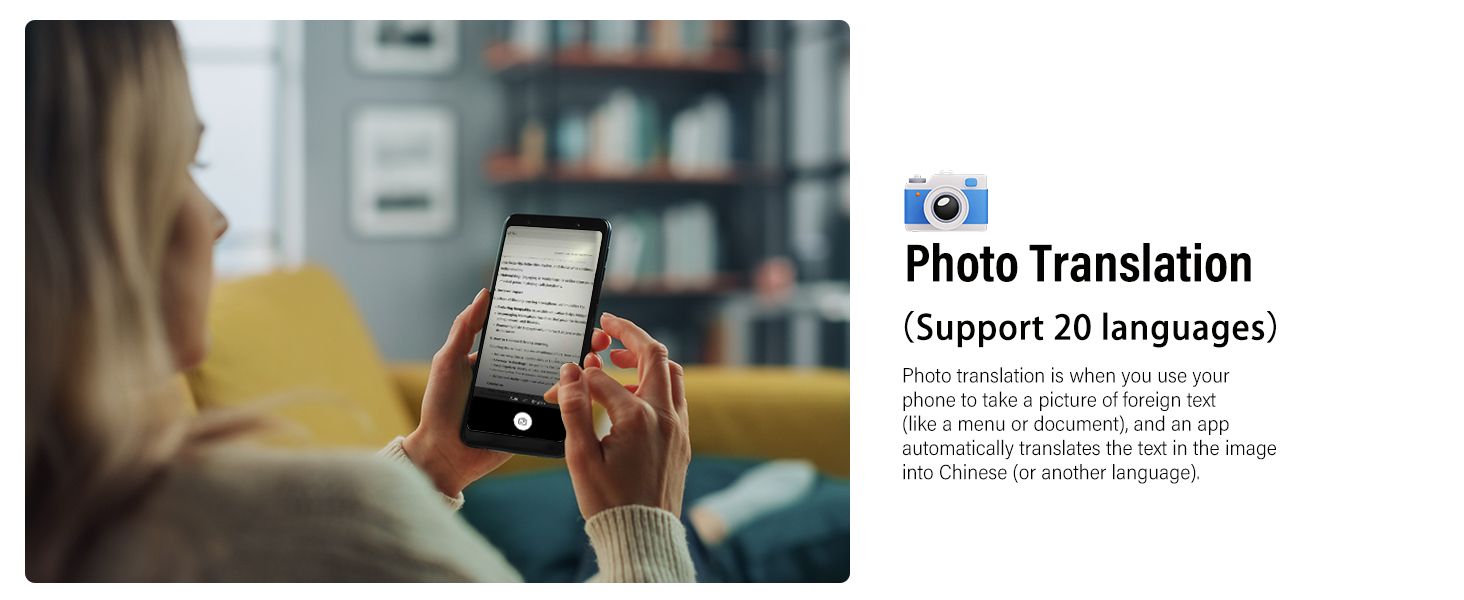
Figure 10: Photo Translation Feature.
6. Voice Note Mode (Supports 11 Languages)
This mode converts spoken speech to text in real-time, with automatic transcription and translation capabilities. It supports note-taking for meetings, lectures, or creative brainstorming, simplifying the process of capturing and understanding spoken information.

Figure 11: Voice Note Mode for Transcription and Translation.
7. AI Dialogue Mode (Supports 13 Languages)
Integrating cutting-edge AI via the OpenAI 4.0 mini API, this mode enables smooth, intelligent conversations. Whether for daily chats, information retrieval, writing assistance, or brainstorming, the AI offers detailed responses, perfect for in-depth discussions. Note: Real-time data like weather or dates are not supported.
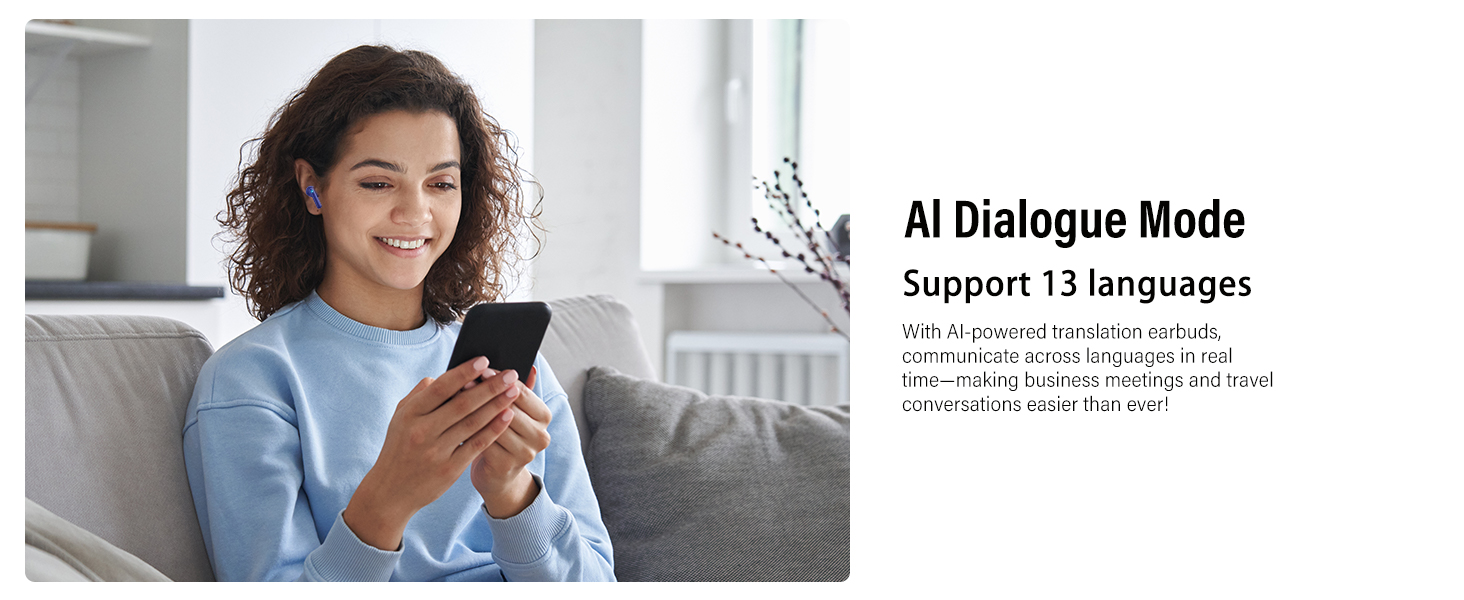
Figure 12: AI Dialogue Mode for Intelligent Conversations.
Key Features
- Three-in-One Functionality: Combines translation, music playback, and phone calls into one versatile device.
- HD Stereo Sound: Features a 13mm Hi-Fi dynamic driver for immersive sound with rich bass and clear treble.
- ENC Noise Cancellation: Equipped with dual-mic ENC technology that filters out 90% of background noise, ensuring clear call quality with up to 35dB noise reduction.
- Extended Battery Life: Provides 6-8 hours of use on a single charge, with the charging case extending total battery life to 42 hours. The digital LED display on the case shows real-time power status.
- Bluetooth 5.3 Technology: Ensures ultra-fast, stable connections for seamless audio in any environment. After initial pairing, simply open the charging case to reconnect.
- Smart Touch Control: Highly sensitive touch sensors allow for easy control of music playback (volume, play/pause, previous/next), call management (answer/reject), and voice assistant activation.
- Ergonomic Design & Durability: Designed for extended wear, lightweight (4g per earbud), and IPX7 waterproof rated, making them suitable for sports and various activities. Comes with S/M/L ear tips for a comfortable fit.

Figure 13: 13mm Hi-Fi Dynamic Driver.

Figure 14: Dual-Mic ENC Technology.

Figure 15: Smart Touch Control Functions.

Figure 16: Ergonomic Design and IPX7 Water Resistance.
Usage Scenarios
The VEKJ A68 Pro AI Translation Earbuds are versatile and can be used in a variety of settings:
- International Travel: Overcome language barriers when exploring new countries.
- Academic Exchange: Facilitate communication in multilingual educational environments.
- Business Meetings: Ensure clear understanding during international business negotiations and conferences.
- Learning and Training: Aid in language acquisition and understanding foreign content.
- Emergency Assistance: Communicate effectively in unfamiliar places during urgent situations.
Maintenance
- Cleaning: Regularly clean the earbuds and charging case with a soft, dry cloth. Avoid using harsh chemicals or abrasive materials.
- Storage: Store the earbuds in their charging case when not in use to protect them and keep them charged. Store in a cool, dry place away from direct sunlight and extreme temperatures.
- Water Exposure: While IPX7 rated, avoid prolonged submersion in water. Dry the earbuds thoroughly if they get wet before placing them back in the charging case.
- Battery Care: To prolong battery life, avoid fully discharging the earbuds and case frequently. Charge them regularly, even if not in constant use.
Troubleshooting
| Problem | Possible Cause | Solution |
|---|---|---|
| Earbuds not pairing/connecting | Low battery; Bluetooth off; Earbuds not in pairing mode; Device too far. | Charge earbuds; Enable Bluetooth on device; Open case to enter pairing mode; Move device closer to earbuds. |
| No sound or poor sound quality | Earbuds not properly seated; Volume too low; Obstruction in earbud nozzle; Connection issue. | Adjust earbuds fit; Increase volume; Clean earbud nozzles; Reconnect Bluetooth. |
| Translation not working or inaccurate | App not open/connected; Internet connection unstable; Background noise; Incorrect language settings. | Ensure "Ear Dance" app is open and connected; Check internet connection; Move to quieter environment; Verify language settings in app. |
| Charging case not charging | Cable/adapter faulty; Charging port dirty. | Try a different USB-C cable/adapter; Clean charging port gently. |
Specifications
| Feature | Detail |
|---|---|
| Model Number | A68 Pro |
| Bluetooth Version | 5.3 |
| Translation Languages | Up to 164 (via Ear Dance App) |
| Driver Size | 13mm Hi-Fi Dynamic Driver |
| Noise Cancellation | Dual-Mic ENC (up to 35dB reduction) |
| Earbud Playtime | 6-8 hours (single charge) |
| Total Battery Life (with case) | Up to 42 hours |
| Charging Time | Approx. 1.5 hours |
| Water Resistance | IPX7 |
| Item Weight | 3.84 ounces |
| Package Dimensions | 4.17 x 3.27 x 1.42 inches |