
1. Introduction
Thank you for choosing the YRF Mic 2 (M15) Wireless Lavalier Microphone System. This system is designed to provide high-quality audio recording for various applications, including video recording, podcasts, interviews, and live streaming. It features intelligent noise cancellation, dual transmitters, and broad compatibility with smartphones, tablets, and cameras.
Please read this manual thoroughly before using the product to ensure proper operation and to maximize its performance.
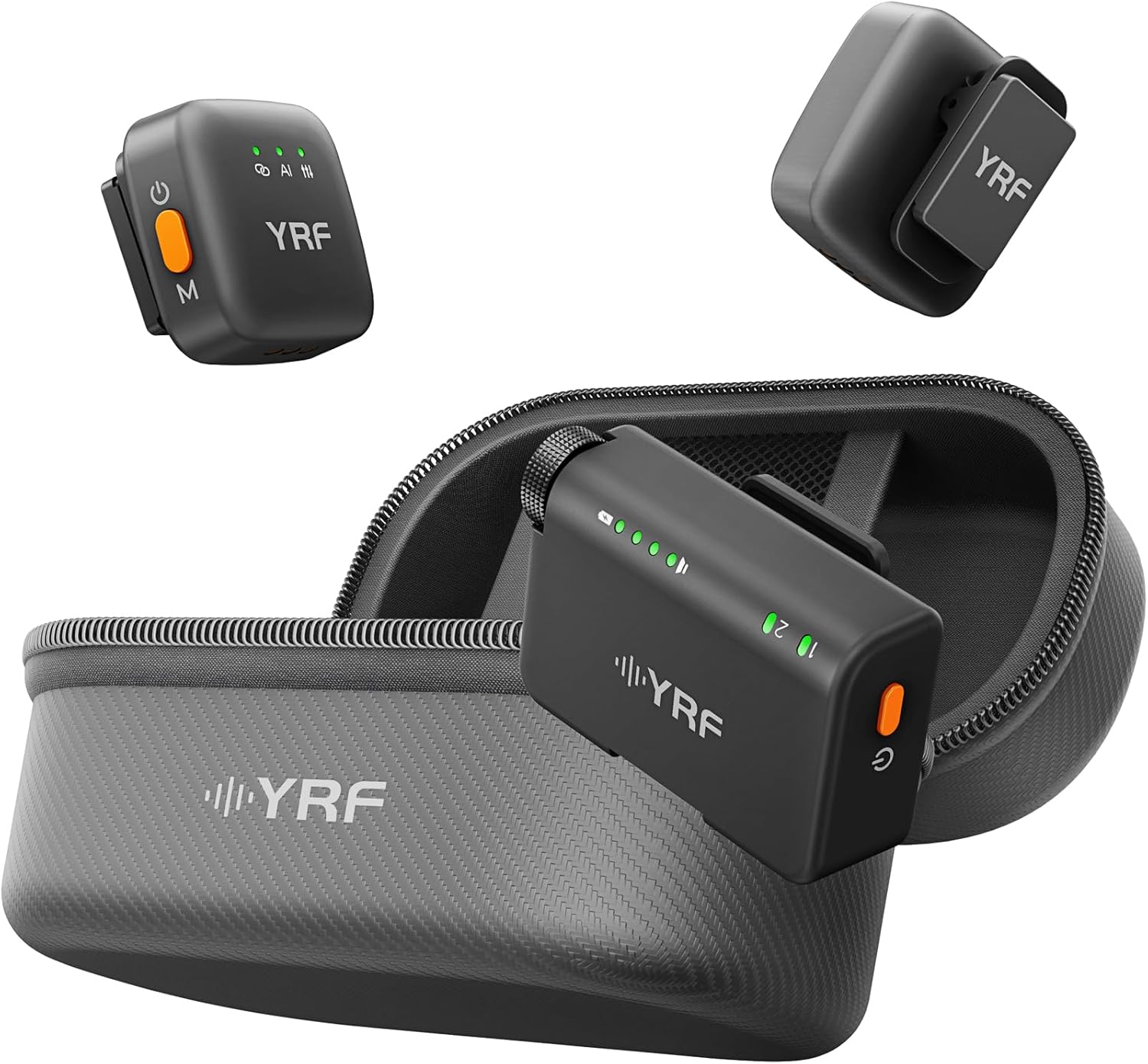
Image 1: YRF Mic 2 Wireless Lavalier Microphone System, including two transmitters, one receiver, and a portable charging case.
2. What's in the Box
The YRF Mic 2 (M15) package includes the following components:
- 2 x Transmitters (TX)
- 1 x Receiver (RX)
- 1 x Portable Charging Case
- 2 x Furry Windshields
- 2 x Magnetic Back Clips
- 2 x Lanyards
- 1 x USB-C Charging Cable
- 1 x iOS Adapter (Lightning)
- 1 x Type-C Adapter
- 1 x 3.5mm TRS Camera Cable
- 1 x Instruction Manual

Image 2: All components included in the YRF Mic 2 (M15) package.
3. Setup Guide
- Charge the System: Before first use, ensure the transmitters and receiver are fully charged using the provided USB-C charging cable and the portable charging case. The case itself can be charged via its USB-C port.
- Connect the Receiver:
- For Smartphones/Tablets: Attach the appropriate adapter (Lightning for iOS, Type-C for Android) to the receiver. Plug the receiver into your device's charging/data port.
- For Cameras: Use the 3.5mm TRS camera cable to connect the receiver to your camera's microphone input.
- Power On Transmitters: Press and hold the power button on each transmitter until the indicator lights illuminate. The transmitters will automatically pair with the receiver. The receiver's display will indicate the connection status and number of connected microphones.
- Attach Transmitters: Clip the transmitters to your clothing using the integrated clip or the magnetic back clips. For outdoor use or windy conditions, attach the furry windshields to the transmitters to reduce wind noise.
Video 1: A detailed unboxing and setup guide for the YRF Mic 2 Wireless Microphone System, demonstrating how to connect to various devices and utilize accessories.
4. Operating Instructions
4.1 Wearing the Microphones
The transmitters can be worn in several ways:
- Clip-on: Use the integrated clip to attach the transmitter to your collar or clothing.
- Magnetic Attachment: For discreet placement or on delicate fabrics, use the magnetic back clips. Place one magnet inside your clothing and the transmitter on the outside, allowing them to connect magnetically.
- Lanyard: The provided lanyards allow you to wear the transmitters around your neck for convenience.

Image 3: Wearing options for the YRF Mic 2 transmitter.
4.2 Noise Cancellation
The YRF Mic 2 features intelligent noise cancellation to ensure clear audio in various environments. The system automatically adjusts to reduce background noise.

Image 4: AI noise cancellation in various settings.
4.3 Stable Connection and Range
The system utilizes a dual-chip design for stable signal transmission, minimizing dropouts. It offers a stable transmission range of up to 492 feet (150 meters) in open environments.

Image 5: Dual-chip stable connection and signal strength.
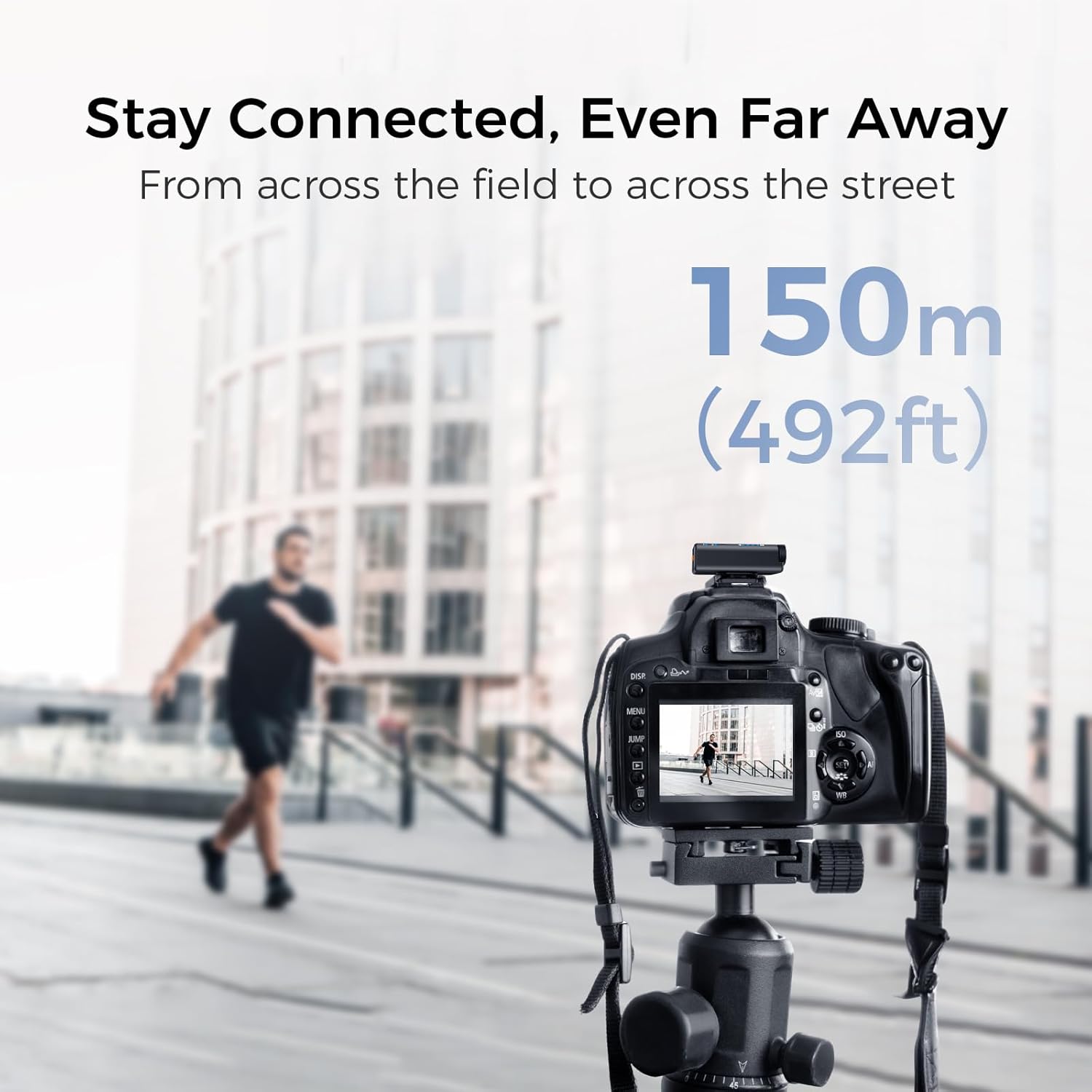
Image 6: Extended transmission range of the YRF Mic 2.
5. Charging and Battery Life
The YRF Mic 2 system provides extended battery life for prolonged recording sessions. The portable charging case allows you to recharge the transmitters and receiver on the go.
- Total Battery Life: Up to 33 hours with the charging case.
- Transmitter Battery Life: Approximately 17 hours per transmitter on a single charge.
- Charging Time: The system fully charges in approximately 2 hours.

Image 7: Battery life and charging capabilities.
6. Compatibility
The YRF Mic 2 (M15) is designed for wide compatibility with various devices:
- Smartphones: iPhone (via Lightning adapter), Android phones (via Type-C adapter).
- Tablets: Compatible with both iOS and Android tablets.
- Cameras: Connects to DSLR cameras and camcorders via the 3.5mm TRS cable.
- Laptops: Can be connected to laptops with appropriate ports.

Image 8: YRF Mic 2 compatibility with various devices.
7. Specifications
| Feature | Detail |
|---|---|
| Model Number | CN3-YRF-M15-US-BT-2 |
| Number of Channels | 2 |
| Connectivity Technology | Wireless (RF or infrared), Lightning, USB, Auxiliary |
| Microphone Form Factor | Lavalier |
| Power Source | Battery Powered (Lithium Ion) |
| Item Weight | 8.4 ounces |
| Package Dimensions | 4.37 x 3.54 x 3.03 inches |
| Transmission Range | Up to 492ft (150m) |
| Battery Life (Transmitter) | Approx. 17 hours |
| Total Battery Life (with case) | Up to 33 hours |
| Charging Time | Approx. 2 hours |
8. Troubleshooting
- No Sound/Low Volume:
- Ensure the receiver is securely connected to your recording device.
- Verify that both transmitters are powered on and paired with the receiver (indicator lights should be solid).
- Check the volume settings on your recording device.
- Ensure the microphone is positioned correctly and not obstructed.
- Interference/Poor Audio Quality:
- Move closer to the receiver to reduce the distance between transmitter and receiver.
- Avoid obstacles (walls, large metal objects) between the transmitter and receiver.
- Ensure no other wireless devices are operating on the same frequency nearby.
- Attach the furry windshields in windy or noisy outdoor environments.
- Device Not Recognizing Receiver:
- Ensure the correct adapter (Lightning or Type-C) is firmly attached and compatible with your device.
- Restart your recording device and try reconnecting.
- For cameras, ensure the 3.5mm TRS cable is fully inserted into the microphone input.
- Charging Issues:
- Verify the USB-C charging cable is properly connected to the charging case and a power source.
- Ensure the transmitters and receiver are correctly seated in the charging case.
- Check if the power source is functional.
9. Maintenance
- Cleaning: Use a soft, dry cloth to clean the microphones, receiver, and charging case. Do not use liquid cleaners or solvents.
- Storage: Store the system in its charging case in a cool, dry place when not in use.
- Battery Care: To prolong battery life, avoid fully discharging the batteries frequently. Recharge the system regularly, even if not in constant use.
- Handle with Care: Avoid dropping or subjecting the devices to strong impacts.
10. Warranty and Support
YRF offers a 3-year care program for this product. If you encounter any issues within three years of purchase, please contact YRF customer support for assistance. For detailed warranty terms and conditions, please refer to the official YRF website or contact their customer service.
For technical support or further inquiries, please refer to the contact information provided in your product packaging or on the official YRF website.


