1. Introduction
Thank you for choosing the WUNIAK Tempered Glass Screen Protector. This manual provides detailed instructions for the proper installation, use, and maintenance of your screen protector, ensuring optimal protection and performance for your BMAX MaxPad I8 Plus Android 15 Tablet 8.7 inch.
This product is specifically designed to safeguard your tablet's display from scratches, impacts, and daily wear while maintaining touch sensitivity and visual clarity.
2. Product Features
The WUNIAK Tempered Glass Screen Protector offers advanced features to enhance your tablet experience:
- 9H Hardness: Provides superior scratch resistance, protecting your screen from keys, knives, and other sharp objects.
- High Definition & Transparency: Maintains the original viewing experience with 99% light transmission and HD clarity.
- Touch Sensitive: Ensures responsive and accurate touch interaction with your tablet's screen.
- Oleophobic Coating: Reduces fingerprints and smudges, making the screen easier to clean.
- Shatterproof Design: Engineered to resist shattering, providing an additional layer of safety.
- Easy Installation: Features a bubble-free adhesive and includes an alignment frame for straightforward application.
- 2.5D Round Edges: Smooth, rounded edges for comfortable handling and a seamless feel.

Image: Key features of the WUNIAK Tempered Glass Screen Protector.

Image: Responsive touch and anti-smudge coating for sensitive touch.
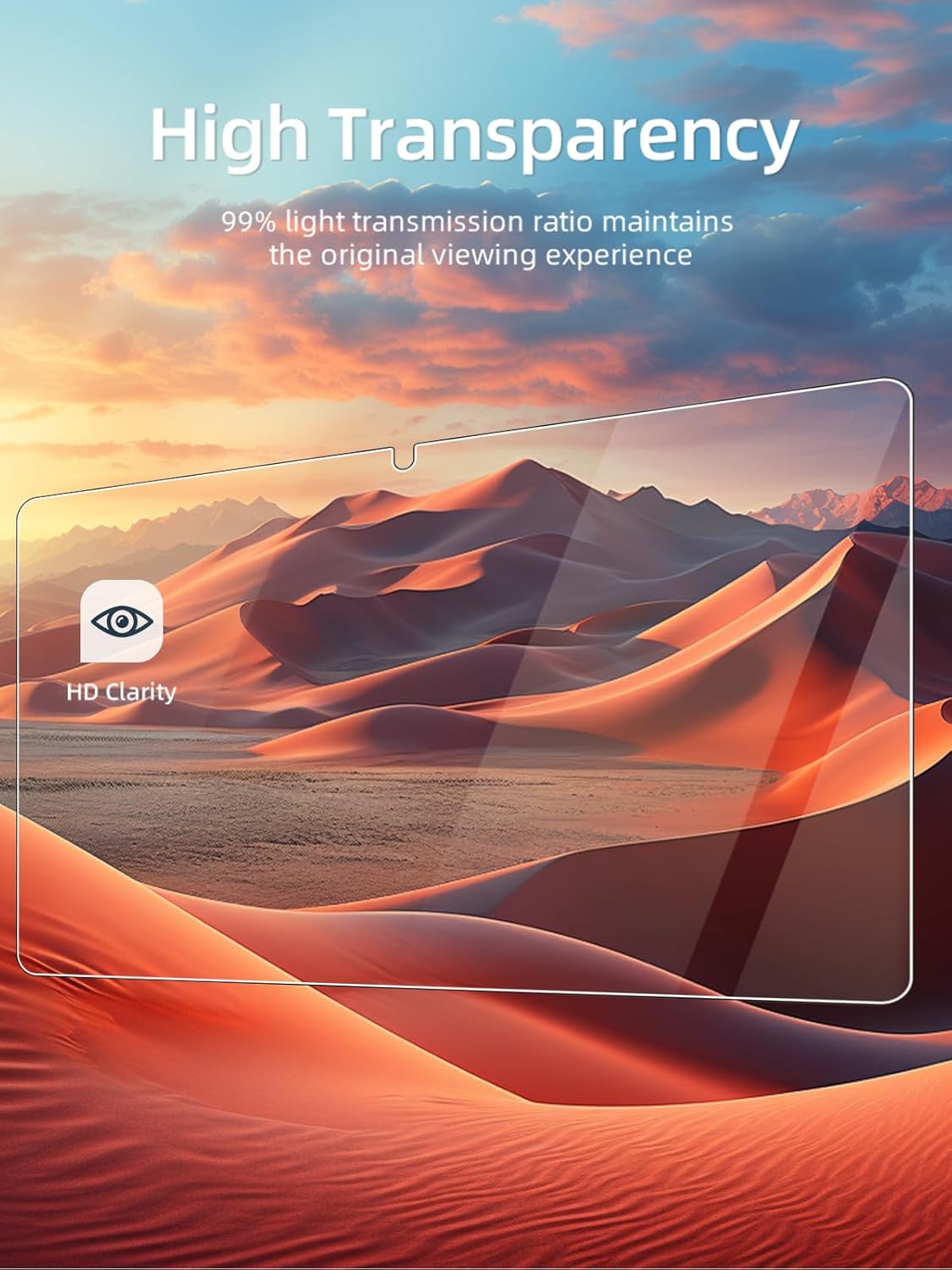
Image: High transparency maintaining original viewing experience.

Image: 9H surface hardness for scratch resistance.

Image: Smooth 2.5D round edges for comfort.
3. Package Contents
Your WUNIAK Tempered Glass Screen Protector package includes:
- 2 x WUNIAK Tempered Glass Screen Protectors
- 1 x Installation Kit (includes cleaning wipes, dust removal sticker, and alignment frame)
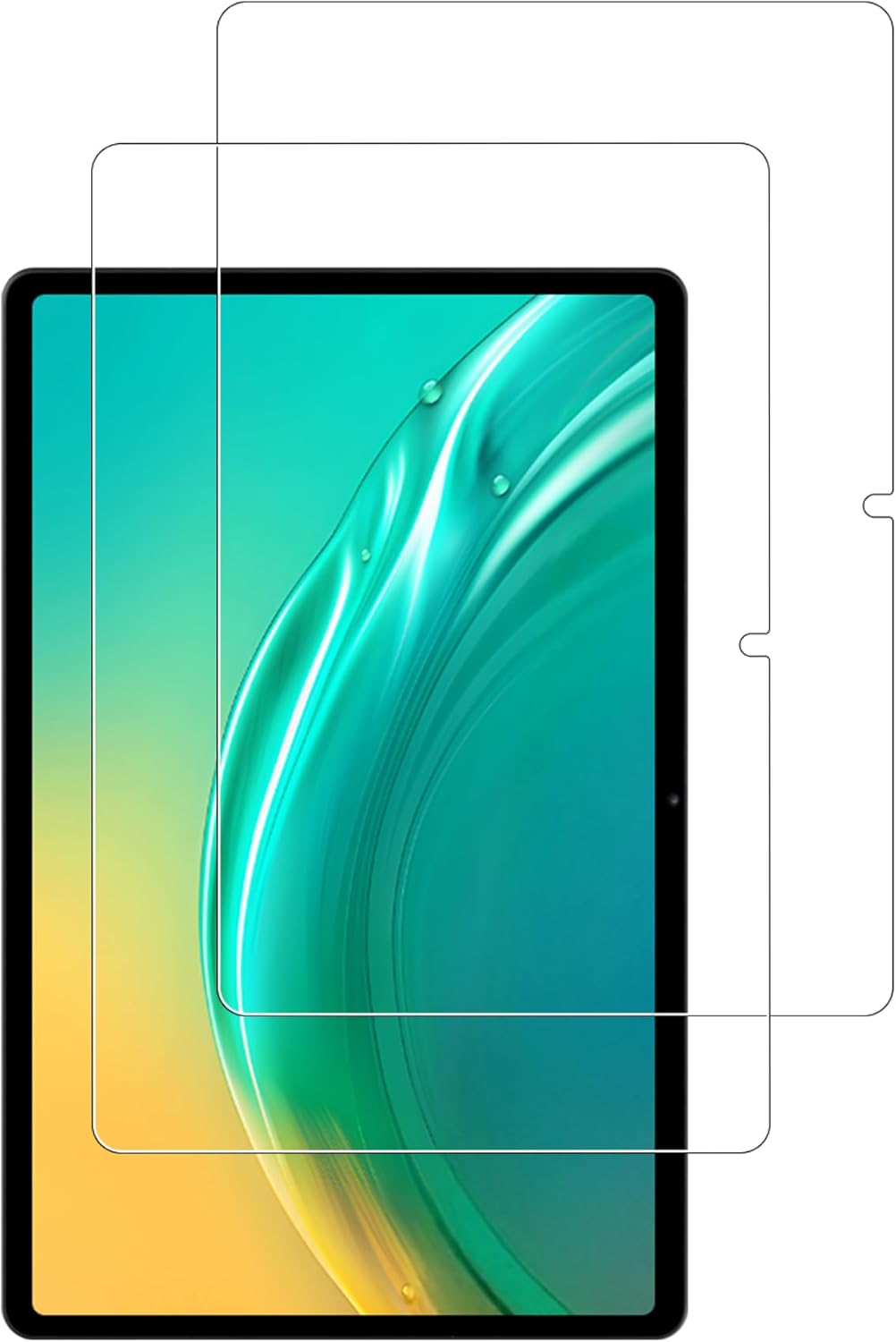
Image: Contents of the WUNIAK screen protector package.
4. Installation Guide
Follow these steps carefully for a bubble-free and perfectly aligned installation:
- Prepare Your Workspace: Choose a clean, dust-free environment. Wash your hands thoroughly to avoid transferring oils or dirt to the screen.
- Clean the Tablet Screen:
- Use the provided alcohol wipe to thoroughly clean the tablet screen, removing all smudges and fingerprints.
- Follow with the dry microfiber cloth to wipe away any remaining moisture or streaks.
- Use the dust removal sticker to dab the screen and lift any lingering dust particles. Ensure the screen is completely free of dust before proceeding.
- Position the Alignment Frame: Place the alignment frame onto your BMAX MaxPad I8 Plus tablet. This frame helps ensure precise positioning of the screen protector.
- Apply the Screen Protector:
- Carefully peel off the protective film from the adhesive side of the screen protector (usually marked "Back" or "1"). Avoid touching the adhesive surface.
- Align the screen protector with the alignment frame and gently lower it onto the tablet screen. The adhesive will begin to spread automatically.
- Once the protector is fully seated, gently press down on the center of the screen protector.
- Remove Bubbles: If any small bubbles remain, gently push them towards the edges of the screen using the microfiber cloth or a soft card. The bubble-free adhesive is designed to minimize air pockets.
- Final Touches: Remove the alignment frame. Wipe the screen protector with the microfiber cloth to remove any final smudges.

Image: Easy installation process with bubble-free application.
5. Maintenance
To keep your WUNIAK screen protector in optimal condition:
- Wipe the screen protector regularly with a clean, soft microfiber cloth to remove fingerprints and smudges.
- For stubborn marks, lightly dampen the microfiber cloth with water or a screen cleaner specifically designed for electronics. Avoid harsh chemicals or abrasive materials.
- Avoid placing your tablet with sharp objects in bags or pockets to prevent unnecessary scratches to the screen protector.
6. Troubleshooting
Here are solutions to common issues you might encounter:
- Bubbles After Installation:
- Small Bubbles: Most small bubbles will disappear naturally within 24-48 hours. You can gently push them towards the edges with a microfiber cloth.
- Large Bubbles/Dust: If a large bubble persists or you see a dust particle, carefully lift the nearest corner of the screen protector with a fingernail or a thin card. Use a dust removal sticker to lift the dust, then re-apply the protector.
- Misalignment: If the screen protector is significantly misaligned, carefully lift it from one corner and re-align it. It's best to do this immediately after initial application.
- Reduced Touch Sensitivity: Ensure the screen protector is clean. If the issue persists, re-installation might be necessary to ensure proper adhesion.
7. Specifications
| Feature | Detail |
|---|---|
| Brand | WUNIAK |
| Compatible Devices | BMAX MaxPad I8 Plus Android 15 Tablet 8.7 inch |
| Material | Tempered Glass |
| Item Hardness | 9H |
| Special Features | Touch Sensitive, Scratch Resistant, Anti-Fingerprint, Bubble-Free, High Transparency |
| Product Dimensions | 0.1 x 0.1 x 0.1 inches (approximate) |
| Item Weight | 1.6 ounces |
| Number of Items | 2 (Screen Protectors) |
8. Warranty and Support
WUNIAK is committed to providing high-quality products and excellent customer service. If you encounter any issues with your screen protector or have questions regarding its installation or performance, please do not hesitate to contact WUNIAK customer service.
We will do our best to assist you and ensure your satisfaction.
For support, please refer to the contact information provided with your purchase or visit the official WUNIAK website.


