
Introduction
The Dreo Smart Ceiling Fan with Lights offers advanced control and comfort for your living space. This manual provides essential information for setting up, operating, and maintaining your fan to ensure optimal performance and longevity. Control your fan effortlessly through the DREO app, remote control, or voice commands via Alexa and Google Home.
Setup
The Dreo Smart Ceiling Fan is designed for simplified installation, often taking less than 20 minutes. It features pre-wired connections and a pre-assembled design to reduce the need for extensive manual wiring and screws.
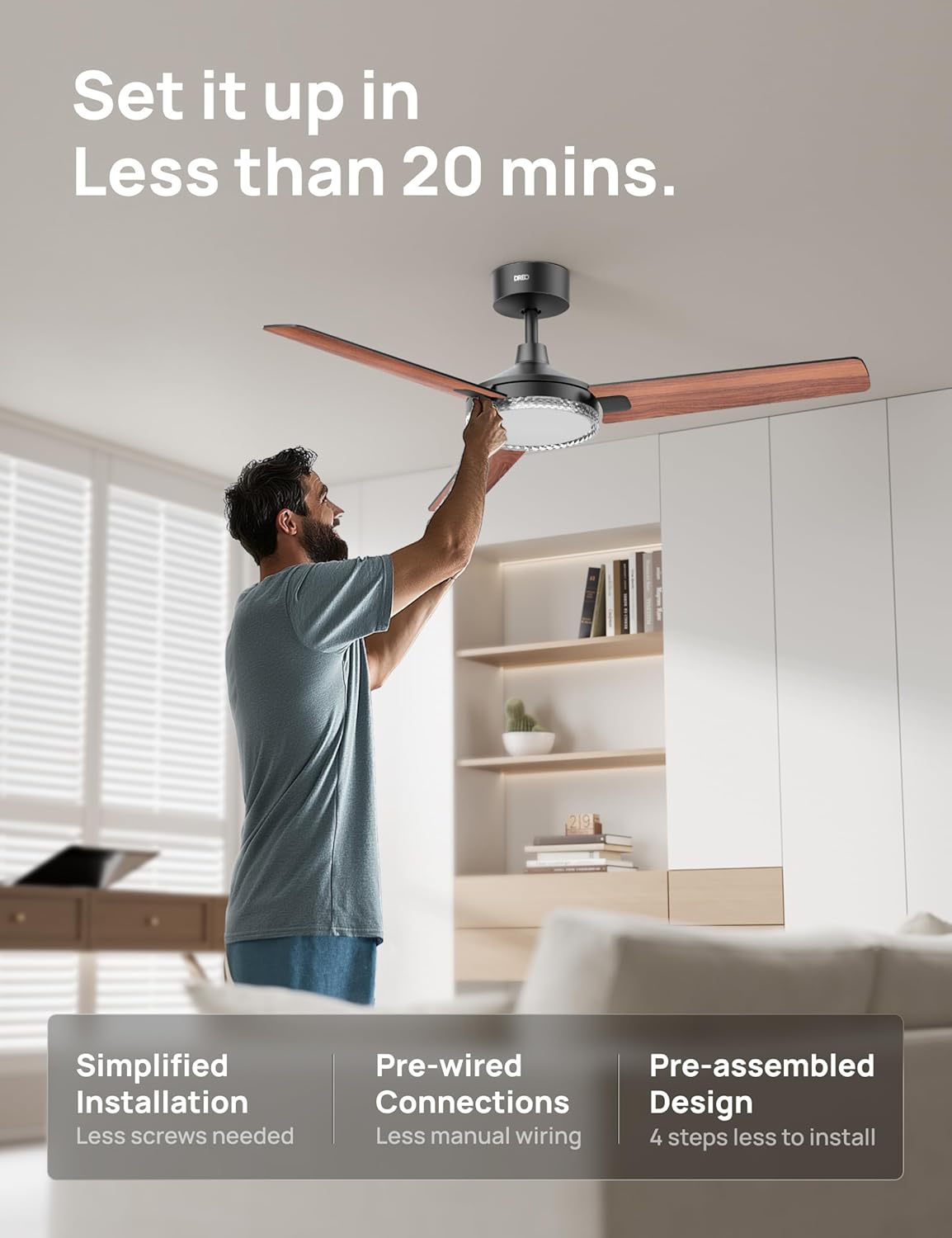
Figure 1: Simplified installation of the Dreo Smart Ceiling Fan.
The fan blades are packaged separately and require attachment during installation. This fan is suitable for both indoor and outdoor settings, providing versatile placement options. However, when used outdoors, be mindful that prolonged exposure to heat may cause the blades to bend over time.
Operating the Fan
Control Methods
- DREO App: Offers comprehensive control, including 12 fan speeds, 3 fan modes (Normal, Natural, Sleep), stepless brightness adjustment (5%-100%), and a wide color temperature range (2700-6500K). You can also schedule auto-scenes like sunrise/sunset.
- Remote Control: Provides convenient access to 6 fan speeds, light control, and a 1-12 hour timer.
- Voice Control: Compatible with Alexa and Google Home for hands-free operation.
- Wall Switch: A non-dimmable wall switch is recommended for basic on/off functionality.

Figure 2: Multiple control options for the Dreo Smart Ceiling Fan.
Fan Modes and Speed
The fan operates quietly, with noise levels as low as 31dB. It moves air efficiently with up to 5189 CFM (average 3474 CFM). Utilize the DREO app to access all 12 speeds and switch between Normal, Natural, and Sleep modes to suit your comfort needs.

Figure 3: The fan provides powerful airflow and smart control.
Light Control
The integrated LED light offers stepless brightness adjustment from 5% to 100% and a wide color temperature range from 2700K (warm light) to 6500K (white light). The light output is 2400 lumens, providing ample illumination.

Figure 4: Stepless light control via the DREO app.
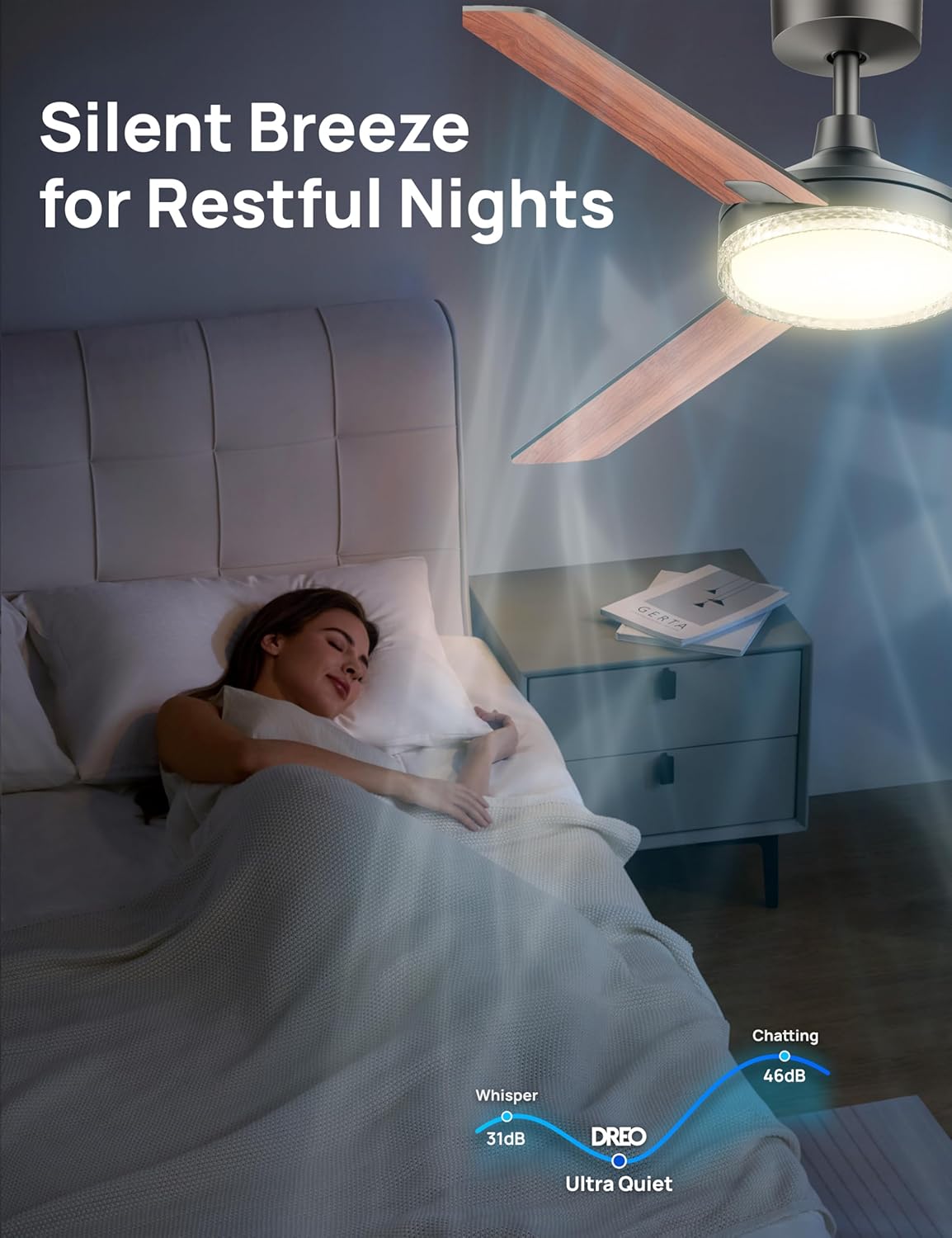
Figure 5: Adjustable color temperatures for various occasions.
Direction Reversal
Easily switch the fan's direction from summer's downward wind to winter's upward circulation using the remote or app. This feature enhances the efficiency of your AC and heater, potentially using 50% less energy (FTC certified).

Figure 6: Remote wind direction adjustment for year-round comfort.
Maintenance
To ensure your Dreo Smart Ceiling Fan continues to operate efficiently and maintain its aesthetic appeal, regular cleaning is recommended. Gently wipe the fan blades and light cover with a soft, damp cloth to remove dust and debris. Avoid using harsh chemicals or abrasive cleaners, as these may damage the finish or electrical components. Ensure the fan is turned off and disconnected from power before performing any cleaning or maintenance.
Troubleshooting
If you encounter any issues with your Dreo Smart Ceiling Fan, please refer to the troubleshooting section within the DREO app for common solutions. For persistent problems or technical assistance, contact Dreo customer support directly.
Specifications
| Feature | Specification |
|---|---|
| Brand | Dreo |
| Model Name | DR-HCF004S Black |
| Color | Black |
| Electric Fan Design | Ceiling Fan |
| Power Source | DC |
| Style | Wifi |
| Product Dimensions | 52.05"D x 52.05"W x 13.2"H |
| Room Type | Bedroom, Dining Room, Home Office, Kids Room, Living Room |
| Special Feature | Adjustable Color Temperature, App Operable, Dimmable, Quiet Operation, Remote Controlled |
| Recommended Uses | Air Circulation, Ventilating |
| Item Weight | 9.2 Pounds |
| Light Type | LED |
| UPC | 810142857932 |
| Manufacture Year | 2025 |
| Diameter | 52 inches |
| Downrod Height | 6 inches |
| Light Diameter | 10.2 inches |
| Max Air Volume | 5189 CFM |
| Noise Level | Quieter than 31dB |
| Energy Efficiency | 50% less energy (FTC certified) |
| Slope Mount | 15° |
| Timer | 1-12 Hours |

Figure 7: Key dimensions and design features.
Warranty and Support
For warranty information, product registration, and customer support, please visit the official Dreo website or contact their customer service department. Keep your purchase receipt for any warranty claims.


