
1. Introduction
Thank you for choosing the iBELL EMINENCE04 Induction Hob. This manual provides essential information for the safe and efficient operation, installation, and maintenance of your new appliance. Please read these instructions thoroughly before use and retain them for future reference.
2. Safety Instructions
To prevent injury or damage, always observe the following safety precautions:
- Electrical Connection: This unit requires a dedicated 32A 2 Pole MCB. It does not come with a 3-pin plug and must be installed by a qualified electrician. Incorrect installation can lead to electric shock or fire.
- Power Supply: Ensure the voltage and frequency of your power supply match the specifications on the appliance rating label.
- Ventilation: Ensure adequate ventilation around the hob. Do not block any ventilation openings.
- Cookware: Use only induction-compatible cookware with a flat base. Non-compatible cookware will not heat.
- Hot Surface: The hob surface will be hot after use. Avoid touching it until it has cooled down.
- Children: Keep children away from the appliance during operation and cooling.
- Cleaning: Disconnect the appliance from the power supply before cleaning.
- Damage: Do not operate the appliance if it is damaged. Contact customer support for assistance.
3. Product Overview
The iBELL EMINENCE04 is a high-performance induction hob designed for efficient cooking. It features a durable toughened glass surface and intuitive touch controls.

Image: Top view of the iBELL EMINENCE04 Induction Hob, showcasing its four cooking zones and touch control panel.
Key Features:
- High Power Output: 7200W for rapid heating and efficient cooking.
- 9-Level Power Settings: Precise control for various cooking requirements.
- Touch Control Panel: User-friendly interface for seamless operation.
- Toughened Glass Surface: Durable, stylish, and easy to clean.
- Boost Mode: Instantly increases power for quick boiling or searing.
- BIS Certified: Complies with safety and quality standards (R-64000795).

Image: Visual representation of the iBELL EMINENCE04's key features, including 9-level power setting, timer, child lock, sensor touch control, auto-off protection, and multi-functions, highlighting its 7200W power.
4. Setup and Installation
Proper installation is crucial for the safe and optimal performance of your induction hob.
4.1 Electrical Connection
- The iBELL EMINENCE04 requires a dedicated 32A 2 Pole MCB (Miniature Circuit Breaker).
- This model does not include a 3-pin plug. The wiring must be directly connected to the MCB.
- Always consult a qualified electrician for installation to ensure compliance with local electrical codes and safety standards.
- Incorrect wiring can lead to appliance malfunction, electric shock, or fire.

Image: A power connection guide illustrating the requirement for a 32A 2 Pole MCB and showing the bare wires, indicating the absence of a standard 3-pin plug. It emphasizes consulting an electrician for proper connection.
4.2 Physical Installation
- The hob is designed for countertop installation.
- Ensure sufficient clearance around the appliance for proper ventilation.
- Refer to the dimensions provided in the specifications section for accurate cutout measurements.

Image: A diagram showing the dimensions of the iBELL EMINENCE04 Induction Hob, with measurements of 52cm (depth), 59cm (width), and 9cm (height), indicating its size for countertop installation.
5. Operating Instructions
The iBELL EMINENCE04 features intuitive touch controls for easy operation.
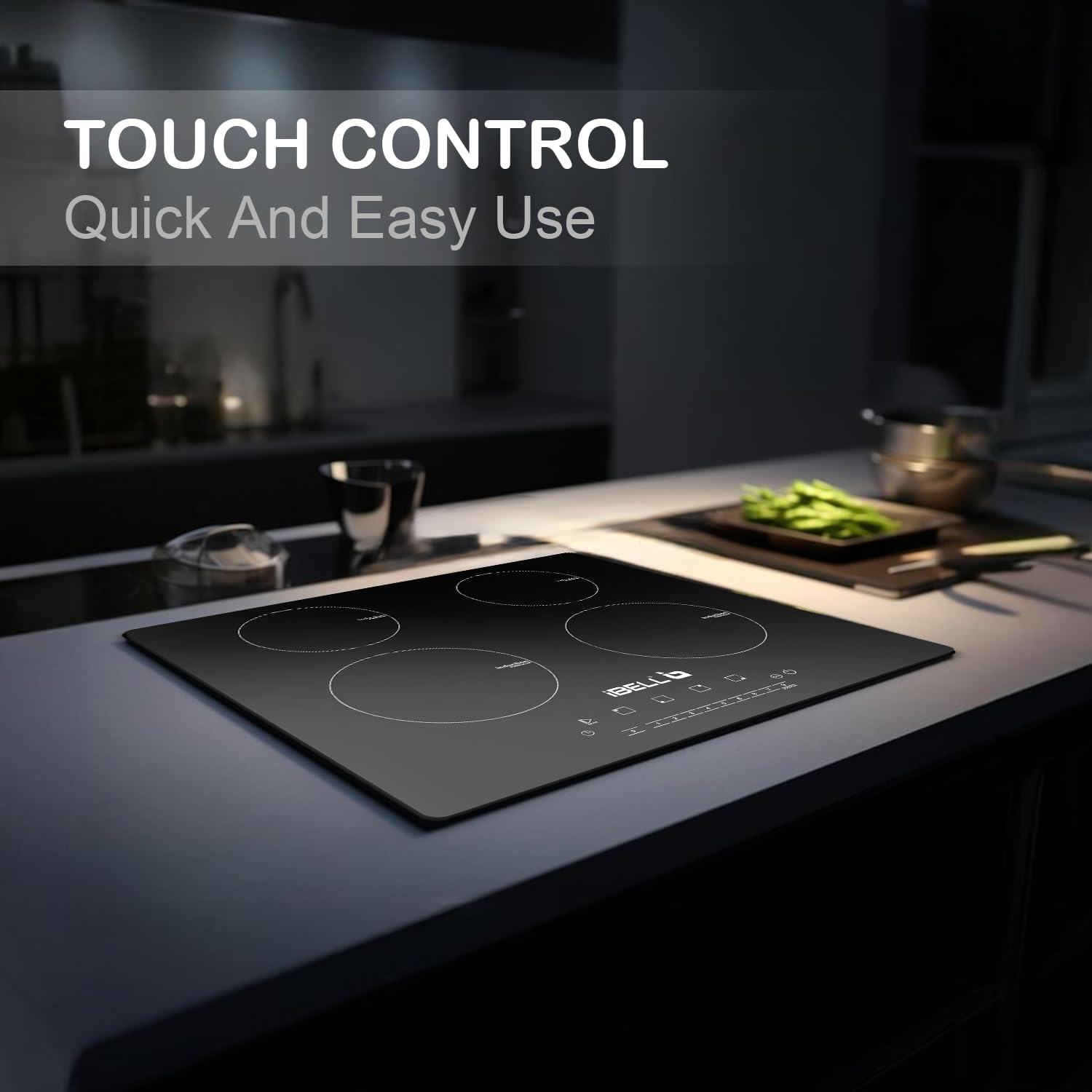
Image: A close-up view of the iBELL EMINENCE04's touch control panel, highlighting its responsiveness and ease of use for quick and precise adjustments.
5.1 Power On/Off
- To turn on, touch the power symbol (⏻) on the control panel.
- To turn off, touch and hold the power symbol until the hob switches off.
5.2 Selecting a Cooking Zone and Adjusting Power
- After powering on, select the desired cooking zone by touching its corresponding sensor.
- Use the '+' and '-' controls or the numbered power level buttons (1-9) to adjust the heat intensity.
5.3 Boost Mode
- The Boost Mode provides maximum power to a selected cooking zone for a limited time (up to 5 minutes) for rapid heating.
- Activate Boost Mode by touching the 'Booster' button after selecting a cooking zone.
- The hob will automatically revert to a lower power setting after the boost period.

Image: An illustration demonstrating the Boost Function of the iBELL EMINENCE04, showing a cooking zone rapidly heating a pot, with a visual representation of energy flow, indicating maximum power for up to 5 minutes.
5.4 Timer Function
- The timer can be set to automatically turn off a cooking zone after a specified duration.
- Refer to the full instruction manual for detailed timer setting procedures.
5.5 Child Lock
- The child lock feature prevents accidental operation of the hob.
- Activate and deactivate the child lock by touching and holding the lock symbol.
6. Maintenance and Cleaning
Regular cleaning helps maintain the appearance and performance of your induction hob.
- Always ensure the hob is cool and disconnected from the power supply before cleaning.
- Wipe the toughened glass surface with a soft, damp cloth and a mild detergent.
- For stubborn stains, use a ceramic hob cleaner.
- Avoid abrasive cleaners, scouring pads, or harsh chemicals, as these can scratch or damage the glass surface.
- Clean the ventilation openings regularly to prevent dust buildup.
7. Troubleshooting
If you encounter issues with your iBELL EMINENCE04, refer to the table below for common problems and solutions.
| Problem | Possible Cause | Solution |
|---|---|---|
| Hob does not turn on. | No power supply; MCB tripped; Child lock activated. | Check power connection; Reset MCB; Deactivate child lock. |
| Cooking zone not heating. | Non-compatible cookware; Cookware not centered; Small cookware. | Use induction-compatible cookware; Center cookware; Use appropriate size cookware. |
| Display shows an error code. | Internal fault; Overheating. | Turn off and restart the hob; Allow to cool down. If error persists, contact support. |
| Loud humming noise during operation. | Normal operation with certain cookware; Fan noise. | This is usually normal. If excessively loud or unusual, contact support. |
For issues not listed here or if problems persist, please contact iBELL customer support.
8. Specifications
| Feature | Specification |
|---|---|
| Brand | iBELL |
| Model | EMINENCE04 |
| Wattage | 7200W |
| Number of Heating Elements | 4 |
| Burner Type | Induction |
| Material | Toughened Glass |
| Installation Type | Counter Top |
| Item Weight | 11 kg 800 g |
| Item Dimensions (LxWxH) | 52 x 59 x 9 Centimeters |
| Country of Origin | China |
| Special Features | Boost Mode, 9-Level Power Settings, Touch Control Panel |
9. Warranty and Support
9.1 Warranty Information
Your iBELL EMINENCE04 Induction Hob comes with a 1 Year Standard Warranty. Additionally, you can receive a 1 Year Additional Warranty upon successful product registration. Registration must be completed within 30 days from the date of purchase to activate the extended warranty.
9.2 Customer Support
For support, warranty registration, or any queries, please contact iBELL using the details below:
- Toll Free: 1800 2020 260
- Phone: 9946669677 / 80892 92472
- Email: connect@ibellstore.com
- Website: www.ibellcare.com
Image: Contact information for iBELL support and warranty registration, including toll-free number, mobile numbers, email address, and website. It also reiterates the 30-day registration period for additional warranty.