1. Introduction
This manual provides essential information for the safe and efficient operation of your OIRFND H28 Cordless Vacuum Cleaner. Please read it thoroughly before first use and retain it for future reference. This vacuum is designed for versatile home cleaning, offering powerful suction and convenient features.
2. Important Safety Instructions
- Read all instructions before using the appliance.
- This appliance is not intended for use by persons (including children) with reduced physical, sensory or mental capabilities, or lack of experience and knowledge, unless they have been given supervision or instruction concerning use of the appliance by a person responsible for their safety.
- Do not allow children to play with the appliance. Close supervision is necessary when used by or near children.
- Do not pick up flammable or combustible liquids, such as gasoline, or use in areas where they may be present.
- Do not pick up anything that is burning or smoking, such as cigarettes, matches, or hot ashes.
- Keep hair, loose clothing, fingers, and all parts of body away from openings and moving parts.
- Use only manufacturer's recommended attachments.
- Do not use without dust cup and/or filters in place.
- Exercise extra care when cleaning on stairs.
- Do not use to pick up large objects or sharp objects that could damage the vacuum.
3. Package Contents
Verify that all components are present in your package:
- 1 x Vacuum Body
- 1 x Adjustable Extension Tube
- 1 x 2-in-1 Crevice Tool
- 1 x Sofa Brush
- 1 x Battery Pack
- 2 x HEPA Filters
- 1 x Charger
- 1 x Wall Hanger
- 1 x User Manual

The image displays the main vacuum unit, extension tube, floor brush, battery, 2-in-1 flat brush, sofa brush, mini cleaning brush, adapter, stainless steel filter, two HEPA filters, 2-in-1 charger & storage base, and quick user guide.
4. Setup and Assembly
Follow these steps to assemble your OIRFND H28 Cordless Vacuum Cleaner:
- Attach the Battery: Insert the battery pack into the main vacuum body until it clicks securely.
- Connect Extension Tube: Attach the adjustable extension tube to the main vacuum body.
- Attach Floor Brush: Connect the floor brush head to the end of the extension tube. Ensure it clicks into place.
- Alternative Attachments: For handheld use or specific cleaning tasks, attach the 2-in-1 crevice tool or sofa brush directly to the main vacuum body or the extension tube.
5. Operating Instructions
5.1 Power On/Off and Suction Modes
To power on the vacuum, press the power button on the main unit. The LED display will illuminate.
Cycle through the three suction modes (MIN, MID, MAX) by pressing the mode selection button. Select the appropriate mode for your cleaning task.
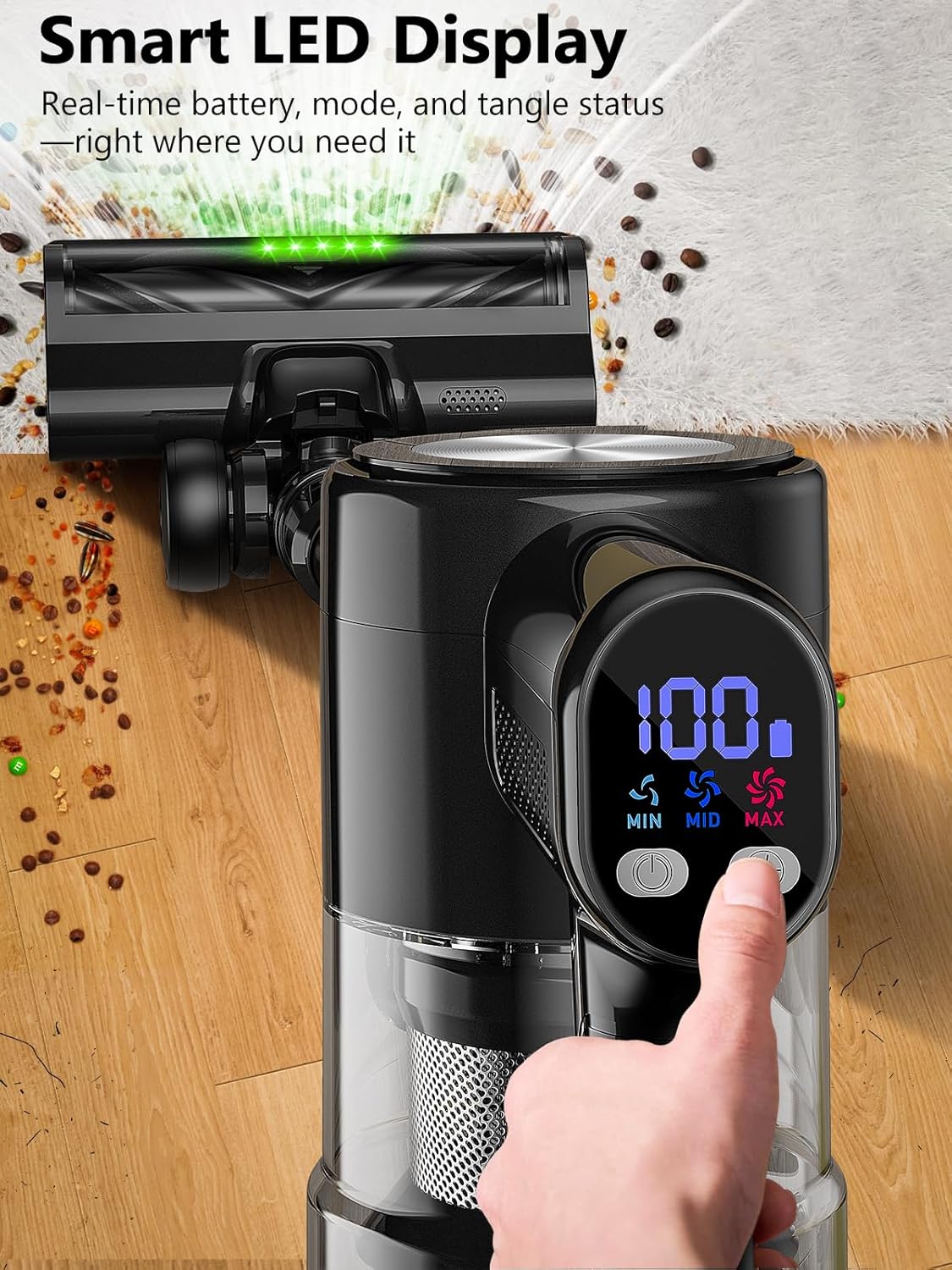
5.2 LED Display
The integrated LED display provides real-time information including:
- Battery power percentage.
- Current suction mode (MIN, MID, MAX).
- Fault alarms (if any).
The image shows the vacuum's smart LED display, indicating battery life and the selected suction mode (MIN, MID, MAX). This allows for real-time monitoring during operation.
5.3 Using Attachments
Floor Brush with LED Lights
The main floor brush is equipped with 5 bright LED lights to illuminate dust and debris on various floor types, including carpets and hard floors. Its V-shaped brushroll is designed to prevent hair tangling.

The vacuum cleaner is shown in action on a hard floor, highlighting its green LED lights that make hidden dust and pet hair visible for thorough cleaning.
2-in-1 Crevice Tool and Sofa Brush
The 2-in-1 crevice tool is ideal for narrow spaces, corners, and edges. The sofa brush is designed to effectively lift embedded pet hair and stubborn debris from upholstery, beds, and mattresses.

This image demonstrates the versatility of the vacuum, showing it used in handheld mode with the crevice tool to clean tight spaces on a sofa, effectively removing pet hair and debris.
5.4 Self-Standing Feature
The OIRFND H28 features a self-standing design, allowing the vacuum to stand upright independently. This eliminates the need to lean it against walls or furniture, providing convenience during pauses in cleaning and saving space.
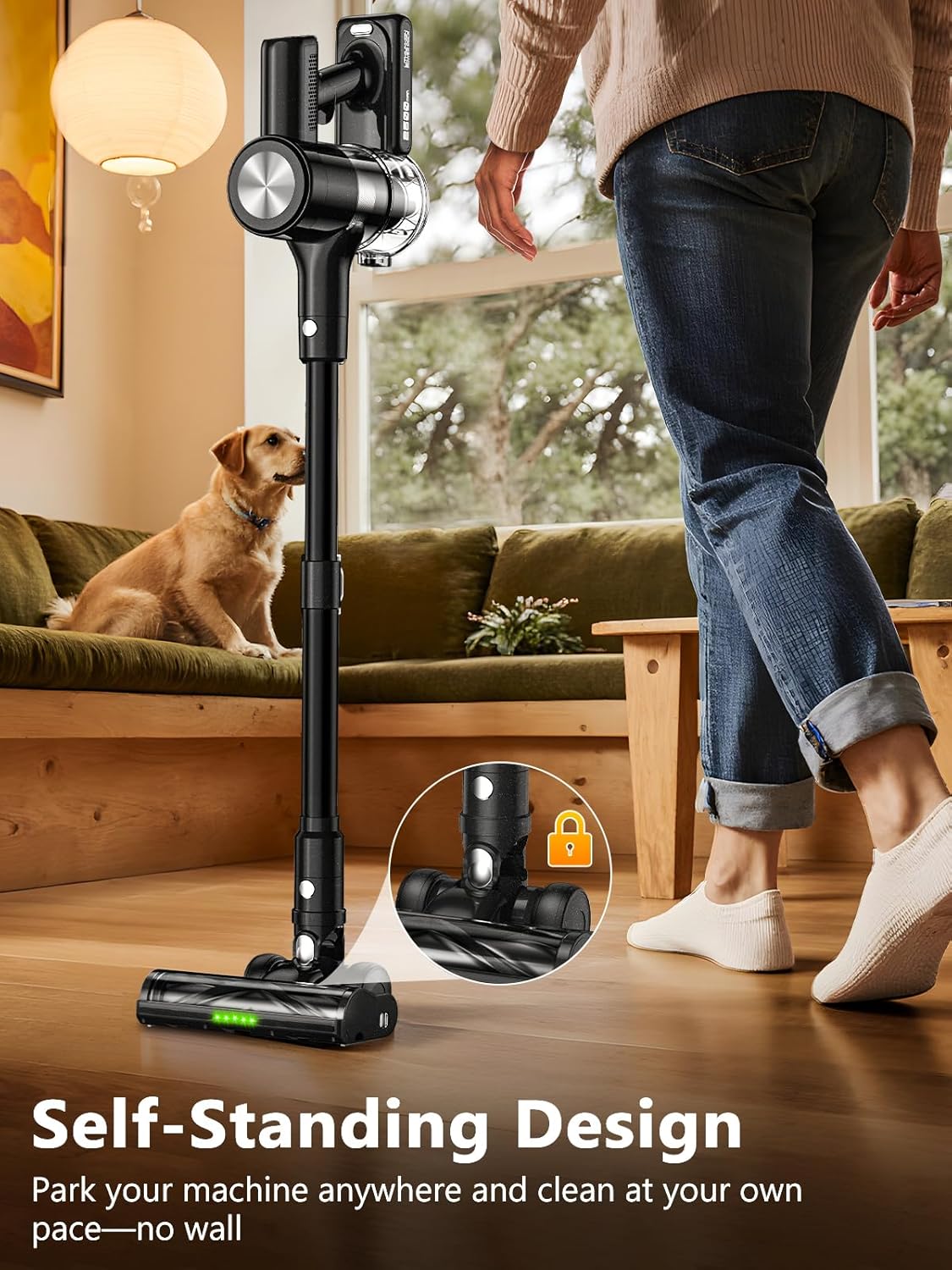
The vacuum cleaner is shown standing freely in a living room, demonstrating its self-standing capability which allows users to pause cleaning without needing to prop it against a wall.
6. Maintenance
6.1 Emptying the Dustbin
The 1.5L dustbin capacity allows for extended cleaning sessions. To empty, detach the dustbin from the main unit and press the release button to open the bottom flap, disposing of collected debris.
6.2 Cleaning Filters
The 6-layer filtration system includes upgraded blue HEPA filters. Regularly clean the filters to maintain optimal suction power and extend the vacuum's lifespan. Tap out loose dust and rinse with water if necessary. Ensure filters are completely dry before reinserting.

An exploded view diagram shows the internal components of the vacuum's 6-layer filtration system, including the upgraded blue HEPA filter, designed to capture 99.99% of dust particles.
6.3 Cleaning the Anti-Tangle Brushroll
The V-shaped brushroll is designed to minimize hair tangling. If hair or debris accumulates, detach the brushroll from the floor head by pressing the release button and carefully remove any tangled material.

The image highlights the V-shaped brushroll of the vacuum, designed to prevent hair tangling, shown effectively picking up debris from a wooden floor.
7. Charging and Storage
7.1 Charging the Battery
The 2500mAh lithium-ion battery provides up to 55 minutes of runtime. A full charge takes approximately 4 hours. The battery can be charged while attached to the vacuum on the wall mount or separately.
7.2 Wall Mount Installation
The included wall-mounted bracket serves as both a charging dock and a storage solution. Install it in a convenient location using the provided screws. Place the vacuum onto the bracket to charge and store.
The vacuum is shown neatly stored and charging on its wall-mounted bracket, illustrating the convenient 2-in-1 charging and storage base.
8. Troubleshooting
If you encounter any issues with your OIRFND H28 Cordless Vacuum Cleaner, please refer to the following common troubleshooting steps:
- No Power: Check battery charge level on LED display. Ensure battery is properly inserted and charged.
- Reduced Suction: Empty dustbin. Clean all filters (HEPA and stainless steel). Check brushroll for obstructions. Ensure all attachments are securely connected.
- Brushroll Not Spinning: Check for tangled hair or debris. Ensure the floor head is properly attached.
- Unusual Noise: Turn off and inspect for blockages in the nozzle, tube, or dustbin.
9. Specifications
| Feature | Detail |
|---|---|
| Brand | OIRFND |
| Model Name | H28 |
| Suction Power | 46KPa |
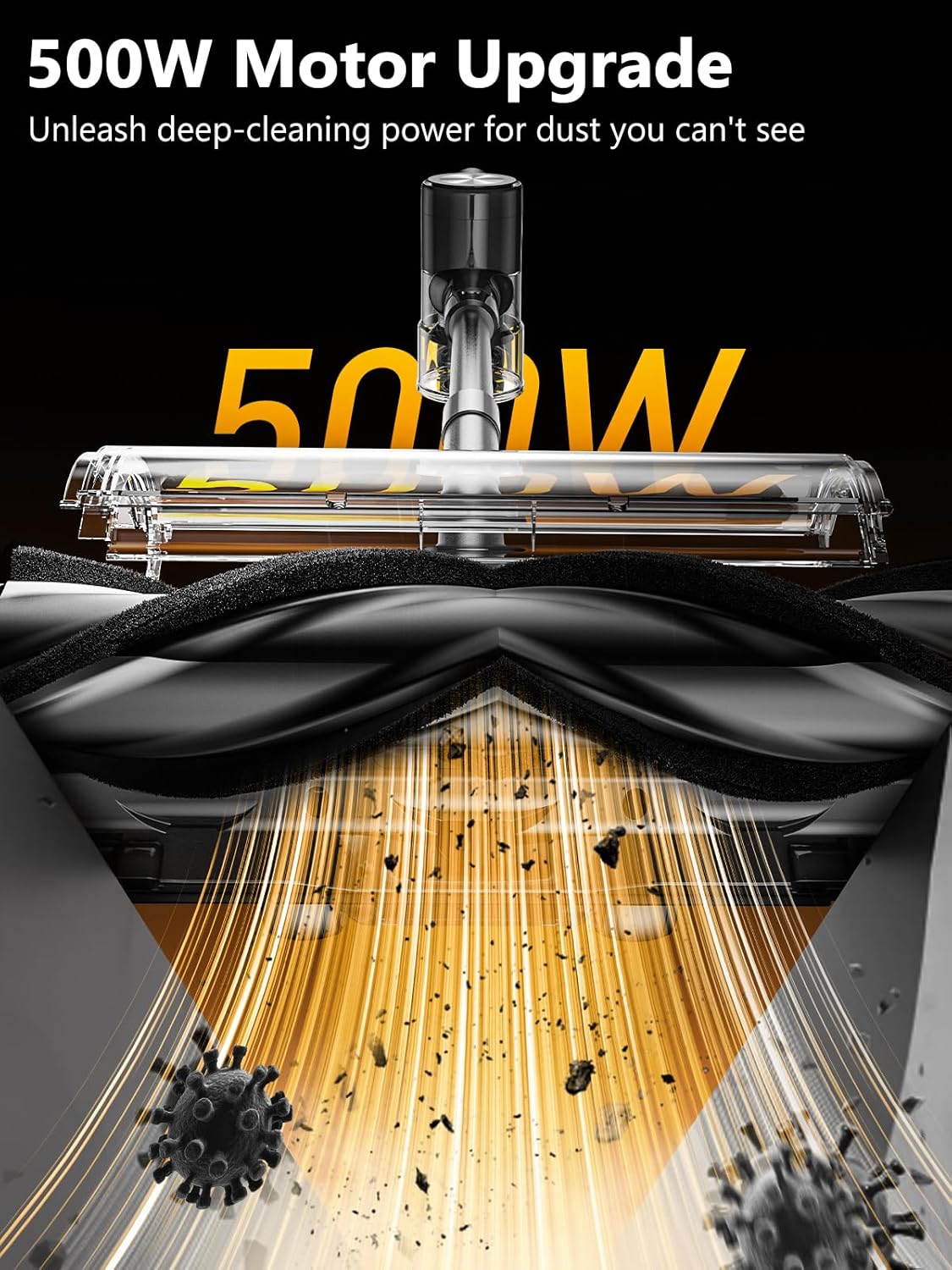
| Motor Wattage | 500W |
| Battery Type | Lithium-Ion (2500mAh) |
| Battery Life | Up to 55 minutes |
| Dustbin Capacity | 1.5 Liters |
| Filter Type | HEPA Filter (6-layer filtration) |
| Special Features | Self-Standing, LED Display, Anti-Tangle V-shaped Brushroll, Green LED Searchlight, 3 Suction Modes |
| Product Dimensions | 10"L x 8"W x 17"H |
| Item Weight | 7.05 pounds |
| Is Cordless? | Yes |
| Included Components | Vacuum Body, Adjustable Extension Tube, 2-in-1 Crevice Tool, Sofa Brush, Battery Pack, 2 x HEPA, Charger, Wall Hanger, User Manual |
10. Warranty and Customer Support
Your OIRFND H28 Cordless Vacuum Cleaner comes with a 2-year warranty. For any questions, concerns, or warranty claims, please contact our dedicated 24/7 customer support.
For assistance, please refer to the contact information provided in your Quick User Guide or visit the official OIRFND website.


