
NICRON D10
NICRON D10 EDC Flashlight Instruction Manual
Model: D10
1. Introduction
The NICRON D10 is a compact, versatile EDC (Everyday Carry) flashlight designed for various applications, including outdoor activities, work, and emergency situations. It features multiple light sources, including white, RGB, and UV lights, along with a durable, water-resistant design and convenient charging capabilities.
2. Product Features
- Compact EDC Design: Small and portable, ideal for daily carry.
- Triple Light Source: Features a main white light (up to 500 lumens), RGB lights (red, green, blue), and a 395nm UV light.
- Durable Construction: IP54 water-resistant rating and 1-meter drop test certified, made from aluminum.
- Rechargeable Battery: Built-in 450mAh lithium polymer battery with Type-C charging port, offering up to 23 hours runtime (depending on mode).
- Versatile Beam: Projects light up to 72 meters with 1300cd max intensity.
- Magnetic Base: Allows for hands-free attachment to metal surfaces.
- Adjustable Headband: Included for headlamp use, providing hands-free operation.
- Rotating Head: The flashlight head can rotate 180 degrees horizontally and 360 degrees vertically for flexible illumination angles.
3. Package Contents
- NICRON D10 Flashlight
- Headlight Assembly
- USB-C Charging Cable
- User Manual

Image: Package contents of the NICRON D10 flashlight, showing the flashlight unit, headband, USB-C cable, and user manual.
4. Setup
4.1. Initial Charging
Before first use, fully charge the flashlight. The D10 uses a Type-C charging port for convenience.
- Locate the USB-C charging port on the flashlight.
- Open the waterproof plug covering the port.
- Connect the provided USB-C cable to the flashlight and a compatible USB power source (e.g., wall adapter, computer USB port).
- The charging indicator light will turn red during charging and green when fully charged.
- Once charging is complete, remove the cable and securely close the waterproof plug to maintain the IP54 rating.
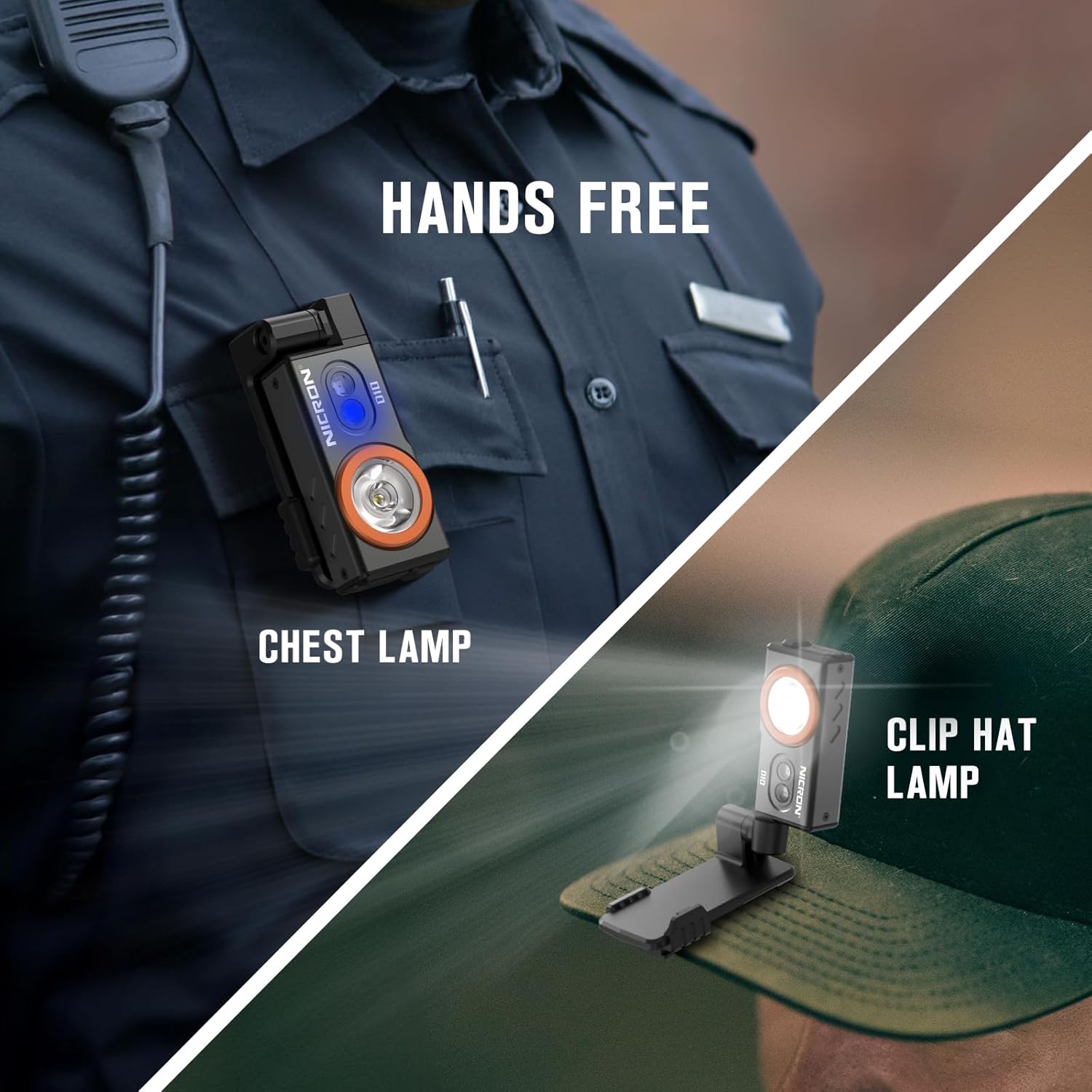
Image: The flashlight showing a red light indicating charging and a green light indicating a full charge.
4.2. Attaching to Headband
To use the D10 as a headlamp, attach it to the provided headband assembly.
- Align the flashlight with the slide rail on the headband bracket, following the direction of the arrow.
- Squeeze the D10 and the headlight bracket together to slide them into place.
- Push firmly until it clicks into position, indicating secure installation.
- Adjust the headband for a comfortable and secure fit on your head.

Image: Step-by-step guide on attaching the flashlight to the headband bracket.
5. Operating Instructions
5.1. Power On/Off and White Light Modes
- Turn On/Off: Click the power button once to turn the flashlight on or off.
- Switch Modes: When the flashlight is on, press and hold the power button to cycle through High, Medium, and Low white light modes. The flashlight has intelligent memory, returning to the last used mode when turned on again.
- Max Light Mode: Double-click the power button when the flashlight is off to enter the Max mode directly.
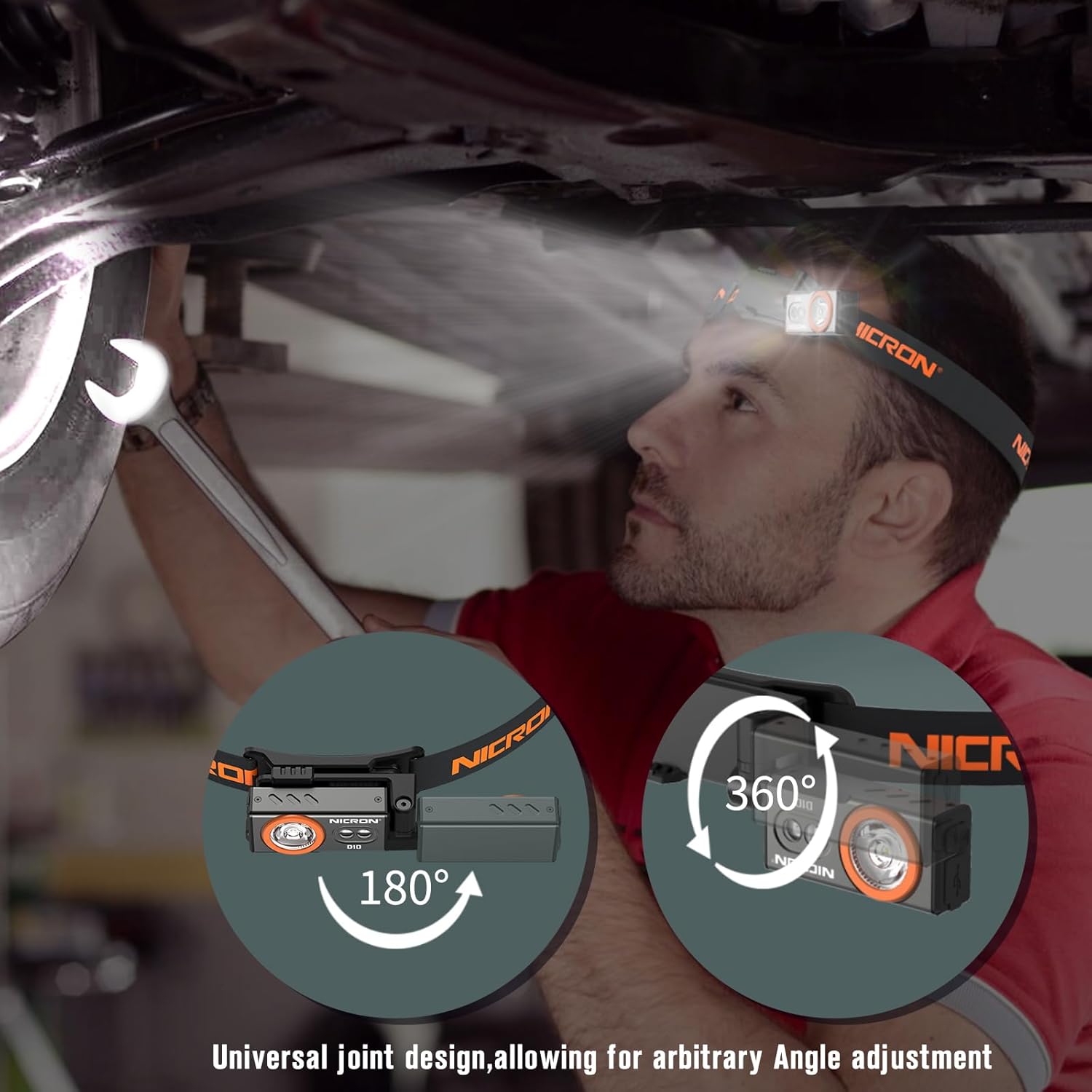
Image: Close-up of the flashlight's front, highlighting the main white LED and the two smaller RGB/UV LEDs.
5.2. RGB Light Modes
- Activate RGB: Triple-click the power button when the flashlight is off to enter the RGB mode.
- Cycle RGB Colors: Press and hold the power button to switch between red light, red flash, green light, green flash, blue light, and blue flash modes.

Image: Examples of the flashlight's RGB modes in use, showing red for night vision, green for hunting, and blue for fishing.
5.3. UV Light Mode
- Activate UV: Press the power button for two seconds at any gear to enter the UV mode.
Image: The flashlight's UV mode illuminating a scorpion, demonstrating its use for observing insects or detecting pet stains.
5.4. Versatile Usage
- Magnetic Base: Use the strong magnetic base to attach the flashlight to metal surfaces for hands-free illumination, such as under a car hood or on a workbench.
- Adjustable Angle: The universal joint design allows for 180-degree horizontal and 360-degree vertical rotation, enabling precise light direction.
- Clip-on Function: The integrated clip allows you to attach the flashlight to clothing, hat brims, or pockets for chest lamp or clip hat lamp functionality.

Image: Demonstrates the flashlight's adaptability, showing it clipped to a hat, worn as a chest lamp, and attached magnetically.
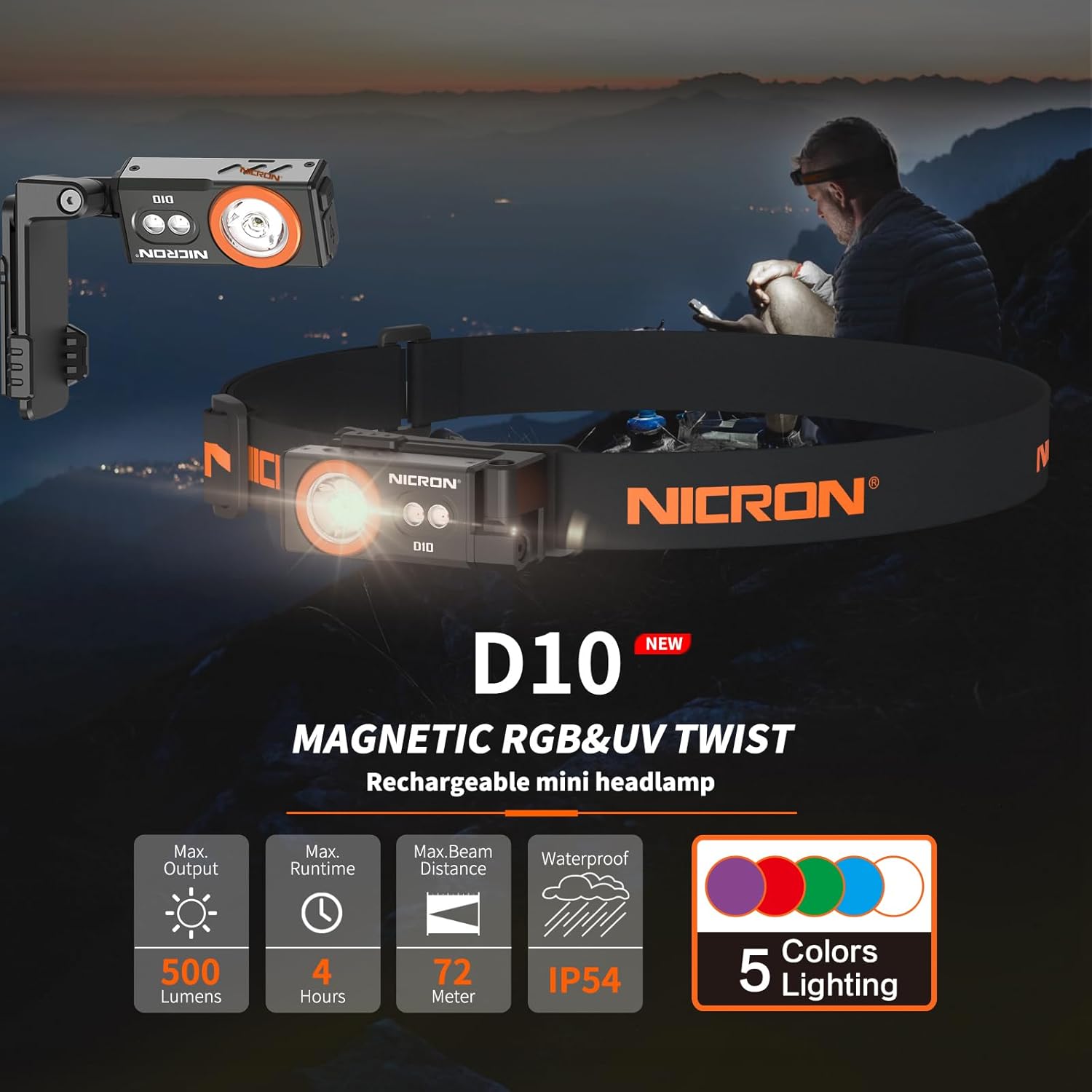
Image: The flashlight in headlamp mode, illustrating its 180-degree and 360-degree rotation for flexible lighting.
6. Maintenance
- Charging: Recharge the battery at least every three months to extend battery life.
- Cleaning: Wipe the flashlight with a soft, damp cloth. Do not use harsh chemicals or abrasive materials.
- Storage: Store the flashlight in a cool, dry place away from direct sunlight and extreme temperatures.
7. Troubleshooting
- Flashlight not turning on: Ensure the battery is charged. If the issue persists, contact customer support.
- Charging issues: Verify the USB-C cable is properly connected and the power source is functional. Check the charging indicator light for status.
- Water ingress: If the waterproof plug is not securely closed, water may enter the device. Ensure the plug is always sealed when not charging.
8. Specifications
| Feature | Specification |
|---|---|
| Brand | NICRON |
| Model | D10 |
| Light Source Type | LED |
| Material | Aluminum |
| White Brightness | 500 Lumens |
| Max Beam Distance | 72 meters |
| Max Intensity | 1300cd |
| Battery | Built-in 450mAh Lithium Polymer |
| Charging Port | Type-C |
| Full Charge Time | 2 hours |
| Max Runtime | Up to 23 hours (depending on mode) |
| Water Resistance | IP54 |
| Drop Test Certified | 1 meter |
| Product Dimensions | 73.5×32.2×36.8mm (2.89"D x 1.27"W x 1.45"H) |
| Item Weight | 88g (0.04 Pounds) |

Image: Detailed technical specifications table for the NICRON D10 flashlight.
9. Safety Information
- Do not look directly at the flashlight when it is on, as high brightness can cause damage to your eyes.
- Do not throw the headlamp into fire or water.
- Keep batteries away from children. If swallowed, seek medical attention immediately.
- Ensure the waterproof plug is securely closed when not charging to prevent water damage.
10. Warranty and Support
The NICRON D10 EDC Flashlight comes with a Limited Warranty. For warranty claims or technical support, please refer to the contact information provided in the product packaging or visit the official NICRON website.
11. Product Videos
Video: Official NICRON D10 EDC Flashlight demonstration, showcasing its features and compact size.
Related documentsD10


Ask a question about this manual
Ask about setup, troubleshooting, compatibility, parts, safety, or missing instructions. Manuals+ will review the question and use this page’s manual context to help answer it.