
1. Introduction
This manual provides detailed instructions for the installation, operation, and maintenance of your Fortdows 9-inch Car Radio. This unit is designed to upgrade the infotainment system in Dodge Ram 1500 and 2500 models from 2013 to 2018, specifically those with manual AC controls. It features a 1280x800 touchscreen, Android 13 operating system, 4GB RAM, 64GB ROM, Wireless CarPlay, Android Auto, Bluetooth 5.0, 5G WiFi, GPS navigation, and supports a backup camera.
2. Product Features
- Enhanced Performance: Equipped with a 1.8GHz quad-core CPU, 4GB RAM, and 64GB ROM (Android 13) for faster boot times, smoother app transitions, and improved system stability.
- Wireless CarPlay & Android Auto: Seamless integration with Apple CarPlay and Android Auto for voice-controlled access to navigation, calls, messages, and music. Mirror Link functionality is also supported.
- 1080P Backup Camera Support: Connects to a 1080P HD rear-view camera for clear visuals, enhancing safety during parking and reversing.
- Steering Wheel Control Compatibility: Retains original steering wheel controls for managing volume, calls, and tracks without diverting attention from the road.
- Bluetooth 5.0 & Voice Control: Provides stable wireless calling, contact synchronization, and high-quality music streaming. Advanced voice control allows hands-free operation of navigation, calls, and media.
- Online/Offline GPS Navigation & 5G WiFi: Supports both online and offline navigation for accurate routing. Integrated 5G WiFi ensures fast and stable internet access for applications and updates.
- 32-Band EQ Sound System & FM/RDS Radio: Offers a 32-band equalizer for precise audio tuning. FM/RDS radio provides access to local stations, traffic updates, and news.
- 9-Inch 1280x800 HD Touchscreen: Features a high-definition IPS touchscreen for sharp visuals and responsive touch control.
- Split-Screen Functionality: Allows simultaneous use of two applications, such as navigation and media playback, for improved efficiency.
3. Package Contents
Verify that all items are present in the package before proceeding with installation.
- Fortdows 9-Inch Car Radio Unit
- Power Cable
- Original USB Cable
- USB Cable (x2)
- RCA Cable
- GPS Antenna
- Backup Camera
- Reversing Line
- Crowbar (Installation Tool)
- External Microphone
- CanBus Decoder (if applicable for your vehicle)

Image: Overview of the Fortdows car radio unit and its included accessory wire kit items.

Image: Detailed view of the Fortdows car radio package contents, including cables and accessories.
Video: This video demonstrates the typical package contents for a Dodge Ram Pickup car radio, showing various cables and components.
4. Setup and Installation
This unit is designed for direct fitment in 2013-2018 Dodge Ram 1500 and 2500 models with manual AC controls. Professional installation is recommended.
4.1 Compatibility Check
Ensure your vehicle's dashboard matches the compatible configurations shown below. This unit is specifically for models with manual AC controls.

Image: Visual guide showing compatible and incompatible dashboard configurations for Dodge Ram 1500 2500 (2013-2018) with manual AC.
4.2 Installation Steps Overview
The installation process typically involves removing the factory radio, connecting the new unit's wiring harness, GPS antenna, and other accessories, and then securing the new unit in place. Refer to the detailed installation videos for guidance.

Image: The Fortdows 9-inch car radio unit seamlessly installed in a Dodge Ram dashboard.
Video: A step-by-step guide on car radio installation for compatible vehicles.
Video: An installation guide specifically for Dodge Ram 1500, 2500, and 3500 models.
Video: A comprehensive video demonstrating the radio replacement process for Dodge Ram 1500 models.
5. Operating Instructions
5.1 Touchscreen Interface
The 9-inch HD touchscreen provides intuitive control. Tap icons to open applications, swipe to navigate menus, and use pinch-to-zoom gestures for maps.

Image: The responsive 1280x800 IPS touchscreen display of the Fortdows car radio.
5.2 Steering Wheel Controls
Utilize your vehicle's existing steering wheel controls to manage audio volume, answer/end calls, and change tracks without taking your hands off the wheel. The system is designed to integrate with these controls for enhanced safety and convenience.

Image: Illustration of how the car radio integrates with existing steering wheel controls for safe operation.
5.3 Voice Control
Activate voice control by saying the designated wake-up phrase or pressing the voice command button (if available on your steering wheel). Use voice commands for navigation, making calls, sending messages, and controlling media playback.
5.4 Split Screen Function
To use the split-screen feature, open an application, then swipe from the side or use the designated split-screen button (refer to the on-screen interface) to select a second application to run simultaneously. This allows for multitasking, such as viewing navigation while controlling music.

Image: The car radio display showing the split-screen function, allowing two applications to run side-by-side.
6. Connectivity
6.1 Bluetooth Pairing
- Go to the system settings and select "Bluetooth."
- Enable Bluetooth on your mobile device and search for available devices.
- Select the car radio's Bluetooth name (e.g., "Fortdows Car Radio") from your device list.
- Confirm the pairing code on both devices.
- Once paired, you can make hands-free calls and stream audio.

Image: Visual representation of Bluetooth 5.0 connectivity between the car radio and a smartphone.
6.2 Wireless CarPlay & Android Auto
Connect your compatible smartphone wirelessly to access CarPlay or Android Auto. This allows you to use phone apps like maps, music, and messaging directly on the car radio's screen.

Image: The car radio display showing the Apple CarPlay and Android Auto interfaces.

Image: Demonstrates the dual-connectivity support for CarPlay and Android Auto, enabling screen casting and phone integration.
6.3 5G WiFi Connection
Connect the car radio to a WiFi hotspot (e.g., from your smartphone or a dedicated car hotspot) to enable online features, app downloads, and system updates. The 5G WiFi ensures a fast and stable connection.

Image: Illustrates the 5G WiFi function, highlighting improved network performance and speed for various applications.
7. Navigation & Multimedia
7.1 GPS Navigation
The built-in GPS module supports both online and offline navigation. Download offline maps for areas with limited network coverage. Use voice commands or the touchscreen to enter destinations and follow turn-by-turn directions.

Image: The car radio display showing GPS navigation with precise positioning.
7.2 FM/RDS Radio
Access local radio stations with the integrated FM/RDS tuner. RDS (Radio Data System) provides additional information such as station name, song title, and traffic updates.

Image: The car radio interface displaying the FM RDS radio function, showing available frequencies.
7.3 Audio Equalizer (EQ)
Customize your audio experience using the 32-band equalizer. Adjust bass, mid-range, and treble frequencies to match your preferences and optimize sound quality for different music genres.
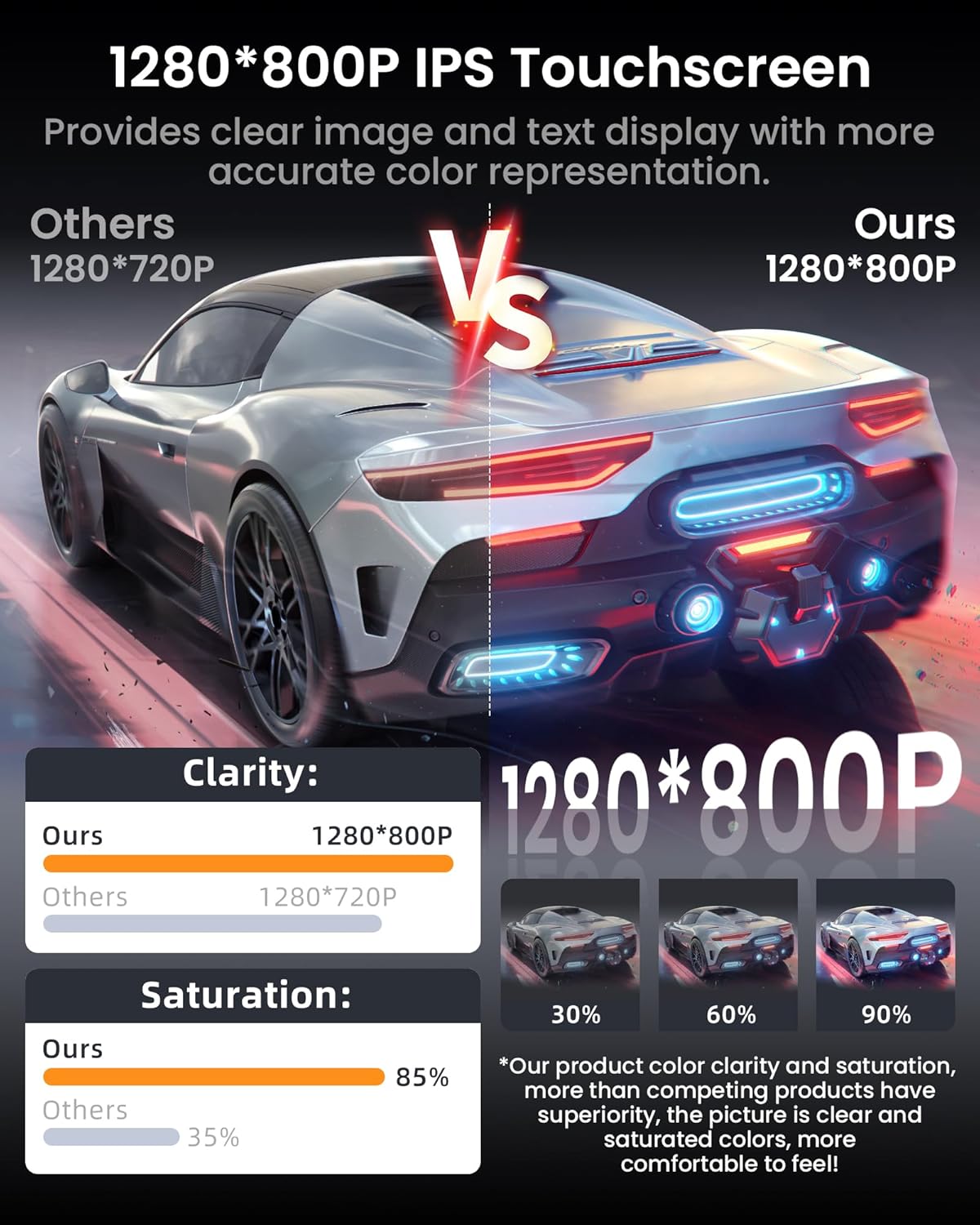
Image: The car radio display showing the professional EQ sound settings interface for audio customization.
Video: This video demonstrates the audio equalizer and sound settings available on the Android 13 car stereo.
7.4 Backup Camera
When the vehicle is shifted into reverse, the system automatically displays the 1080P HD camera feed, providing a clear view of the area behind your vehicle. This aids in safe parking and maneuvering.

Image: The car radio display showing the 1080P rear view camera feed with parking guidelines.
8. Maintenance
- Screen Cleaning: Use a soft, lint-free cloth to gently wipe the touchscreen. For stubborn smudges, slightly dampen the cloth with water or a screen-safe cleaner. Avoid harsh chemicals or abrasive materials.
- Software Updates: Periodically check for system software updates via the settings menu. Connecting to a stable WiFi network is recommended for downloading updates.
- General Care: Avoid exposing the unit to extreme temperatures, direct sunlight for prolonged periods, or excessive moisture.
9. Troubleshooting
| Issue | Possible Solution |
|---|---|
| Unit does not power on | Check power connections and vehicle's fuse box. Ensure proper installation. |
| No sound | Verify speaker connections, check volume levels, and ensure audio output settings are correct. |
| GPS signal lost or inaccurate | Ensure GPS antenna is properly connected and has a clear view of the sky. Update map data if necessary. |
| Bluetooth/CarPlay/Android Auto not connecting | Ensure Bluetooth/WiFi is enabled on both devices. Forget and re-pair the device. Check compatibility of your phone's OS version. |
| Touchscreen unresponsive | Restart the unit. If issue persists, contact support. |
10. Specifications
- Brand: Fortdows
- Screen Size: 9 Inches
- Display Type: LED, IPS Touchscreen (1280x800 Resolution)
- Operating System: Android 13
- CPU: 1.8GHz Quad-Core
- RAM: 4GB
- ROM (Memory Storage Capacity): 64GB
- Connectivity Technology: Bluetooth 5.0, USB, Wireless (5G WiFi)
- Special Features: Wireless CarPlay, Android Auto, Voice Control, Lane Assist, Split Screen
- Navigation: Built-in GPS, supports online/offline maps (Worldwide)
- Audio Output Mode: Stereo, 32-band EQ
- Radio: FM/RDS
- Compatible Vehicle Type: Dodge Ram 1500 2500 (2013-2018) with Manual AC
- Included Components: Dashboard Mount, USB Cable (as part of wiring kit)
- UPC: 750880901552
- ASIN: B0FBRLKSW1
11. Warranty and Support
For warranty information and technical support, please refer to the documentation provided with your purchase or contact Fortdows customer service directly. Keep your proof of purchase for warranty claims.


