1. Product Overview
The WALI Triple Monitor Mount is designed to securely hold three LCD/LED flat screen monitors, enhancing your workspace ergonomics and efficiency. This mount features premium gas spring arms for smooth adjustments, allowing for optimal viewing angles and reduced desk clutter.
Compatibility:
- Screen Size: 13 to 27 inches
- Weight Capacity: Up to 19.8 lbs per arm
- VESA Mounting Patterns: 75x75mm and 100x100mm
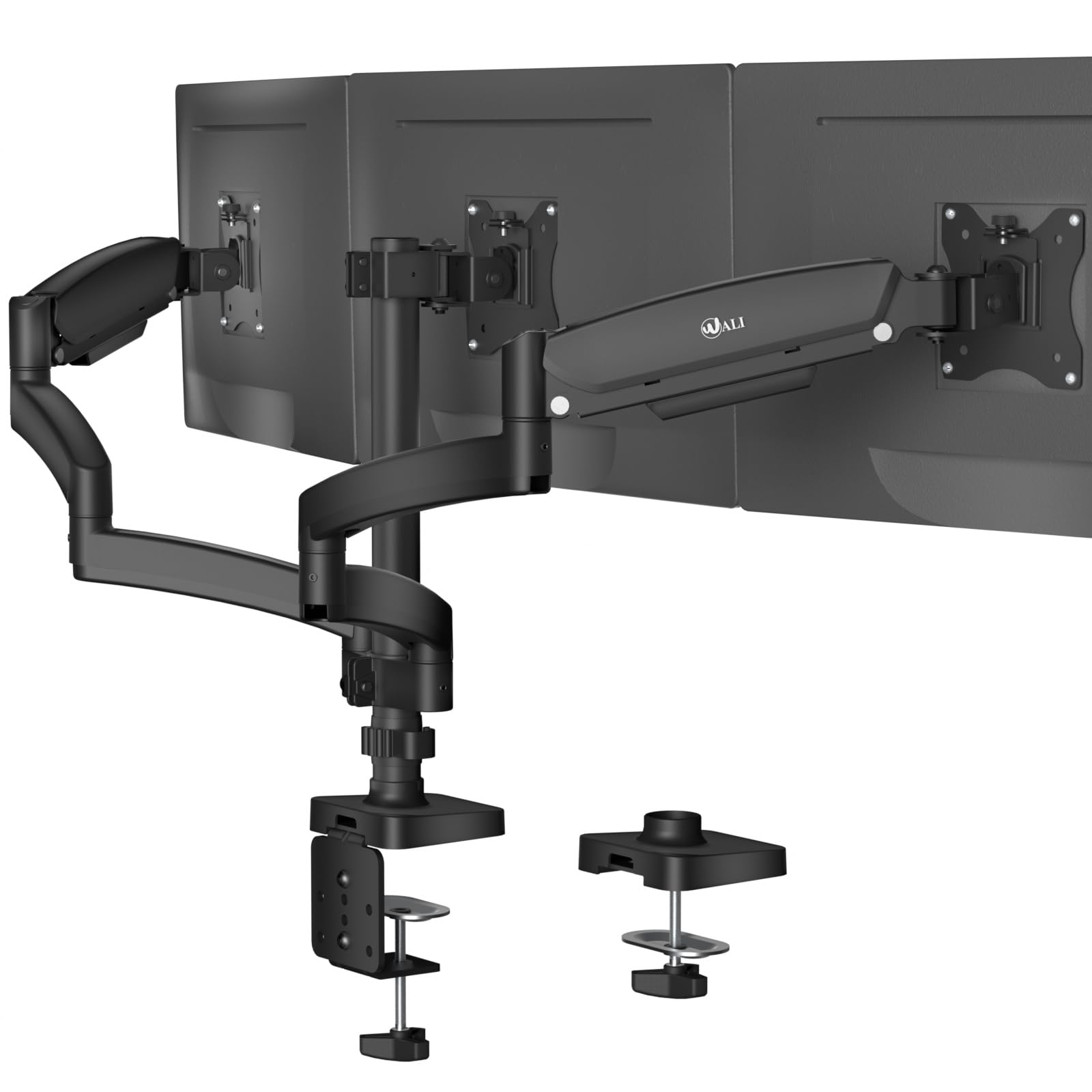
Figure 1: WALI Triple Monitor Mount in use with three monitors.

Figure 2: Display compatibility details for the monitor mount.
2. Safety Information
Please read and understand all instructions before installation and use. If you have any questions, contact customer support. Keep this manual for future reference.
- Do not exceed the maximum weight capacity of 19.8 lbs per arm.
- Ensure your desk surface is strong enough to support the combined weight of the mount and monitors.
- Use only the provided hardware. If any parts are missing or damaged, contact WALI customer support.
- Install the mount according to the instructions to prevent injury or damage.
- Always have assistance when lifting and positioning heavy equipment.
- Tighten all screws firmly but do not overtighten. Overtightening can damage components.
- This product contains small items that could be a choking hazard if swallowed. Keep away from children.
3. Package Contents
Verify that all components are present and undamaged before beginning installation.
- WALI Triple Monitor Gas Spring Desk Mount x1
- Mounting Hardware Kit (various screws, washers, spacers)
- User Manual
- Allen Wrenches for adjustment
4. Installation Guide
4.1. Choose Mounting Method
The mount supports two installation methods: C-Clamp and Grommet Base. Select the method suitable for your desk.

Figure 3: Desktop thickness requirements for C-Clamp and Grommet installations.
4.1.1. C-Clamp Installation
- Attach the C-clamp assembly to the edge of your desk.
- Ensure the desk thickness is between 0.39" and 3.15".
- Tighten the clamp screw until the mount is secure.
4.1.2. Grommet Installation
- If your desk has a grommet hole, ensure its diameter is between 0.39" and 2.36" and the desk thickness is between 0.39" and 1.57".
- Insert the grommet base through the hole.
- Secure the base from underneath the desk using the provided plate and nut.
4.2. Attach VESA Plate to Monitor
- Carefully place your monitor face down on a soft, clean surface.
- Identify the VESA mounting holes on the back of your monitor (75x75mm or 100x100mm).
- Attach the VESA plate to the monitor using the appropriate screws and washers from the hardware kit. Do not overtighten.
4.3. Attach Monitor Arms to Pole
- Slide the monitor arms onto the central pole of the desk mount.
- Adjust the height of the arms to your desired position and secure them with the provided collar and screw.
4.4. Mount Monitors
- With assistance, carefully lift each monitor and slide the VESA plate (attached to the monitor) onto the corresponding arm's mounting head.
- Ensure the monitor is securely seated and tighten any safety screws if applicable.
4.5. Cable Management
Route your monitor and power cables through the integrated cable management clips on the arms and central pole for a tidy setup.

Figure 4: Example of clean cable management.
5. Operating Instructions
5.1. Gas Spring Tension Adjustment
The gas spring arms allow for effortless height adjustment. You may need to adjust the tension based on your monitor's weight.
- If the monitor sags or drops: Turn the adjustment screw clockwise (towards '+') to increase tension for heavier monitors.
- If the monitor floats up or is difficult to push down: Turn the adjustment screw counter-clockwise (towards '-') to decrease tension for lighter monitors.
- Always hold the arm in a horizontal position while adjusting the gas spring.
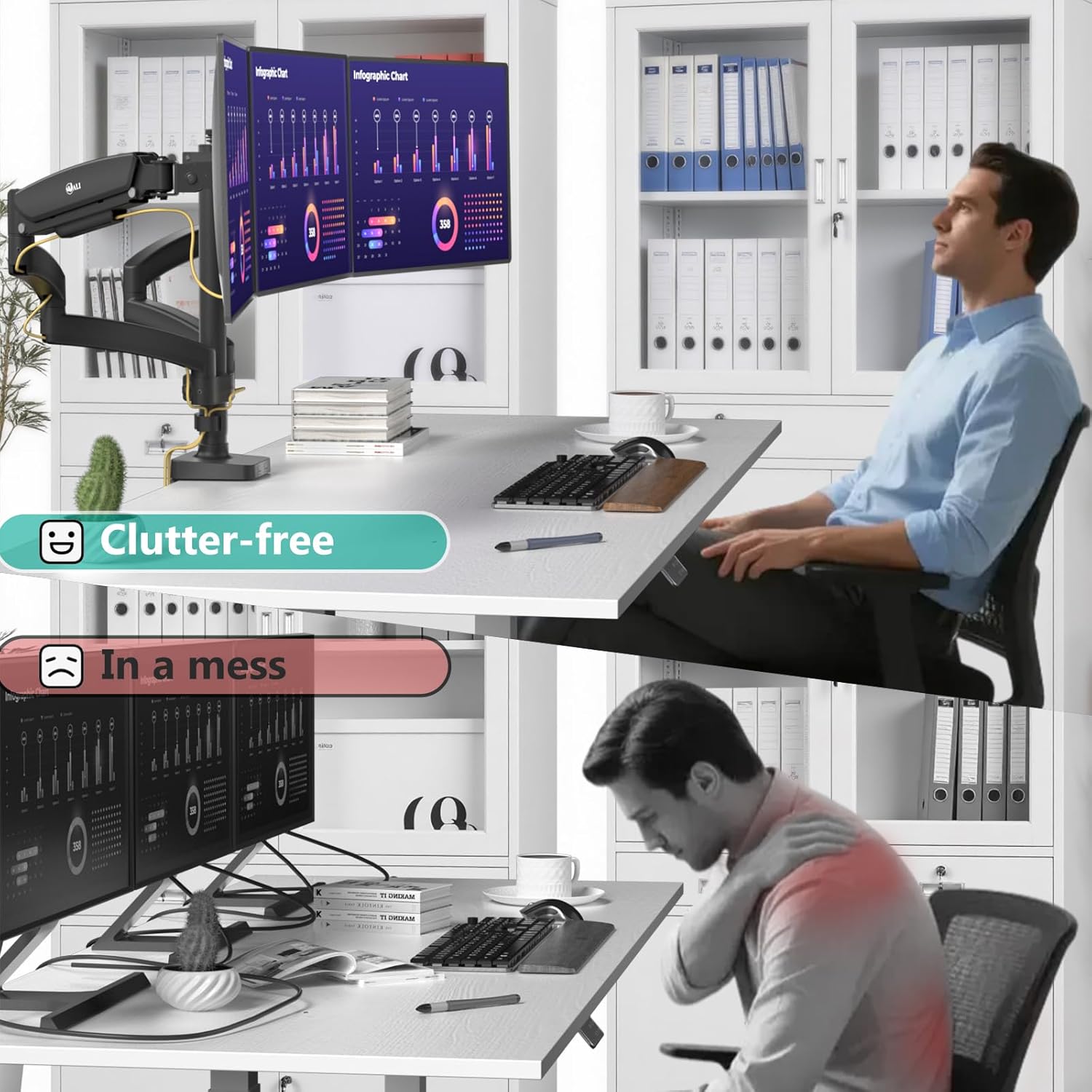
Figure 5: Gas spring tension adjustment point.
5.2. Tilt, Swivel, and Rotation
The mount offers extensive adjustability for optimal viewing:
- Tilt: Adjust the monitor screen vertically by tilting it +35° to -35°.
- Swivel: Pivot the monitor horizontally +/-90° at the VESA plate, and up to +/-180° at the arm joints.
- Rotation: Rotate the monitor 360° from landscape to portrait orientation.

Figure 6: Various angle adjustments for the monitor mount.
6. Care and Maintenance
Regular maintenance ensures the longevity and safe operation of your monitor mount.
- Cleaning: Wipe the mount with a soft, damp cloth. Avoid abrasive cleaners or solvents.
- Periodic Checks: Periodically check all screws and connections to ensure they remain tight. Re-tighten if necessary.
- Gas Spring: If the gas spring performance changes over time, re-adjust the tension as described in the Operating Instructions.
7. Troubleshooting
Refer to the table below for common issues and their solutions.
| Problem | Possible Cause | Solution |
|---|---|---|
| Monitor sags or drops | Gas spring tension is too low for monitor weight. | Increase gas spring tension by turning the adjustment screw clockwise. |
| Monitor floats up or is difficult to push down | Gas spring tension is too high for monitor weight. | Decrease gas spring tension by turning the adjustment screw counter-clockwise. |
| Mount is unstable on desk | C-clamp or grommet base is not tightened sufficiently. | Ensure the C-clamp or grommet base is securely tightened to the desk. Check desk thickness compatibility. |
| Monitor does not attach to VESA plate | Incorrect VESA pattern or screws used. | Verify your monitor's VESA pattern (75x75mm or 100x100mm) and use the correct screws from the hardware kit. |
8. Product Specifications
| Feature | Detail |
|---|---|
| Brand | WALI |
| Model Number | B0FBRJGKJ2 |
| Monitor Size Compatibility | 13" - 27" |
| Weight Capacity (per arm) | Up to 19.8 lbs |
| VESA Compatibility | 75x75mm, 100x100mm |
| Mounting Type | C-Clamp, Grommet Base |
| C-Clamp Desk Thickness | 0.39" - 3.15" |
| Grommet Desk Thickness | 0.39" - 1.57" |
| Grommet Hole Diameter | 0.39" - 2.36" |
| Tilt Angle | +/- 35° |
| Swivel Angle | +/- 90° (at VESA plate), +/- 180° (at arm joints) |
| Rotation | 360° |
| Max Height | 17" |
| Max Arm Extension | 52" |
| Material | Alloy Steel |
| Color | Black |
| Item Weight | 14.79 pounds |
| Package Dimensions | 17.36 x 9.41 x 6.34 inches |

Figure 7: Product dimensions of the WALI Triple Monitor Mount.
9. Warranty and Customer Support
9.1. Warranty Information
WALI products are designed for durability and performance. For specific warranty details, please refer to the product packaging or contact WALI customer support. Generally, products are covered against defects in materials and workmanship under normal use.
9.2. Customer Support
If you encounter any issues or have questions regarding your WALI Triple Monitor Mount, please do not hesitate to contact our experienced and friendly US-based customer support team. They are available to assist you 7 days a week.
For support, please visit the official WALI website or refer to the contact information provided with your product packaging.


