
1. Product Overview
This manual provides instructions for the Futanwei HD Clear Soft PET Film Screen Protector, designed to protect the screen of your compatible smartwatch.
Package Contents:
- 5 x Smartwatch Screen Protectors
Compatibility:
This screen protector is specifically designed for the following 1.85-inch smartwatches:
- Sootingot P70 Smartwatch
- Monowul P70 Smartwatch
- Tixpc P70 Smartwatch
- CIRPOS P70 Smartwatch
Note: This product is not compatible with the FITVII H56 (1.7 Inches) Smart Watch or any other devices not listed above.

This image illustrates the P70 Smart Watch, confirming the screen protector's compatibility with this model.
2. Key Features
- Oleophobic & Hydrophobic Coating: The screen protector features a specialized coating that repels sweat and oil, reducing fingerprint smudges and keeping your screen clean.
- High Touch Sensitivity: Engineered to maintain the original touch experience of your smartwatch, ensuring smooth and responsive interaction with the screen.
- Crystal Clear Picture Quality: With 99% transparency and an ultra-thin design, the protector preserves the bright and colorful image quality of your smartwatch display.
- Bubble Self-Healing Film: Utilizing advanced nano slow rebound fusion technology, minor air bubbles that may appear immediately after application will naturally disappear within a few hours. The film also automatically repairs daily scratches within 24 hours.
- Maximum Coverage: The flexible material allows for comprehensive coverage, including the curved edges of your smartwatch screen.

This diagram details the advanced features of the screen protector, including its high touch sensitivity, bubble-free application, fingerprint resistance, and oleophobic coating for oil and smudge protection.
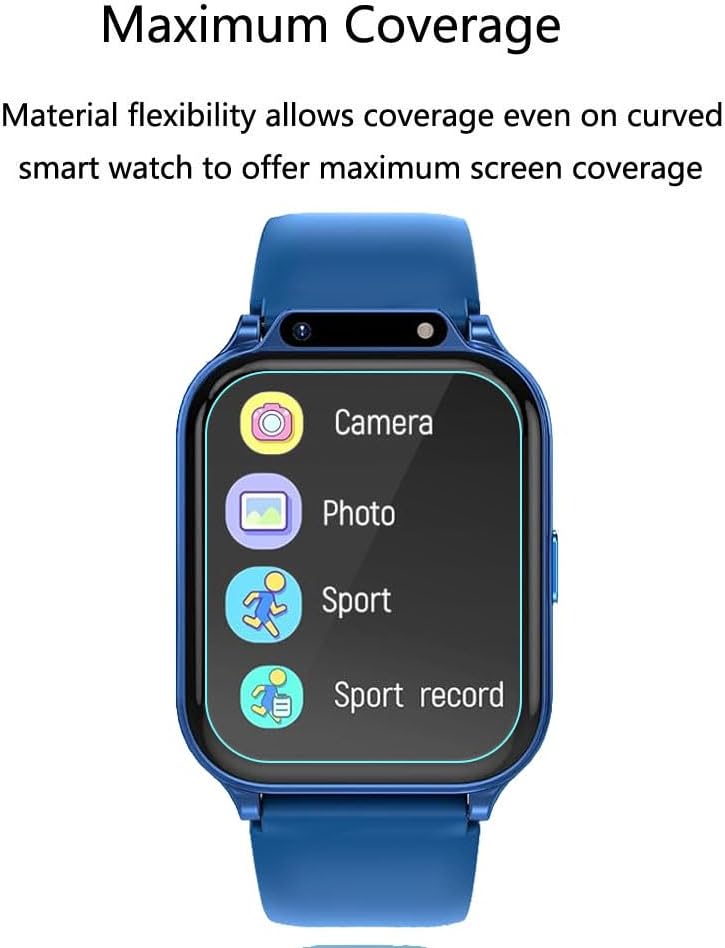
This image illustrates how the flexible material of the screen protector provides maximum coverage, even on the curved surfaces of the smartwatch screen.
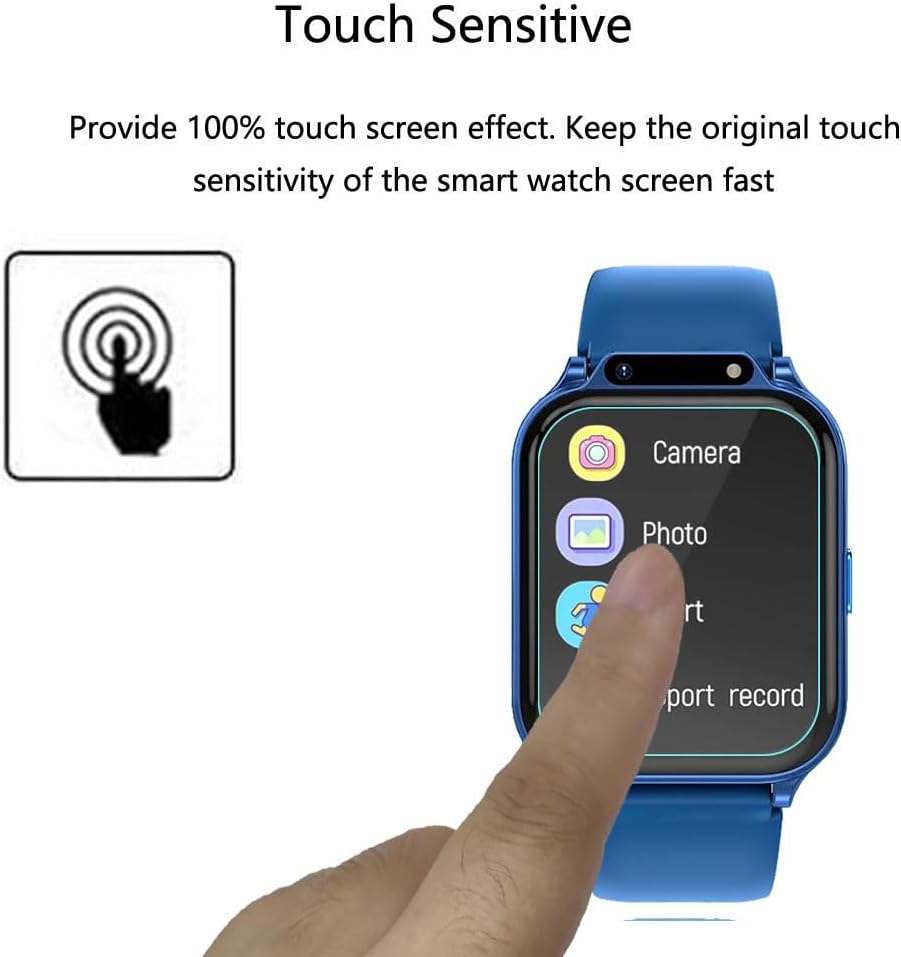
This image highlights the screen protector's ability to maintain 100% touch screen sensitivity, ensuring a responsive user experience.

This illustration demonstrates the self-healing technology of the screen protector, which automatically repairs minor scratches within 24 hours.

This image explains that any small bubbles present immediately after application will naturally disappear within a few hours, ensuring a smooth, bubble-free finish.
3. Installation Guide
Follow these steps carefully for a bubble-free and precise application of your screen protector:
- Step 1: Clean the Surface. Wipe the surface of your smartwatch screen thoroughly with a dry cloth, followed by a wet cloth, to remove all dust, dirt, and oils. Ensure the screen is completely dry before proceeding.
- Step 2: Remove Protective Layer. Gently pull down the label or tab to remove the first protective layer from the screen protector film. Avoid touching the adhesive side.
- Step 3: Align and Place. Carefully align the screen protector film with the edges of your smartwatch screen. Once aligned, gently place it onto the screen.
- Step 4: Press and Secure. Using a soft cloth or squeegee, press the protective film from one side to the other, pushing out any air bubbles. Work from the center outwards to ensure a smooth application.
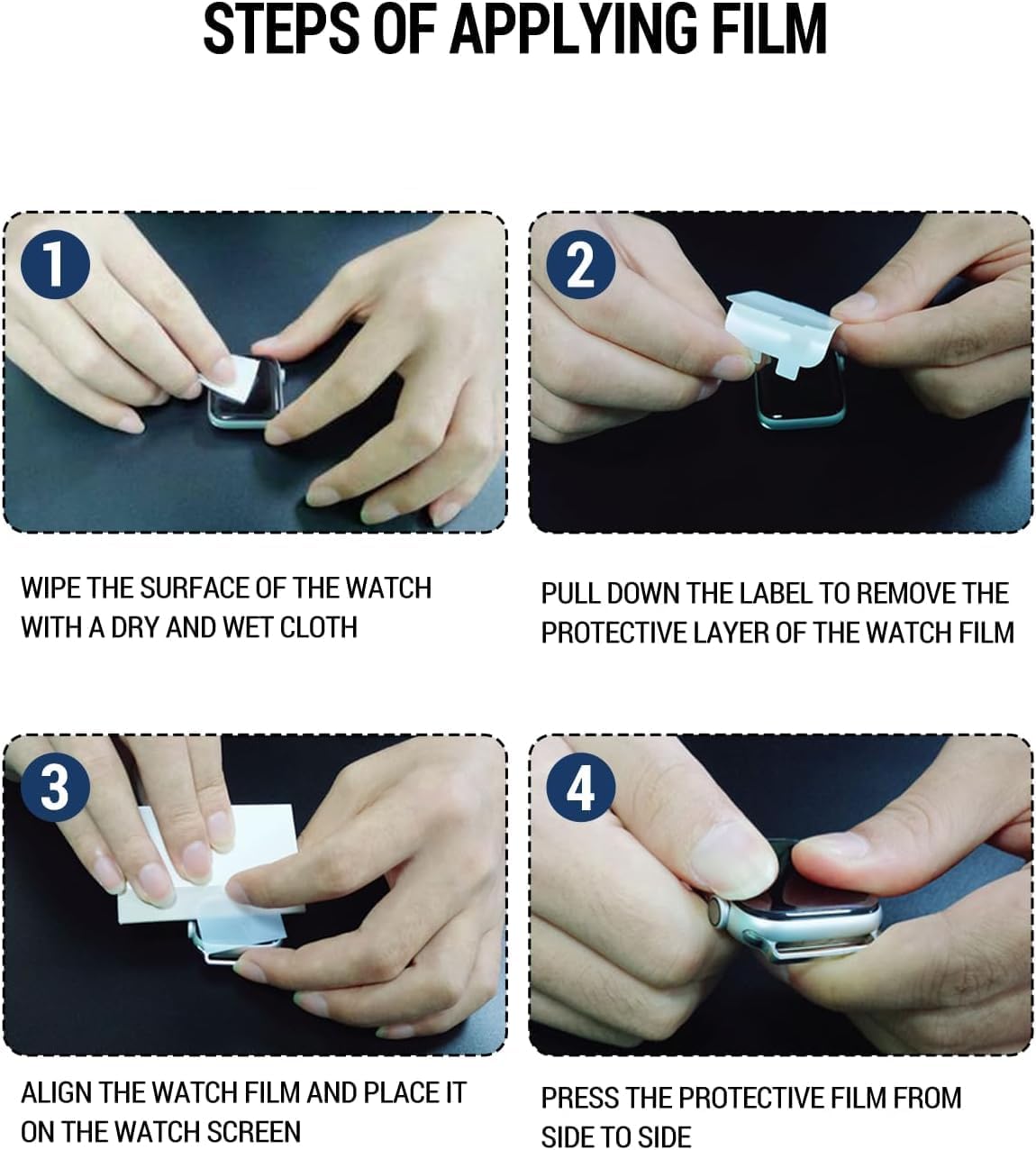
This image provides a visual guide for the installation process, showing how to clean the watch surface, remove the protective layer, align the film, and press it down for a secure application.
4. Maintenance
To ensure the longevity and clarity of your screen protector, follow these simple maintenance tips:
- Cleaning: Use a soft, lint-free cloth to gently wipe the screen protector. For stubborn smudges, slightly dampen the cloth with water or a screen cleaner designed for electronics. Avoid harsh chemicals.
- Avoid Sharp Objects: While the protector offers scratch resistance, avoid direct contact with sharp objects to prevent deep scratches.
- Regular Inspection: Periodically check the screen protector for any signs of wear or damage. If significant damage occurs, replace it with a new one from the pack.
5. Troubleshooting
Here are solutions to common issues you might encounter during or after installation:
- Bubbles After Installation: Small bubbles are common immediately after application. Due to the self-healing properties of the film, these should disappear naturally within a few hours. For larger bubbles, gently lift the nearest edge of the protector and reapply, pushing the bubble out with a soft cloth.
- Dust Particles Under Protector: If dust particles are trapped, carefully lift the nearest edge of the protector with a piece of tape. Use another piece of tape to dab and remove the dust from both the screen and the adhesive side of the protector. Reapply carefully.
- Misalignment: If the protector is misaligned, gently peel it off from one corner and reapply, ensuring proper alignment before pressing down firmly.
- Edges Not Sticking: Ensure the screen is perfectly clean and dry. Press down firmly on the edges for a few seconds. If the issue persists, the screen might have a more pronounced curve than the protector can accommodate, or the protector might be damaged.
6. Specifications
| Attribute | Detail |
|---|---|
| Material | Thermoplastic Polyurethane (TPU) |
| Item Hardness | 9H |
| Screen Size Compatibility | 1.85 Inches |
| Product Dimensions | 3 x 2 x 0.5 inches (packaging) |
| Item Weight | 0.32 ounces |
| Finish Type | Glossy |
| Unit Count | 5.0 Count |
7. Warranty and Support
Futanwei is committed to providing high-quality products. If you encounter any issues or have questions regarding your screen protector, please contact our customer support for assistance. We are dedicated to resolving any concerns quickly and efficiently.