
Introduction
The Battletron Wireless Gaming Headset BT-Gaming-01 is designed to provide an immersive audio experience for gamers. This versatile headset offers both wireless Bluetooth connectivity and a wired option, ensuring compatibility with various platforms including PC and most gaming consoles. It features an integrated microphone for clear communication and is constructed with 76% recycled plastic, reflecting an commitment to environmental responsibility.
This manual provides detailed instructions for setting up, operating, and maintaining your Battletron headset to ensure optimal performance and longevity.
Key Features
- Total Immersion: Comfortable fit and soft ear cushions designed to minimize external distractions.
- Ultimate Connectivity: Offers wireless Bluetooth connectivity with up to 18 hours of battery life, and a wired option using the included audio cable for compatibility with PC and popular gaming consoles.
- Crystal Clear Communication: Features an integrated microphone for clear and fluid team communication during multiplayer sessions.
- Ecological Commitment: Manufactured with 76% recycled plastic, combining performance with environmental sustainability.
- Versatility & Performance: Delivers a superior gaming experience for both computer and console users.
Package Contents
Please check the box for the following items:
- Battletron Wireless Gaming Headset (BT-Gaming-01)
- USB-C Charging Cable
- 3.5mm Audio Cable
- PC Adapter Cable (3.5mm female to 2x 3.5mm male splitter)

Image: Front view of the Battletron Wireless Gaming Headset, showing the headset itself.
Product Overview
Familiarize yourself with the headset's components and controls.

Image: Back view of the Battletron Wireless Gaming Headset, showing the location of the power button, USB-C charging port, and volume control.
- Power Button: Used to power the headset on/off and for Bluetooth pairing.
- USB-C Charging Port: Connect the USB-C cable here for charging.
- Volume Control: Adjusts the audio output level.
- 3.5mm Audio Jack: For wired connection using the audio cable.
- Integrated Microphone: For voice communication.
Setup
1. Charging the Headset
Before first use, fully charge the headset.
- Connect the USB-C charging cable to the headset's USB-C port and the other end to a USB power source (e.g., computer, wall adapter).
- The LED indicator will show charging status (refer to LED behavior section if available, otherwise assume standard red for charging, off/blue for full).
- A full charge takes approximately 2 hours.
2. Bluetooth Pairing (Wireless Mode)
To connect wirelessly to your device:
- Ensure the headset is charged and powered off.
- Press and hold the Power Button until the LED indicator flashes rapidly (usually blue/red), indicating pairing mode.
- On your device (PC, console, smartphone), enable Bluetooth and search for available devices.
- Select "Battletron BT-Gaming-01" from the list.
- Once connected, the LED indicator will typically show a solid blue light or flash slowly.
3. Wired Connection (Audio Cable)
For a stable wired connection or when battery is low:
- Connect one end of the 3.5mm audio cable to the headset's audio jack.
- Connect the other end to the 3.5mm audio port on your PC, console controller, or other compatible device.
- For PCs with separate audio and microphone jacks, use the included PC adapter cable: connect the headset's 3.5mm cable to the female end of the adapter, then plug the two male ends into your PC's microphone and headphone jacks.
Operating Instructions
Power On/Off
- Power On: Press and hold the Power Button for approximately 3 seconds until the LED indicator lights up.
- Power Off: Press and hold the Power Button for approximately 5 seconds until the LED indicator turns off.
Volume Control
- Use the Volume Control dial/buttons on the headset to adjust the listening volume.
- You may also adjust the volume directly on your connected device.
Microphone Usage
- The integrated microphone is automatically active when the headset is powered on in wireless mode or connected via the PC adapter cable in wired mode.
- Ensure your device's audio settings are configured to use the headset's microphone as the input device.
Call Handling (if applicable)
When connected to a smartphone via Bluetooth:
- Answer/End Call: Press the Power Button once.
- Reject Call: Press and hold the Power Button for approximately 2 seconds.
Maintenance
Proper care ensures the longevity of your headset.
- Cleaning: Use a soft, dry cloth to clean the headset. Do not use abrasive cleaners or solvents.
- Storage: Store the headset in a cool, dry place away from direct sunlight and extreme temperatures.
- Battery Care: To preserve battery life, avoid fully discharging the headset frequently. Charge it regularly, even if not in use for extended periods.
- Water Resistance: This headset is not waterproof. Avoid exposure to liquids.
Troubleshooting
If you encounter issues, try these solutions:
| Problem | Solution |
|---|---|
| Headset does not power on. | Ensure the headset is fully charged. Connect it to a power source and try again. |
| Cannot pair via Bluetooth. |
|
| No sound or low volume. |
|
| Microphone not working. |
|
Specifications
| Feature | Detail |
|---|---|
| Model Number | BT-Gaming-01 |
| Wireless Communication Technology | Bluetooth |
| Bluetooth Profile | A2DP, AVRCP, HFP, HSP |
| Operating Distance | >10 meters |
| Operating Frequency | 2402 - 2480 MHz |
| Speaker Diameter | 40mm |
| Speaker Impedance | 32 Ohm |
| Frequency Response | 20 - 20,000 Hz |
| Microphone Sensitivity | -42 dB +/-3dB |
| Battery Type | Lithium-ion |
| Rechargeable Battery Capacity | 200 mAh (up to 18 hours playtime at 0-70% volume) |
| Charging Time | Approximately 2 hours |
| Charging Cable | USB-A to USB-C (50cm) |
| Audio Cable | 3.5mm Jack (120cm) |
| PC Adapter Cable | 3.5mm female to 2x 3.5mm male (20cm) |
| Dimensions (H x W x D) | 18.9 x 19.1 x 8.7 cm |
| Weight | 28 Grams |
| Material | 76% Recycled Plastic |
| Connectivity | Bluetooth, 3.5mm Jack |
| Control Method | Tactile |
| Special Features | Passive Noise Reduction, Immersive Sound, Crystal Clear Communication |
Warranty and Support
Manufacturer's Warranty: This Battletron headset comes with a 2-year manufacturer's warranty from the date of purchase.
This warranty covers defects in materials and workmanship under normal use. It does not cover damage caused by misuse, accidents, unauthorized modifications, or normal wear and tear.
Customer Support: For technical assistance, warranty claims, or further inquiries, please refer to the contact information provided on the product packaging or the official Battletron website. Please have your model number (BT-Gaming-01) and proof of purchase ready when contacting support.
Environmental Responsibility
The Battletron BT-Gaming-01 headset is manufactured with 76% recycled plastic, demonstrating a commitment to reducing environmental impact. Please dispose of this product responsibly at the end of its life cycle, following local regulations for electronic waste recycling.
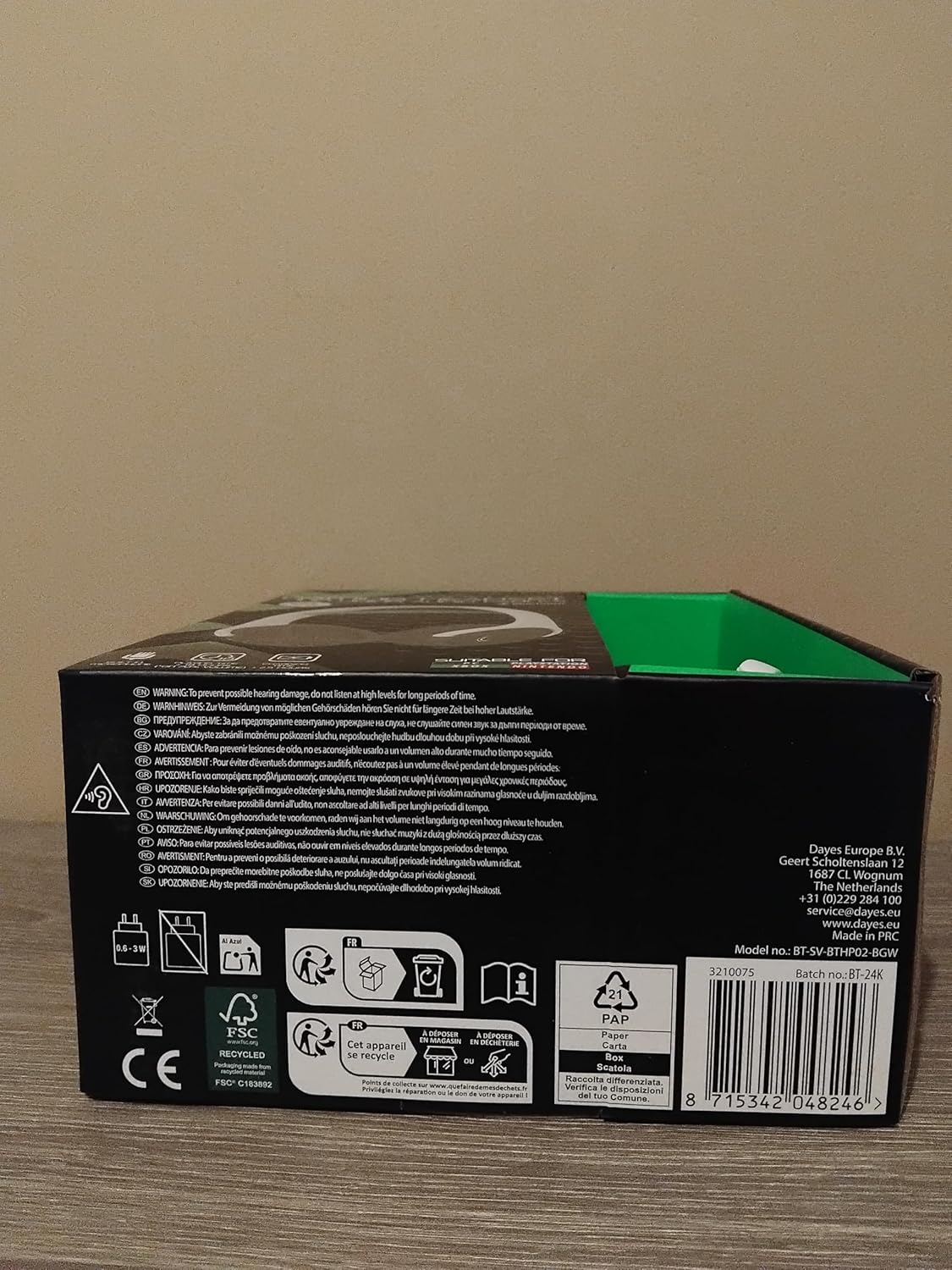
Image: Side view of the Battletron Wireless Gaming Headset, highlighting its design and material.


