
Introduction
This manual provides essential information for the proper use and maintenance of your Samsung Galaxy Watch8 44mm Bluetooth smartwatch. Please read this guide thoroughly before using your device to ensure optimal performance and safety. The Galaxy Watch8 combines advanced health monitoring, fitness tracking, and smart connectivity in a durable and sleek design.
What's in the Box
Carefully unpack your product and ensure all items are present. If any items are missing or damaged, contact your retailer.

Image: Contents of the box, including the Galaxy Watch8 and its wireless charger.
- Samsung Galaxy Watch8 (44mm, Dark Gray, Bluetooth)
- Wireless Charger
- Quick Start Guide (may vary by region)
Setup
1. Charging the Device
Before initial use, fully charge your Galaxy Watch8. Place the watch on the included wireless charger. Ensure the charger is connected to a power source. The watch display will indicate charging status.
2. Powering On/Off
- To Power On: Press and hold the Home key (top button) until the Samsung logo appears.
- To Power Off: Press and hold the Home key, then tap 'Power off' on the screen. Alternatively, swipe down from the top of the screen to open the Quick Panel, then tap the Power icon.
3. Pairing with a Smartphone
The Galaxy Watch8 requires pairing with a compatible Android smartphone (Android 11.0 or later with at least 1.5GB RAM) for full functionality.
- Download and install the Samsung Wearable app from the Google Play Store on your smartphone.
- Open the Samsung Wearable app and follow the on-screen prompts to connect your watch.
- Ensure Bluetooth is enabled on your smartphone.
- Select your Galaxy Watch8 from the list of available devices in the app.
- Confirm the pairing code displayed on both your watch and smartphone.
- Complete the setup process by agreeing to terms and conditions and signing into your Samsung account.
Operating Instructions
Navigation
- Touchscreen: Swipe left, right, up, or down to navigate through widgets, notifications, and quick settings. Tap to select.
- Home Key (Top Button): Press to go to the Watch Face. Double-press for a customizable shortcut. Press and hold for Power options or Bixby.
- Back Key (Bottom Button): Press to go back to the previous screen.
Display Brightness
The Galaxy Watch8 features an always-bright display, ensuring visibility even in direct sunlight.
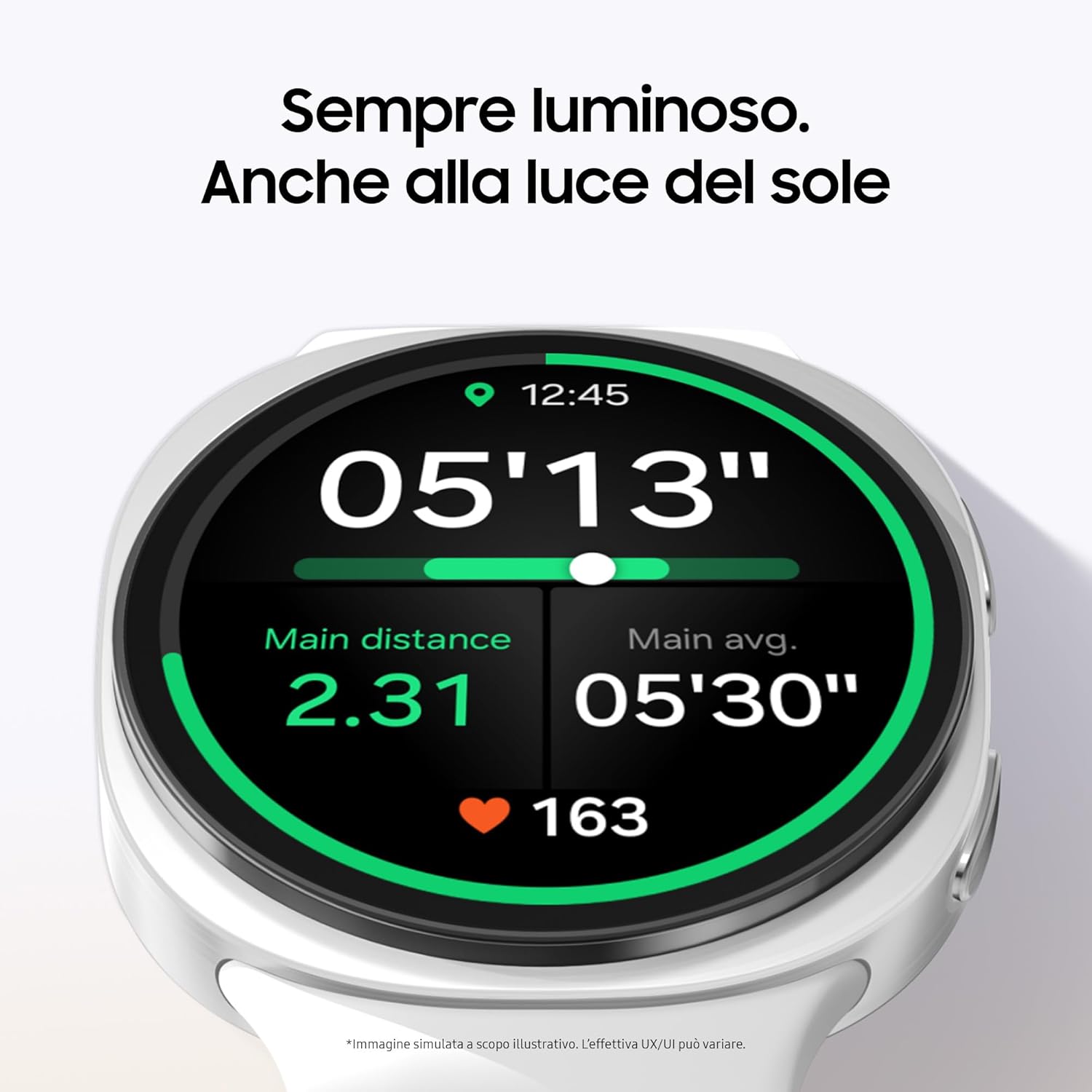
Image: The Galaxy Watch8 display remains bright and readable even in sunny conditions, showing fitness metrics.
Fitness Tracking
Track your movements and workouts with advanced fitness coaching. Set goals and monitor your progress directly from your wrist.

Image: The Galaxy Watch8 showing the 'Running coach' feature, providing guidance on repetitions and distance.
Sleep Monitoring and Energy Score
The Galaxy Watch8 analyzes your sleep patterns and heart signals to estimate your energy level. Utilize the Sleep Guide to establish a healthy bedtime routine based on your sleep data.

Image: The Galaxy Watch8 displaying 'Bedtime guidance', suggesting an optimal sleep window for a healthy routine.
Health Monitoring
Wear your Galaxy Watch8 for at least 4 hours each night to monitor your heart health. The device can also measure antioxidant levels and check your AGE index during the night.
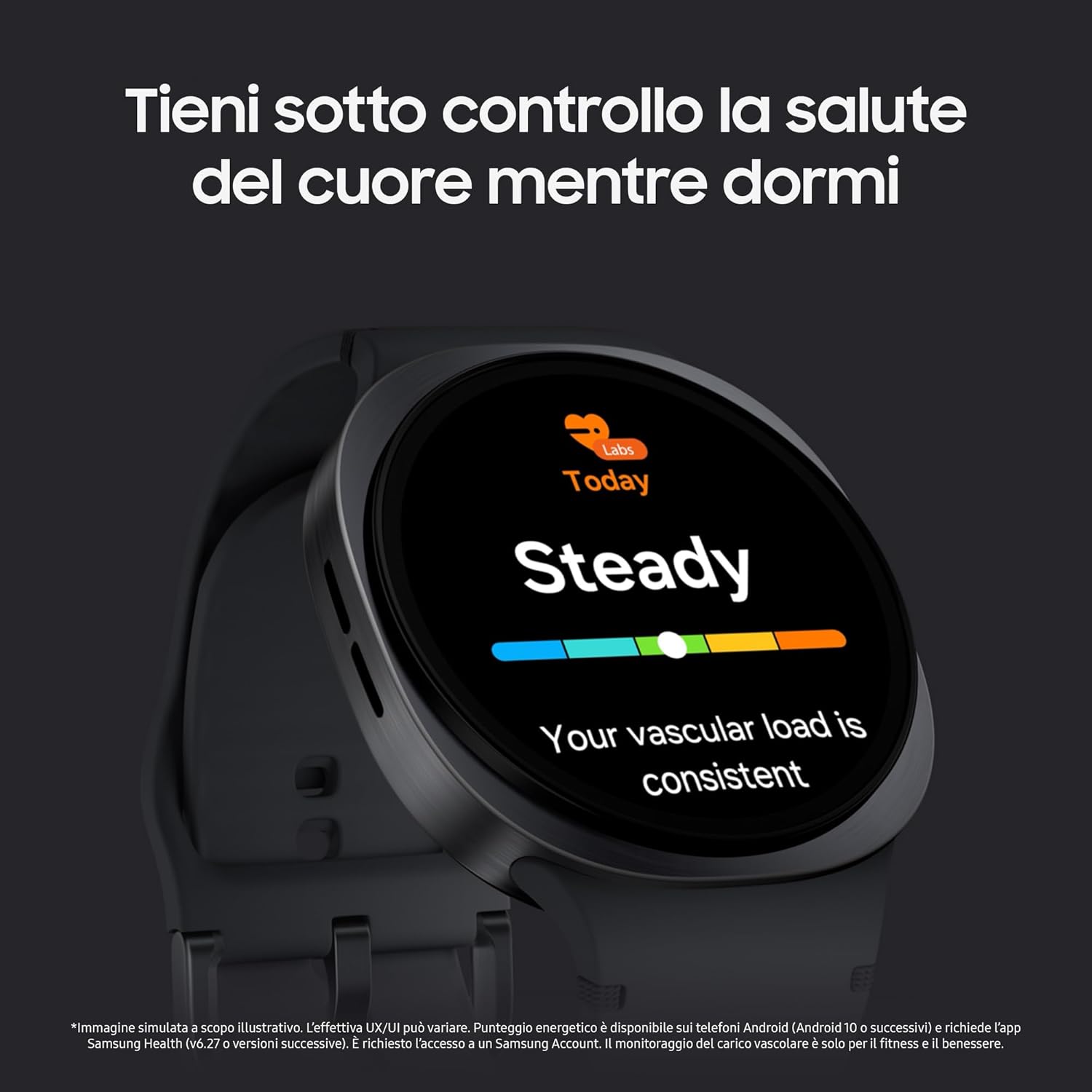
Image: The Galaxy Watch8 displaying 'Steady' vascular load, indicating consistent heart health monitoring during sleep.

Image: The underside of the Galaxy Watch8 with its sensors actively measuring antioxidant levels on a user's finger.
One UI 8 Watch Experience
The new One UI 8 Watch provides essential information from your favorite apps through multi-information panels. Enjoy simplified notifications and easy access to frequently used applications. Real-time information like calls and timers are available via the Now Bar.

Image: The Galaxy Watch8 displaying the Samsung Health app, showing an expanded view of energy score, steps, and sleep score.
Other Features
- GPS: Integrated GPS for accurate location tracking during outdoor activities.
- Notifications: Receive and manage smartphone notifications directly on your watch.
- Contactless Payments: Utilize NFC for convenient mobile payments.
- Phone Calls: Make and receive calls when connected to your smartphone via Bluetooth.
Maintenance
Cleaning Your Watch
Regularly clean your Galaxy Watch8 to maintain its appearance and functionality.
- Wipe the watch and strap with a soft, damp cloth.
- Avoid using harsh chemicals or abrasive materials.
- Ensure the watch is dry before charging or wearing.
Software Updates
Keep your watch's software updated for the latest features, performance improvements, and security patches. Updates can be managed through the Samsung Wearable app on your connected smartphone.
Troubleshooting
If you encounter issues with your Galaxy Watch8, try the following steps:
- Watch not turning on: Ensure the watch is fully charged. Connect it to the charger and wait a few minutes before attempting to power on again.
- Watch not connecting to phone: Check that Bluetooth is enabled on both devices. Restart both the watch and the smartphone. Ensure the Samsung Wearable app is updated.
- Inaccurate sensor readings: Ensure the watch is worn snugly on your wrist, not too tight or too loose. Clean the sensor area on the back of the watch.
- App issues: Close and reopen the app on your watch or smartphone. If the problem persists, clear the app's cache or reinstall it.
- Restarting the watch: For minor glitches, a simple restart can often resolve the issue. Press and hold both the Home and Back keys for about 7 seconds to force a restart.
Specifications
| Feature | Detail |
|---|---|
| Model | Galaxy Watch8 44mm Bluetooth |
| Operating System | One UI Watch 8.0 |
| Memory Capacity | 32 GB |
| Battery Capacity | 435 mAh (Lithium-Ion) |
| Connectivity | Bluetooth, NFC, Wi-Fi |
| Wireless Standard | Bluetooth |
| GPS | Integrated GPS |
| Shape | Round |
| Screen Size | 44 Millimeters |
| Special Features | GPS, Notifications, Contactless Payments, Phone Calls, Multisport Tracker |
Warranty Information
Your Samsung Galaxy Watch8 is covered by a limited warranty. Please refer to the warranty card included in your product packaging or visit the official Samsung website for detailed terms and conditions, including warranty period and coverage specifics. Keep your proof of purchase for warranty claims.
Support
For further assistance, technical support, or service inquiries, please contact Samsung Customer Service. You can find contact information and additional resources on the official Samsung support website:
- Online Support: Visit www.samsung.com/support
- Phone Support: Refer to your regional Samsung website for local contact numbers.


