
Seizeen 24VFF001
ENYOPRO Licensed Ford F-150 Raptor 2 Seater Electric Car for Kids User Manual
Model: 24VFF001
Introduction
Welcome to the user manual for your ENYOPRO Licensed Ford F-150 Raptor 2 Seater Electric Car for Kids. This manual provides essential information for the safe assembly, operation, and maintenance of your new ride-on toy. Please read it thoroughly before use to ensure a fun and safe experience for your child.
This 24 Volt Ride-on Truck is officially licensed by Ford, mirroring the signature F-150 Raptor design. It features a spacious two-seat layout, a powerful 24V motor, and various entertainment options including Bluetooth and radio. Safety features include dual 3-point seat belts, lockable doors, and a soft start function.

Image: ENYOPRO Licensed Ford F-150 Raptor Electric Car.
Safety Information
No Warning Applicable. However, always ensure children are supervised during operation. Use on flat, dry surfaces away from traffic. Ensure seat belts are fastened and doors are securely locked.
- Always supervise children when operating the vehicle.
- Ensure all safety features, such as seat belts and door locks, are properly engaged before use.
- Do not operate the vehicle near roads, steep inclines, swimming pools, or other hazardous areas.
- Recommended age: 3 years and up.
- Maximum load bearing: Less than 132 lbs (60kg).

Image: Safety Features Overview.
What's in the Box
- 24V Ride on Car Body
- Charger
- Remote Control
- Instruction Manual
Setup
Assembly is required before first use. Please follow the steps below carefully.
- Wheel Assembly: Attach the wheels to the axles. Ensure all washers and nuts are securely fastened.

Image: Attaching the wheel axle component.

Image: Securing the wheel.
- Steering Wheel Installation: Connect the steering wheel to the steering column and secure it.

Image: Installing the steering wheel.
- Windshield and Seat Placement: Attach the windshield and place the seat securely.
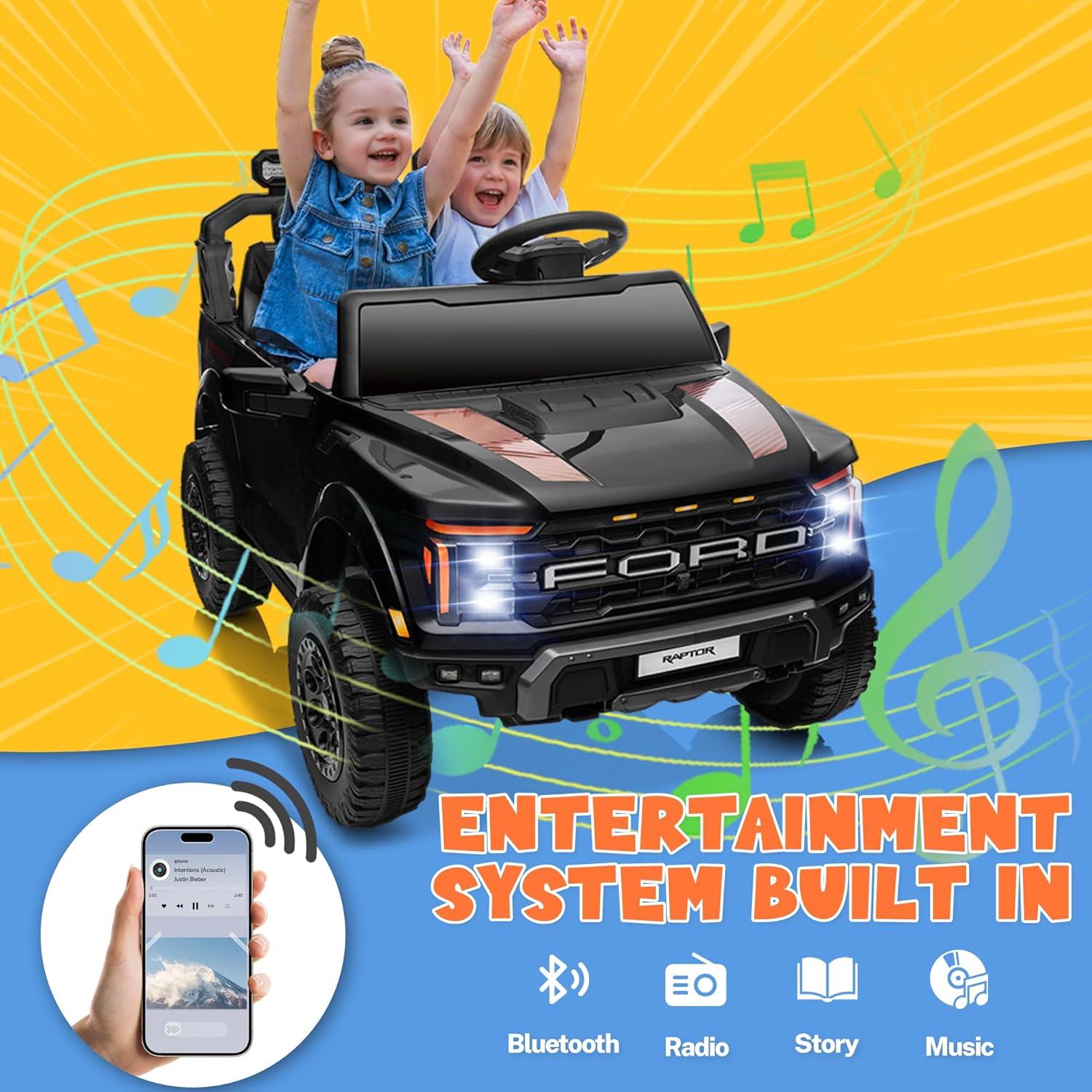
Image: Attaching the windshield.
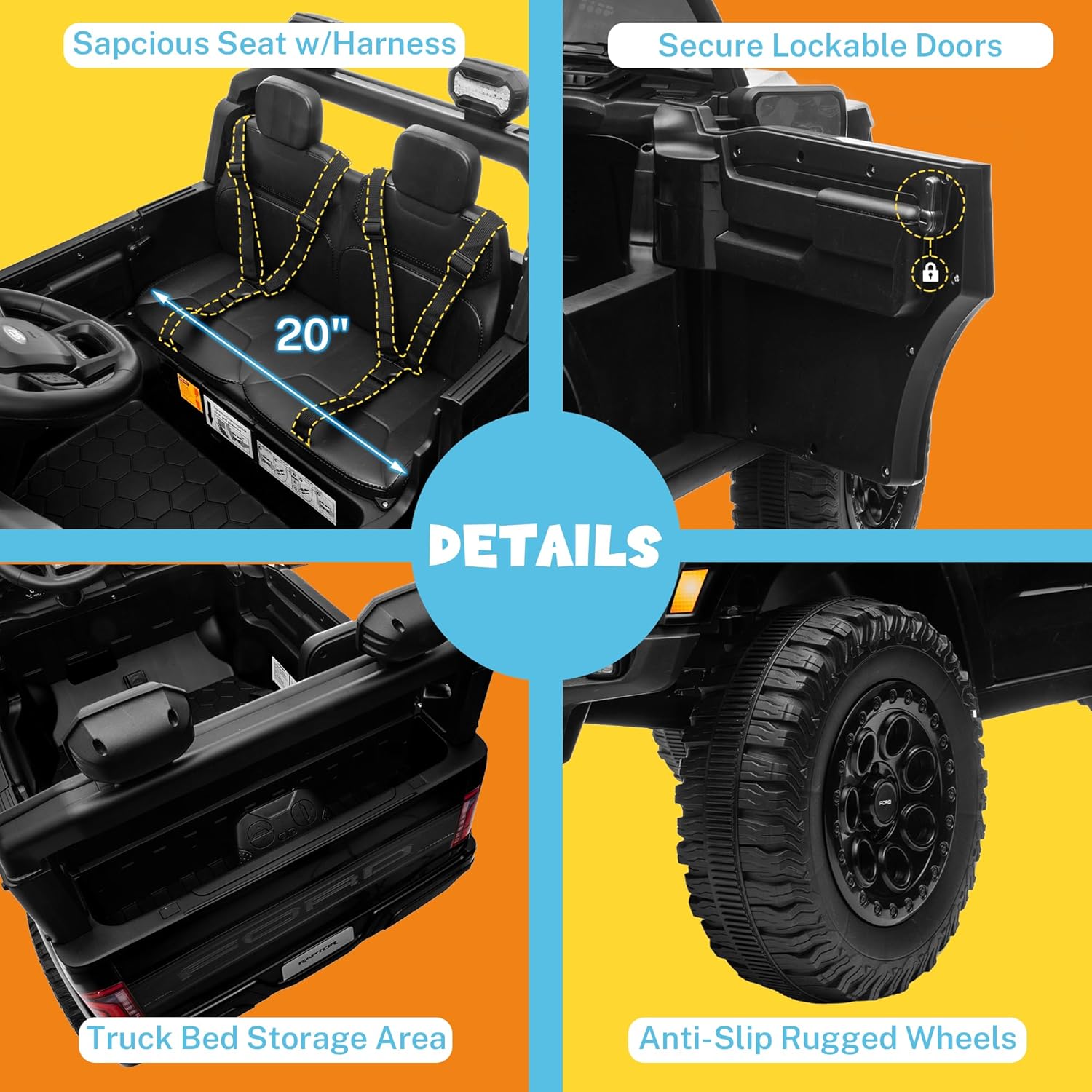
Image: Lifting the seat to access battery.
- Battery Connection: Connect the battery terminals. Ensure the red connector is securely attached.

Image: Connecting the battery.
- Initial Charge: Fully charge the battery for 8-12 hours before first use. Do not overcharge.
Operating Instructions
Manual Driving Mode
For independent driving, children can use the foot pedal accelerator and steering wheel.
- Power Button: Press to turn the vehicle on/off.
- Forward/Reverse Switch: Select desired direction.
- Foot Pedal: Press to accelerate. Release to brake.
- Steering Wheel: Turn to steer the vehicle.
- Horn Button: Press for horn sound.
- Light Switch: Turn on/off LED headlights.
- Speed Options: Use the gear button to select between multiple speeds (e.g., 3 speed options).

Image: Remote Control and Manual Driving Controls.
Parent Remote Control Mode
Parents can control the vehicle using the included remote control for younger children or for safety.
- Pairing: Follow instructions in the remote control manual to pair with the vehicle.
- Directional Buttons: Use arrows for Forward, Backward, Turn Left, Turn Right.
- Speed Selection: Adjust speed settings (e.g., 3 speed options).
- Emergency Brake: Press the emergency brake button to stop the vehicle immediately.
Entertainment System
The vehicle is equipped with a built-in entertainment system.
- Bluetooth: Connect your device via Bluetooth to play music.
- Radio: Tune into FM radio stations.
- Pre-loaded Music/Stories: Access built-in audio content.

Image: Dashboard controls for entertainment and battery.
Maintenance
- Cleaning: Wipe the vehicle with a soft, damp cloth. Do not use abrasive cleaners or solvents.
- Battery Care:
- Charge the battery after each use.
- If storing for extended periods, charge the battery once a month to prolong its lifespan.
- Do not allow the battery to completely drain.
- Storage: Store the vehicle in a dry, cool place away from direct sunlight and moisture.
- Inspection: Regularly check for loose screws, damaged wires, or worn parts. Replace any damaged components immediately.
Troubleshooting
| Problem | Possible Cause | Solution |
|---|---|---|
| Vehicle does not move | Battery low or disconnected; Loose wiring; Overload protection activated. | Charge battery; Check all connections; Reduce load/wait for reset. |
| Vehicle runs slowly | Low battery; Overloaded; Operating on rough terrain. | Recharge battery; Reduce load; Operate on smoother surfaces. |
| Remote control not working | Remote battery low; Not paired correctly. | Replace remote batteries; Re-pair remote according to its manual. |
| No sound from entertainment system | Volume too low; Bluetooth not connected; Radio signal weak. | Increase volume; Reconnect Bluetooth; Move to area with better signal. |
Specifications
| Feature | Detail |
|---|---|
| Product Dimensions | 44.09 x 29.53 x 28.3 inches |
| Item Weight | 48.5 pounds |
| Item Model Number | 24VFF001 |
| Manufacturer Recommended Age | 3 years and up |
| Battery | 24V 7Ah Rechargeable Battery |
| Motors | 2*90W Motors |
| Max Speed | 2.05-4.35 MPH (approx.) |
| Run Time | 50-110 minutes (approx.) |
| Seat Width | 20.0 inches |
| Features | LED Lights, Music, Bluetooth, Radio, Parent Remote Control, Truck Bed Storage, 4-Wheel Suspension, Soft Start |

Image: Product dimensions and key features.
Warranty and Support
For warranty information and customer support, please contact the manufacturer, ENYOPRO, or the seller, Seizeen, directly. Refer to your purchase documentation for specific warranty terms and contact details.
Typical return policy: 30-day easy returns.
For assistance, you may also visit the Seizeen Store on Amazon.