
1. Introduction
This instruction manual provides essential information for the safe and efficient installation, operation, and maintenance of your DEWIN 2-Pole Manual Transfer Switch. This device is designed to manage dual power circuits, ensuring a stable and reliable power supply for various applications. It incorporates features such as overload and short-circuit protection, housed in a flame-retardant ABS casing with high-conductivity silver alloy contacts.
Please read this manual thoroughly before installation and use to ensure proper functionality and safety.
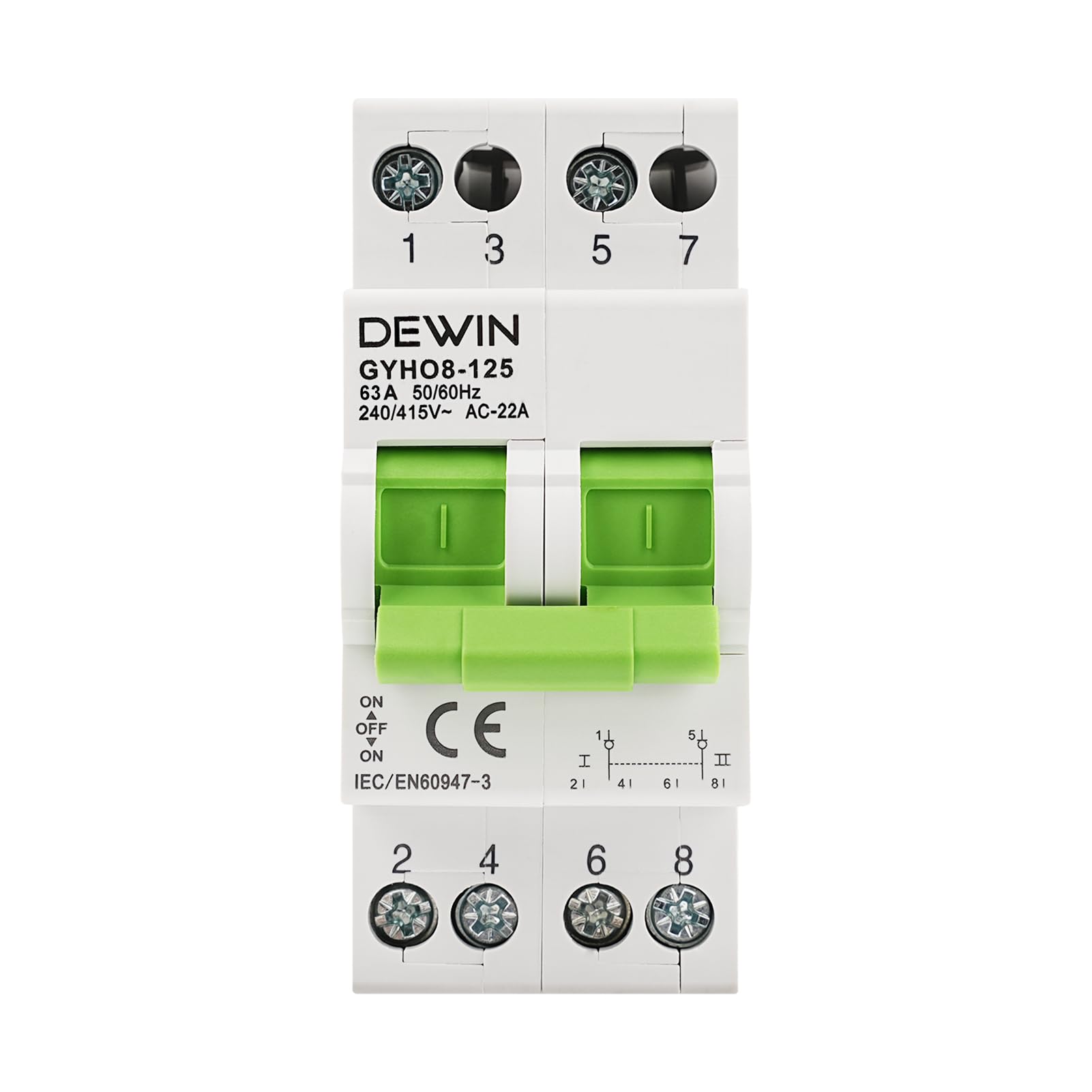
Figure 1: DEWIN 2-Pole Manual Transfer Switch. This image highlights the key features of the switch, including its dual power supply capability, overload and short-circuit protection, compact design, DIN rail compatibility, and flame-retardant housing.

Figure 2: Application in a Residential Setting. This image illustrates the compact and versatile design of the DEWIN switch, suitable for various environments including residential installations.
2. Safety Information
WARNING: Electrical shock hazard. Improper installation or use can result in serious injury or death. Always follow local electrical codes and regulations.
- Installation and maintenance should only be performed by qualified electricians.
- Ensure all power sources are disconnected before attempting any installation, wiring, or maintenance.
- Verify that the voltage and current ratings of the switch match your application requirements.
- Do not operate the switch if it appears damaged or if any components are missing.
- Wear appropriate personal protective equipment (PPE) during installation and maintenance.
3. Product Overview
3.1 Key Features
- Dual Power Circuit Switching: Designed to switch between two power circuits to ensure continuous and stable power supply.
- Protection: Integrated overload and short-circuit protection mechanisms.
- Durable Construction: Features a flame-retardant ABS housing for enhanced safety and high-temperature resistance.
- High Conductivity: Equipped with silver alloy contacts for reliable electrical performance.
- User-Friendly Design: Simple and easy-to-operate manual switching with clear identification diagrams.
- Compact & Easy Installation: Compact structure suitable for 35mm DIN rail mounting.

Figure 3: Flame-Retardant Housing. This image highlights the ABS flame-retardant housing, which provides enhanced safety by resisting high temperatures and preventing particle dripping during extreme conditions.
3.2 Components
The DEWIN Manual Transfer Switch consists of the following main components:
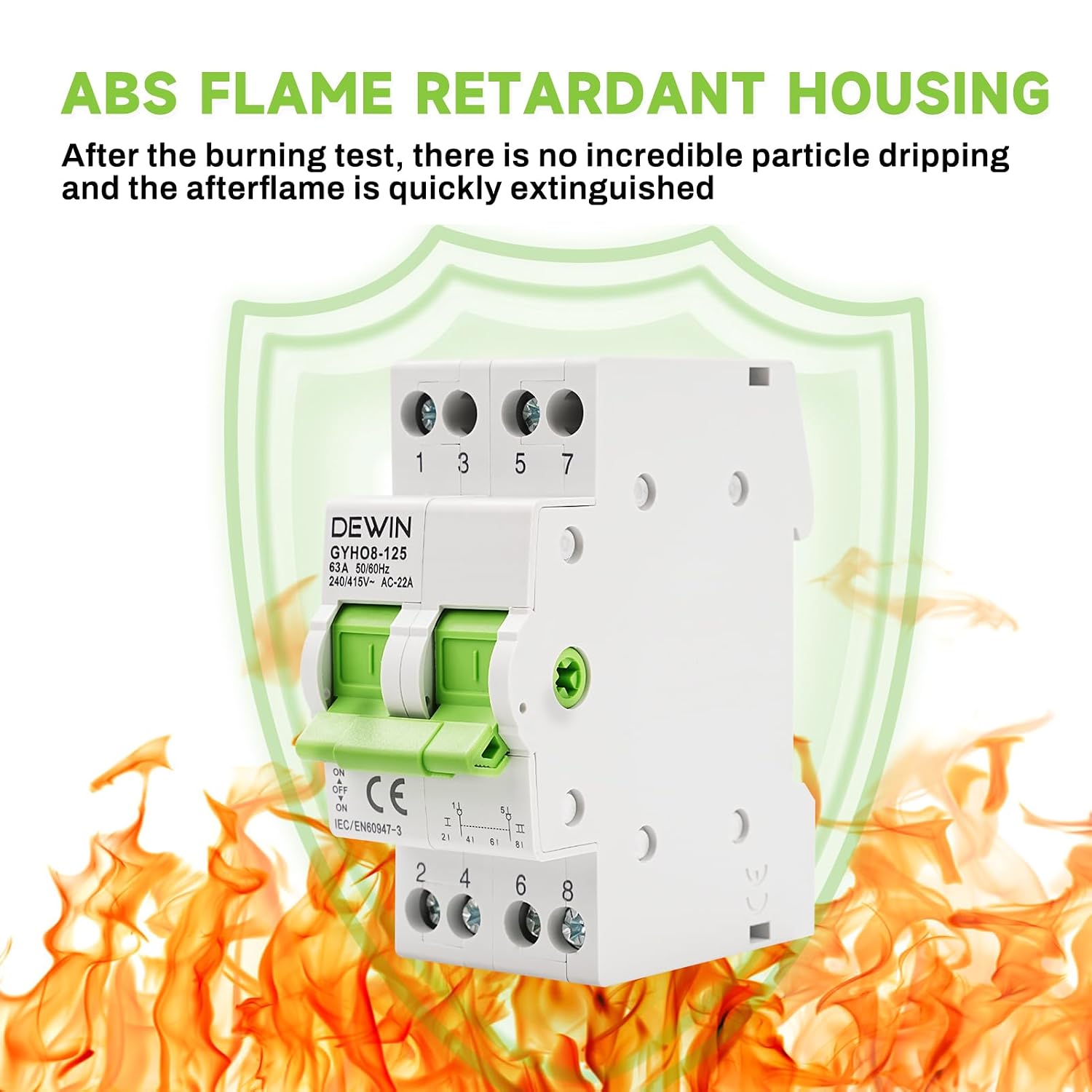
Figure 4: Product Component Diagram. This diagram labels the key parts of the switch, including the terminals (1, 3, 5, 7 for input; 2, 4, 6, 8 for output), indicating window, operating handle, and the ABS flame-retardant housing.
- Terminals: Connection points for incoming and outgoing electrical wires.
- Indicating Window: Provides visual status of the switch position.
- Operating Handle: Used to manually switch between power sources.
- ABS Flame Retardant Housing: The outer casing providing protection and insulation.
4. Specifications
Refer to the table below for detailed technical specifications of the DEWIN Manual Transfer Switch.

Figure 5: Product Information and Dimensions. This image provides a visual summary of the product's key specifications and physical dimensions.
| Parameter | Value |
|---|---|
| Material | Flame-retardant ABS |
| Rated Voltage | 240 VAC |
| Rated Current | 63 A |
| Rated Frequency | 50/60 Hz |
| Number of Poles | 2P |
| Electrical Life | >1500 switching cycles |
| Mechanical Life | >8500 switching cycles |
| Protection Level | IP20 |
| Ambient Temperature | -5 °C to 40 °C |
| Mounting Type | 35 mm DIN rail |
| Dimensions (approx.) | 82mm (H) x 35mm (W) x 63mm (D) |
5. Installation
Important: Ensure all power is OFF before beginning installation. This device must be installed by a qualified electrician in accordance with all applicable electrical codes.
5.1 Mounting on DIN Rail
- Locate a suitable 35mm DIN rail within your electrical panel or enclosure.
- Align the clips on the back of the transfer switch with the DIN rail.
- Press firmly until the switch clicks securely into place on the rail.
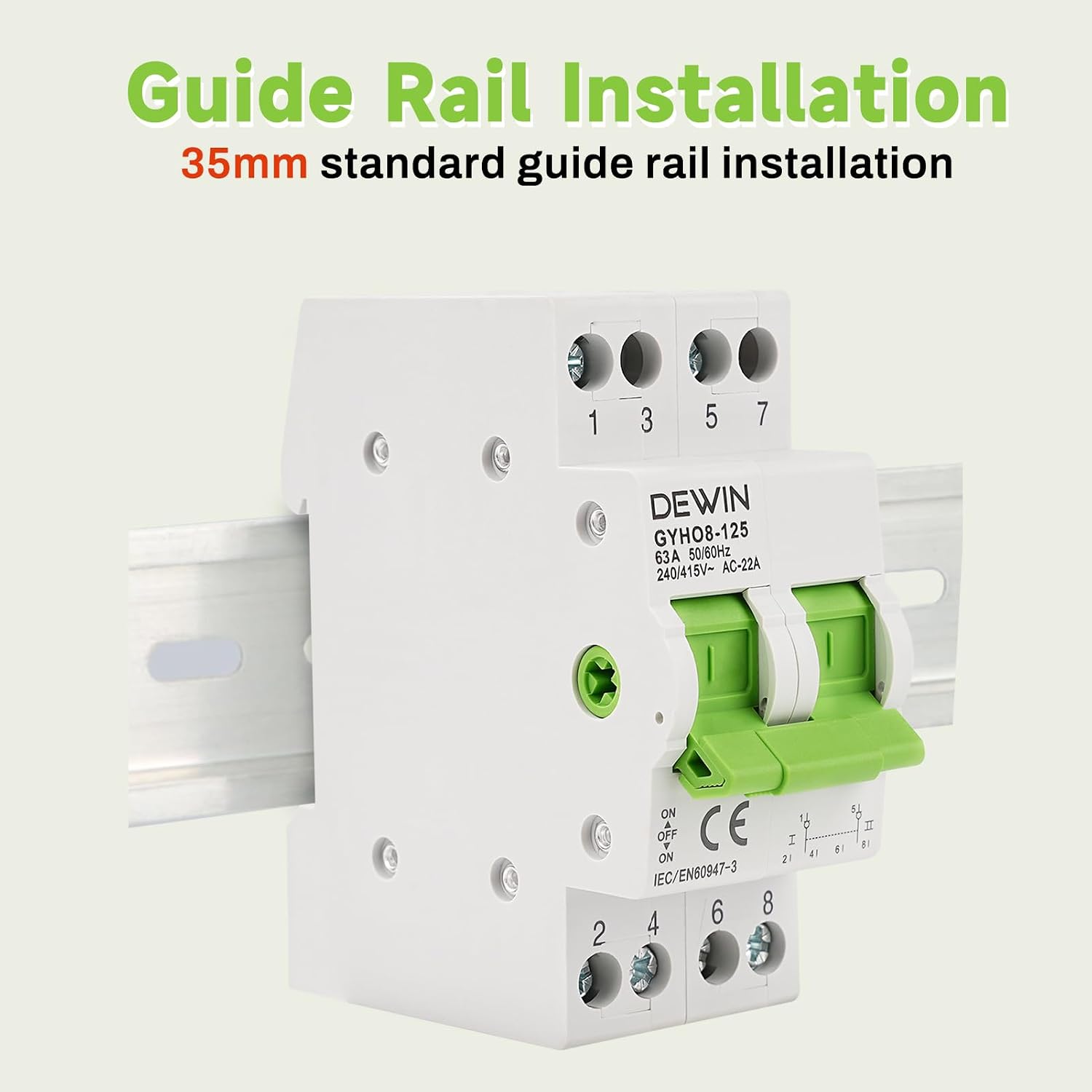
Figure 6: DIN Rail Installation. This image demonstrates the process of mounting the switch onto a standard 35mm DIN rail.
5.2 Wiring
Refer to the wiring diagram (Figure 4) and the enlarged wiring ports (Figure 7) for correct connections.
- Identify the primary and secondary power sources.
- Connect the incoming wires from the primary power source to the designated input terminals (e.g., 1 and 3).
- Connect the incoming wires from the secondary power source to the other designated input terminals (e.g., 5 and 7).
- Connect the load wires to the corresponding output terminals (e.g., 2, 4, 6, 8).
- Ensure all connections are tight and secure to prevent loose contacts and overheating.

Figure 7: Enlarged Wiring Ports. This image shows the design of the wiring ports, which are enlarged for more convenient and secure wiring.
6. Operation
The DEWIN Manual Transfer Switch allows for simple manual switching between two power sources.
- To switch from one power source to another, firmly push or pull the operating handle to the desired position.
- The indicating window will show the current active power source (e.g., "ON" for the selected source, "OFF" for the disconnected source).
- Ensure the handle is fully engaged in either the "ON" or "OFF" position for stable operation.
Figure 8: Manual Switching Operation. This image illustrates the manual operation of the switch using the push-pull handle.
6.1 Applications
This manual transfer switch is suitable for a variety of dual power system applications, including:
- Commercial establishments
- Family residential homes
- Recreational Vehicles (RVs)
- Other systems requiring reliable energy management with dual power sources.

Figure 9: Wide Range of Applications. This image visually represents the diverse environments where the DEWIN manual transfer switch can be effectively utilized.
7. Maintenance
Regular maintenance helps ensure the longevity and reliable operation of your transfer switch.
- Periodic Inspection: Regularly inspect the switch for any signs of physical damage, loose connections, or discoloration due to overheating.
- Cleaning: Keep the switch free from dust and debris. Use a dry, soft cloth for cleaning. Do not use liquid cleaners.
- Professional Check: It is recommended to have a qualified electrician inspect the switch and its connections periodically, especially in critical applications.
8. Troubleshooting
If you encounter issues with your DEWIN Manual Transfer Switch, consider the following common troubleshooting steps:
- No Power Output:
- Check if the operating handle is fully engaged in the "ON" position for the desired power source.
- Verify that the incoming power source is active and supplying voltage.
- Inspect all wiring connections for looseness or damage.
- Switch Not Engaging:
- Ensure there are no obstructions preventing the handle from moving freely.
- Do not force the handle. If it feels stiff, consult a qualified electrician.
- Overload/Short-Circuit Tripping:
- If the switch trips frequently, it indicates an overload or short-circuit condition in your electrical system.
- Identify and resolve the cause of the overload or short circuit before resetting the switch.
- Consult a qualified electrician to diagnose persistent tripping issues.
For issues not resolved by these steps, please contact customer support or a qualified electrician.
9. Warranty and Support
Specific warranty information for this product is not provided in the available documentation. For details regarding warranty coverage, returns, or technical support, please refer to your purchase documentation or contact the seller directly.
Manufacturer: DEWIN
Model Number: RBIIREERA-GS99407