
1. Introduction
Thank you for choosing the EvoSpark Magnetic Rowing Machine. This manual provides essential information for the safe assembly, operation, maintenance, and troubleshooting of your new fitness equipment. Please read this manual thoroughly before use to ensure proper function and to maximize your workout experience.

Image 1.1: User engaging with the EvoSpark Magnetic Rowing Machine, displaying app integration.
2. Important Safety Information
Before beginning any exercise program, consult with your physician. It is imperative to follow these safety guidelines to prevent injury and ensure the longevity of your equipment:
- Always place the rowing machine on a flat, stable surface.
- Ensure adequate clear space around the machine during use (minimum 0.6 meters or 2 feet).
- Inspect the machine for loose parts or damage before each use. Do not use if damaged.
- Keep children and pets away from the machine during operation.
- Wear appropriate athletic footwear and clothing.
- Do not exceed the maximum user weight capacity of 350 lbs (159 kg).
- Stop exercising immediately if you feel faint, dizzy, or experience pain.
3. Setup and Assembly
The EvoSpark Magnetic Rowing Machine is designed for straightforward assembly. Most users can complete the process within 20 minutes. Refer to the included user manual and assembly hardware for detailed instructions.
3.1 Unpacking
- Carefully remove all components from the packaging.
- Verify that all parts listed in the packing list are present.
- Place all components on a clean, flat surface.
3.2 Assembly Steps
Follow the step-by-step instructions provided in the separate assembly guide. An installation video may also be available from the seller's customer service team for visual assistance.

Image 3.1: Illustration of the easy assembly process for the EvoSpark rowing machine.
4. Operating Instructions
4.1 Adjusting Magnetic Resistance
Your EvoSpark rowing machine features a 16-level magnetic resistance system. To adjust the resistance:
- Locate the resistance adjustment knob, typically found on the main unit.
- Turn the knob clockwise to increase resistance (levels 1-16).
- Turn the knob counter-clockwise to decrease resistance.
- Select a resistance level appropriate for your fitness level and workout goals.

Image 4.1: Detailed view of the magnetic resistance mechanism with 16 adjustable levels.
4.2 Using the Digital Monitor
The integrated LCD monitor tracks various workout metrics to help you monitor your progress:
- Time: Duration of your workout.
- Row Count: Number of strokes performed.
- Total Count: Cumulative number of strokes over time.
- 500-meter Time: Estimated time to row 500 meters.
- Frequency: Strokes per minute.
- Distance: Estimated distance covered.
- Calories: Estimated calories burned.
The monitor also includes a stand for your smartphone or tablet, allowing you to view content during your workout.

Image 4.2: The digital monitor displaying workout data and a device holder.
4.3 App Connectivity (Bluetooth)
Connect your smartphone or tablet to the rowing machine via Bluetooth to access real-time rowing data and compatible fitness applications like KINOMAP and EXR. This feature enhances your workout experience with virtual environments and training courses.
- Ensure Bluetooth is enabled on your device.
- Open the desired fitness app (e.g., KINOMAP, EXR).
- Follow the app's instructions to pair with your EvoSpark rowing machine.
- Note: App connection may disable the display on the machine's console.
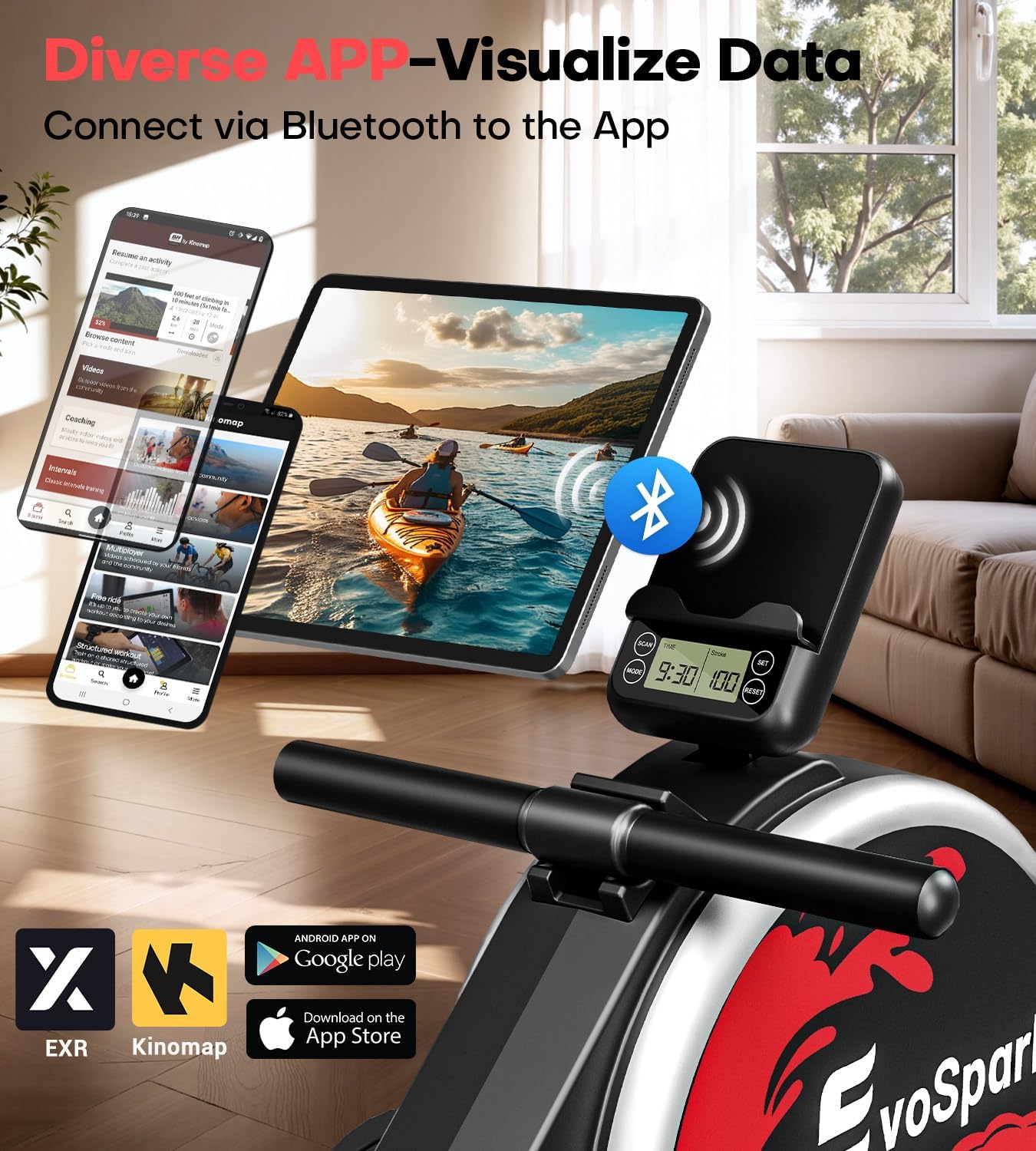
Image 4.3: App integration with the EvoSpark rowing machine, showing compatibility with various fitness platforms.
4.4 Proper Rowing Technique
To maximize effectiveness and minimize injury risk, maintain proper rowing form:
- The Catch: Knees bent, shins vertical, arms extended forward, back straight, shoulders relaxed.
- The Drive: Push off with your legs, then swing your torso back slightly, and finally pull the handle towards your abdomen.
- The Finish: Legs extended, torso leaned back slightly, handle at your lower ribs.
- The Recovery: Extend arms forward, then pivot torso forward, and finally bend knees to slide forward to the catch position.
5. Maintenance
Regular maintenance ensures the longevity and optimal performance of your EvoSpark rowing machine.
5.1 Cleaning
- Wipe down the machine with a damp cloth after each use to remove sweat and dust.
- Avoid using abrasive cleaners or solvents that could damage the finish or electronic components.
5.2 Inspection
- Periodically check all bolts, nuts, and moving parts for tightness. Tighten as necessary.
- Inspect the double slide rail for any obstructions or wear. Keep the rail clean.
- Check the pulling strap/cord for signs of fraying or damage.
5.3 Storage
The EvoSpark rowing machine is designed for compact storage. It can be stored upright, occupying approximately 2.85 sq. ft. (0.26 sq. meters) of floor space. Integrated transport wheels facilitate easy movement.
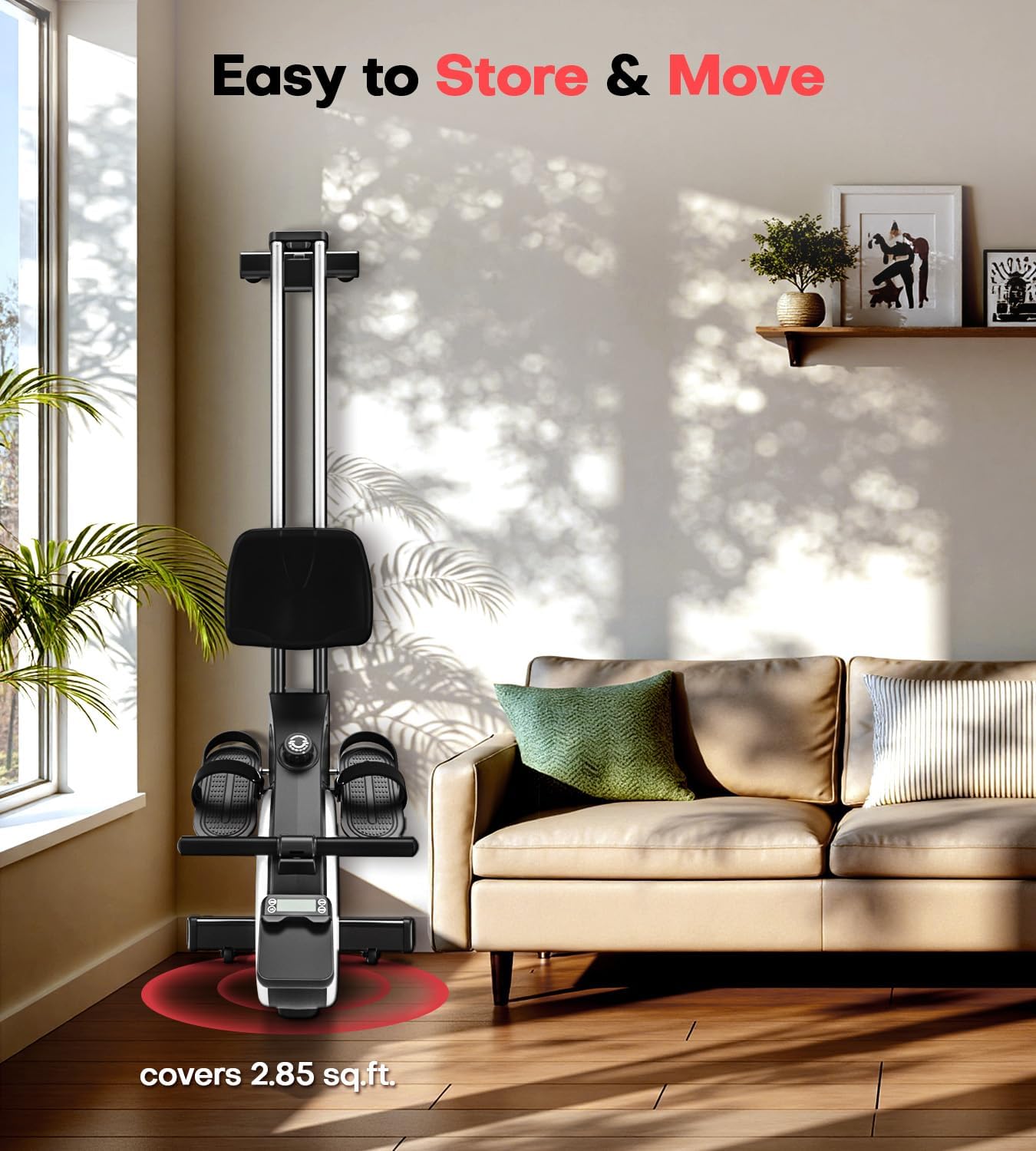
Image 5.1: The rowing machine in its upright storage position, highlighting its space-saving design.
6. Troubleshooting
This section addresses common issues you might encounter with your EvoSpark rowing machine.
| Problem | Possible Cause | Solution |
|---|---|---|
| No display on LCD monitor | Batteries are low or incorrectly installed. App is connected. | Replace batteries. Ensure correct polarity. Disconnect app to view monitor. |
| Resistance feels inconsistent | Magnetic system issue or debris. | Ensure the resistance knob is properly engaged. Contact customer support if issue persists. |
| Unusual noise during operation | Loose components or debris on the rail. | Check and tighten all bolts. Clean the double slide rail. |
| Bluetooth connection issues | Device Bluetooth off, app not updated, or interference. | Ensure device Bluetooth is on. Update fitness app. Move closer to the machine. |
7. Specifications
| Feature | Detail |
|---|---|
| Model Name | Rowing Machine 106H |
| Product Dimensions | 162 x 52 x 63 cm (63.8 x 20.5 x 24.8 inches) |
| Item Weight | 21.6 kg (47.6 lbs) |
| Material | Alloy Steel |
| Resistance Mechanism | Magnetic |
| Resistance Levels | 16 Levels |
| Maximum User Weight | 350 lbs (159 kg) |
| Meter Type | Calories Burned, Distance, Speed, Stroke Count, Time |
| Special Features | Adjustable Resistance, Digital Monitor (App connection disables the display), Easy Assembly, Ergonomic, Transport Wheels |
| Included Components | Rowing Machine, User manual, Assembly hardware & tools |
8. Warranty and Support
EvoSpark is committed to providing quality products and customer satisfaction. We offer lifetime technical support for our products. If you encounter any issues or have questions regarding your EvoSpark Magnetic Rowing Machine, please contact our customer service team through the platform where you purchased the product.
Please retain your proof of purchase for warranty claims and support inquiries.


