
YMZ DR03
YMZ Smart Watch DR03 User Manual
Model: DR03
Introduction
This manual provides detailed instructions for setting up, operating, and maintaining your YMZ Smart Watch DR03. Please read this manual thoroughly to ensure proper use and to fully utilize all features of your device.
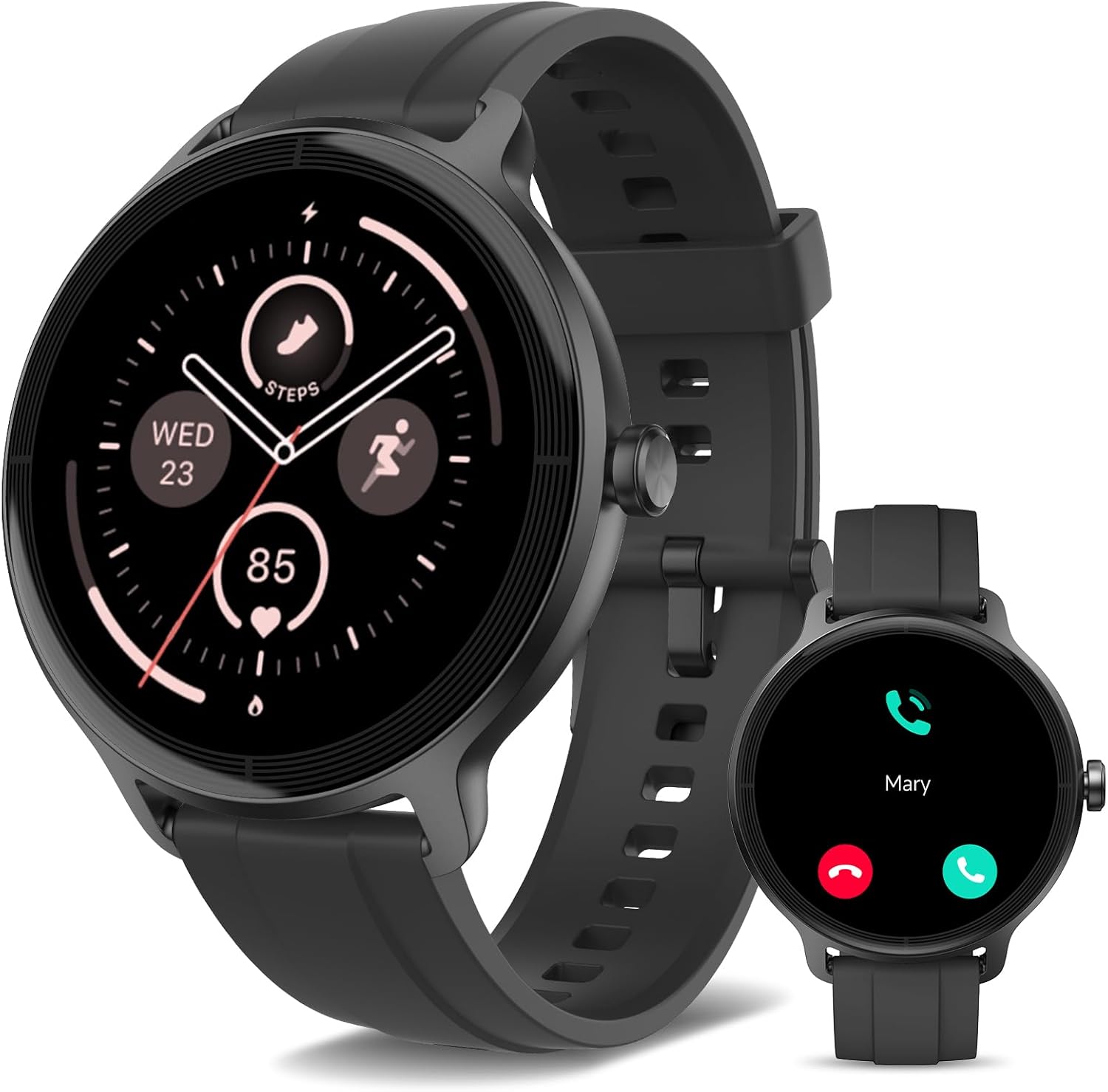
Image: The YMZ Smart Watch DR03, featuring a round display and black silicone strap.
Setup
1. Package Contents
Before starting, ensure all items are present in the package:
- YMZ Smart Watch DR03
- Watch Band
- Charging Cable
- User Manual (this document)

Image: Diagram showing the smartwatch, watch band, charging cable, and user manual included in the package.
2. Charging the Device
The YMZ Smart Watch DR03 comes with a magnetic charging cable. Connect the magnetic end to the charging points on the back of the watch and the USB end to a power adapter (not included) or a computer's USB port. A full charge typically takes approximately 1.5 hours.
- Ensure the charging contacts on the watch and cable are clean and dry.
- The watch display will show the charging status.
3. App Installation and Pairing
To unlock the full potential of your YMZ Smart Watch DR03, download and install the companion app on your smartphone.
- Download the App: Search for "VeryFit" in your smartphone's app store (Google Play Store for Android or Apple App Store for iOS) and install it.
- Enable Bluetooth: On your smartphone, go to Settings and ensure Bluetooth is turned on.
- Open VeryFit App: Launch the VeryFit app and follow the on-screen instructions to create an account or log in.
- Pair the Watch: In the app, navigate to the device pairing section. The app will search for available devices. Select "DR03" from the list to connect.
- Confirm Pairing: A pairing request may appear on your watch and phone. Confirm on both devices to complete the connection.
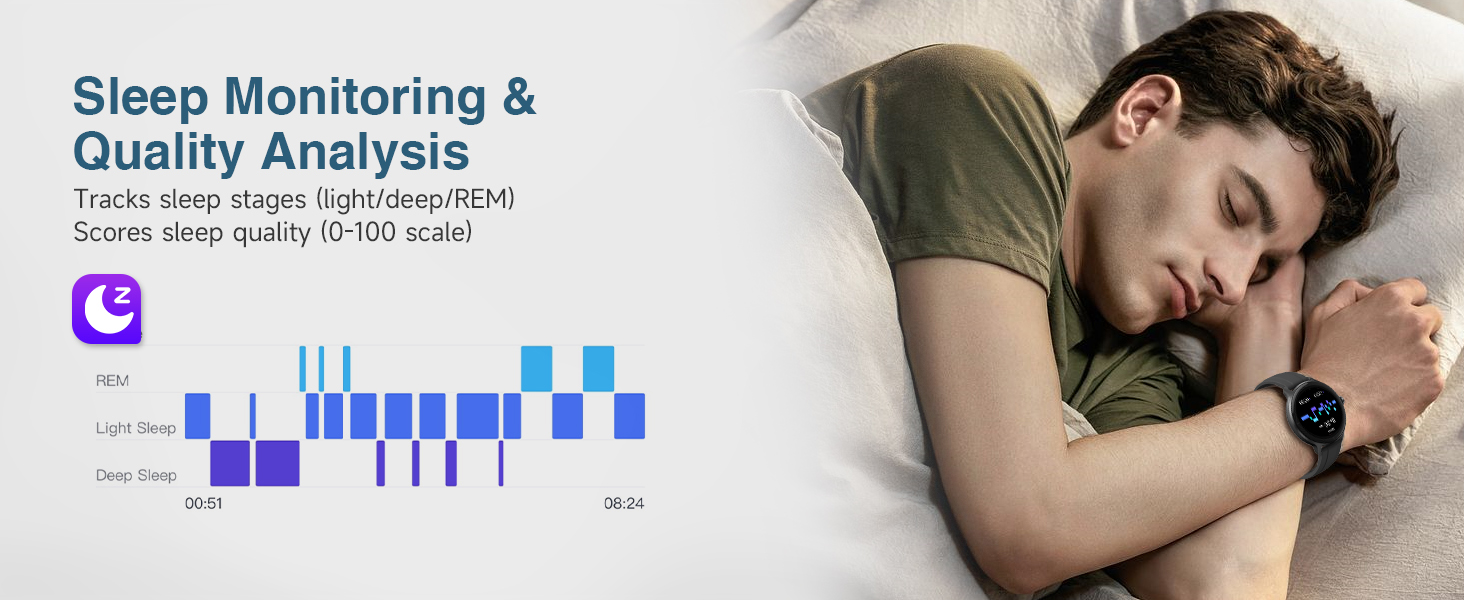
Image: Step-by-step visual guide for connecting the YMZ Smart Watch DR03 to a smartphone via the VeryFit app and Bluetooth.
Operating Instructions
1. Basic Navigation
- Touchscreen: Swipe left, right, up, or down to navigate through menus and features. Tap to select an option.
- Side Button: Press the side button to return to the home screen or wake the display.
2. Bluetooth Calling and Message Notifications
Once paired with your smartphone, the DR03 allows you to manage calls and receive notifications directly on your wrist.
- Bluetooth Calling: Answer or reject incoming calls directly from the watch. You can also view call history and access frequent contacts.
- Message Notifications: Receive alerts for SMS messages and notifications from various social media applications. Note: The device displays notifications but does not support replying to messages.
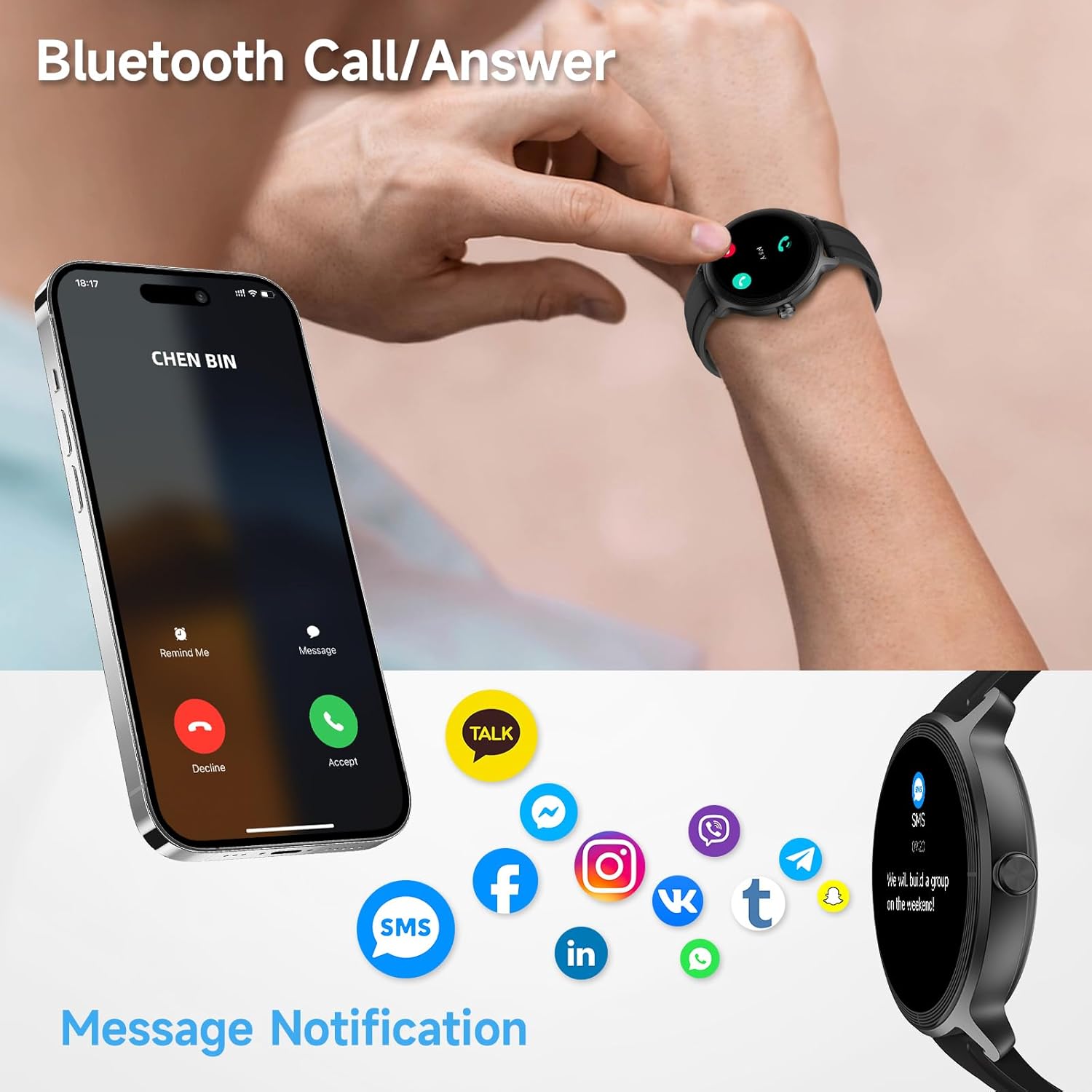
Image: The YMZ Smart Watch DR03 displaying an incoming call and various app notification icons, illustrating Bluetooth calling and message alert features.
Video: A demonstration of the YMZ Smart Watch DR03's features, including call management, health tracking, and various watch faces.
3. AI Voice Assistant
Utilize the integrated AI Voice Assistant for hands-free control. Tap the AI voice icon on your watch and speak commands to set alarms, check the weather, find your phone, or control music playback.

Image: A user interacting with the YMZ Smart Watch DR03's AI Voice Assistant, demonstrating commands like setting an alarm or asking for the weather.
4. Health Monitoring
The DR03 provides comprehensive health tracking features:
- Heart Rate Monitoring: Continuously tracks your heart rate and provides alerts for abnormal rhythms.
- Blood Oxygen (SpO2) Monitoring: Measures your blood oxygen levels day and night, with sleep oxygen variation analysis.
- Sleep Monitoring: Tracks sleep stages (light, deep, REM) and scores sleep quality.
- Respiratory Rate: Monitors your breathing patterns.
- Stress Level Monitoring: Provides real-time stress assessment with a 3-tier classification (High, Medium, Low).
- Breathing Training: Guided breathing exercises to help manage stress.
- Menstrual Cycle Prediction: The companion app assists in recording and tracking menstrual cycles and symptoms.
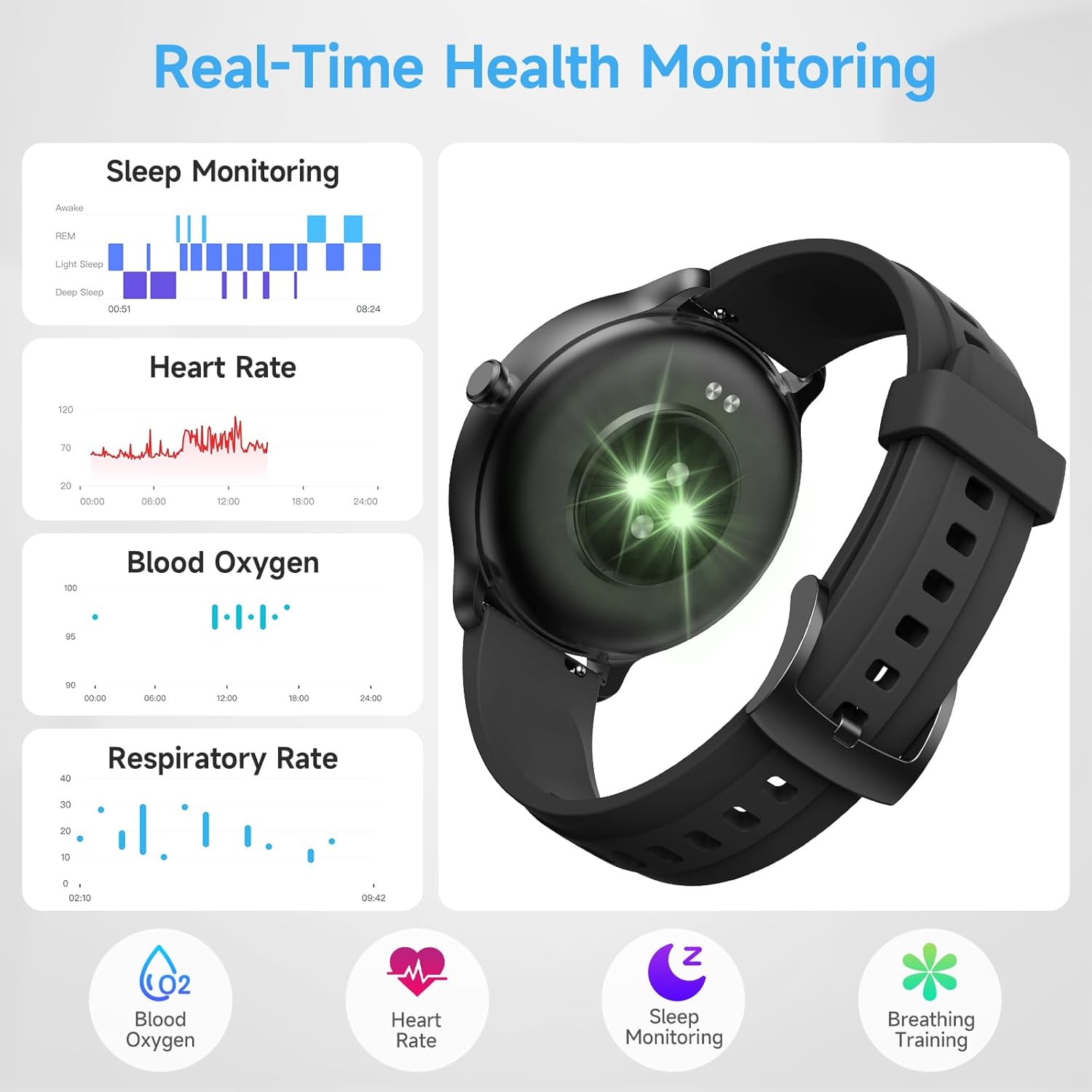
Image: Screenshots from the YMZ Smart Watch DR03 showing data for sleep monitoring, heart rate, blood oxygen, and respiratory rate.
5. Sports Modes and Activity Tracking
The DR03 supports over 100 sports modes to track your workouts accurately. It also monitors daily activity metrics.
- 100+ Sports Modes: Select your activity (e.g., running, cycling, swimming) to track specific metrics like duration, distance, calories burned, and heart rate.
- Daily Activity: Tracks steps, calories, and distance throughout the day.
- GPS: Built-in GPS for accurate outdoor activity tracking.
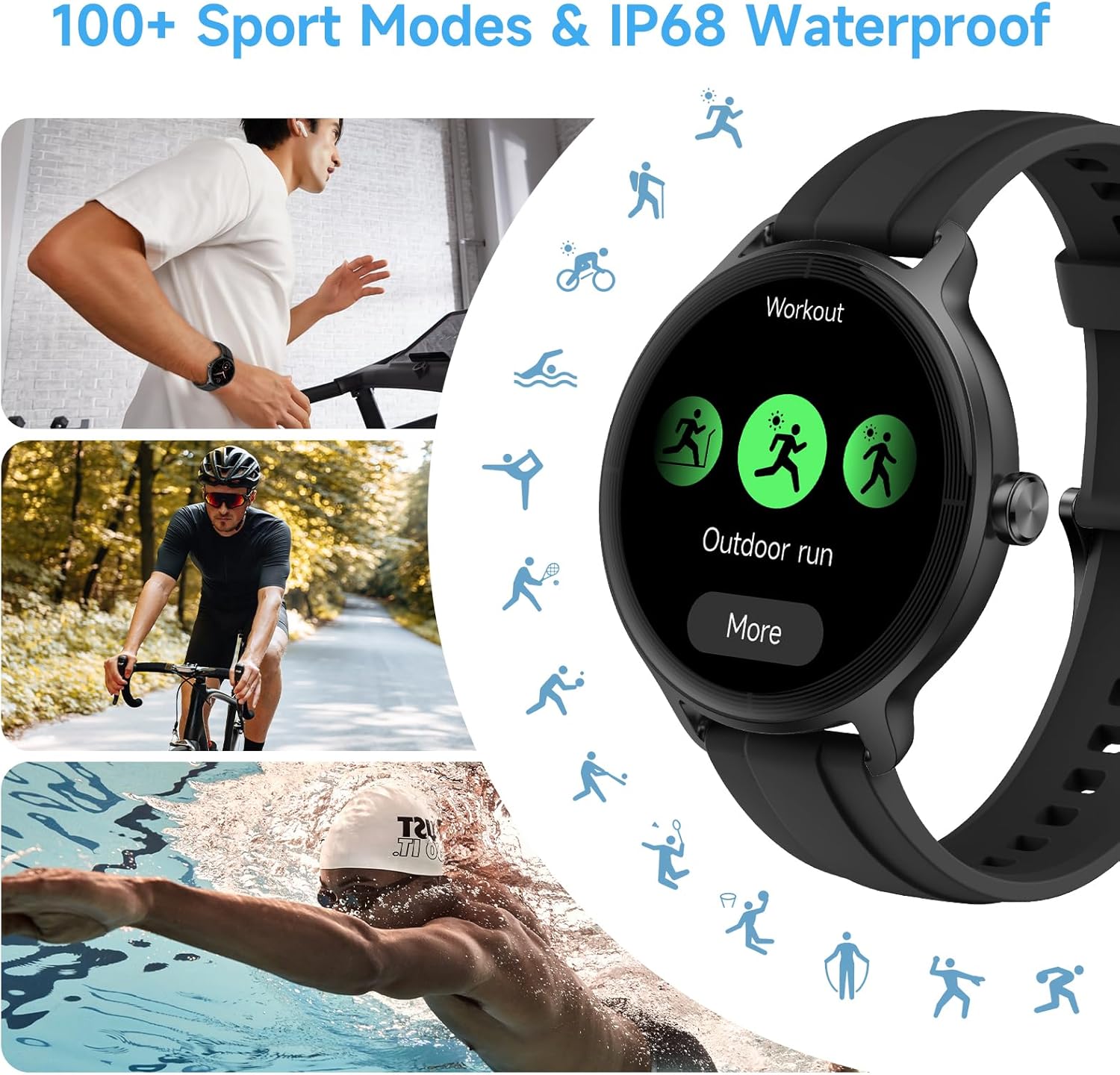
Image: The YMZ Smart Watch DR03 displaying various workout options, alongside images of individuals engaging in different sports activities.
6. Additional Features
The YMZ Smart Watch DR03 includes several convenient tools:
- Find Phone: Locate your misplaced smartphone by triggering an alert from your watch.
- Alarm Clock: Set alarms directly on your watch.
- Camera Control: Use your watch as a remote shutter for your phone's camera.
- Music Control: Play, pause, skip tracks, and adjust volume for music playing on your phone.
- Calculator: A basic calculator function.
- Games: Simple games for entertainment.
- Flashlight: Turns the screen bright white for a temporary light source.
- Weather: Displays current weather conditions.
- Smart Quick Timer: Pre-set and custom timers for various activities.
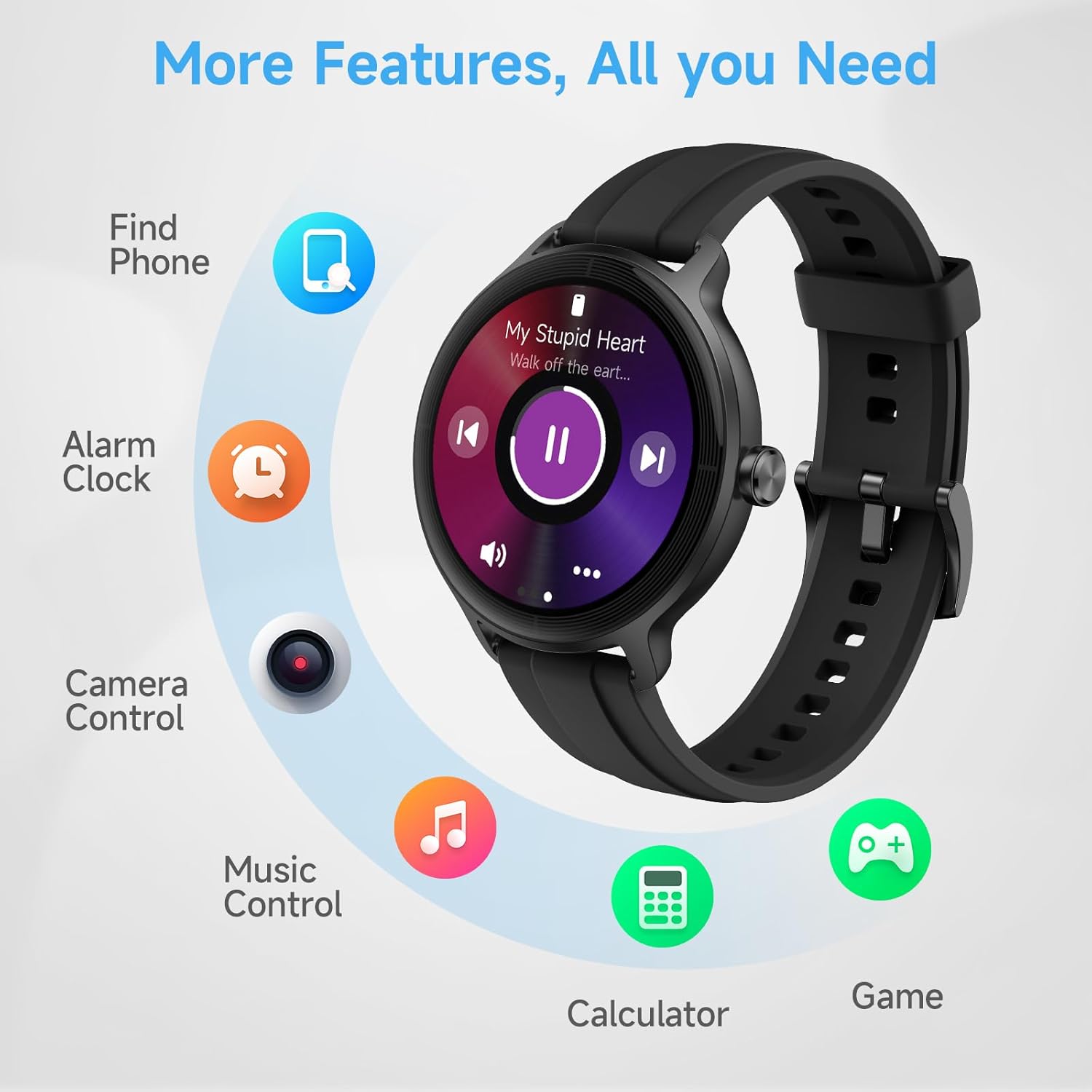
Image: The YMZ Smart Watch DR03 displaying icons for various features including Find Phone, Alarm Clock, Camera Control, Music Control, Calculator, and Games.
7. Customizing Watch Faces
Personalize your watch with a variety of watch faces. Access the watch face gallery through the VeryFit app to choose from numerous designs or create your own custom dials.

Image: The YMZ Smart Watch DR03 showcasing multiple customizable watch faces with different designs and colors.
Maintenance
1. Water Resistance (IP68)
The YMZ Smart Watch DR03 is IP68 waterproof, meaning it is resistant to dust and can withstand immersion in water up to 1.5 meters for up to 30 minutes. It is suitable for daily use, hand washing, and light swimming.
- Limitations: Not suitable for hot showers/saunas, ocean swimming, or exposure to high-pressure water jets. These conditions may compromise the water seal.
- After exposure to water, wipe the watch dry with a soft cloth.
Video: A demonstration of the YMZ Smart Watch DR03's IP68 waterproof capability, showing it submerged in water and still functioning.
2. Cleaning
Regularly clean your watch and strap to prevent skin irritation and maintain device performance.
- Wipe the watch screen and body with a soft, damp, lint-free cloth.
- For the strap, use mild soap and water if necessary, then rinse thoroughly and dry completely before wearing.
- Avoid using harsh chemicals or abrasive materials.
3. Battery Life
The DR03 offers varying battery life depending on usage:
- Heavy Usage: Up to 5 days
- Basic Usage: Up to 7 days
- Low Power Mode: Up to 15 days
- Standby: Up to 30 days
To optimize battery life, consider adjusting settings such as screen brightness, notification frequency, and continuous health monitoring features.

Image: The YMZ Smart Watch DR03 displaying battery percentage, with text indicating battery life under different usage scenarios.
Troubleshooting
| Issue | Possible Solution |
|---|---|
| Watch not turning on or charging |
|
| Cannot pair with smartphone |
|
| Notifications not appearing |
|
| Inaccurate health data (e.g., heart rate, steps) |
|
Specifications
| Feature | Detail |
|---|---|
| Model Number | DR03 (Internal: 983e3cd9-ee1b-463d-b611-962407899636) |
| Screen Size | 1.27 Inches HD Touchscreen |
| Connectivity | Bluetooth |
| Water Resistance | IP68 (Swim-Proof) |
| Battery Life (Basic Usage) | Up to 7 days |
| Charging Time | Approx. 1.5 hours |
| Health Monitoring | Heart Rate, Blood Oxygen, Sleep, Respiratory Rate, Stress Level, Menstrual Cycle |
| Sports Modes | 100+ |
| GPS | Built-in GPS |
| Compatible Devices | Android & iPhones (Smartphones) |
| Item Weight | 5.3 ounces (0.15 Kilograms) |
| Package Dimensions | 5.63 x 3.46 x 0.75 inches |
Warranty and Support
Your YMZ Smart Watch DR03 is covered by a manufacturer's warranty. For specific warranty terms and conditions, please refer to the documentation included with your purchase or contact YMZ customer support.
If you encounter any issues or have questions regarding your device, please contact YMZ customer support through the following channels:
- Online Support: Visit the official YMZ website for FAQs and support resources.
- Email Support: Refer to your product packaging or the YMZ website for contact email.
- In-App Support: Some support features may be available directly within the VeryFit app.
Please have your product model (DR03) and purchase information ready when contacting support.
Related Documents - DR03
 |
Groov-e GV-DR03 Paris Portable DAB/FM Radio with Bluetooth - User Manual Comprehensive user manual for the Groov-e GV-DR03 Paris portable DAB/FM radio with Bluetooth. Learn how to set up, operate, use features like alarms and sleep timer, and troubleshoot your device. |
 |
AUKEY DR03 Dual Dash Cameras User Manual Comprehensive user manual for the AUKEY DR03 Dual Dash Cameras, covering installation, operation, features like loop recording and motion detection, file transfer, and product care. Includes specifications, diagrams, and support information. |
 |
Internal Photos and Component Identification - Shenzhen DO Smart Watch DR05 Detailed internal component views and identification for the Shenzhen DO Smart Watch DR05, including battery, mainboard, speaker, and display module. |
 |
Shenzhen DO Intelligent Technology Smart Watch Model Confirmation Letter Confirmation letter from Shenzhen DO Intelligent Technology Co., Ltd. detailing the specifications and differences between Smart Watch models DR03, DR05, and DR06, including antenna type and gain. |
 |
Ficha Técnica Extractor de Grasa DRIJA Compatto 60 DR03 Especificaciones técnicas del extractor de grasa DRIJA Compatto 60 (DR03), incluyendo dimensiones, características, filtros, potencia de extracción y voltaje. |
 |
Inphic Mouse Model Differences: DR01-DR09 Details the model differences for Inphic mice (DR01-DR09), clarifying that all models share the same circuit and RF module, with variations only in model names. Includes FCC ID and manufacturer information from SHENZHEN INPHIC ELECTRONICS CO., LTD. |