
CODONOVA CA6
CODONOVA 2025 Pro Mini Wireless CarPlay & Android Auto Adapter User Manual
Model: CA6
1. Introduction
The CODONOVA 2025 Pro Mini Wireless CarPlay & Android Auto Adapter is designed to seamlessly convert your vehicle's existing wired CarPlay or Android Auto system into a wireless experience. This compact device offers a fast, stable, and low-latency connection, enhancing your in-car entertainment and navigation without the need for cables.

Image: The CODONOVA 2025 Pro Mini Wireless CarPlay Adapter shown in a modern car interior, highlighting its seamless integration and wireless functionality.
2. Package Contents
Please verify that all items listed below are included in your package:
- 1 x CODONOVA 2025 Pro Mini Wireless CarPlay & Android Auto Adapter
- 1 x USB-A to USB-C Adapter
- 1 x User Manual (this document)

Image: A visual representation of the package contents, including the wireless adapter, USB-A to USB-C adapter, and the user manual.
3. Setup Guide
Follow these steps for a quick and easy setup:
- Plug In: Connect the CODONOVA adapter to your car's USB-A or USB-C port that supports wired CarPlay or Android Auto. Use the included USB-A to USB-C adapter if necessary. The adapter's indicator light will turn on.
- Turn On Wi-Fi and Bluetooth: On your iPhone (iOS 10+) or Android phone (Android 11+), ensure both Wi-Fi and Bluetooth are enabled.
- Pair Bluetooth: On your phone, search for Bluetooth devices and select the adapter (usually named "smartbox-XXXX" or similar). Confirm the pairing request on both your phone and car screen if prompted.
- Automatic Connection: After successful Bluetooth pairing, your phone's Wi-Fi will automatically connect to the adapter, and CarPlay or Android Auto will launch on your car's display.
Note: The initial connection may take up to 30 seconds. Subsequent connections will be automatic and typically occur within 5 seconds of starting your car.

Image: A visual guide demonstrating the three simple steps for setting up the wireless adapter: Plug In, Turn On Wi-Fi and Bluetooth, and Bluetooth Pair and Use.

Image: Illustration showing the adapter's automatic reconnection feature, allowing quick access to CarPlay/Android Auto upon car startup after the initial pairing.
4. Operating Instructions
Once connected, the CODONOVA adapter allows you to use your car's native controls for CarPlay or Android Auto:
- Voice Control: Utilize Siri or Google Assistant for navigation, calls, and music by saying "Hey Siri" or "Hey Google".
- Touchscreen: Interact directly with the car's touchscreen display.
- OEM Knob: Use your vehicle's original equipment manufacturer (OEM) control knob.
- Wheel Control: Operate functions using your steering wheel controls.
Important Note: For driving safety, this wireless adapter blocks video streaming applications such as YouTube and Netflix.
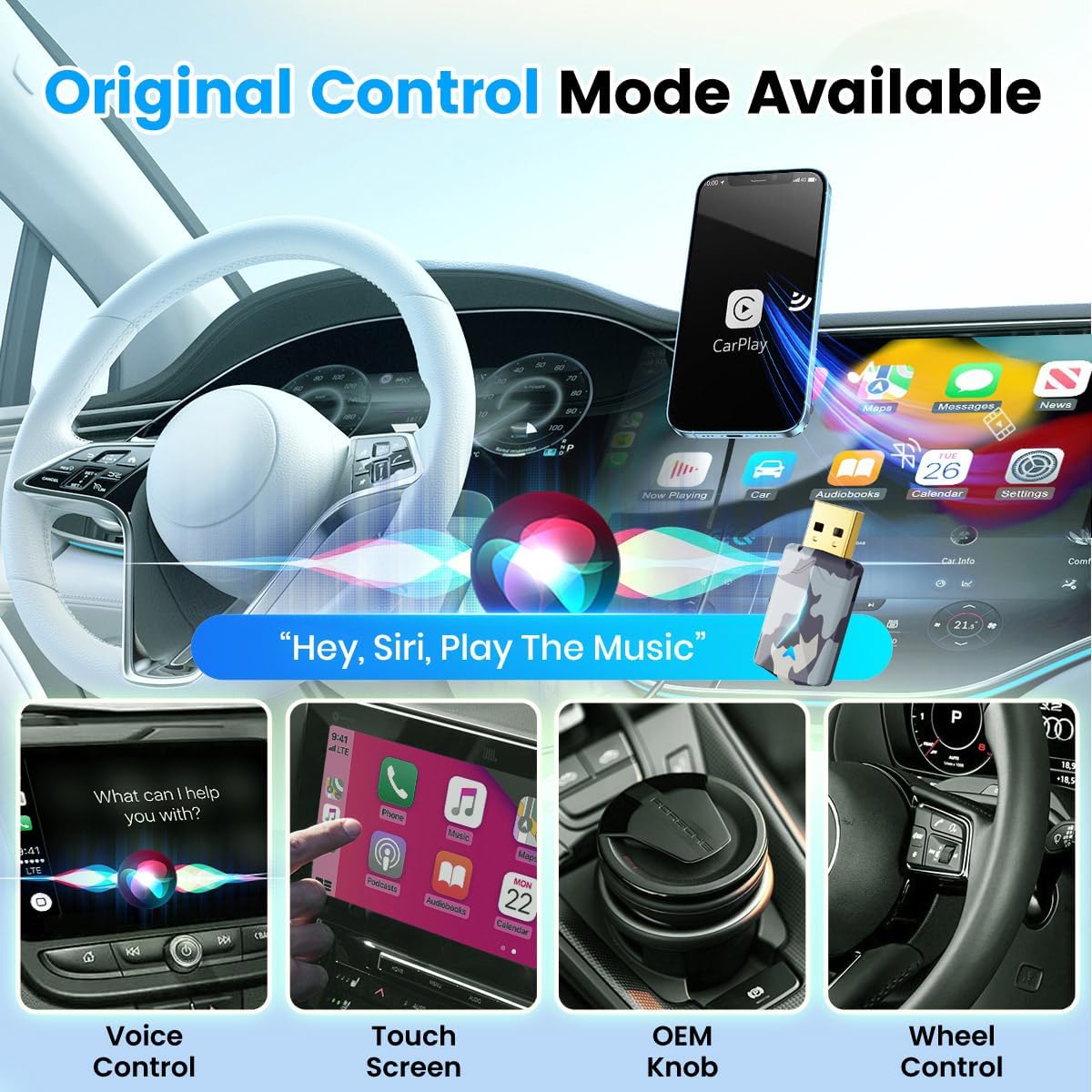
Image: Depiction of various control methods supported, including voice control, touchscreen, OEM knob, and steering wheel controls, for seamless interaction with CarPlay/Android Auto.
5. Compatibility
The CODONOVA 2025 Pro Mini Wireless CarPlay & Android Auto Adapter is compatible with a wide range of vehicles and mobile devices:
- Vehicles: Compatible with cars from 2016 or above that have factory-wired CarPlay or Android Auto.
- iPhones: Supports iPhone 6 and above series with iOS 10 or later versions.
- Android Phones: Supports Android phones running Android 11+ versions.
To check if your car supports CarPlay, you can plug your iPhone into your car using a USB cable. For a comprehensive list of CarPlay compatible models, please visit: Apple CarPlay Available Models.

Image: An illustration highlighting the adapter's universal compatibility with over 1000 car models and iPhones running iOS 10 or later.
6. Maintenance
To ensure the longevity and optimal performance of your CODONOVA adapter, please follow these simple maintenance guidelines:
- Keep the adapter clean and free from dust and debris. Use a soft, dry cloth for cleaning.
- Avoid exposing the adapter to extreme temperatures, direct sunlight, or excessive moisture.
- Do not attempt to disassemble or repair the device yourself. Refer to the troubleshooting section or contact customer support for assistance.
- Ensure the USB port in your vehicle is clean and free of obstructions before plugging in the adapter.
7. Troubleshooting
If you encounter any issues with your CODONOVA adapter, please refer to the common problems and solutions below:
| Problem | Solution |
|---|---|
| How do I know the adapter is working properly? | Once the adapter is plugged into the USB port, the power will turn on. The indicator light will turn blue after the program has finished loading. Your phone will then pair with the adapter via Bluetooth. |
| I'm trying to send voice assistant commands to the wireless CarPlay adapter, but nothing happens? | Voice input is through your phone's microphone, so please keep your phone nearby. Make sure Siri (for iPhone) or Google Assistant (for Android) is turned on in your phone's settings. Call up the assistant and enter your voiceprint if needed. |
| Why does my wireless CarPlay adapter keep disconnecting? I have to unplug and reconnect to get it back to normal. | This problem is usually caused by an overloaded phone cache. You just need to clear your phone's cache. |
| Does it support watching videos? | Video applications are not officially supported due to safety concerns while driving. |
| Can the adapter be paired with more than one phone? | The adapter can pair with multiple phones, but can only connect to one device at a time. If you want to pair it with a new phone, disconnect the current connection first. |
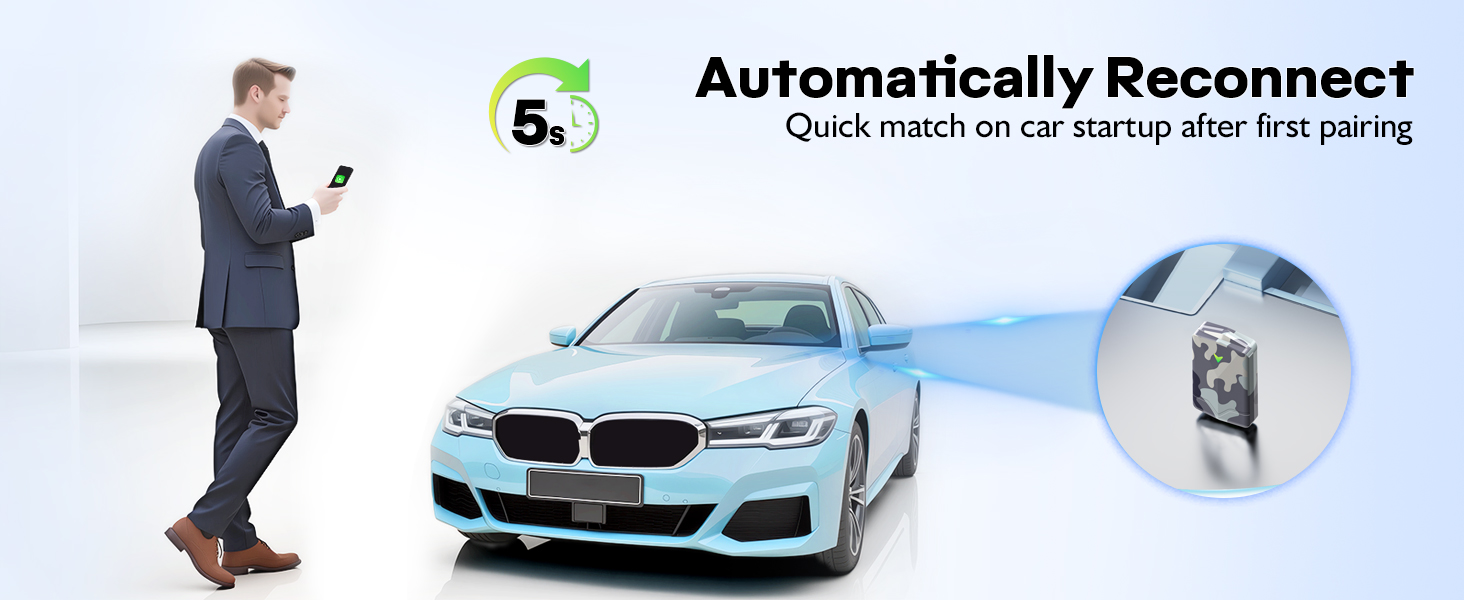
Image: A visual summary of common questions and their solutions regarding the wireless adapter's functionality and usage.
8. Specifications
| Feature | Detail |
|---|---|
| Model Number | CA6 |
| Product Dimensions | 2.09 x 0.43 x 0.95 inches (5.31 x 1.09 x 2.41 cm) |
| Item Weight | 0.32 ounces (9.07 grams) |
| Hardware Interface | USB, USB Type C |
| Color | Blue (Camouflage Style) |
| Manufacturer | CODONOVA |
| UPC | 797387782031 |
9. Warranty and Support
CODONOVA is committed to providing reliable products and excellent customer service.
- Warranty: This product comes with a 2-year warranty quality assurance.
- Returns: Enjoy a 7-day no reason to return, refund, or replacement policy.
- Technical Support: Backed by 24/7 technical experts, we provide continuous firmware updates and real-time troubleshooting to ensure seamless performance from setup through long-term use.
For any inquiries or support, please contact CODONOVA customer service through your Amazon order details. You can typically find the 'Contact Seller' option within your order history.

Image: An overview of CODONOVA's customer support, including 24-hour online service, 7-day return policy, and a 2-year warranty.
Related Documents - CA6
 |
User Manual for 2in1 Wireless CarPlay & Android Auto Adapter This user manual provides instructions and troubleshooting for the 2in1 Wireless CarPlay & Android Auto Adapter, enabling seamless smartphone integration with car infotainment systems. |
 |
Candy Bake Ovens and Combi Microwaves Installation Manual This comprehensive installation manual from Candy provides essential guidance for kitchen manufacturers and installers. It details safety procedures, dimensions, ventilation requirements, and electrical connections for Candy Bake Ovens and Candy Bake Combi Microwaves, ensuring proper setup and optimal performance. |
 |
Candy Oven Full User Manual: Operation, Safety & Cooking Guide Discover how to use, maintain, and optimize your Candy oven with this comprehensive Full User Manual. Includes safety instructions, cooking tips, troubleshooting, and smart connectivity features for models like CA6 N5B3EYTX. |
 |
Candy Bake Ovens and Combi Microwaves Installation Manual Comprehensive installation manual for Candy Bake Ovens and Candy Bake Combi Microwaves, providing essential safety warnings, dimensions, and step-by-step installation guides for kitchen professionals. |
 |
CANDY ugradna rerna CA6 N5G3YTB - Uputstvo za upotrebu Detaljno uputstvo za upotrebu za ugradnu rernu CANDY model CA6 N5G3YTB. Sadrži informacije o bezbednosti, instalaciji, radu, čišćenju i rešavanju problema kako bi se osiguralo optimalno korišćenje i sigurnost korisnika. |
 |
Russound CA6.4 Instruction Manual: 6-Zone, 4-Source Central Controller/Amplifier Instruction manual for the Russound CA6.4, a 6-zone, 4-source central controller/amplifier. Covers safety instructions, system configurations, installation, operation, and technical specifications. |
Ask a question about this manual
Ask about setup, troubleshooting, compatibility, parts, safety, or missing instructions. Manuals+ will review the question and use this page’s manual context to help answer it.