
Evmore 4WD Electric Off-Road UTV Truck
Evmore 4WD Electric Off-Road UTV Truck User Manual
Model: 4WD Electric Off-Road UTV Truck | Brand: Evmore
Introduction
This manual provides essential instructions for the safe assembly, operation, and maintenance of your Evmore 4WD Electric Off-Road UTV Truck. Please read this manual thoroughly before initial use and retain it for future reference. Ensure all users understand the safety guidelines and operating procedures.
Safety Information
The Evmore 24V ride-on car is certified by ASTM F963. Always prioritize safety during assembly and operation.
- Adult Supervision: Always operate the vehicle under direct adult supervision.
- Age and Weight Limits: Suitable for children aged 3-8 years. Maximum weight capacity is 110 lbs.
- Safety Belts: Ensure safety belts are securely fastened before each ride.
- Terrain: Operate on flat, dry surfaces. Avoid steep inclines, public roads, or areas with traffic.
- Charging: Only use the provided charger. Do not overcharge the battery.
- Maintenance: Regularly inspect the vehicle for damage or loose parts.
- Emergency Stop: Parents can use the remote control for immediate stopping.
Setup and Assembly
Carefully unpack all components and ensure all parts are present before beginning assembly. Refer to the assembly video for a visual guide.
Assembly Steps:
- Unpack Components: Remove all parts from the packaging.
- Install Rear Axle and Wheels:
Attach the rear axle to the vehicle chassis. Secure the rear wheels, ensuring the drive motors are correctly aligned and connected. Use the provided fasteners.

Figure 1: Illustration of the 4-wheel drive system, highlighting the powerful motors.
- Connect Battery:
Locate the battery compartment. Connect the battery terminals as indicated. Ensure a secure connection to prevent power interruptions.
Video: Demonstrates the power supply wiring for the 4WD Kids Ride on Car.
- Install Steering Wheel:
Connect the steering wheel wiring and then firmly attach the steering wheel to the steering column.
- Attach Front Bumper and Roll Bar:
Secure the front bumper and the overhead roll bar to the vehicle body using the provided screws.
- Secure Seats:
Place the seats into position and secure them. Ensure the safety belts are accessible and functional.

Figure 2: The spacious 2-seater design with safety belts, accommodating two toddlers.
- Initial Charge:
Before first use, charge the battery for a minimum of 12 hours. Refer to the charging section for details.
Video: A comprehensive tutorial demonstrating the assembly process of the UTV ride-on car.
Operating Instructions
Driving Modes:
- Manual Mode: Children can operate the vehicle using the foot pedal and steering wheel. This mode offers two speed settings.
- Remote Control Mode: Parents can use the 2.4G remote control to steer and navigate the vehicle. The remote has a range of up to 50 meters and offers three speed settings.
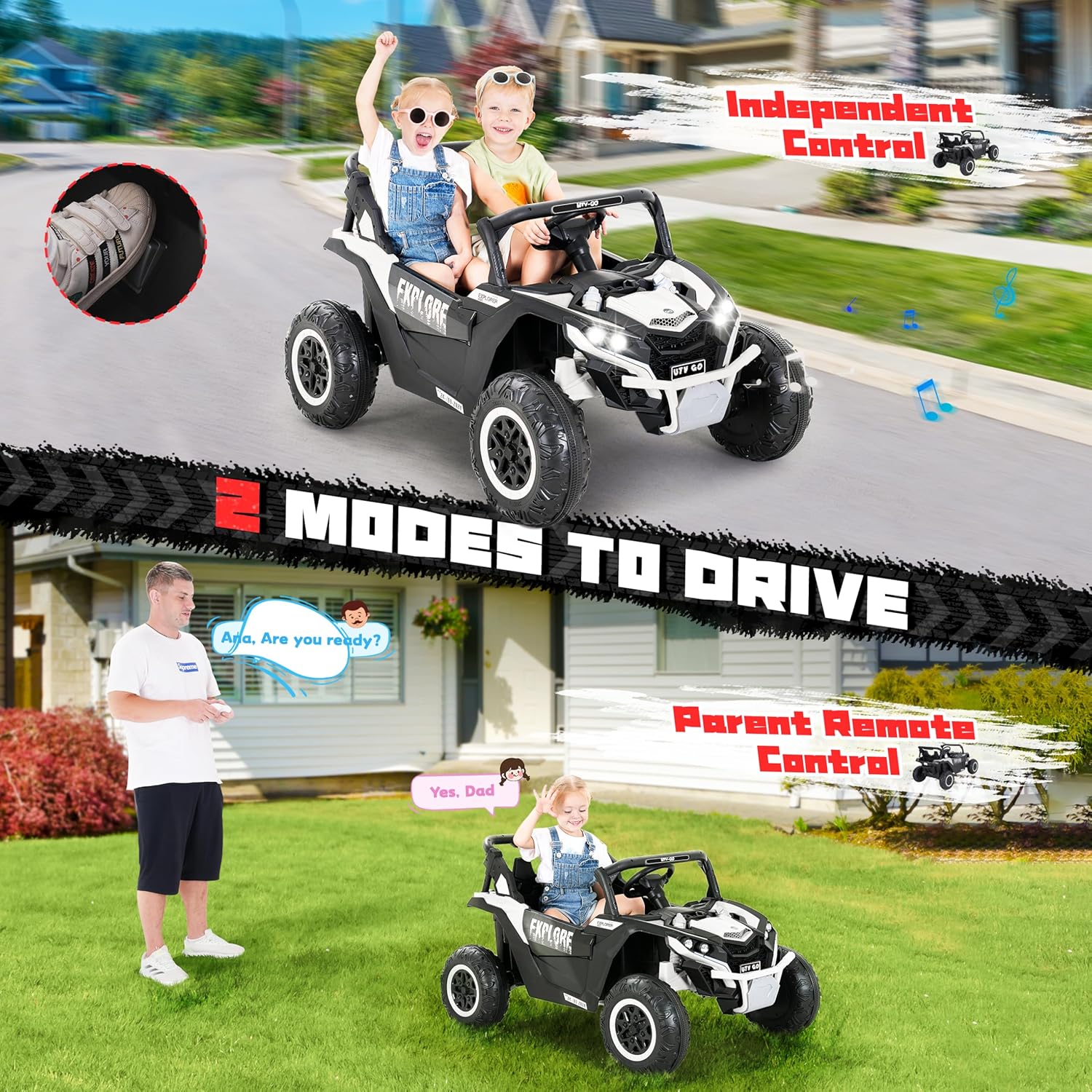
Figure 3: Depiction of the dual driving modes for the Evmore UTV Truck.
Controls:
- Power Button: Press to turn the vehicle on or off.
- Foot Pedal: Press to accelerate in manual mode.
- Steering Wheel: Turn to steer the vehicle.
- Speed Switch: Select between fast and slow speeds (manual mode) or adjust via remote (remote mode).
- Music/USB Panel:
- USB Port: Insert a USB drive to play music or stories.
- Music Buttons: Control built-in music and adjust volume.
- Lights: Front lights can be turned on for enhanced visibility and style.
- Horn: Press the horn button on the steering wheel for sound.
- Lockable Doors: Ensure doors are securely closed before operation.
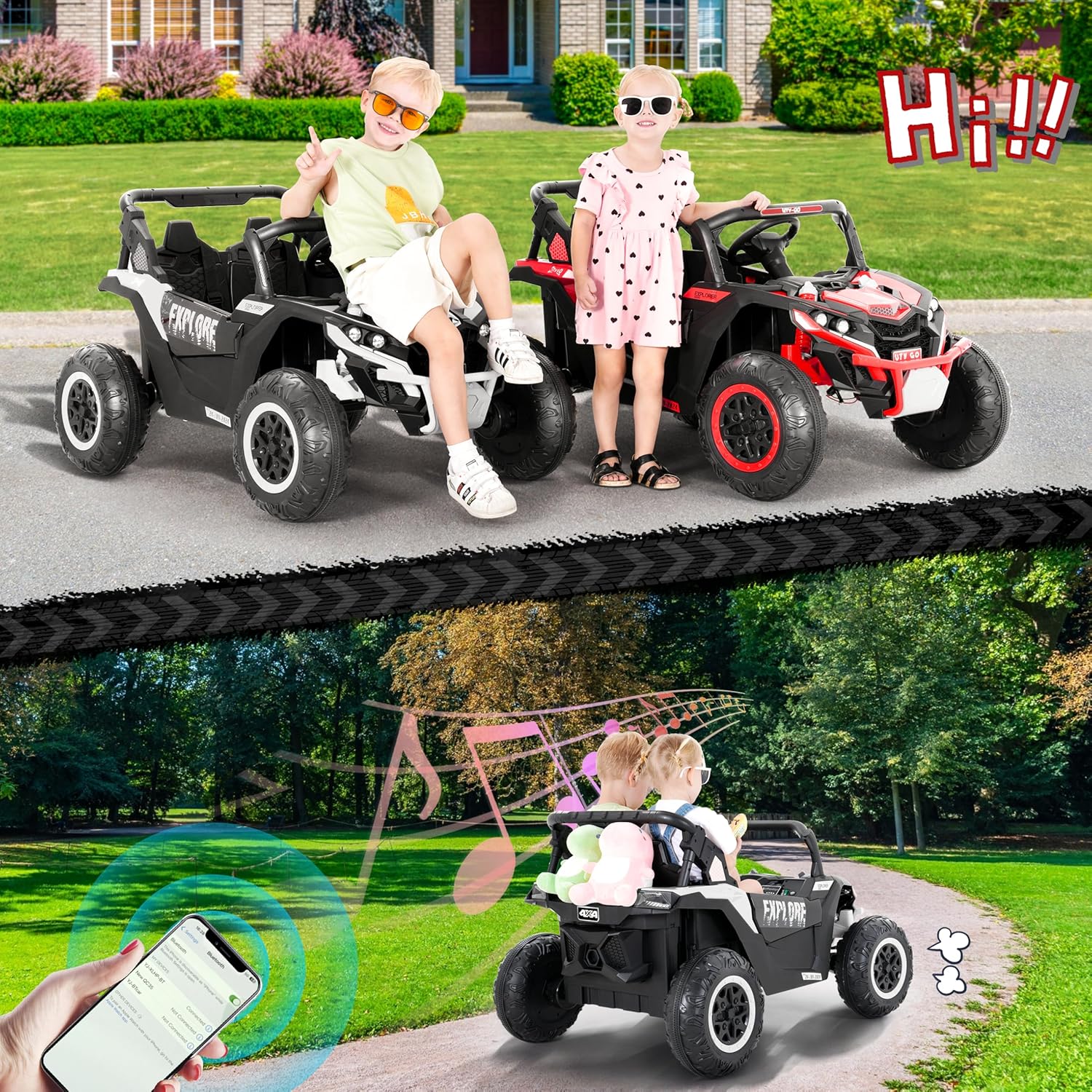
Figure 4: Children enjoying the music and lights features of the UTV Truck.
Maintenance
- Charging:
Charge the 24V 7Ah battery after each use. A full charge provides up to 120 minutes of playtime. Do not leave the battery completely discharged for extended periods.

Figure 5: The 24V 7Ah battery provides extended playtime.
- Cleaning: Wipe the vehicle with a damp cloth. Avoid using harsh chemicals or abrasive cleaners.
- Storage: Store the vehicle in a dry, cool place away from direct sunlight and moisture. If storing for extended periods, ensure the battery is fully charged and recharge every 3 months.
- Inspection: Regularly check all screws, connections, and moving parts for tightness and wear.
Troubleshooting
| Problem | Possible Cause | Solution |
|---|---|---|
| Vehicle does not turn on. | Battery not connected, battery discharged, loose wiring. | Check battery connections. Charge the battery. Ensure all wires are securely plugged in. |
| Vehicle moves slowly or stops. | Low battery charge, overloaded, operating on unsuitable terrain. | Recharge the battery. Reduce load. Move to a flatter, smoother surface. |
| Remote control not working. | Remote batteries dead, remote not paired. | Replace remote batteries. Refer to remote control pairing instructions (if applicable, not detailed in input). |
| Unusual noises during operation. | Loose parts, debris in wheels/motors. | Inspect for loose components and tighten. Clear any obstructions from wheels or motors. |
Specifications
- Model: Evmore 4WD Electric Off-Road UTV Truck
- Battery: 24V 7Ah
- Motors: Four 40W motors
- Run Time: Up to 120 minutes (on a full charge)
- Weight Capacity: 110 lbs
- Recommended Age: 3-8 years
- Product Dimensions: 31.1 x 27.95 x 46.85 inches
- Safety Certification: ASTM F963
- Features: 4-Wheel Drive, Dual Rear Shock Absorbers, Wear-Resistant Tires, High Chassis, Soft Start, Lockable Doors, Passenger Armrests, Front LED Lights, Built-in Music, USB Connectivity, 2.4G Remote Control.

Figure 6: Evmore 4WD Electric Off-Road UTV Truck.
Warranty and Support
For warranty information or technical support, please contact Evmore customer service. While specific warranty details are not provided in this manual, customer feedback indicates responsive support for product inquiries and issues.
Contact Information: Please refer to your purchase documentation or the Evmore official website for the most current customer service contact details.
Ask a question about this manual
Ask about setup, troubleshooting, compatibility, parts, safety, or missing instructions. Manuals+ will review the question and use this page’s manual context to help answer it.