
1. Product Overview
The AUTOONE M4 Jump Starter is a powerful and portable device designed to provide a quick and reliable jump start for vehicles with dead batteries. With a true 16,000 mAh capacity and a peak current of 7500A, it is capable of starting all gas engines and diesel engines up to 12 liters. Its compact design, built-in safety features, and multi-functional LED light make it an essential tool for any vehicle owner.
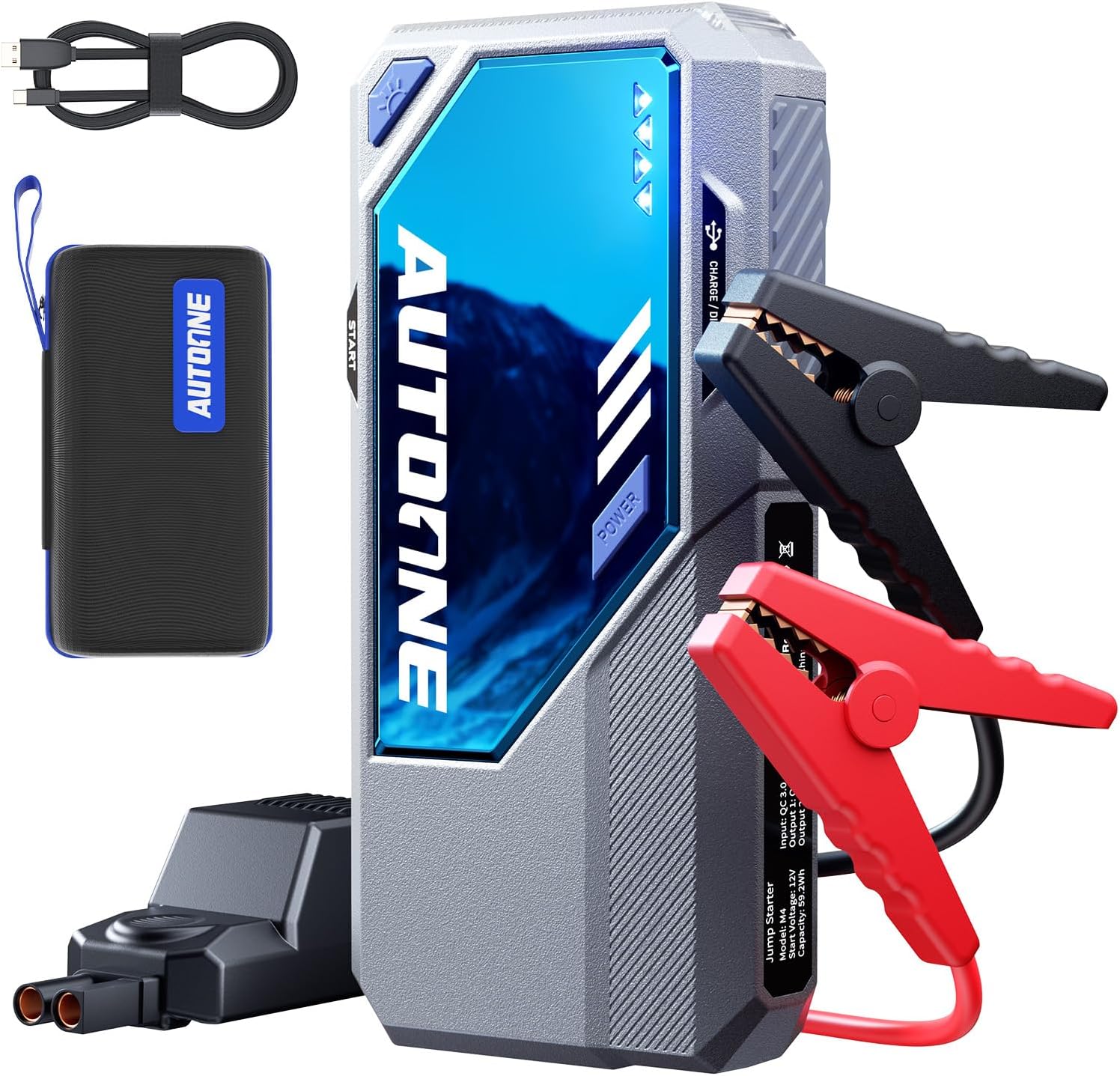
Image: The AUTOONE M4 Jump Starter, showing the main unit, smart jumper clamps, USB-A to USB-C cable, and storage case.
2. Safety Information and Precautions
Your safety is paramount. Please read and understand all safety instructions before using the AUTOONE M4 Jump Starter. Failure to follow these instructions may result in electric shock, fire, or serious injury.
- Do not use the jump starter if the cables or clamps are damaged.
- Do not jump start a frozen battery.
- Do not allow the positive and negative clamps to touch each other.
- Do not expose the device to rain or extreme moisture.
- Keep out of reach of children.
- Ensure proper ventilation during use and charging.
- The device is certified to FCC, CE, RoHS, and UL safety standards, ensuring reliable and safe operation within a temperature range of -4°F to 140°F (-20°C to 60°C).
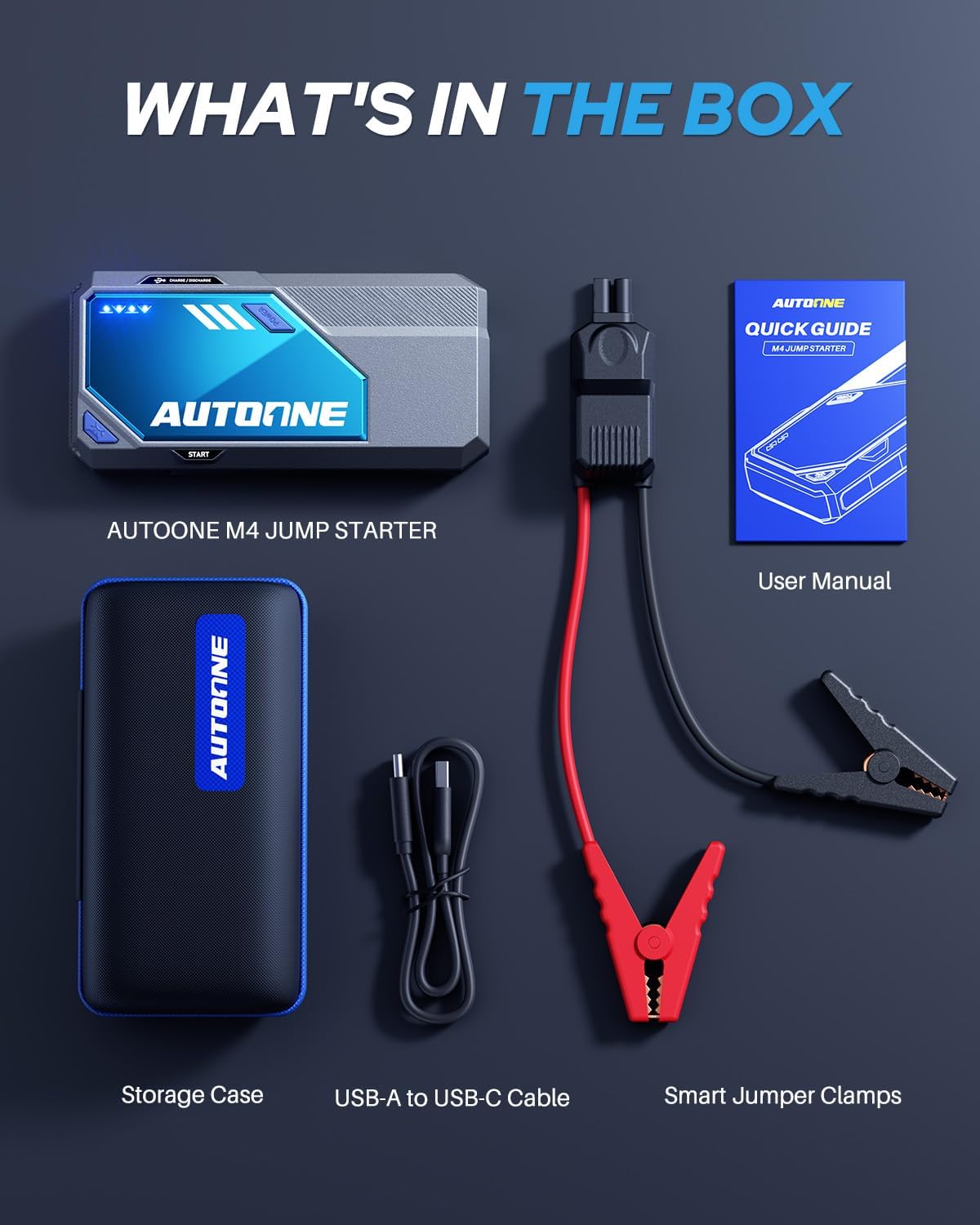
Image: The AUTOONE M4 Jump Starter highlighting its 12 built-in safety protections, including certifications like FCC, CE, RoHS, and UL.
3. What's in the Box
Upon opening your AUTOONE M4 Jump Starter package, you should find the following items:
- AUTOONE M4 Jump Starter Unit
- Smart Jumper Clamps
- USB-A to USB-C Cable
- EVA Storage Case
- User Manual (this document)
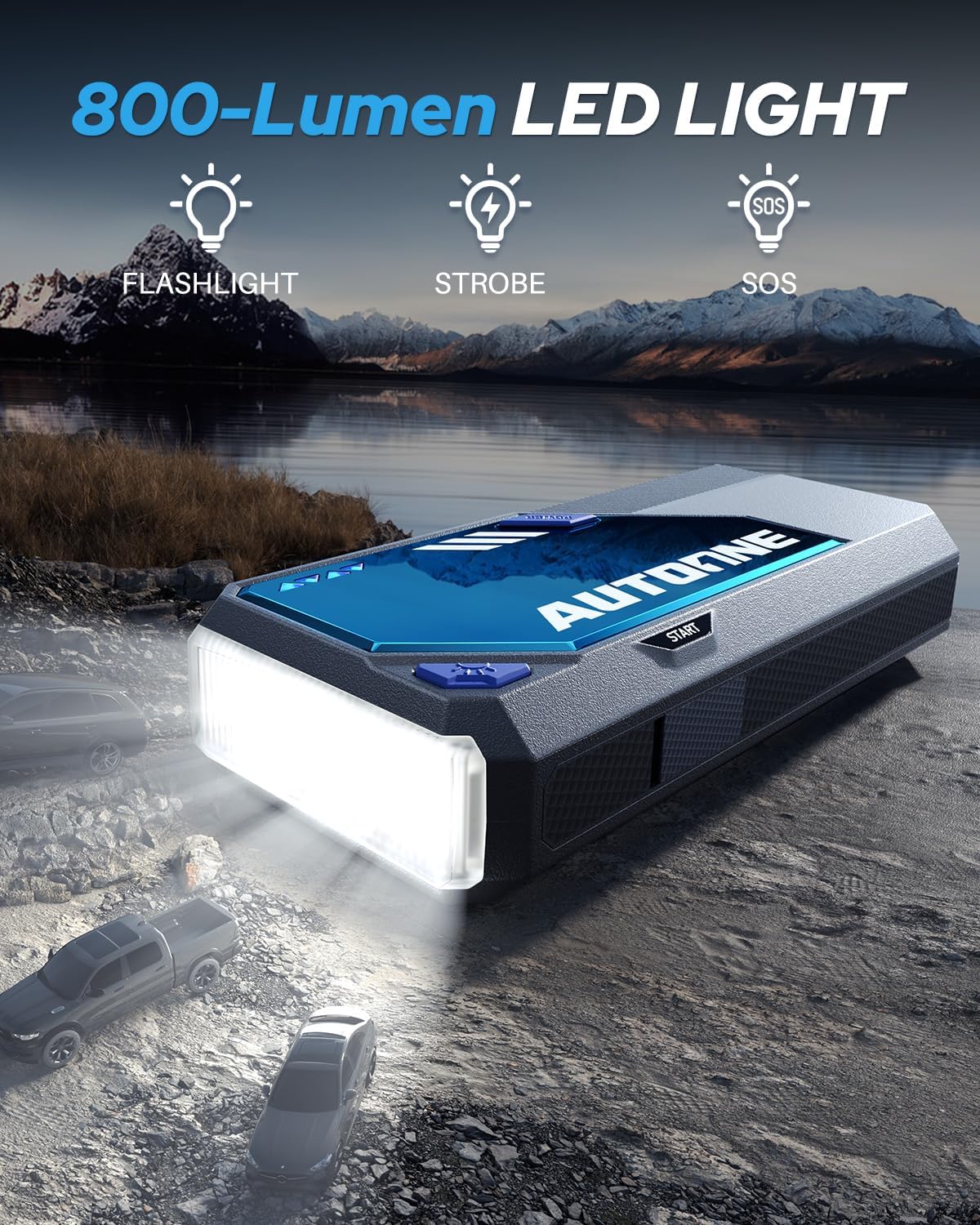
Image: A visual representation of all items included in the AUTOONE M4 Jump Starter package: the jump starter unit, smart jumper clamps, USB-A to USB-C cable, storage case, and user manual.
4. Setup and Charging
4.1 Initial Charging
Before first use, fully charge your AUTOONE M4 Jump Starter. The device comes with a USB-A to USB-C cable. Connect the USB-C end to the jump starter's input port and the USB-A end to a compatible USB wall charger (not included). The LED indicators on the unit will show the charging progress. A full charge ensures optimal performance and extends battery life.
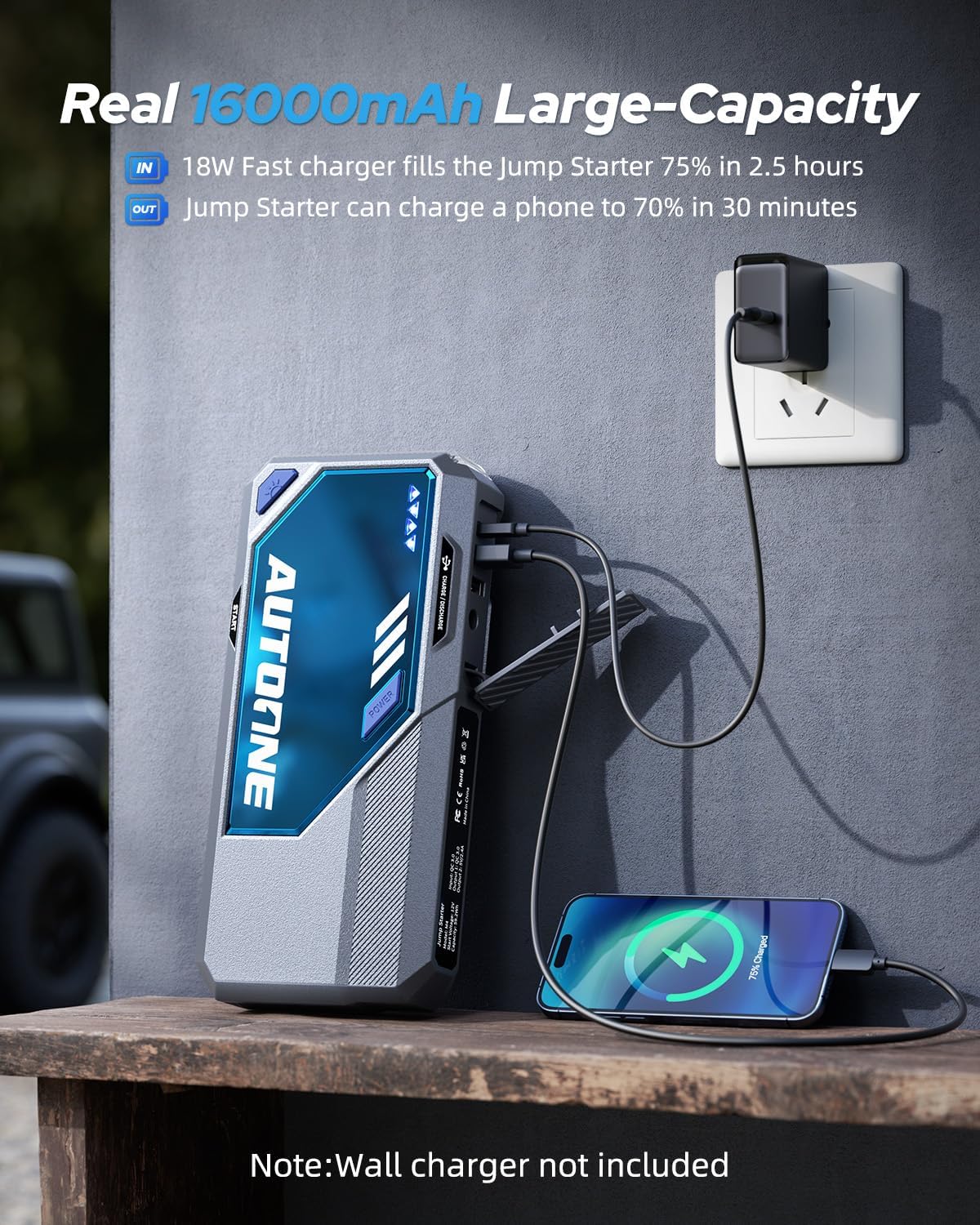
Image: The AUTOONE M4 Jump Starter connected to a wall charger for charging, demonstrating its 16000mAh capacity and ability to charge other devices. Note: Wall charger is not included.
4.2 Connecting Smart Jumper Clamps
The smart jumper clamps connect to the jump starter via a dedicated port. Ensure the connection is firm and secure before attempting to jump start a vehicle.
5. Operating Instructions
5.1 Jump Starting a Vehicle
Follow these steps to safely jump start your vehicle:
- Prepare the Jump Starter: Ensure the AUTOONE M4 Jump Starter has at least 50% charge.
- Connect Clamps to Jump Starter: Plug the smart jumper clamps into the jump starter's port.
- Connect Clamps to Battery: Attach the red (+) clamp to the positive terminal of the vehicle's battery and the black (-) clamp to the negative terminal. Ensure the clamps are firmly attached for maximum contact. The intelligent clamps will automatically detect the current needed.
- Start the Vehicle: Once the clamps are correctly connected and the indicator light on the smart clamps shows 'Ready to Start' (Green Solid), start your vehicle. The M4 jump pack delivers the perfect surge automatically.
- Remove Clamps: After the vehicle starts, immediately remove the clamps from the car battery, first the black (-) clamp, then the red (+) clamp, and then disconnect from the jump starter.

Image: A three-step visual guide demonstrating how to jump start a dead car battery using the AUTOONE M4: connecting the cable, clamping to the battery, and starting the engine.
5.2 Built-in Force-Start Booster
The AUTOONE M4 features a built-in force-start booster that operates automatically. No buttons are needed; simply clamp on, and the intelligent clamps will detect the current your vehicle requires, delivering the precise surge for a foolproof jump every time.

Image: Close-up of the smart jumper clamps illustrating the built-in force start technology, which automatically detects battery health and delivers the necessary current without manual intervention.
5.3 LED Light Functions
The AUTOONE M4 is equipped with an 800-lumen LED light, offering three modes for various situations:
- Flashlight: For general illumination.
- Strobe: For signaling or attracting attention.
- SOS: For emergency signaling.
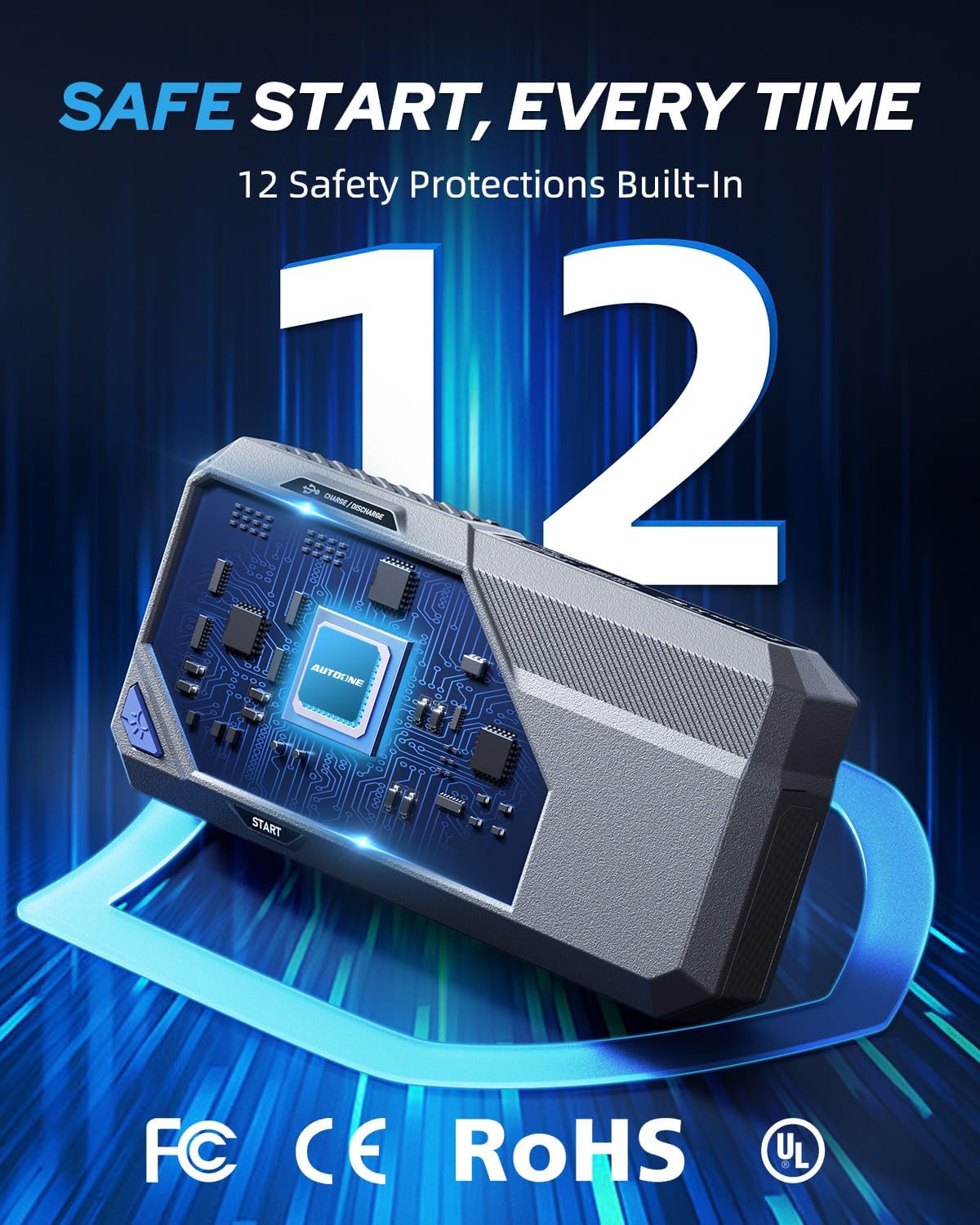
Image: The AUTOONE M4 Jump Starter demonstrating its 800-lumen LED light with flashlight, strobe, and SOS functions, useful for roadside emergencies.
5.4 Charging Other Devices
The AUTOONE M4 can also serve as a portable power bank to charge your electronic devices. It features multiple USB output ports for quick charging.

Image: The AUTOONE M4 Jump Starter on a wooden table, simultaneously charging two smartphones via its USB-A and Type-C output ports, highlighting its quick charging capabilities.
6. Maintenance and Storage
Proper maintenance ensures the longevity and optimal performance of your AUTOONE M4 Jump Starter.
- Regular Charging: To extend its life and maintain readiness, charge the product at least once every three months, even if not in use. The device boasts a 48-month standby time when properly maintained.
- Cleaning: Wipe the unit with a dry, soft cloth. Do not use harsh chemicals or abrasive cleaners.
- Storage: Store the jump starter in its EVA carry case in a cool, dry place, away from direct sunlight and extreme temperatures.
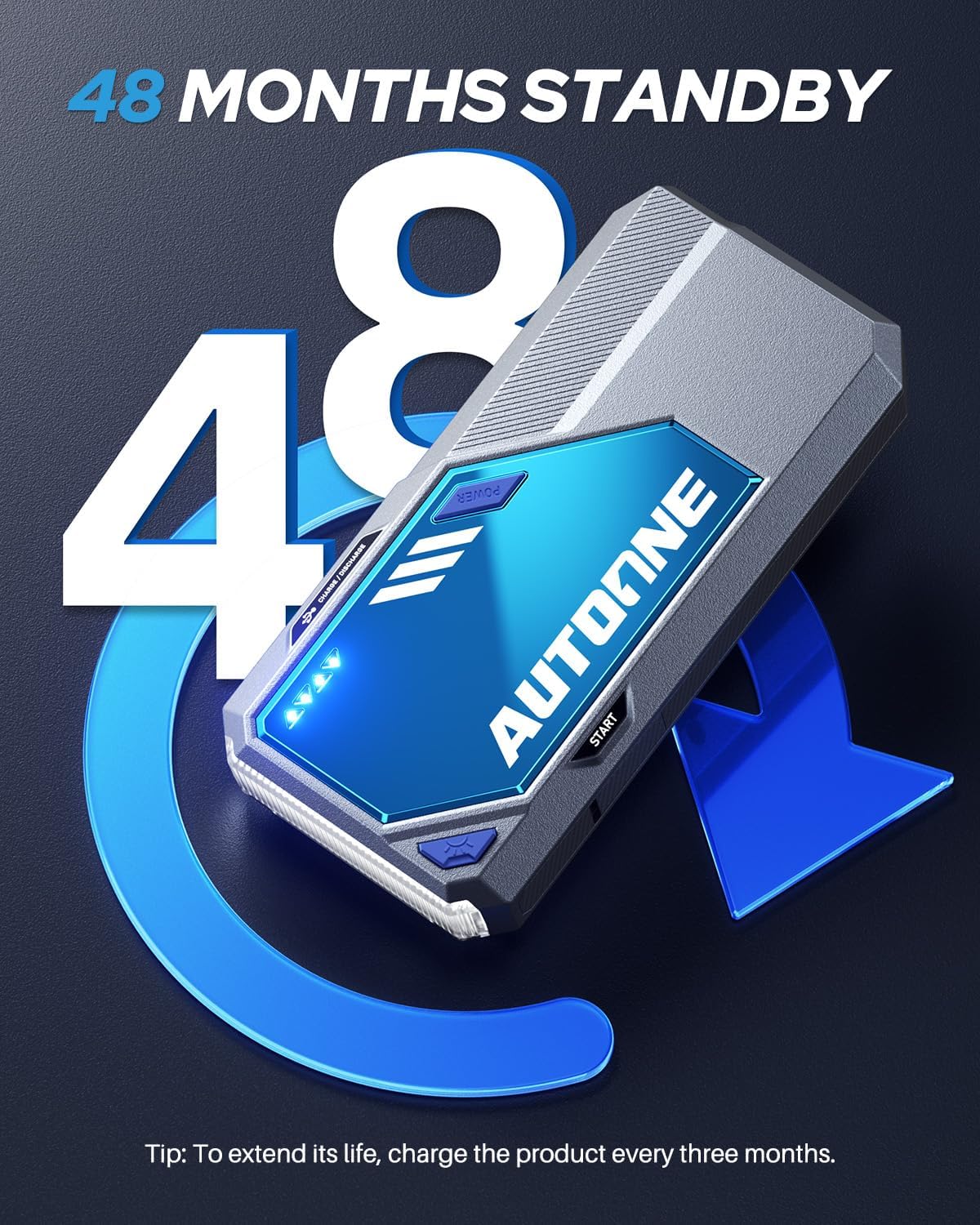
Image: The AUTOONE M4 Jump Starter with an arrow indicating a 48-month standby period, emphasizing the importance of charging every three months to extend its lifespan.

Image: The AUTOONE M4 Jump Starter and its accessories neatly stored within the durable EVA carry case, demonstrating its portability and ease of storage.
7. Troubleshooting
If you encounter issues with your AUTOONE M4 Jump Starter, refer to the following common problems and solutions:
7.1 Smart Clamp Indicator Light Guide
The indicator light on the smart clamps provides crucial information about the device's status and potential issues:
- Green Light Flashing & Red Light Flashing: Please connect the car battery.
- Green Light Solid: Ready to Start.
- Red Light Solid: Low Capacity. Recharge the jump starter.
- Red Light Flashing & Beep: Short circuit / Reverse polarity / Overheating warning. Disconnect immediately and check connections.
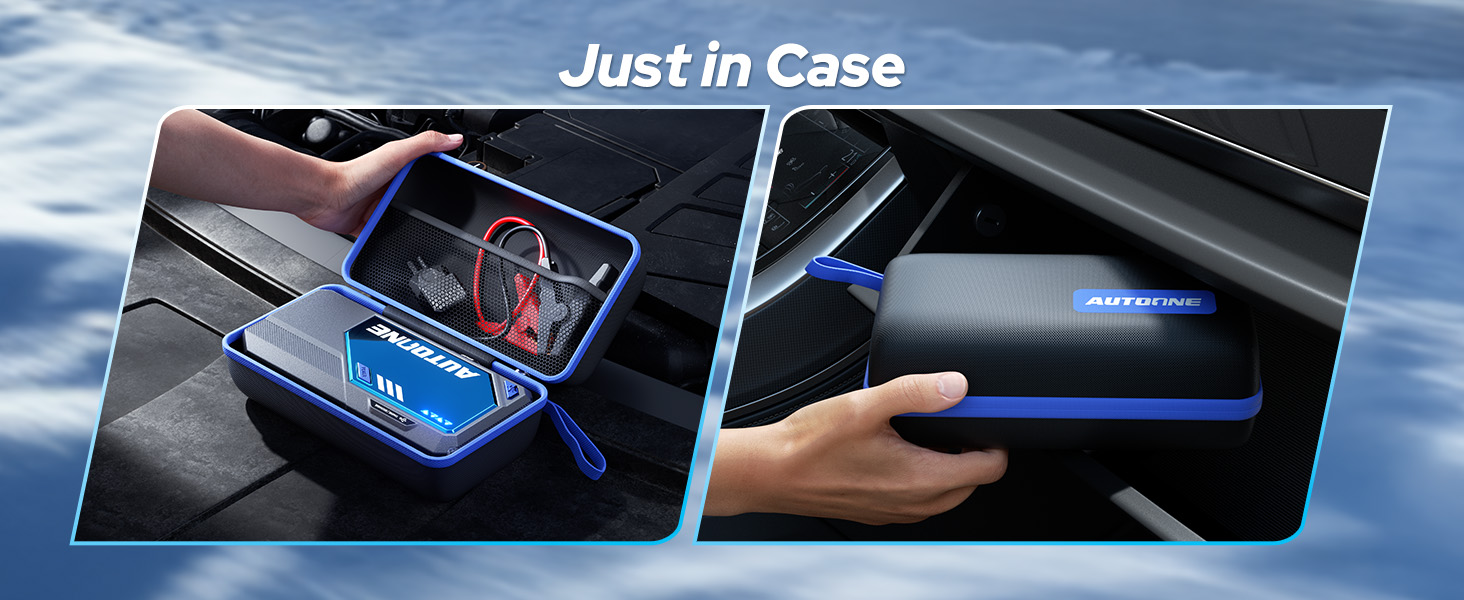
Image: A detailed guide to the indicator lights on the AUTOONE Smart Clamp, explaining what each light pattern signifies (e.g., ready to start, low capacity, error warnings).
7.2 Common Issues
- Device not turning on: Ensure the device is charged. If it has been stored for a long time, it may require a full charge.
- Vehicle not starting: Check that the clamps are securely connected to the correct battery terminals. Ensure the jump starter has sufficient charge. If the battery is severely damaged, it may not be able to be jump-started.
- Overheating: If the device becomes excessively hot, disconnect it immediately and allow it to cool down before attempting further use.
8. Specifications
Detailed technical specifications for the AUTOONE M4 Jump Starter:
| Feature | Specification |
|---|---|
| Brand | AUTOONE |
| Model | M4-7500A |
| Peak Output Current | 7500 Amps |
| Battery Capacity | 16,000 mAh (True Capacity) |
| Engine Compatibility | All Gas Engines, up to 12L Diesel Engines |
| Product Dimensions | 1.92"D x 3.84"W x 8.46"H |
| Item Weight | 2.38 pounds |
| Operating Temperature | -4°F to 140°F (-20°C to 60°C) |
| LED Light Output | 800 Lumens |
| Certifications | FCC, CE, RoHS, UL |
| Battery Type | Lithium Polymer (1 included) |
9. Warranty and Support
The AUTOONE M4 Jump Starter is backed by a 24-month warranty from the date of purchase, covering manufacturing defects and workmanship. Additionally, AUTOONE provides lifetime customer support.
For product issues, installation questions, or any other inquiries, please contact our customer service team. Our dedicated support is available 24/7 to assist you.
Please refer to your purchase documentation or the AUTOONE official website for specific contact details and the full warranty policy.