
radtel RT-88
Radtel RT88 Two-Way Radio Instruction Manual
Model: RT-88
1. Introduction
This manual provides instructions for the safe and efficient operation of your Radtel RT88 Two-Way Radio. Please read this manual thoroughly before using the device to ensure proper function and to prevent damage.
The Radtel RT88 is a rechargeable, license-free two-way radio designed for long-range communication. It features 16 channels, hands-free operation, USB charging, and a built-in LED flashlight, making it suitable for various outdoor activities and professional uses.
2. Package Contents
Verify that all items are present in your package:
- Radtel RT88 Two-Way Radio Unit(s)
- Rechargeable Battery Pack(s)
- Charging Dock(s)
- USB Charging Cable(s)
- Belt Clip(s)
- Lanyard(s)
- Instruction Manual
Video 1: Unboxing and initial setup of the Radtel RT88 Two-Way Radio, showing all included components.
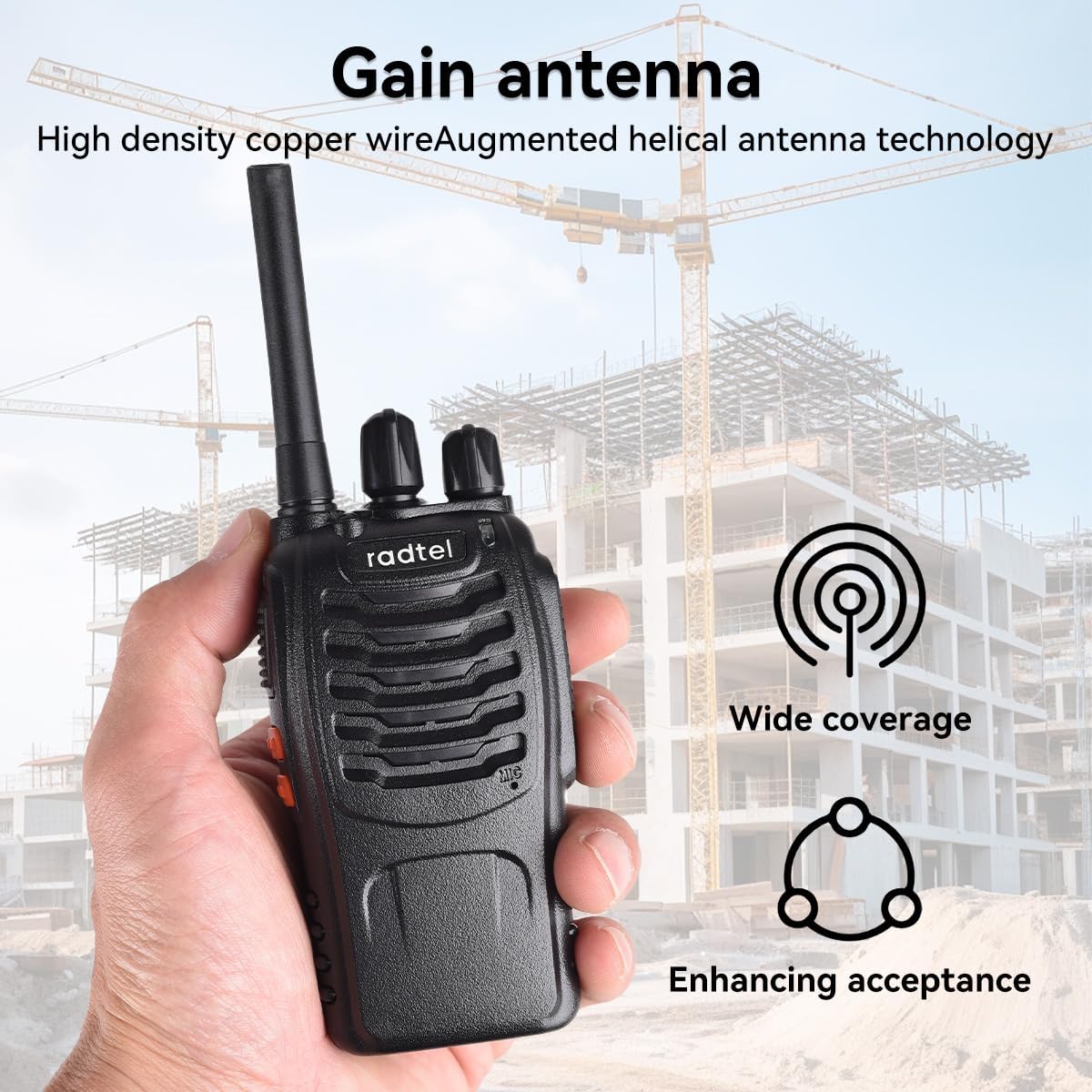
Figure 1: Overview of the Radtel RT88 Two-Way Radio package contents.
3. Product Overview
Familiarize yourself with the main components of your Radtel RT88 radio:

Figure 2: Labeled diagram of the Radtel RT88 Two-Way Radio components.
- Antenna: For transmitting and receiving signals.
- Flashlight: Built-in LED light for illumination.
- PTT Button (Push To Talk): Press and hold to transmit, release to receive.
- Moni Button (Monitor): Press to temporarily disable squelch and listen for weak signals.
- Function Key: Programmable key for various functions (e.g., alarm, scan).
- Channel Switch: Rotary knob to select communication channels (1-16).
- Power Switch/Volume Control: Rotary knob to turn the radio on/off and adjust volume.
- SP/MIC Jacks: Ports for external speaker/microphone accessories.
- MIC: Built-in microphone for voice input.
4. Setup
4.1 Installing the Battery
- Ensure the radio is powered off.
- Align the battery pack with the grooves on the back of the radio.
- Slide the battery pack upwards until it clicks into place.
- To remove, press the release latch (if present) and slide the battery downwards.

Figure 3: Rear view of the radio, indicating battery installation area.
4.2 Charging the Battery
Before first use, fully charge the battery. The radio can be charged with the battery installed or the battery can be charged separately in the charging dock.
- Connect the USB charging cable to the charging dock and then to a power source (e.g., USB adapter, computer USB port).
- Place the radio (with battery installed) or just the battery pack into the charging dock.
- The indicator light on the charging dock will turn red while charging and green when fully charged.

Figure 4: Radtel RT88 radios and batteries in charging docks. The image also illustrates multi-mode charging options (laptop, wall adapter, car charger).

Figure 5: Close-up of the charging process, showing the red indicator light.
A fully charged 1500mAh battery provides approximately 2-3 days of standby time.

Figure 6: Battery capacity and standby time information.
4.3 Attaching the Belt Clip and Lanyard
Attach the belt clip to the back of the radio for convenient carrying. The lanyard can be attached to the designated loop for added security.
5. Operating Instructions
5.1 Power On/Off and Volume Adjustment
Rotate the Power Switch/Volume Control knob clockwise to turn the radio on. Continue rotating clockwise to increase the volume. Rotate counter-clockwise to decrease the volume and turn the radio off.
5.2 Selecting a Channel
Rotate the Channel Switch knob to select one of the 16 available channels. Ensure all radios intended for communication are set to the same channel.
5.3 Transmitting and Receiving
- To Transmit: Press and hold the PTT (Push To Talk) button. Speak clearly into the microphone. The LED indicator will typically light red during transmission.
- To Receive: Release the PTT button. The radio will automatically receive signals on the selected channel. The LED indicator will typically light green when receiving.
5.4 Using the Monitor Function
Press the Moni button to temporarily disable the squelch function. This allows you to listen for very weak signals that might otherwise be filtered out. Release the button to re-enable squelch.
5.5 Using the LED Flashlight
The built-in LED flashlight can be activated via the Function Key or a dedicated button, depending on the radio's programming. Refer to the specific programming details if the Function Key is customizable.

Figure 7: Radtel RT88 radios with activated LED flashlights.
6. Maintenance
- Cleaning: Use a soft, damp cloth to clean the radio's exterior. Do not use harsh chemicals or abrasive cleaners.
- Battery Care: Avoid fully discharging the battery frequently. Store the radio and battery in a cool, dry place when not in use for extended periods.
- Storage: If storing for a long time, remove the battery from the radio.
- Water Resistance: This device is Not Water Resistant. Avoid exposure to water or high humidity.
7. Troubleshooting
| Problem | Possible Cause | Solution |
|---|---|---|
| Radio does not power on. | Battery is low or not installed correctly. | Charge the battery or re-install it securely. |
| Cannot communicate with other radios. | Radios are on different channels or out of range. | Ensure all radios are on the same channel. Move closer to the other radio. |
| Poor audio quality or static. | Weak signal, interference, or low battery. | Move to an open area, check for obstructions, or charge the battery. Use the Moni button to check for weak signals. |
| Battery not charging. | Charger not connected properly or faulty battery. | Check all connections. Try charging a different battery or radio if available. |
8. Specifications
| Feature | Detail |
|---|---|
| Brand | Radtel |
| Model Number | RT-88 |
| Number of Channels | 16 |
| Frequency Range | 144-148Mhz/420-450Mhz |
| Talking Range Maximum | 5 Mile |
| Voltage | 3.7 Volts |
| Battery Capacity | 1500mAh (9V batteries required, included) |
| Special Feature | Rechargeable, Built-in Flashlight |
| Water Resistance Level | Not Water Resistant |
| Included Components | Radio, battery, charger |
Figure 8: Radtel RT88 radio and packaging displaying key specifications.
9. Warranty Information
The Radtel RT88 Two-Way Radio comes with a 1-Year Warranty from the date of purchase. This warranty covers manufacturing defects and malfunctions under normal use. It does not cover damage caused by misuse, accidents, unauthorized modifications, or exposure to water.
Please retain your proof of purchase for warranty claims.
10. Customer Support
For technical assistance, troubleshooting, or warranty inquiries, please contact Radtel customer support through the retailer where the product was purchased or visit the official Radtel website.
Manufacturer: Xiamen Radtel Electronics Co.,Ltd
Related documentsRT-88


Ask a question about this manual
Ask about setup, troubleshooting, compatibility, parts, safety, or missing instructions. Manuals+ will review the question and use this page’s manual context to help answer it.