
Dreo DR-HTF007
Dreo Nomad One Tower Fan User Manual
Model: DR-HTF007 Silver
Brand: Dreo
Introduction
This user manual provides essential information for the safe and efficient operation, maintenance, and troubleshooting of your Dreo Nomad One Tower Fan. Please read this manual thoroughly before use and retain it for future reference.
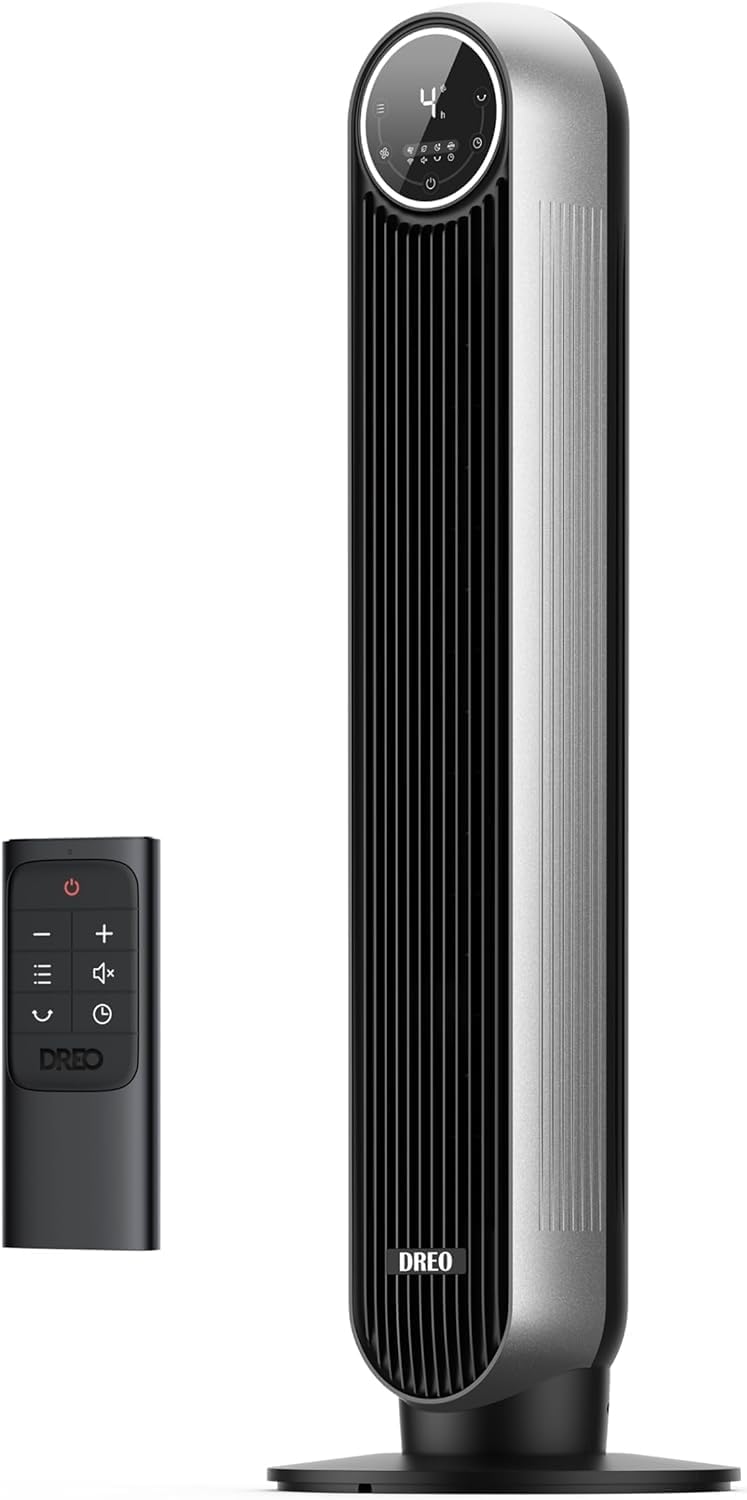
Image: The Dreo Nomad One Tower Fan in silver, accompanied by its remote control. The fan features a sleek, vertical design with a circular control panel at the top.
Safety Information
Always follow basic safety precautions when using electrical appliances to reduce the risk of fire, electric shock, and injury.
- Ensure the power supply matches the voltage specified on the fan.
- Do not operate the fan with a damaged cord or plug.
- Keep fingers and other objects away from the fan grilles during operation.
- Unplug the fan before cleaning or performing any maintenance.
- Do not use the fan in wet or high-humidity environments.
- This fan is designed for indoor use only.
Package Contents
Verify that all components are present upon unboxing:
- Nomad One Tower Fan Body x 1
- Front Fan Base x 1
- Rear Fan Base x 1
- Remote Control x 1 (Battery Included)
- User Manual x 1
Setup and Assembly
The Dreo Nomad One Tower Fan requires minimal assembly. Follow these steps:
- Align the front and rear fan base pieces and snap them together.
- Carefully place the tower fan body onto the assembled base, ensuring it clicks securely into place.
- Connect the power cord to a suitable electrical outlet.

Image: Illustration demonstrating the tool-free assembly of the fan base, highlighting how the fan body connects to the base.
Operating Instructions
Your Dreo Nomad One Tower Fan offers various settings for personalized comfort. Control the fan using either the touch panel on the unit or the included remote control.
Power On/Off
Press the power button (⏻) on the control panel or remote to turn the fan on or off.
Speed Settings
The fan features 4 speed levels. Press the speed button (+ / -) to adjust the airflow intensity from soothing-soft to storm-strong.
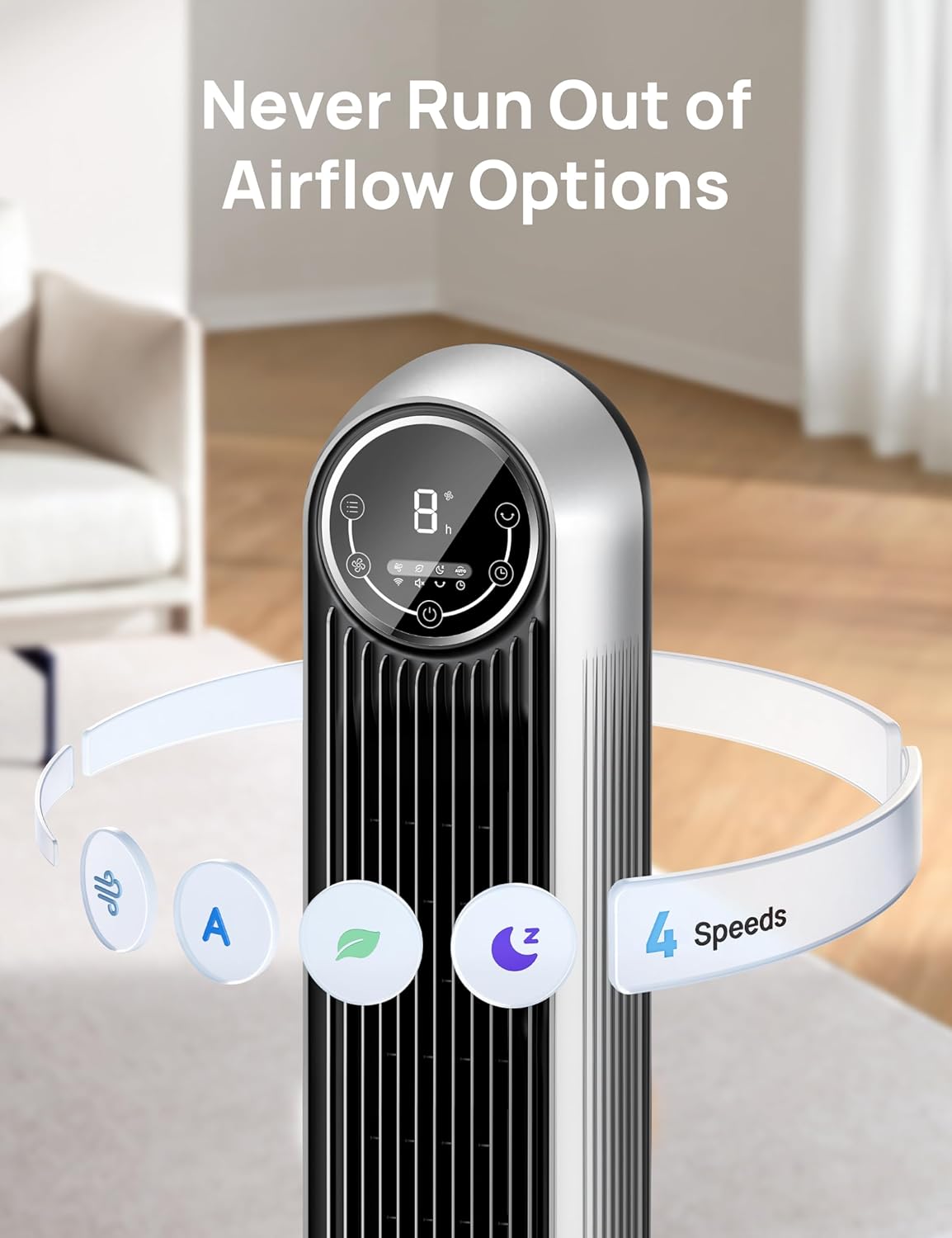
Image: Close-up of the fan's circular control panel, illustrating the various mode and speed options available.
Operating Modes
Select from 4 distinct modes to suit your preference:
- Normal Mode: Provides a constant airflow at your selected speed.
- Natural Mode: Simulates natural breezes by cycling through varying fan speeds.
- Sleep Mode: Gradually decreases fan speed over time and mutes display for a quiet, comfortable sleep environment.
- Auto Mode: Adjusts fan speed automatically based on the ambient room temperature.
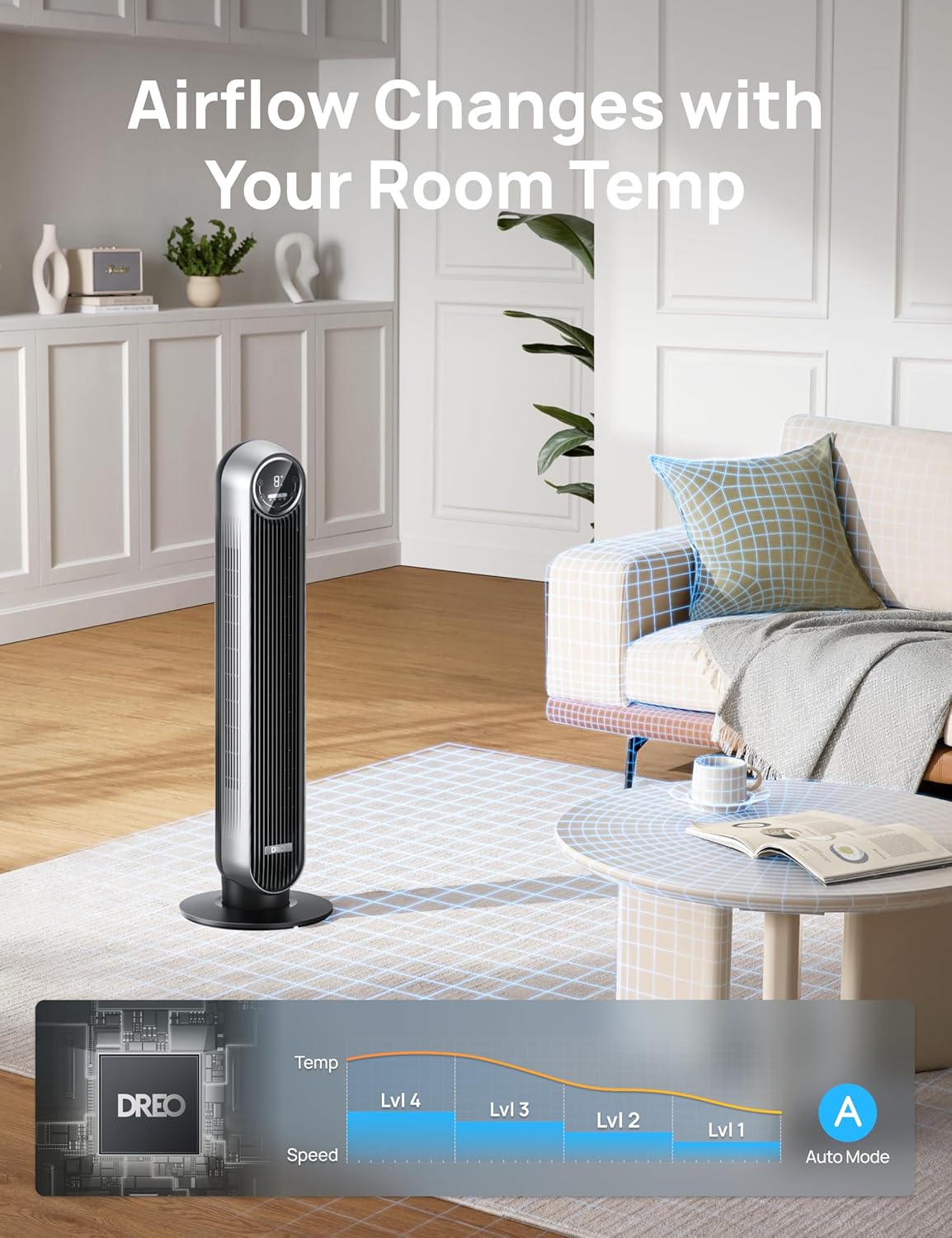
Image: The fan operating in a living room setting, with a graphic illustrating how the fan's speed adjusts in Auto Mode according to room temperature.
Oscillation
Activate the 90° oscillation feature to distribute airflow across a wider area. Press the oscillation button (↻) to turn it on or off.
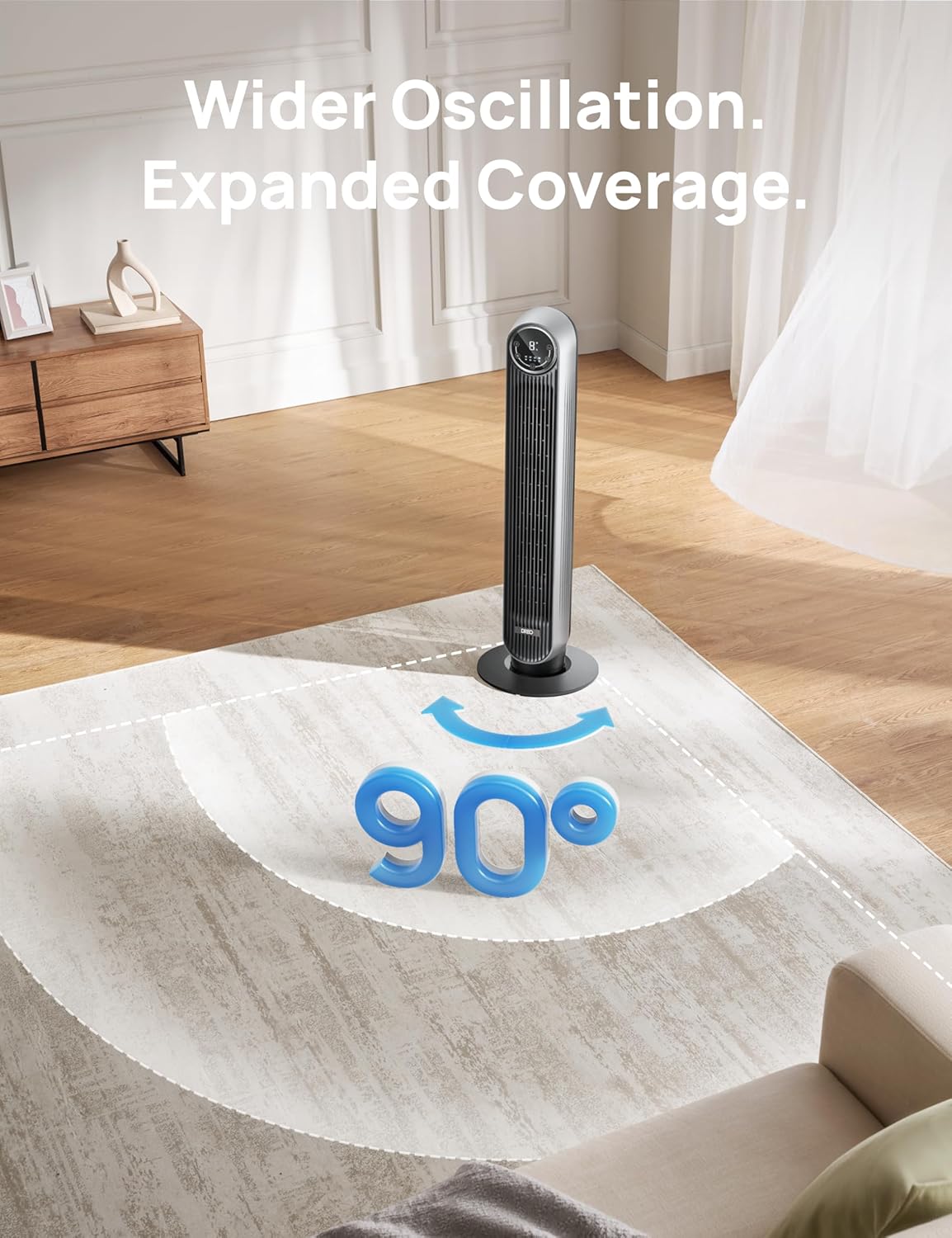
Image: The fan positioned in a room, with an arrow graphic indicating its 90-degree oscillation range, demonstrating expanded coverage.
Timer Function
Set the fan to automatically turn off after a specified period, up to 8 hours. Press the timer button (⏱) to cycle through timer options.
Quiet Operation
The fan is designed for ultra-quiet operation, with noise levels as low as 28 dB, ensuring minimal disturbance, especially in Sleep Mode.
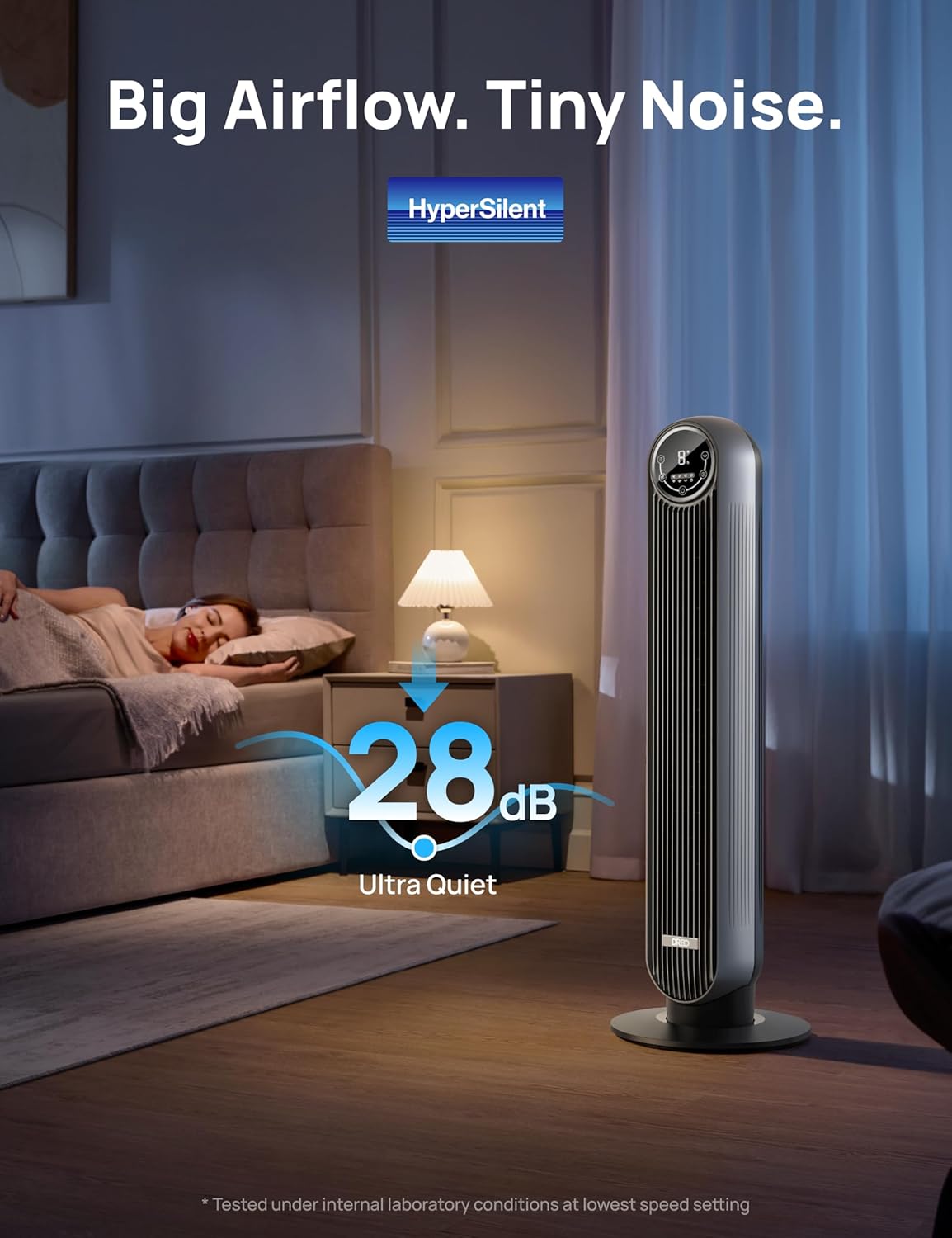
Image: The fan in a bedroom setting, emphasizing its ultra-quiet operation at 28 dB, suitable for undisturbed sleep.
Maintenance and Cleaning
Regular cleaning ensures optimal performance and longevity of your fan.
- Always unplug the fan from the power outlet before cleaning.
- The removable rear grille and impeller wheel allow for easy access and thorough cleaning.
- Wipe the exterior surfaces with a soft, damp cloth. Do not use abrasive cleaners or solvents.
- For deep cleaning, detach the rear grille and impeller wheel and wash them with mild soap and water. Ensure they are completely dry before reassembling.
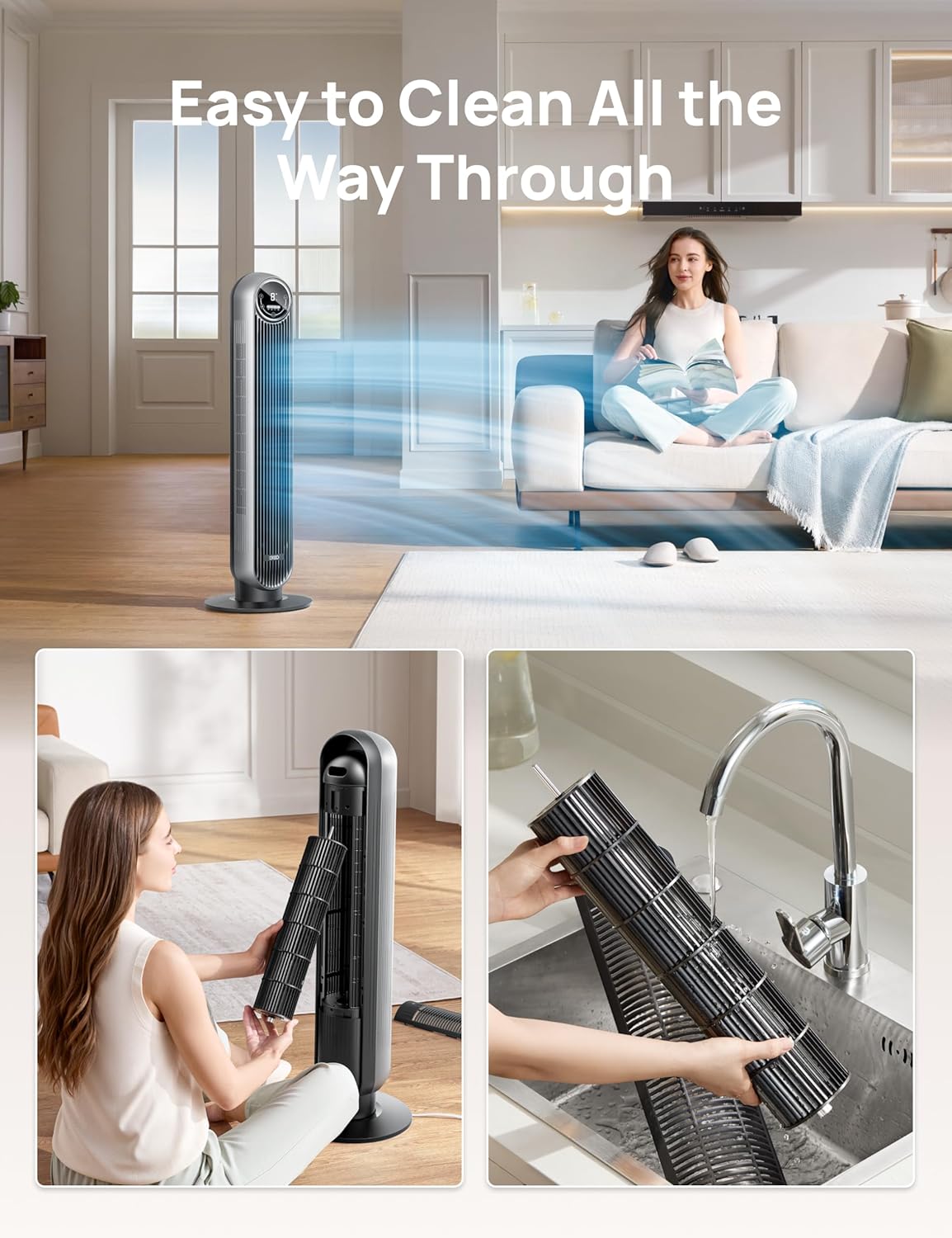
Image: A two-panel image demonstrating the fan's easy cleaning process, showing the removal of the rear grille and impeller, and the impeller being washed under a faucet.
Troubleshooting
If you encounter issues with your fan, refer to the following common problems and solutions:
| Problem | Possible Cause | Solution |
|---|---|---|
| Fan does not turn on. | Not plugged in; power outlet malfunction; fused plug. | Ensure the fan is securely plugged into a working outlet. Check the fused plug for damage. |
| Weak airflow. | Fan speed too low; grilles or impeller are dirty. | Increase fan speed. Clean the grilles and impeller as per maintenance instructions. |
| Fan makes unusual noise. | Obstruction in the fan; fan not on a stable surface. | Unplug and check for any obstructions. Place the fan on a flat, stable surface. |
Specifications
| Brand | Dreo |
| Model Name | DR-HTF007 Silver |
| Color | Silver |
| Product Dimensions | 11.81"D x 11.81"W x 36.22"H |
| Item Weight | 9 Pounds |
| Power Source | AC |
| Noise Level | 28 dB |
| Air Flow Capacity | 1408 Cubic Feet Per Minute |
| Number of Power Levels | 4 |
| Control Method | Remote, Touch |
| Special Features | Ambient Intelligence, Easy to Clean, Max 24ft/s High Velocity, Timer, Touch and Remote Control |
Warranty and Support
The Dreo Nomad One Tower Fan comes with a default 1-year warranty. This warranty can be extended to 5 years upon product registration on the official Dreo website. Please refer to the product packaging or the Dreo website for detailed warranty terms and conditions.
For technical support, troubleshooting assistance, or warranty claims, please visit the official Dreo support center or contact their customer service. Contact information can typically be found on the Dreo website or in the product packaging.
Product Videos
Official product videos from the seller provide visual guidance on setup, features, and usage. Please note that no seller-created videos were available for embedding at this time.
For additional visual resources, please check the product page on Amazon or the official Dreo website.
Related documentsDR-HTF007


Ask a question about this manual
Ask about setup, troubleshooting, compatibility, parts, safety, or missing instructions. Manuals+ will review the question and use this page’s manual context to help answer it.