
1. Introduction
Thank you for choosing the InnoView 23.8-inch 2K QHD 180Hz Dual Mobile Monitor. This device is designed to enhance your productivity and viewing experience with its high-resolution display, versatile connectivity, and ergonomic design. This manual provides essential information for setting up, operating, maintaining, and troubleshooting your new monitor.
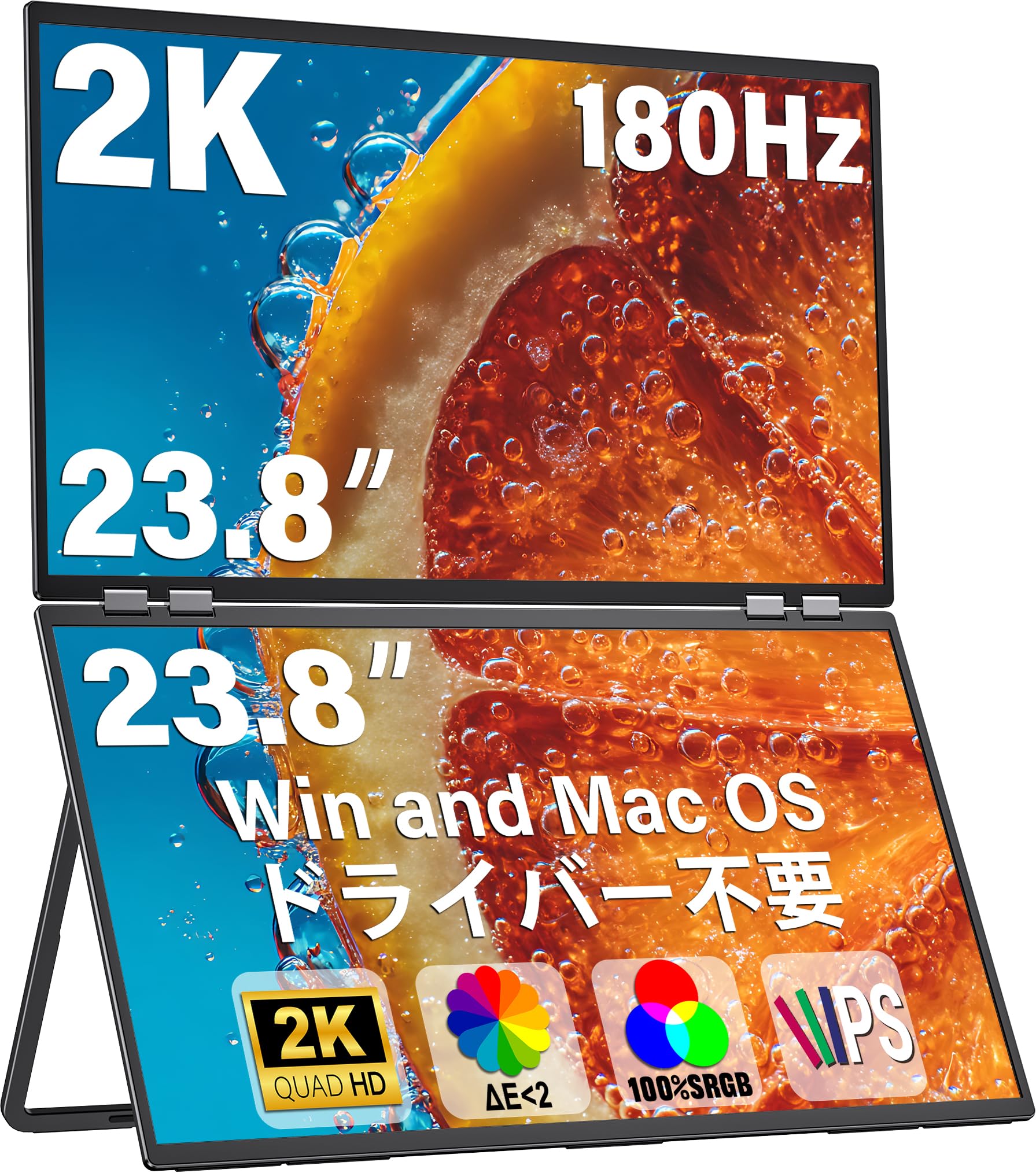
Figure 1: InnoView 23.8-inch Dual Mobile Monitor
2. Safety Information
Please read all safety instructions carefully before using this product. Failure to follow these instructions may result in electric shock, fire, or damage to the device.
- Do not expose the monitor to rain, moisture, or extreme temperatures.
- Avoid placing the monitor on unstable surfaces.
- Use only the power adapter and cables provided or approved by InnoView.
- Do not attempt to disassemble or repair the monitor yourself. Contact qualified service personnel for assistance.
- Keep the monitor away from strong magnetic fields.
3. Package Contents
Verify that all items are present in the package:
- InnoView 23.8-inch Dual Mobile Monitor x 1
- Standard HDMI Cable x 1
- DisplayPort (DP) Cable x 1
- USB Type-C 3.0 Cable x 1
- 65W Power Cable x 1
- User Manual x 1

Figure 2: Package Contents
4. Product Features
- 2K QHD Resolution: 2560x1440 IPS panel with 178° ultra-wide viewing angle.
- High Refresh Rate: 180Hz for smooth visuals.
- Color Accuracy: 100% sRGB color gamut, 10-bit color (1.07 billion colors), and HDR support for precise color reproduction.
- Brightness: 300 nits for clear visibility.
- Ergonomic Design: 0-315° adjustable foldable design, low blue light mode for eye protection, and anti-glare screen surface.
- Versatile Connectivity: Two USB Type-C ports (DisplayPort Alt Mode compatible), HDMI, and DisplayPort (DP) inputs.
- Driver-Free: Plug and play functionality for easy setup.
- Multi-OS Support: Compatible with Mac and Windows operating systems.

Figure 3: Key Product Features

Figure 4: Space-Saving Design
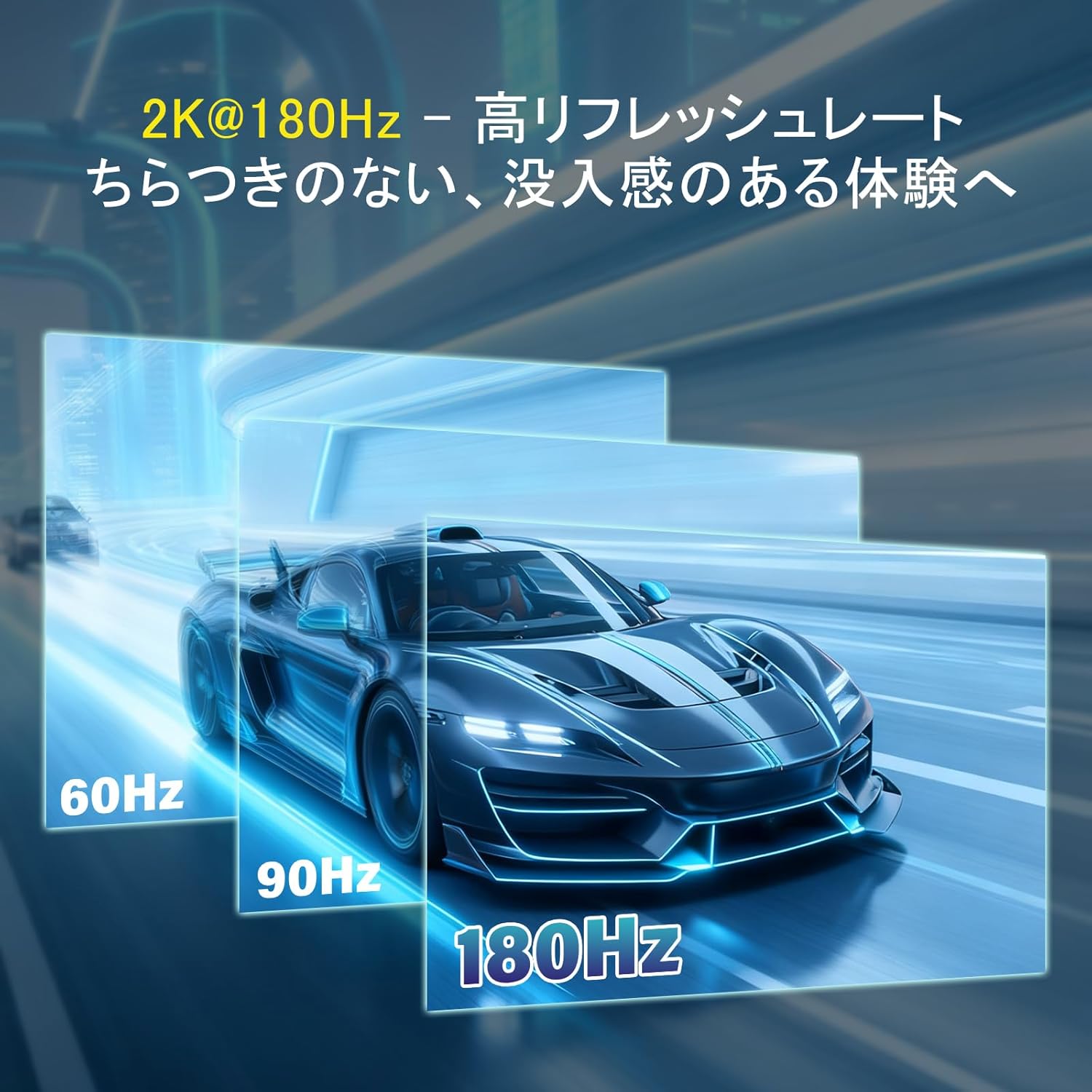
Figure 5: 180Hz High Refresh Rate
5. Setup
5.1 Physical Setup
The monitor features a foldable design for easy portability and setup. It can be used with its integrated stand or mounted on a wall (VESA compatible, adapter may be required).
- Using the Integrated Stand: Gently unfold the monitor to your desired viewing angle. The stand allows for 0-315° rotation and height adjustment.
- Wall Mounting: This monitor supports VESA mounting. Ensure you use a compatible VESA mount adapter (75mm x 75mm) if needed, as the monitor has two VESA holes.
5.2 Connecting to Devices
The InnoView monitor offers multiple connection options. Ensure your device's USB Type-C port supports DisplayPort Alt Mode for single-cable video and power.

Figure 6: Monitor Ports and Controls
Windows Connection Methods:
- USB Type-C 3.0 + 65W Power Cable: For Extend, Splicing, or Copy modes.
- DP 1.2 + 65W Power Cable: For Extend, Splicing, or Copy modes.
- HDMI + 65W Power Cable: For Splicing or Copy modes.

Figure 7: Windows Connection Guide
macOS Connection Methods:
- Type-C 3.0 / DP1.2 + HDMI + 65W Power Cable: For Extend, Splicing, or Copy modes.
- HDMI + 65W Power Cable: For Splicing or Copy modes.
- Type-C 3.0 / DP1.2 + 65W Power Cable: For Splicing or Copy modes.

Figure 8: macOS Connection Guide
Important Note:
- A 65W or higher power supply is required to prevent screen flickering or repeated restarts due to insufficient power.
- For Mac users, an additional docking station may be required for Extend mode if your device does not have sufficient ports.
6. Operating Instructions
6.1 Power On/Off
Press the Power Button (refer to Figure 6) to turn the monitor on or off.
6.2 OSD Menu Navigation
Use the Mode Button and Up/Down Buttons (refer to Figure 6) to navigate and adjust settings in the On-Screen Display (OSD) menu. Common settings include brightness, contrast, color temperature, and input source selection.
6.3 Display Modes
The monitor supports various display modes to suit your workflow:
- Copy Mode: Displays the same content on both screens.
- Extend Mode: Extends your desktop across both screens, providing more workspace.
- Splicing Mode: Combines both screens into one large display.

Figure 9: Multiple Display Modes
7. Maintenance
7.1 Cleaning the Screen
To clean the screen, gently wipe it with a soft, lint-free cloth. For stubborn marks, dampen the cloth slightly with water or a mild, non-abrasive screen cleaner. Avoid using alcohol-based cleaners or harsh chemicals.
7.2 General Care
- Keep the monitor in a clean, dry environment.
- Avoid placing heavy objects on the monitor.
- When transporting, ensure the monitor is securely folded and protected.
8. Troubleshooting
If you encounter issues with your InnoView monitor, refer to the following common problems and solutions:
| Problem | Possible Cause | Solution |
|---|---|---|
| No display/Black screen | No power, incorrect input source, faulty cable, insufficient power supply. | Ensure power cable is connected and power adapter is 65W or higher. Check input source. Try a different cable. |
| Screen flickering or repeated restarts | Insufficient power supply. | Ensure you are using a 65W or higher power adapter. |
| Image distorted or blurry | Incorrect resolution, faulty cable. | Adjust display resolution on your device. Try a different cable. |
| No sound | Volume too low, external speakers not connected, audio settings. | Adjust monitor volume. Check audio output settings on your device. Connect external speakers to the 3.5mm jack. |
| Cannot enter Extend mode on Mac | Mac device port limitations. | An additional docking station may be required for Extend mode on some Mac devices. |
If the problem persists after trying these solutions, please contact InnoView customer support.
9. Specifications
| Feature | Specification |
|---|---|
| Brand | InnoView |
| Model Number | YC-PM609-01B |
| Screen Size | 23.8 inches |
| Resolution | 2K QHD (2560 x 1440) |
| Refresh Rate | 180 Hz |
| Panel Type | IPS |
| Screen Surface | Anti-glare |
| Aspect Ratio | 16:9 |
| Contrast Ratio | 1000:1 |
| Color Gamut | 100% sRGB |
| Response Time | 5.9 ms |
| Connectivity | 2x USB Type-C (full-function), 1x HDMI, 1x DisplayPort |
| Additional Features | Pivot (screen rotation), Built-in Speakers, Height Adjustment |
| Compatible Devices | Desktops, Laptops |
| Dimensions (D x W x H) | 0.8 x 54.2 x 64.8 cm (approximate, folded) |
10. Warranty and Support
InnoView products undergo 100% inspection before shipment and are designed for safety with PSE certification.
- Warranty Period: A 1-year warranty is provided from the date of purchase. This can be extended up to 2 years upon product registration.
- Coverage: Initial defects such as damage during shipping or accessory damage are eligible for free replacement. Product malfunctions during the warranty period (excluding human-caused factors) are eligible for refunds, exchanges, or repairs.
- Customer Support: InnoView offers a dedicated support system with a promise of prompt problem resolution within 24 hours. We are committed to providing sincere assistance for any issues you may encounter.
For warranty claims or technical support, please contact InnoView customer service through the platform where you purchased the product.