
1. Introduction
Thank you for choosing the TTfone TT280 4G Dual SIM mobile phone. This manual provides essential information to help you get started and make the most of your device. The TT280 combines a traditional physical keypad with a modern 2.8-inch touchscreen, running on Android 13, offering a user-friendly experience with access to popular applications.

Image: Front view of the TTfone TT280 mobile phone, showcasing its 2.8-inch screen and physical keypad.

Image: Key features of the TTfone TT280, including 4G connectivity, large buttons, a simple menu interface, a loud speaker, and a battery life exceeding 5 days.
2. Setup Guide
2.1. Box Contents
Before you begin, ensure all items are present in the box:
- TTfone TT280 Mobile Phone
- Battery
- USB Cable
- Dock Charger (if purchased with this variant)
2.2. Installing the Battery and SIM Cards
- Carefully remove the back cover of the phone.
- Insert your Micro SIM card(s) into the designated slot(s). The TT280 supports Dual SIM functionality.
- Insert the battery into its compartment, ensuring the gold contacts align.
- Replace the back cover until it clicks securely into place.

Image: Rear view of the TTfone TT280, indicating the location for battery and SIM card access.
2.3. Charging the Device
Before first use, fully charge your TTfone TT280. Connect the USB-C cable to the phone and a power adapter, or place the phone in the provided charging dock.
- Using the USB-C Cable: Connect the USB-C cable to the phone's charging port and the other end to a compatible USB power adapter (not always included) or a computer.
- Using the Dock Charger: Place the phone securely in the dock charger. Ensure the charging contacts on the phone align with those on the dock.

Image: The TTfone TT280 mobile phone positioned in its dedicated charging dock.
2.4. Powering On/Off
- To Power On: Press and hold the Power button (usually located on the side or top) until the screen lights up.
- To Power Off: Press and hold the Power button, then select 'Power off' from the options on the screen.
3. Operating Instructions
3.1. Navigation
The TT280 offers dual navigation methods:
- Touchscreen: Tap, swipe, and pinch to navigate menus, open apps, and interact with content.
- Physical Keypad: Use the directional keys and number pad for traditional phone functions, dialing, and menu navigation.
3.2. Making and Receiving Calls
- To Make a Call: Enter the phone number using the keypad or select a contact from your phonebook. Press the green call button.
- To Receive a Call: When the phone rings, press the green call button or swipe the answer icon on the touchscreen.
3.3. Messaging (SMS/MMS)
Access the 'Messages' application to send and receive text messages. Use the keypad for typing or the touchscreen keyboard.
3.4. Using WhatsApp and Video Calls
The TT280 supports WhatsApp and other messaging applications. Download them from the Google Play Store. For video calls, use compatible apps like WhatsApp or Google Meet.

Image: A user holding the TTfone TT280, with the WhatsApp application open and displaying chat conversations.
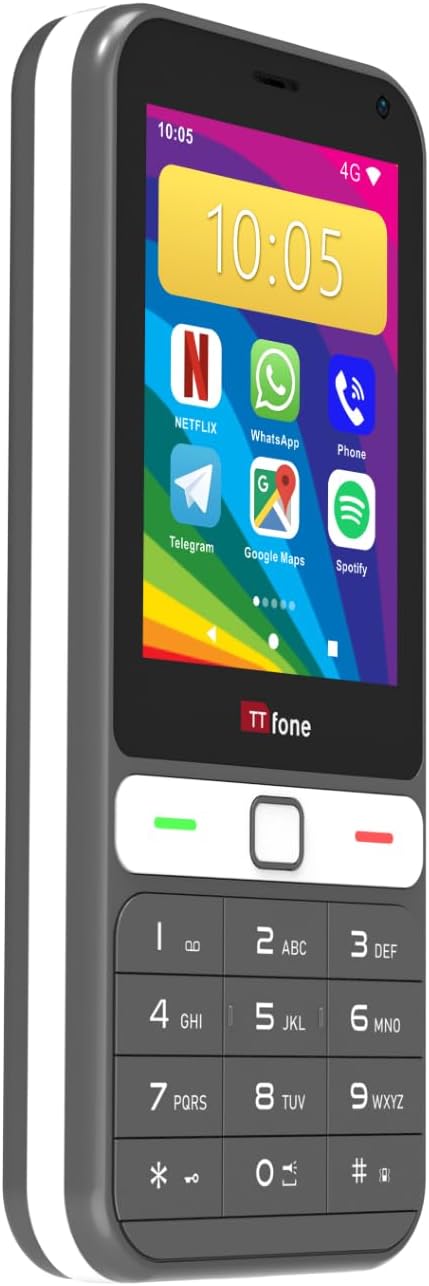
Image: A person engaged in a video call using the TTfone TT280, demonstrating its video calling capability.
3.5. Camera Functionality
The TT280 features a 2MP rear camera and a VGA front camera. Open the 'Camera' app to capture photos and videos.
- Taking Photos: Tap the shutter icon on the screen.
- Switching Cameras: Use the camera switch icon to toggle between front and rear cameras.

Image: A user holding the TTfone TT280, aiming the camera to capture a photograph.
3.6. Internet and Connectivity
Connect to the internet via 4G mobile data or Wi-Fi.
- Wi-Fi: Go to Settings > Network & internet > Wi-Fi to connect to available networks.
- Bluetooth: Go to Settings > Connected devices > Bluetooth to pair with Bluetooth accessories.
- GPS: The integrated GPS allows for location services and navigation apps like Google Maps.

Image: A user holding the TTfone TT280, with Google Maps open and displaying a navigation route.

Image: The Android logo displayed alongside the TTfone TT280, indicating its operating system.
4. Maintenance
4.1. Cleaning Your Device
Use a soft, lint-free cloth to clean the screen and body of your phone. Avoid using harsh chemicals or abrasive materials.
4.2. Battery Care
To prolong battery life:
- Avoid extreme temperatures.
- Do not leave the phone charging for extended periods after it's full.
- Use only approved chargers and cables.

Image: The TTfone TT280 phone displayed alongside a battery icon, emphasizing battery life and charging.
4.3. Software Updates
Periodically check for software updates in Settings > System > System update to ensure optimal performance and security.
5. Troubleshooting
If you encounter issues with your TTfone TT280, refer to the following common solutions:
- Device Unresponsive: If the phone freezes, press and hold the Power button for about 10 seconds to force a restart.
- Network Issues: Check if your SIM card is properly inserted. Ensure mobile data is enabled in settings or try restarting the phone.
- Battery Draining Quickly: Reduce screen brightness, close unused apps, and disable Wi-Fi/Bluetooth when not in use.
- App Crashes/Software Instability: Ensure all apps are updated. If issues persist, consider performing a factory reset (back up your data first).
- Charging Problems: Verify the USB-C cable and charger are correctly connected and undamaged. Try a different charging method if available.
5.1. Factory Reset
A factory reset will erase all data from your phone and restore it to its original settings. Back up important data before proceeding.
- Go to Settings > System > Reset options.
- Select Erase all data (factory reset).
- Confirm your choice.
6. Specifications
Key technical specifications for the TTfone TT280 mobile phone:
| Feature | Specification |
|---|---|
| Brand | TTfone |
| Model Name | TT280 |
| Operating System | Android 13.0 |
| Installed RAM Size | 2 GB |
| Storage Capacity | 16 GB |
| Screen Size | 2.8 Inches |
| Resolution | 320 x 240 |
| CPU Model | MediaTek Helio |
| CPU Speed | 1 Hz |
| Wireless Carrier | All carriers |
| Color | Grey |
| Number of SIM Card Slots | Dual SIM |
| Input Type | USB Type C |
| Form Factor | Bar |
| Human Interface Input | Buttons, Keypad, Touchscreen |
| SIM Card Size | Micro |
| Water Resistance Level | Not waterproof |
| Headphone Jack | 3.5 mm |
| Product Features | Dual SIM, Integrated GPS, Expandable Memory, Basic Phone |
| Max Supported Flash Memory Size | 16 GB |
| Rear Camera Sensor Resolution | 2 Megapixels |
| Front Camera Sensor Resolution | VGA |
| Device Flash | LED |
| Item Weight | 350 Grams |
| Item Dimensions | 13.3 x 5.8 x 1.5 cm |
| Cellular Technology | 4G |
| Connectivity Technology | 2G, 4G |
| Wireless Technology | Bluetooth, GSM, Wi-Fi |
| Model Year | 2025 |
| Country of Origin | China |
| Battery Capacity | 2500 mAh |
| Talk Time | 3 Hours |
| GPS Geopositioning Feature | True |
7. Warranty Information
The TTfone TT280 comes with a 2-year warranty. This warranty covers manufacturing defects and ensures the availability of spare parts for the duration of the warranty period.
Please retain your proof of purchase for warranty claims. For specific terms and conditions, refer to the warranty card included with your product or contact customer support.
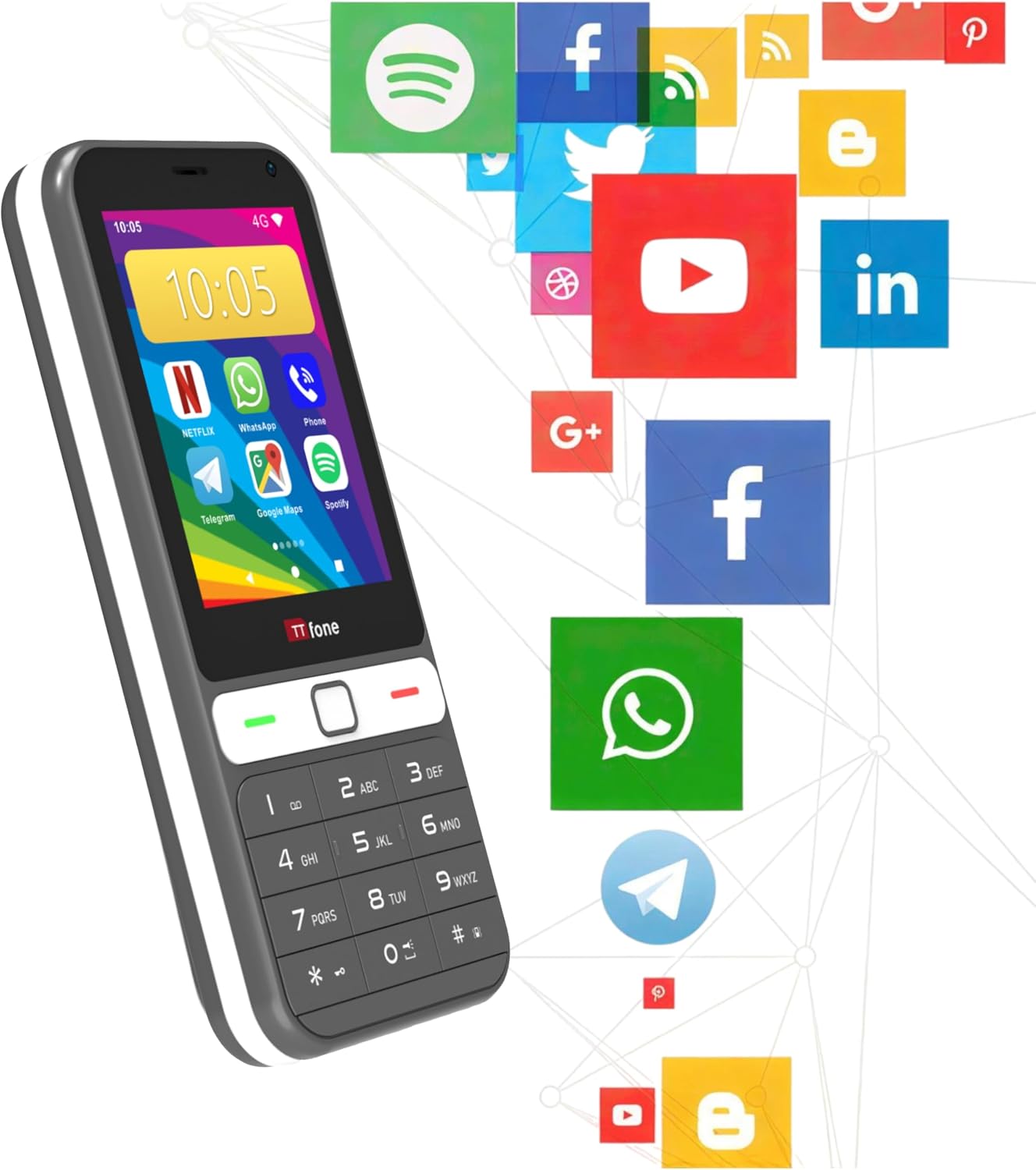
Image: The TTfone TT280 phone displayed alongside logos for 4G LTE connectivity and a 2-year warranty.
8. Support
For further assistance, technical support, or warranty inquiries, please visit the official TTfone website or contact their customer service department. Contact details can typically be found on the product packaging or the manufacturer's website.
Always refer to the official TTfone resources for the most accurate and up-to-date support information.


