
1. Introduction
Thank you for choosing the BRILONER Wireless LED Table Lamp. This elegant and compact lamp is designed to provide warm, adjustable lighting for various settings, both indoors and outdoors. Please read this manual carefully before use to ensure proper operation and maintenance.
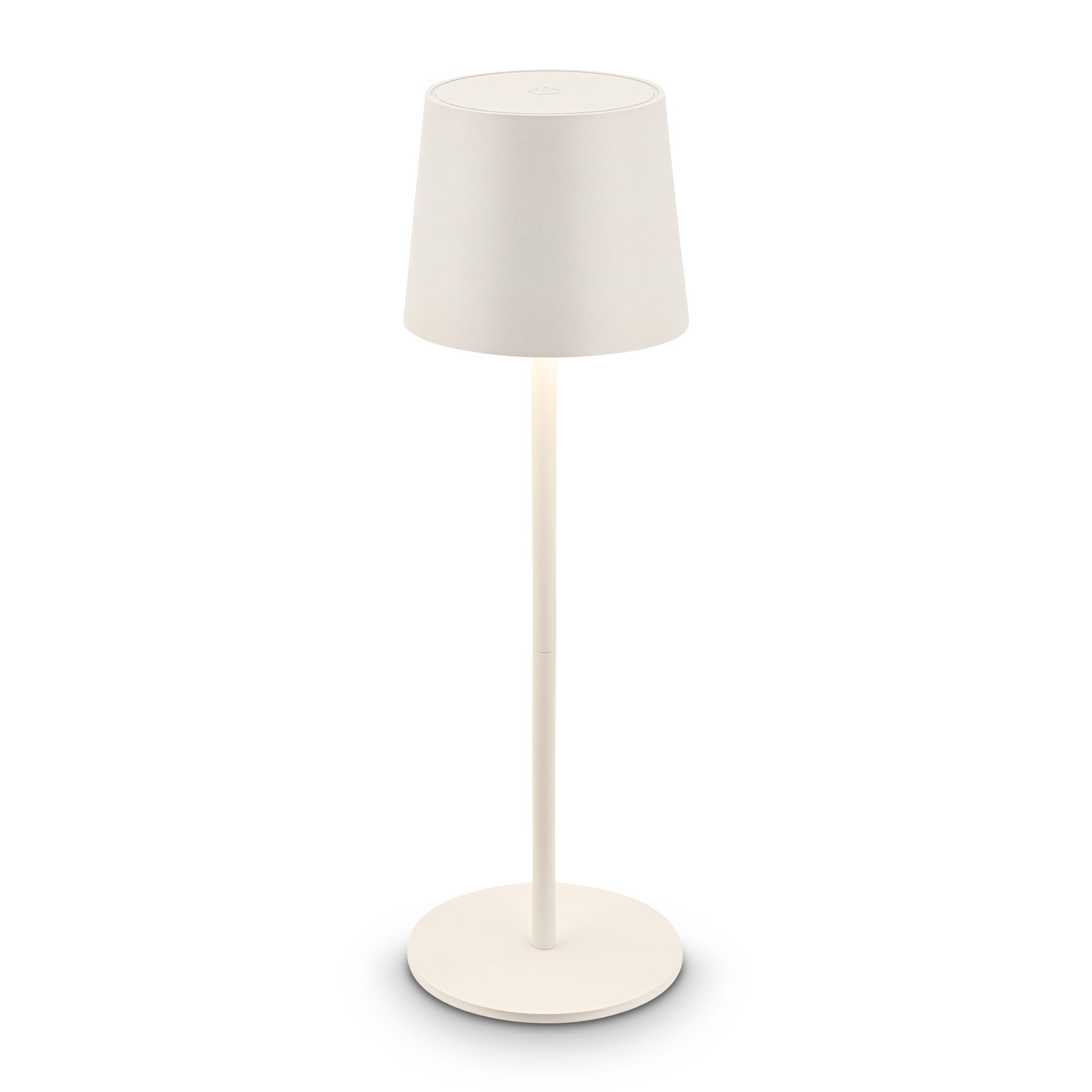
Image: The BRILONER Wireless LED Table Lamp, showcasing its sleek design and white finish.
2. Safety Instructions
To ensure safe operation and prevent damage, please observe the following safety guidelines:
- Do not expose the lamp to extreme temperatures or direct sunlight for prolonged periods.
- Keep away from flammable materials.
- Do not attempt to disassemble or modify the lamp beyond the specified interchangeable parts.
- Use only the recommended charging cable (USB-C) and power adapter.
- Despite IP44 splash resistance, avoid submerging the lamp in water.
- This product contains a light source of energy efficiency class G.
3. Product Overview
The BRILONER Wireless LED Table Lamp features a minimalist design with advanced functionality.
Key Features:
- Wireless and Portable: Battery-operated for flexible placement.
- Dimmable Touch Control: Smooth brightness adjustment with memory function.
- Long Battery Life: Up to 18 hours of light from a 1200mAh rechargeable battery.
- IP44 Protection: Splash-resistant for both indoor and outdoor use.
- Interchangeable Light Source: Allows for easy replacement of the LED unit.
- Mechanical Anti-Discharge Button: Ensures the lamp is ready for use when needed.

Image: The lamp demonstrating its IP44 splash resistance, suitable for outdoor environments.
4. Setup
4.1 Initial Charging:
- Locate the USB-C charging port, typically at the base of the lamp.
- Connect the provided USB-C cable to the lamp and a suitable USB power adapter (not included).
- Allow the lamp to charge fully before first use. The charging indicator light will change color or turn off when fully charged.
4.2 Assembly:
The lamp comes pre-assembled. No additional assembly is required. Ensure all components are securely attached before use.

Image: A detailed view of the lamp's base, highlighting its sturdy construction.
5. Operating Instructions
5.1 Power On/Off:
To turn the lamp on or off, gently touch the designated touch area on the top of the lamp shade.
5.2 Brightness Adjustment (Dimming):
While the lamp is on, press and hold the touch area to smoothly adjust the brightness. Release your finger when the desired brightness level is reached. The lamp will remember your last brightness setting for convenience.
5.3 Battery Life:
A fully charged lamp provides up to 18 hours of illumination, depending on the brightness level used. Recharge the lamp when the light dims significantly or turns off.

Image: A hand interacting with the lamp's touch-sensitive top for dimming control.
6. Maintenance
6.1 Cleaning:
Wipe the lamp with a soft, dry cloth. For stubborn marks, a slightly damp cloth can be used, followed by immediate drying. Do not use abrasive cleaners or solvents.
6.2 Battery and Light Source Replacement:
The lamp features an interchangeable LED unit and a replaceable 1200mAh battery. For replacement instructions, please refer to the detailed guide provided with replacement parts or contact customer support. Ensure the lamp is turned off and unplugged before attempting any replacement.
For information on recycling light bulbs, please refer to How to recycle your light bulbs.
For information on cleaning light bulbs, please refer to How to clean your light bulbs.
7. Troubleshooting
| Problem | Possible Cause | Solution |
|---|---|---|
| Lamp does not turn on. | Battery is depleted. | Charge the lamp using the USB-C cable. |
| Lamp light is dim or flickers. | Low battery. | Recharge the lamp. |
| Touch control is unresponsive. | Surface is dirty or wet. | Ensure the touch area is clean and dry. |
| Lamp does not hold charge. | Battery degradation or fault. | Contact customer support for battery replacement or service. |
8. Specifications
| Feature | Detail |
|---|---|
| Model Number | 7708016 |
| Dimensions (L x W x H) | 11 x 11 x 34.5 cm |
| Weight | 426 grams |
| Light Source Type | LED (2.6W, 120lm, 3000K) |
| Battery | 1200mAh (rechargeable via USB-C) |
| Battery Life | Up to 18 hours |
| IP Rating | IP44 (Splash-resistant) |
| Switch Type | Touch control with memory function |
| Material | Plastic |
| Color | Ancient White |

Image: A display of three BRILONER table lamps in various colors, showcasing the product's design versatility.

Image: A display of three BRILONER table lamps in various colors, showcasing the product's compact configuration.
9. Warranty and Support
BRILONER products are manufactured with high-quality standards. For warranty information and customer support, please refer to your purchase documentation or visit the official Briloner website. You can also contact Amazon customer service for assistance with your purchase.
For more information about Briloner, visit their store: Briloner Store.