
1. Product Overview
The VECHTEL 1 DIN Android 15 Car Radio features a 7-inch HD IPS touchscreen, offering a clear visual experience and responsive touch control. Powered by an Android 15 operating system with a 4-core CPU, 4GB RAM, and 64GB ROM, it supports multiple applications. This unit integrates wireless Carplay and Android Auto for seamless smartphone connectivity, Bluetooth 5.0 for hands-free communication and audio streaming, GPS navigation with offline map support, Wi-Fi connectivity, and Mirror Link functionality.

Image 1: Overview of VECHTEL Car Radio features including 7-inch display, Android 15 system, Bluetooth 5.0, steering wheel control, mirror link, voice control, FM/RDS radio, desktop themes, and 32-band EQ DSP.

Image 2: The 7-inch IPS HD touchscreen of the VECHTEL Car Radio, showcasing its high-definition display capabilities.
2. Package Contents
Verify that all items listed below are included in your package:
- 1 x Car Radio Unit
- 1 x Power Cable
- 1 x Rear View Camera Input Cable
- 1 x RCA Cable
- 1 x USB Cable (Dual USB interface)
- 1 x Holder / Mounting Bracket
- 1 x GPS Antenna
- 1 x User Manual
- 1 x External Microphone
- 1 x Radio Antenna
- 1 x Rear View Camera

Image 3: Visual representation of the car radio unit with its dimensions and a complete list of included accessories.
3. Specifications
| Feature | Specification |
|---|---|
| System | Android 15 |
| CPU | 4 Cores |
| Memory | 4GB RAM + 64GB ROM |
| Screen Size | 7 Inches |
| Display Resolution | 1024 x 600 |
| Power Output | 4 x 45 W |
| Bluetooth Version | 5.0 |
| Radio Band | FM/RDS |
| Reverse Input | AHD/CVBS |
| Wi-Fi | Supported |
| Carplay/Android Auto | Wireless Connection |
| Mirror Link | Wireless Connection (IOS/Android) |
| USB Interface | Double USB |
| Steering Wheel Control | Supported |
| Split Screen | Supported |
| GPS | Built-in offline maps (requires internet for data download) |
| Working Temperature | -20℃ to 75℃ |
| Dimensions (Unit) | 17.8(L) x 11.6(W) x 5.3(H) cm / 7.0(L) x 4.5(W) x 2.0(H) inches |
4. Installation Guide
4.1 Connection Reference
Refer to the diagram below for proper connection of all cables and accessories. Ensure all connections are secure before powering on the device.

Image 4: Connection diagram for the VECHTEL Car Radio, showing where to connect the USB cables, GPS antenna, adapter antenna, rear camera input cable, RCA cable, and power cable.
4.2 Physical Installation
- Check Dimensions: Before installation, verify that the reserved installation bay in your vehicle matches the standard installation size of 178(L) x 116(W) x 53(H) mm (7.0 x 4.5 x 2.0 inches).
- Mounting: Use the provided mounting bracket to secure the car radio unit into the dashboard.
- Wiring: Connect the power cable, RCA cable, USB cables, GPS antenna, radio antenna, external microphone, and rear view camera input cable as per the connection reference diagram.
- Final Check: Ensure all cables are properly routed and secured to prevent interference or damage.
5. Operating Instructions
5.1 Wireless Carplay and Android Auto
The car radio automatically connects to Carplay or Android Auto wirelessly once your compatible smartphone is detected. This allows access to phone apps, navigation, music, calls, and messages directly from the car radio's touchscreen.
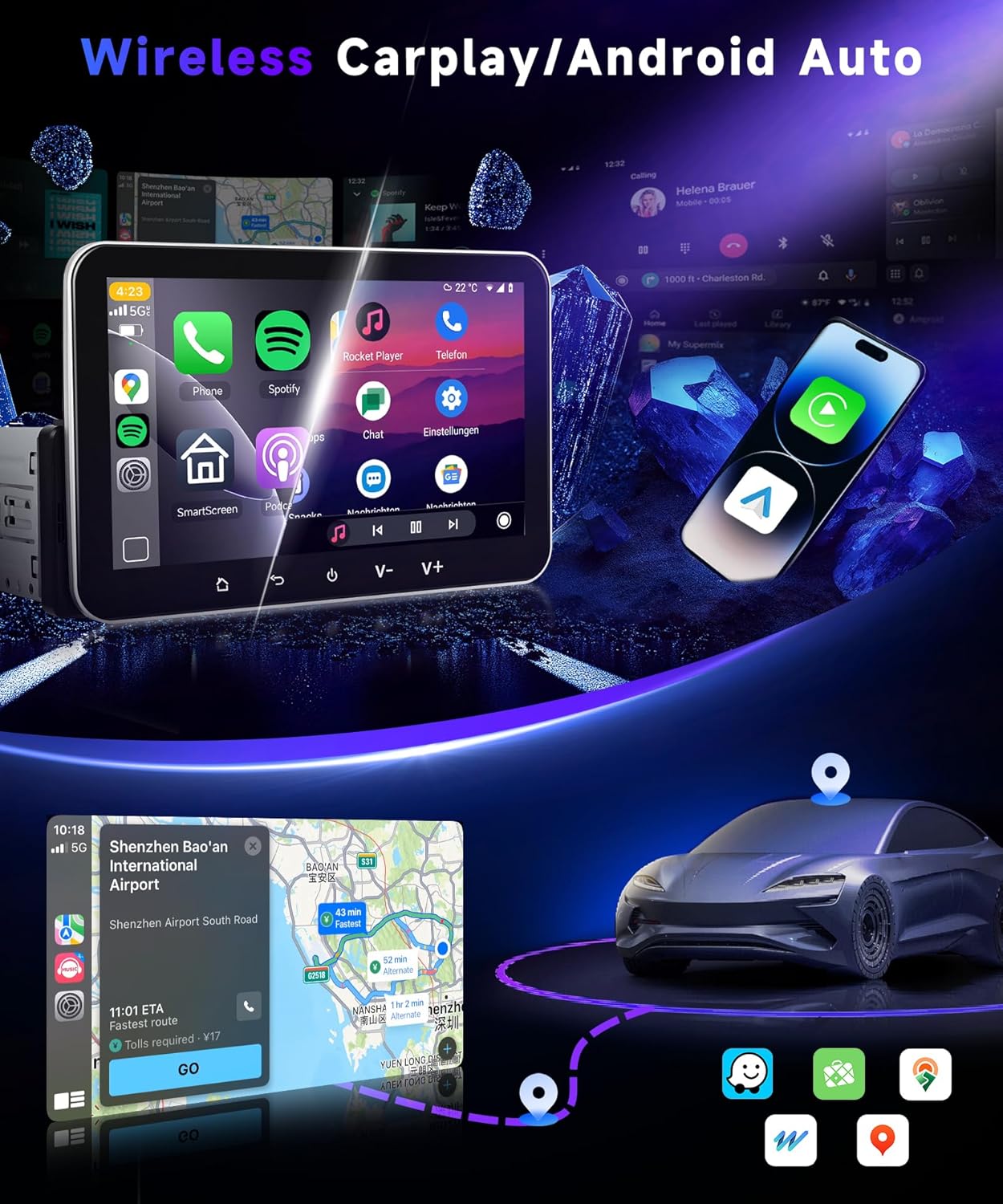
Image 5: The car radio interface demonstrating Wireless Carplay and Android Auto functionality with various applications.
5.2 Bluetooth 5.0
Pair your smartphone via Bluetooth 5.0 for hands-free calling and wireless music streaming. This enhances safety by allowing you to manage calls without diverting attention from the road.
5.3 GPS Navigation and Wi-Fi
The unit includes built-in offline maps. Connect to Wi-Fi to download map data, receive real-time traffic updates, stream music and videos, and download applications from the Play Store.
5.4 Mirror Link
Utilize Mirror Link to project your smartphone's screen content (both IOS and Android) onto the car radio display wirelessly. This allows viewing of videos, images, and navigation from your phone.
5.5 FM/RDS Radio
Access FM radio stations with RDS (Radio Data System) support for station information display.
5.6 Steering Wheel Control
The unit supports steering wheel controls, allowing you to manage audio and other functions without taking your hands off the wheel.
5.7 Voice Control
Use voice commands (e.g., Siri/Google Voice Control) for navigation, music playback, and other functions when connected via Carplay or Android Auto.
5.8 USB Ports
Two USB ports are provided for media playback, charging devices, or connecting other USB accessories.
5.9 Split Screen Functionality
The split-screen feature allows you to run two applications simultaneously on the 7-inch display.
5.10 Audio Equalizer (EQ) Settings
Adjust audio output with the built-in EQ settings to customize your listening experience.
6. Backup Camera Operation
The included rear view camera provides an AHD/CVBS input for clear reverse imaging. When the vehicle is shifted into reverse, the display automatically switches to the camera feed, assisting with parking and maneuvering.
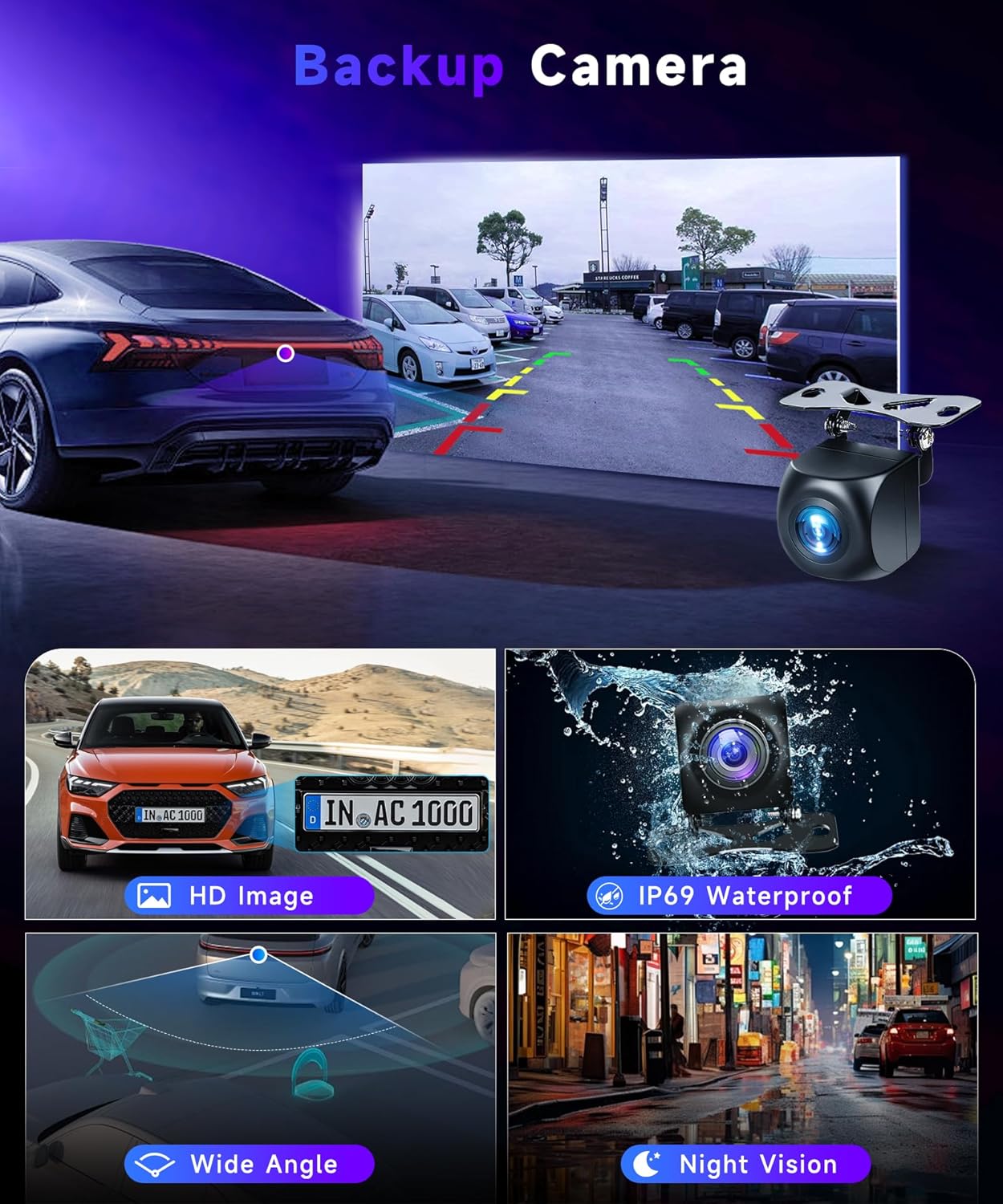
Image 6: Illustration of the backup camera system in operation, detailing features such as HD image quality, IP69 waterproofing, wide-angle view, and night vision.
7. Maintenance
- Screen Cleaning: Use a soft, lint-free cloth to clean the touchscreen. Avoid abrasive cleaners or solvents.
- Software Updates: Periodically check for system updates via Wi-Fi to ensure optimal performance and access to new features.
- Cable Connections: Ensure all cables remain securely connected to prevent intermittent issues.
8. Troubleshooting
- No Power: Check the power cable connection and the vehicle's fuse box.
- No Sound: Verify speaker connections, volume settings, and audio source selection.
- GPS Signal Loss: Ensure the GPS antenna is properly installed and has a clear view of the sky.
- Carplay/Android Auto Not Connecting: Ensure Bluetooth and Wi-Fi are enabled on your phone and the car radio. Restart both devices if necessary.
- Touchscreen Unresponsive: Try restarting the unit. If the issue persists, contact technical support.
9. Technical Support
VECHTEL specializes in automotive electronics and provides professional support. If you encounter any issues with compatibility, installation, or usage, please contact VECHTEL technical support for assistance.
