
Introduction
Thank you for choosing the LE-IDEA IDEA12 Mini Drone. This manual provides essential information for the safe operation, setup, and maintenance of your drone. Please read it thoroughly before first use to ensure proper functionality and to avoid damage.
Safety Information
- Always operate the drone in open areas, away from people, animals, and obstacles.
- Do not fly near airports, power lines, or other restricted areas.
- Ensure the battery is fully charged before each flight.
- Keep fingers and loose clothing away from rotating propellers.
- Supervise children during drone operation.
- Do not operate in strong winds or adverse weather conditions.
- Turn off the drone and remote controller when not in use.
Package Contents
Verify that all items are present in your package:
- 1x Remote Controller
- 1x Drone
- 1x Modular Battery
- 1x Screwdriver
- 1x Carrying Case
- 1x User Manual
- 1x Charging Cable
- 4x Propellers (spare)
- 4x Propeller Guards

Image: All components included in the LE-IDEA IDEA12 Mini Drone package, laid out neatly.
Setup
1. Battery Installation
- Insert the modular battery into the drone's battery compartment until it clicks into place.
- For the remote controller, open the battery cover and insert the required batteries (not included in the JSON, refer to product packaging for details).
2. Propeller Guard Installation
Attach the propeller guards to the drone's arms. These guards help protect the propellers from damage during collisions.

Image: The drone with propeller guards attached, highlighting their protective function.
3. App Connection (WiFi Transmission)
- Download the official LE-IDEA drone app from your smartphone's app store.
- Turn on the drone and the remote controller.
- On your smartphone, connect to the drone's Wi-Fi network (usually named "LE-IDEA-XXXX").
- Open the app to establish a connection and view the live camera feed.
Operating Instructions
1. Basic Flight Controls
- One-Key Take-off/Landing: Press the dedicated button on the remote controller for automatic take-off or landing.
- Altitude Hold: The drone maintains its current altitude automatically, simplifying flight control.
- Headless Mode: In Headless Mode, the drone's orientation is relative to the pilot, eliminating the need to adjust its position before flight.
- 3 Speed Adjustment: Adjust the flight speed to match your skill level or environmental conditions.

Image: The drone performing an automatic take-off from a designated landing area, demonstrating ease of operation.
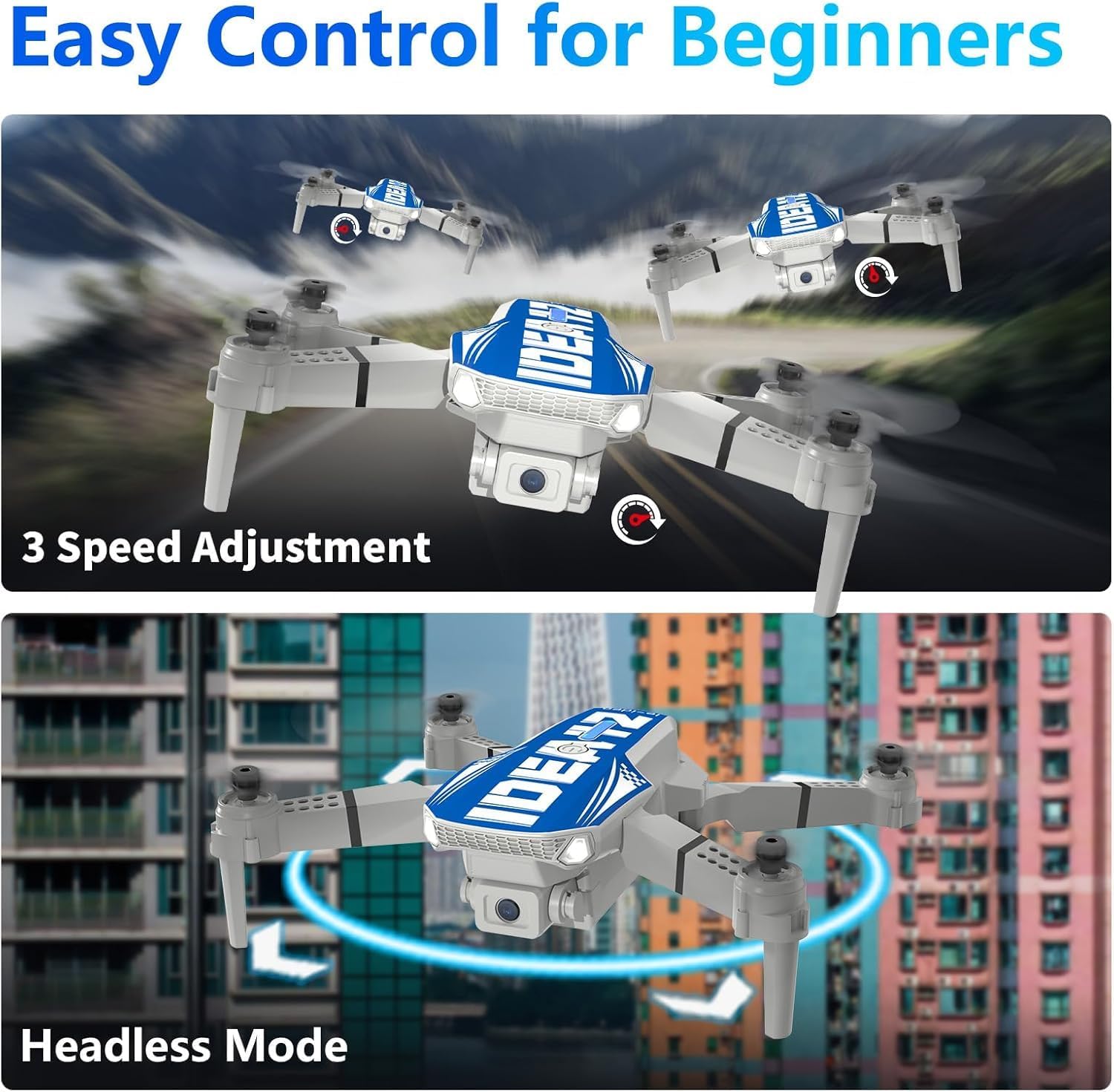
Image: Visual representation of the drone's three-speed modes and headless mode functionality for beginner-friendly control.
2. Camera Operation (1080P HD Camera)
- The drone is equipped with a 1080P HD camera with a 90° adjustable lens for capturing high-quality aerial photos and videos.
- Gesture Photo/Video: Use specific hand gestures to trigger photo or video recording through the app.
- Real-time Transmission: View the live camera feed on your smartphone via Wi-Fi for precise framing.
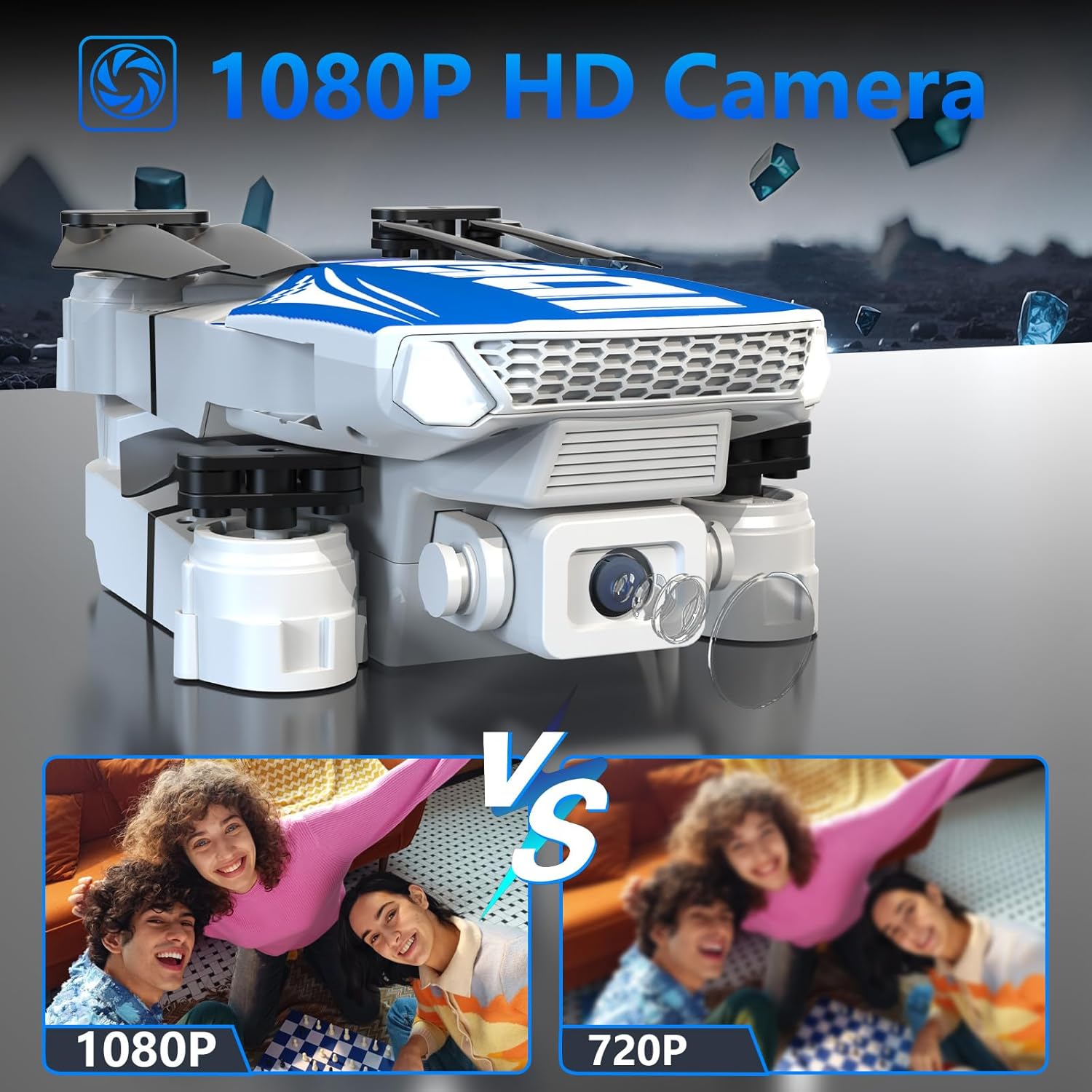
Image: The drone's 1080P HD camera, demonstrating the clarity difference between 1080P and 720P resolution.
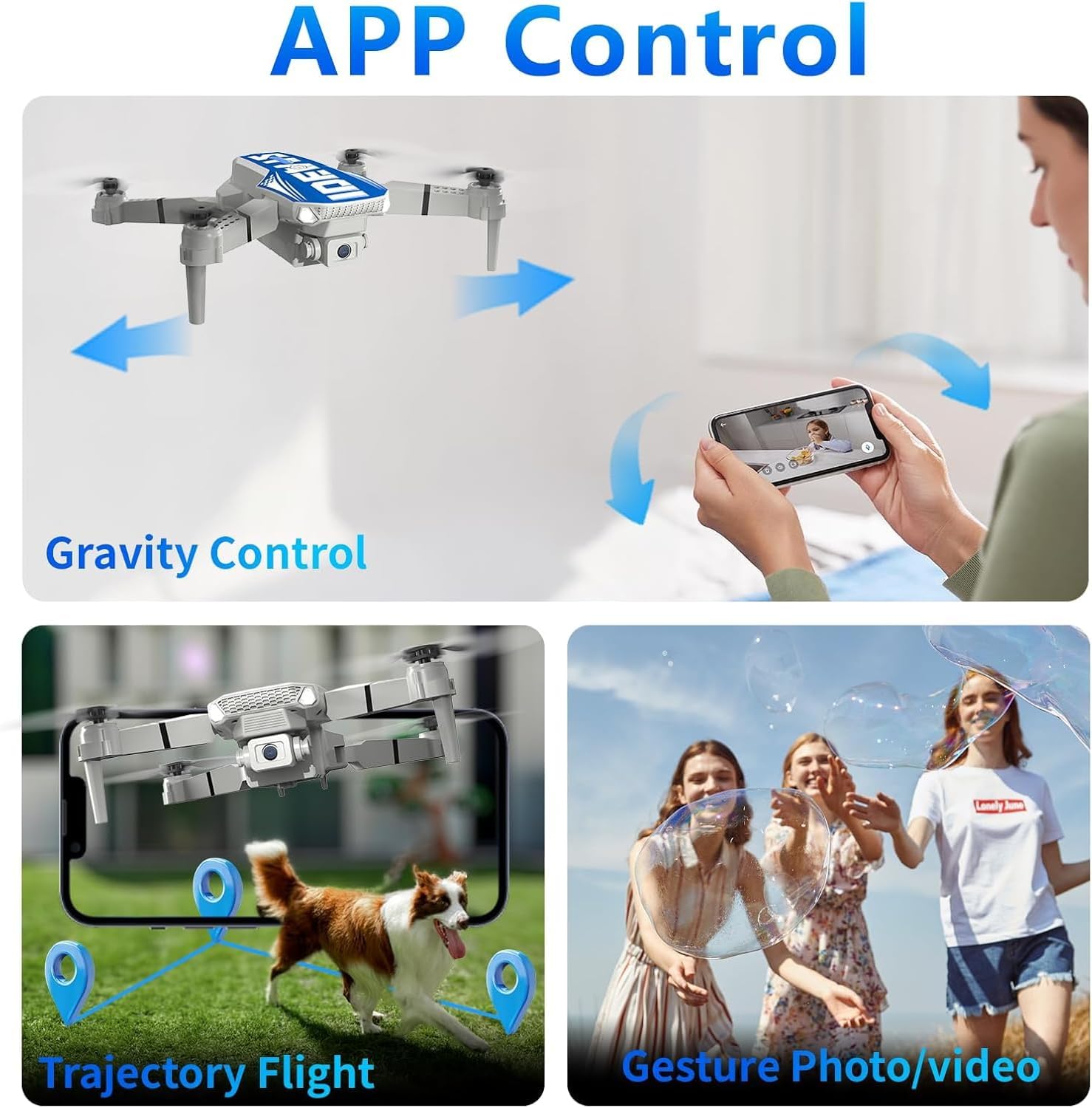
Image: Smartphone app interface for drone control, featuring gravity control, trajectory flight path drawing, and gesture recognition for photos/videos.
3. Advanced Features
- Optical Flow Positioning: This technology allows the drone to hover stably indoors and outdoors, even in complex environments or low light.
- 270° Obstacle Avoidance: The drone intelligently detects and avoids obstacles within a 270° range, reducing the risk of collisions.
- 360° Flip: Perform impressive aerial stunts with a single button press.
- Trajectory Flight: Draw a flight path on the app, and the drone will follow the customized route.
- Gravity Control: Tilt your smartphone to control the drone's flight direction.
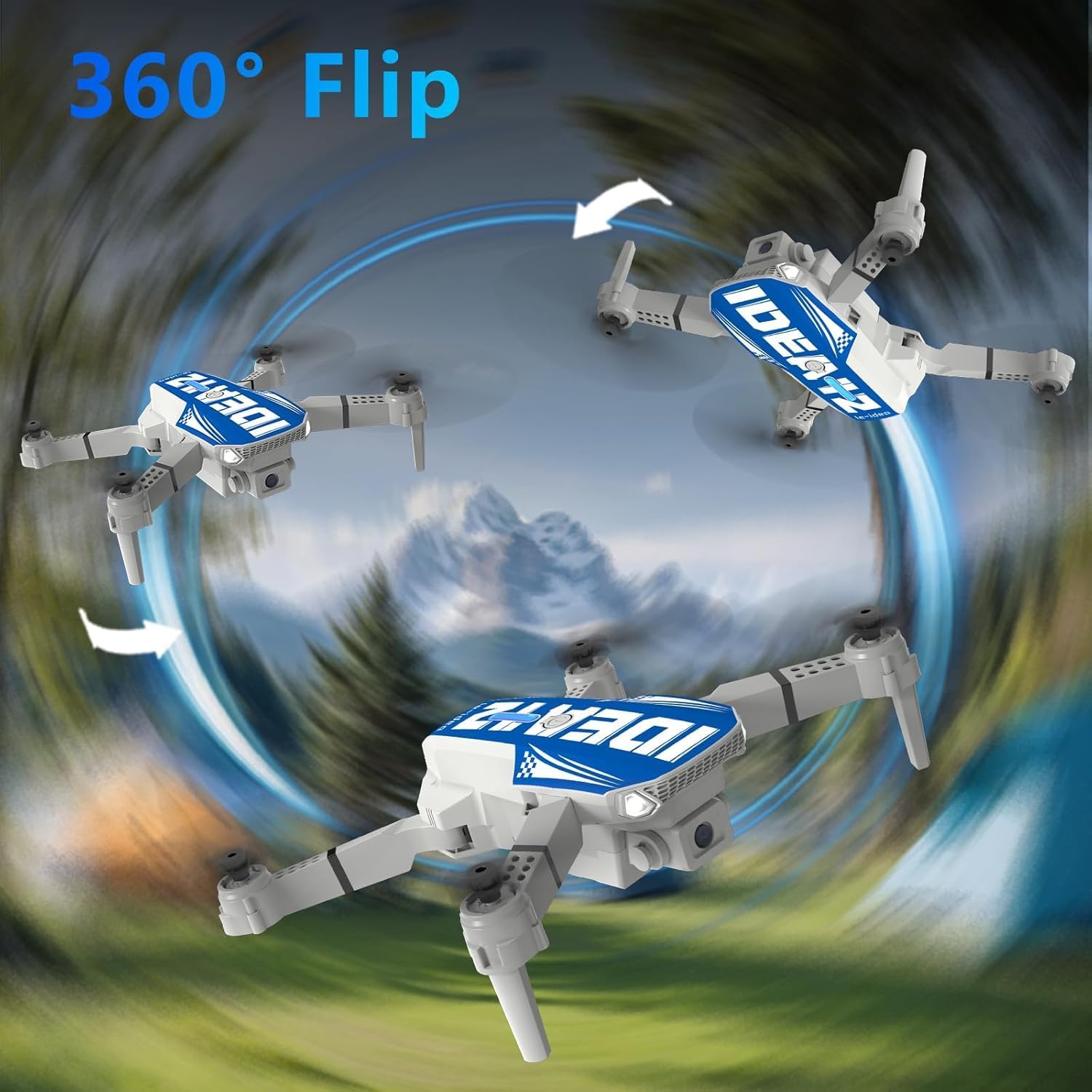
Image: The drone executing a 360-degree flip, showcasing its acrobatic capabilities.
Maintenance
- Propellers: Regularly check propellers for damage. Replace any bent or broken propellers using the provided screwdriver and spare parts.
- Cleaning: Use a soft, dry cloth to clean the drone body and camera lens. Avoid using liquids.
- Battery Care: Store batteries in a cool, dry place. Do not overcharge or over-discharge.
- Storage: When not in use for extended periods, store the drone and remote controller in their carrying case.
Troubleshooting
| Problem | Possible Cause | Solution |
|---|---|---|
| Drone does not respond to remote. | Not paired; low battery in remote or drone. | Ensure drone and remote are powered on and paired. Recharge/replace batteries. |
| Unstable flight/Drifting. | Uncalibrated gyroscope; damaged propellers; strong wind. | Perform gyroscope calibration. Check and replace damaged propellers. Fly in calm conditions. |
| Poor camera feed/No connection to app. | Weak Wi-Fi signal; incorrect Wi-Fi connection. | Ensure strong Wi-Fi signal. Reconnect to the drone's Wi-Fi network. Close and reopen the app. |
| Short flight time. | Battery not fully charged; aging battery. | Fully charge the battery before use. Consider replacing old batteries. |
| Obstacle avoidance not working. | Sensors obstructed; operating in complex environment. | Clean sensors. Ensure clear line of sight for sensors. |
Specifications
| Feature | Detail |
|---|---|
| Brand | le-idea |
| Model Name | IDEA12 |
| Special Features | Optical Flow Positioning, 270° Obstacle Avoidance, Headless Mode |
| Age Range (Description) | Adults (Beginner skill level) |
| Color | Blue |
| Video Capture Resolution | 1080p |
| Connectivity Technology | Wi-Fi |
| Max Battery Power | 1200 Milliamperora (mAh) |
| Video Capture Format | MP4 |
| Remote Control Technology | Wi-Fi |
| Control Type | Remote Control |
| Battery Cell Composition | Lithium Polymer |
| Image Format Supported | JPEG |
| Video Output Resolution | 1080p pixels |
| Optical Sensor Technology | Optical Flow |
| Material | Plastic |
| Item Dimensions (LxWxH) | 23L x 18l x 7.5H cm |
Warranty and Support
LE-IDEA provides professional customer support. For any operational issues, technical challenges, or warranty inquiries, please contact our customer service team. We are committed to providing timely solutions and ensuring a worry-free flight experience.
Please refer to the product packaging or the official LE-IDEA website for specific warranty terms and contact information.
