
LELO SONA 3 Cruise
Contents
LELO SONA 3 Cruise Sonic Massager Instruction Manual
Model: SONA 3 Cruise
Introduction
The LELO SONA 3 Cruise is an advanced sonic external massager designed for enhanced pleasure. It incorporates Cruise Control technology to maintain consistent intensity during use and features SmoothRise technology for seamless transitions between its ten pleasure settings. Crafted from super-soft silicone, it offers comfort and is suitable for uninterrupted experiences. For additional functionality, the device can connect to the LELO app, unlocking two exclusive modes and the Love Bridge feature for long-distance connection.
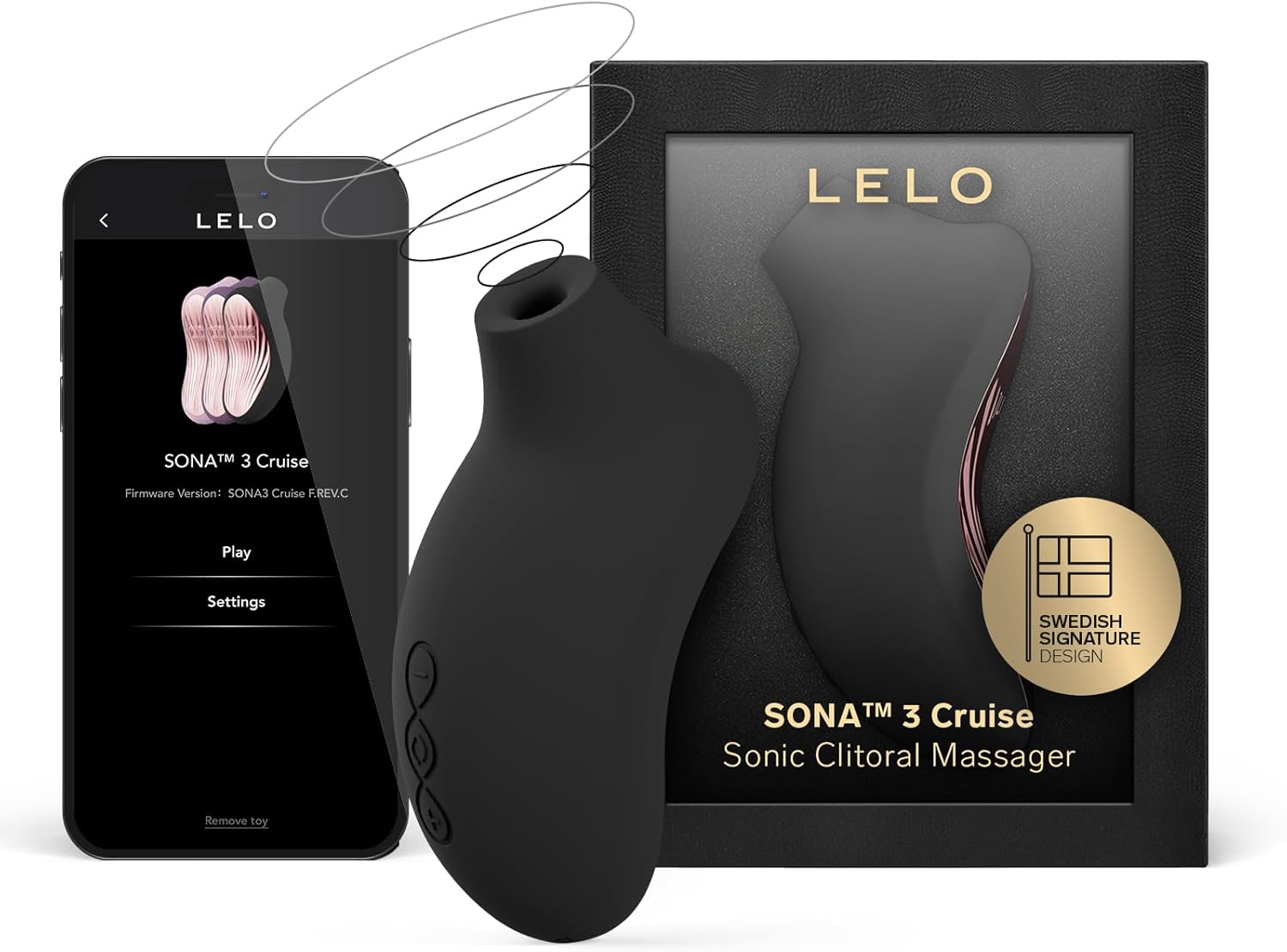
Image: The LELO SONA 3 Cruise device shown alongside its smartphone application interface and elegant product packaging.
What's in the Box
Upon opening your LELO SONA 3 Cruise package, you will find the following items:
- SONA 3 Cruise Sonic Massager
- Instruction Manual
- Moisturizer Sachet (5 ml / 0.17 fl. oz.)
- Warranty Registration Card
- USB Charging Cable
- Satin Storage Pouch

Image: A visual representation of all items included in the LELO SONA 3 Cruise product box, including the device, manual, lubricant, charging cable, warranty card, and storage pouch.
Key Features
The SONA 3 Cruise incorporates several advanced features for an optimized experience:
- Sensonic & Cruise Control Technology: Designed for deep and uninterrupted stimulation, automatically adjusting intensity when pressed against the body.
- SmoothRise Technology: Ensures smooth transitions between intensity levels without sudden changes.
- App-Connected: Connects to the LELO app via Bluetooth to unlock additional modes and features, offering a total of 12 vibration settings.
- Sculpted for Pleasure: Made from a single piece of premium silicone, conforming to body contours.
- 100% Waterproof: Suitable for use in the bath or shower.
- Extra-Soft Silicone: Premium silicone material that feels warm to the touch.

Image: An infographic highlighting the key features of the LELO SONA 3 Cruise, including Sensonic & Cruise Control, SmoothRise, app connectivity, 12 settings, sculpted design, waterproof nature, and extra-soft silicone.

Image: A diagram illustrating the core technologies of the LELO SONA 3 Cruise, pointing out wide range of vibrations, sonic waves stimulation, technology for uninterrupted pleasure, and app connectivity.
Setup
Initial Charging
Before the first use, fully charge your SONA 3 Cruise for 2 hours. Connect the included USB charging cable to the device and a suitable USB power source. The device will indicate when charging is complete.
App Connection
To unlock additional modes and features, download the LELO app from your device's app store. Ensure your SONA 3 Cruise is charged and turned on, then follow the in-app instructions to connect your device via Bluetooth.
Operating Instructions

Image: A visual guide demonstrating the basic operational steps for the LELO SONA 3 Cruise, including power on/off, mode switching, and intensity adjustment.
Power On/Off
- To Turn On: Press the '+' button or the central power button.
- To Turn Off: Press and hold the central button.
Adjusting Settings
- To Switch Modes: Press the central button shortly.
- To Adjust Intensity: Press the '+' or '-' button.
Travel Lock
To activate or deactivate the travel lock, hold both the '+' and '-' buttons simultaneously for 3 seconds. This prevents accidental activation during transport.
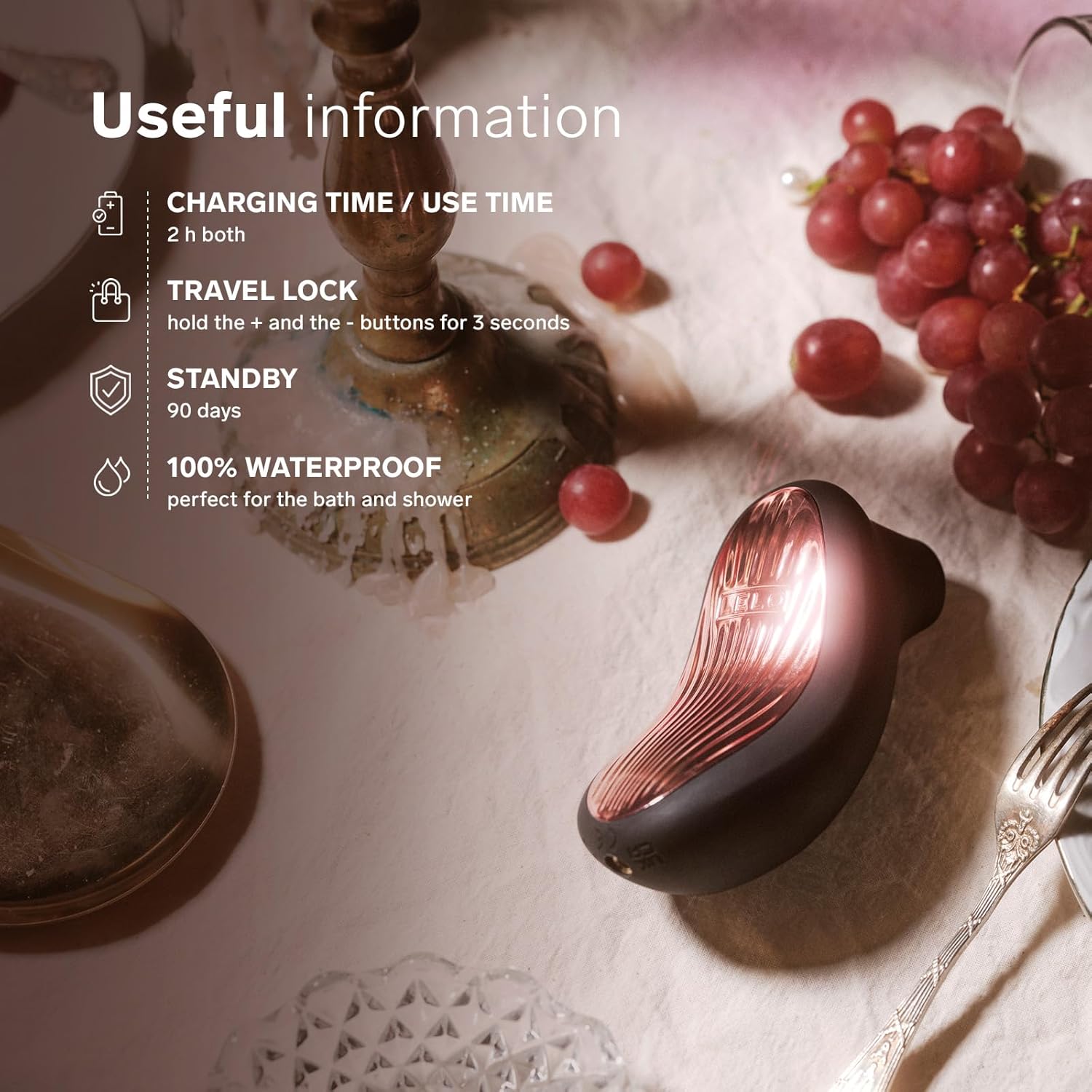
Image: An overview of useful information for the LELO SONA 3 Cruise, including charging time, use time, travel lock function, standby duration, and waterproof rating.
Maintenance
Cleaning Instructions
To maintain hygiene and prolong the life of your SONA 3 Cruise, clean it thoroughly after each use. Use LELO Premium Cleaning Spray and gently wipe the device. If the cleaning spray is not available, lukewarm water and mild soap can be used. Ensure the device is completely dry before storage.
Troubleshooting
If you encounter any issues with your LELO SONA 3 Cruise, please consider the following:
- Device Not Turning On: Ensure the device is fully charged. Refer to the 'Initial Charging' section.
- App Connectivity Issues: Verify Bluetooth is enabled on your smartphone and the device is within range. Try restarting both the device and the app.
- Inconsistent Intensity: Ensure the device is clean and free from debris that might interfere with sensors.
For persistent issues or further assistance, please refer to the 'Warranty & Support' section to contact LELO customer service.
Specifications
| Brand | LELO |
| Model | SONA 3 Cruise |
| Color | Black |
| Material | Acrylonitrile Butadiene Styrene (ABS), Silicone |
| Water Resistance Level | Waterproof |
| Battery Type | 1 Nonstandard Battery (included) |
| Charging Time | 2 hours |
| Use Time | 2 hours |
| Standby Time | 90 days |
| Package Dimensions | 7.28 x 6.22 x 2.52 inches |
| Item Weight | 9.59 ounces |
| Manufacturer | LELO |
| ASIN | B0F9LMGW3N |
Warranty & Support
Warranty Information
The LELO SONA 3 Cruise comes with a 1-year LELO warranty, covering manufacturing defects from the date of purchase. Additionally, LELO provides a 10-year quality guarantee, ensuring the product's long-term performance and durability.
Customer Support
For any questions, technical support, or warranty claims, please contact LELO customer service. You can find contact information on the official LELO website or through the warranty registration card included in your product package.
Documents and downloads
Ask a question about this manual
Ask about setup, troubleshooting, compatibility, parts, safety, or missing instructions. Manuals+ will review the question and use this page’s manual context to help answer it.