
FreedConn FREE+
Contents
FreedConn Free+ Motorcycle Helmet Bluetooth Headset User Manual
Model: FREE+
Introduction
This manual provides detailed instructions for the installation, operation, and maintenance of your FreedConn Free+ Motorcycle Helmet Bluetooth Headset. Please read this manual thoroughly before using the device to ensure proper function and safety.

Image: FreedConn Free+ Motorcycle Helmet Bluetooth Headset unit.
Setup
1. Package Contents (Parts List)
Verify that all components are present in your package:

Image: Diagram showing all included parts for the FreedConn Free+ headset.
- Bluetooth Host Unit x1
- Headphones x1 (with 2 Microphones)
- Headset Velcro x4
- Adapter x1
- Alcohol Cotton x2
- 3M Adhesive Clip x1
- Clip Clamp x1
- Headphone Velcro x6
- Instruction Manual x1
2. Charging the Device
Before first use, fully charge the Free+ headset. The device features a 1200mAh battery.
- A full charge takes approximately 90 minutes.
- A 30-minute charge can provide up to 60% battery capacity.
- Expected battery life: 32 hours music playback, 10 hours Mesh Intercom, 20 hours standard intercom.

Image: Visual representation of battery capacity and charging times for the FreedConn Free+ headset.
3. Installation Instructions
The Free+ headset is compatible with a variety of helmet types. Follow these steps to install the unit and speakers into your helmet:

Image: Various helmet types shown to illustrate compatibility with the FreedConn Free+ headset.

Image: Step-by-step visual guide for installing the FreedConn Free+ headset components into a motorcycle helmet.
- Prepare the necessary accessories (headset, microphones, Velcro, clips).
- Attach the Velcro pads for the earphones inside the helmet.
- Stick the earphone stickers onto the Velcro.
- Place the microphone Velcro on the reserved space inside the helmet.
- Stick the microphone onto the Velcro.
- Glue the 3M clip to the left edge of the helmet.
- Place the host unit into the buckle and press firmly.
- Connect the headphone cable to the host unit.
- Confirm installation is complete.
Operating Instructions
1. Power On/Off
Refer to the device's main button for power control. Typically, a long press will power the unit on or off.

Image: Close-up view of the FreedConn Free+ headset buttons, indicating their functions.
2. Bluetooth Pairing
To connect your Free+ headset to a smartphone or other Bluetooth-enabled device:
- Ensure the Free+ is powered off.
- Press and hold the main function button until the indicator light flashes, indicating pairing mode.
- On your smartphone, enable Bluetooth and search for available devices.
- Select "FreedConn Free+" from the list to pair.
- Once paired, the indicator light will change, and you will hear a confirmation tone.
3. Mesh Intercom System
The Free+ features an advanced Mesh Network for group communication.
- Auto-Join Mesh Network: The built-in mesh gateway allows for instant group connectivity without manual pairing.
- Group Communication: Supports up to 256 riders simultaneously.
- Intercom Range: Up to 2000 meters in a robust mesh network.
- Connectivity: Maintains stable communication even if a rider leaves and re-enters the range, automatically reconnecting.
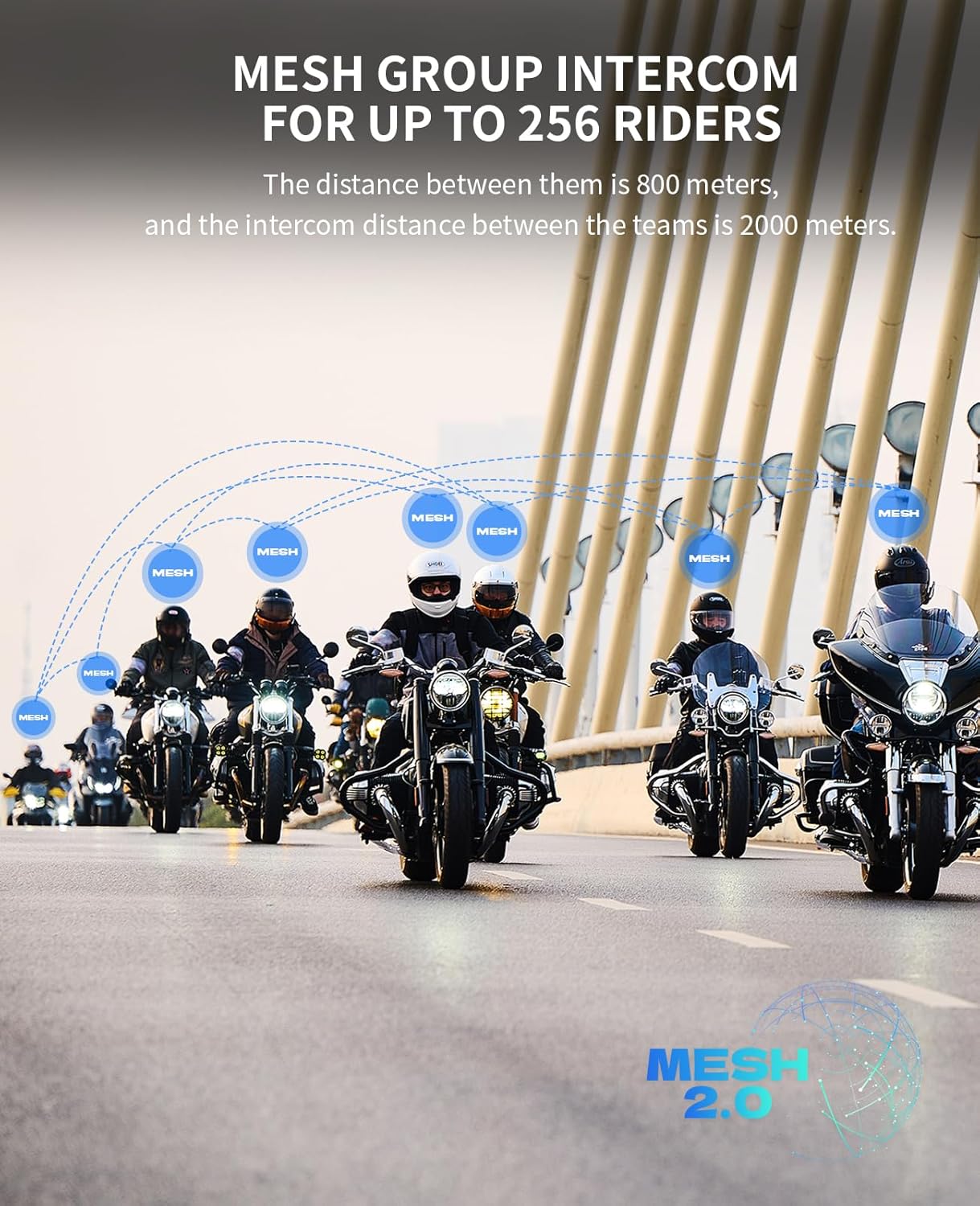
Image: Illustration of multiple riders communicating via the FreedConn Free+ Mesh Intercom system.

Image: Diagram illustrating the high-speed transmission and anti-interference signal of FreedConn Mesh V2.0 technology.
4. Audio Functions
- Music Playback: Enjoy high-quality audio from your paired device.
- Music Sharing: Share music with another Free+ user within a 50-meter range.
- Audio Mixing: The Free+ supports simultaneous audio inputs, allowing for combinations such as:
- Intercom + GPS Navigation
- Talk + Music
- Intercom + Music Sharing
- Music Sharing + GPS Navigation
- Hi-Res Audio: Features certified Hi-Res audio reproduction for enhanced sound quality.

Image: Two riders sharing music wirelessly between their FreedConn Free+ headsets.

Image: Icons representing various audio mixing capabilities of the FreedConn Free+ headset.

Image: Exploded view of the D7 Hi-Res audio headset components, highlighting sound quality.
5. Call Management and Voice Assistant
- Automatic Call Answering: The headset will automatically answer incoming calls within 10 seconds. To decline a call, tap the multi-function button. Music playback will resume after the call.
- Voice Assistant: Press and hold the multi-function button for two seconds to activate your phone's voice assistant (e.g., Siri, Google Assistant). Use voice commands for music control, calls, and navigation.

Image: A rider wearing a helmet with the FreedConn Free+ headset, illustrating the automatic call answering feature.

Image: A rider interacting with the FreedConn Free+ headset to activate voice assistant commands.
6. Noise Control
The Free+ integrates CVC technology with adaptive noise control to minimize wind and road noise at high speeds. This system intelligently balances multiple audio inputs for clear communication in challenging riding conditions.
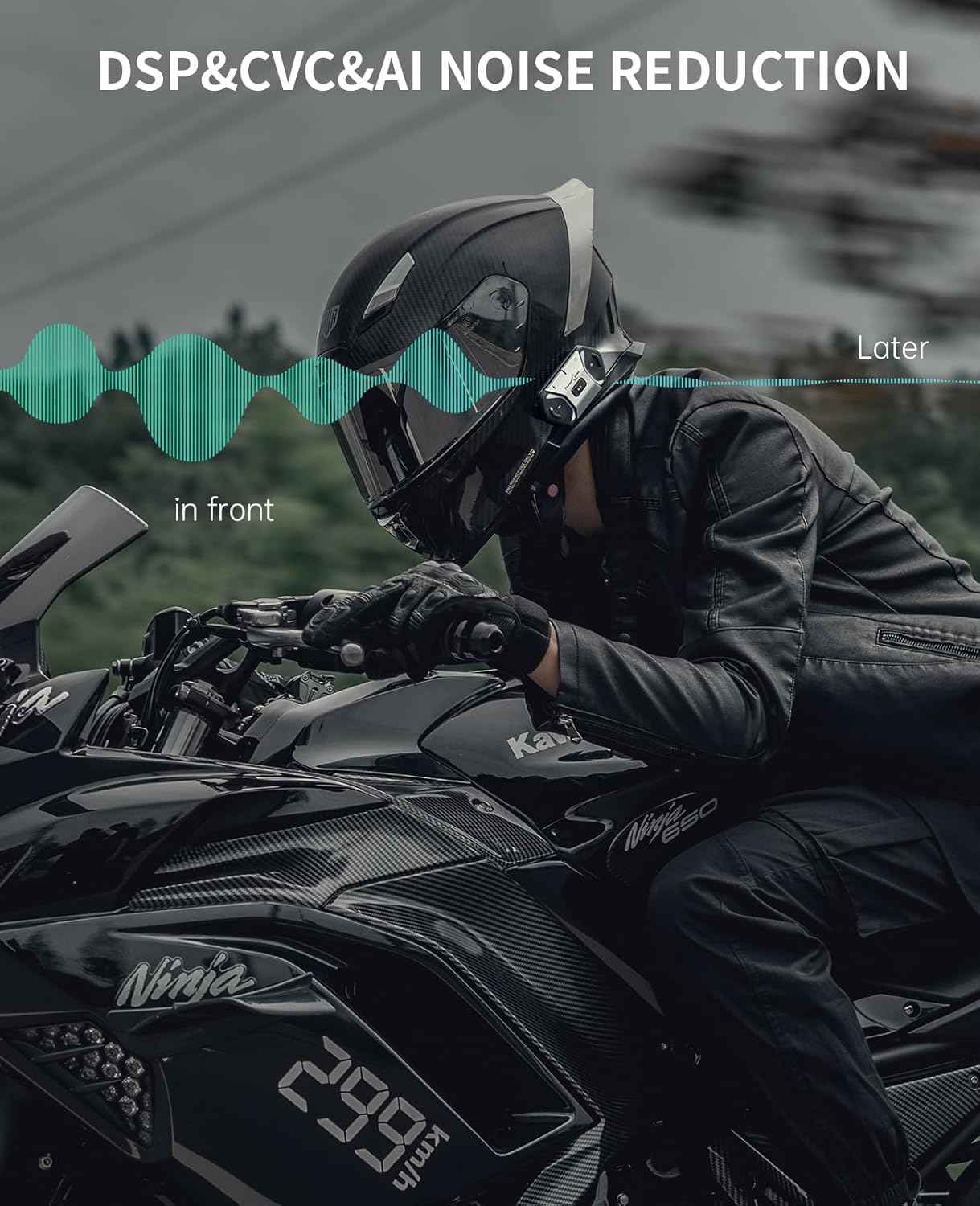
Image: Graphic illustrating the DSP, CVC, and AI noise reduction capabilities of the FreedConn Free+ headset, showing sound wave cancellation.
7. Multi-Scenario Applications
The Free+ Mesh Intercom is designed for various activities beyond motorcycle riding, including cycling, climbing, skiing, team sports, and more. It is compatible with AirPods, sports bone conduction earphones with microphones, allowing for flexible use. Note that music and intercom cannot be used simultaneously in all configurations.

Image: Collage depicting various outdoor activities where the FreedConn Free+ headset can be used, along with diagrams for armlet, lanyard, and suspender attachments.
Maintenance
1. Cleaning
Wipe the headset unit with a soft, damp cloth. Avoid using harsh chemicals or abrasive cleaners, as these can damage the device's finish and seals.
2. Water Resistance
The Free+ headset is IP67-rated waterproof, providing excellent protection against dust, mud, snow, and water immersion up to 1 meter for 30 minutes. Ensure all ports are securely closed before exposure to water.

Image: The FreedConn Free+ headset shown with water droplets, emphasizing its IP67 waterproof rating.

Image: The FreedConn Free+ headset being splashed with water, demonstrating its IP67 waterproof capability.
3. Storage
Store the device in a cool, dry place when not in use. Avoid extreme temperatures.
Troubleshooting
| Problem | Possible Cause | Solution |
|---|---|---|
| Device does not power on | Low battery; Device malfunction | Charge the device fully; Contact support if issue persists. |
| No sound from speakers | Volume too low; Speakers not connected; Faulty speakers | Increase volume; Check speaker connections; Test with another audio source. |
| Cannot pair with phone | Device not in pairing mode; Bluetooth off on phone; Interference | Ensure headset is in pairing mode; Enable phone's Bluetooth; Move away from other wireless devices. |
| Intercom disconnects frequently | Out of range; Obstructions; Interference | Stay within effective range; Minimize physical obstructions; Avoid areas with strong electromagnetic interference. |
| Voice assistant not responding | Incorrect button press; Phone's voice assistant not enabled | Ensure correct button press duration; Verify voice assistant settings on your phone. |
Specifications
| Feature | Detail |
|---|---|
| Model Name | FREE+ |
| Connectivity Technology | Wireless (Bluetooth) |
| Wireless Communication Technology | Bluetooth 5.2 |
| Noise Control | Active Noise Cancellation (DSP, CVC, AI Noise Reduction) |
| Intercom Capacity | Up to 256 riders (Mesh Network) |
| Intercom Range | Up to 2000 meters |
| Battery Capacity | 1200mAh |
| Music Playback Time | Up to 32 hours |
| Mesh Intercom Time | Up to 10 hours |
| Standard Intercom Time | Up to 20 hours |
| Charging Time | Approximately 90 minutes for full charge |
| Water Resistance Level | IP67 (Waterproof) |
| Material | PVC, Thermoplastic Elastomer (TPE) |
| Item Weight | 340 Grams (12 ounces) |
| Product Dimensions | 5.87 x 4.53 x 2.64 inches |
| Compatible Devices | Android, iPhone, Bluetooth-enabled Devices |
| Included Components | FreedConn FREE+ Motorcycle Helmet Bluetooth Headset |
Warranty and Support
1. Warranty Information
Please refer to the warranty card included with your product for specific warranty terms and conditions. Typically, FreedConn products come with a limited manufacturer's warranty covering defects in materials and workmanship.
2. Customer Support
For technical assistance, troubleshooting, or warranty claims, please contact FreedConn customer support through their official website or the contact information provided in your product packaging. Ensure you have your product model number (FREE+) and purchase details ready when contacting support.
Documents and downloads
Ask a question about this manual
Ask about setup, troubleshooting, compatibility, parts, safety, or missing instructions. Manuals+ will review the question and use this page’s manual context to help answer it.