Introduction
Thank you for choosing the Grundig Powerbank 10000 mAh. This portable external battery is designed to provide convenient power for your mobile devices on the go. With a capacity of 10,000 mAh, it can charge most smartphones multiple times, ensuring you stay connected. This manual provides essential information for the safe and efficient use of your power bank.
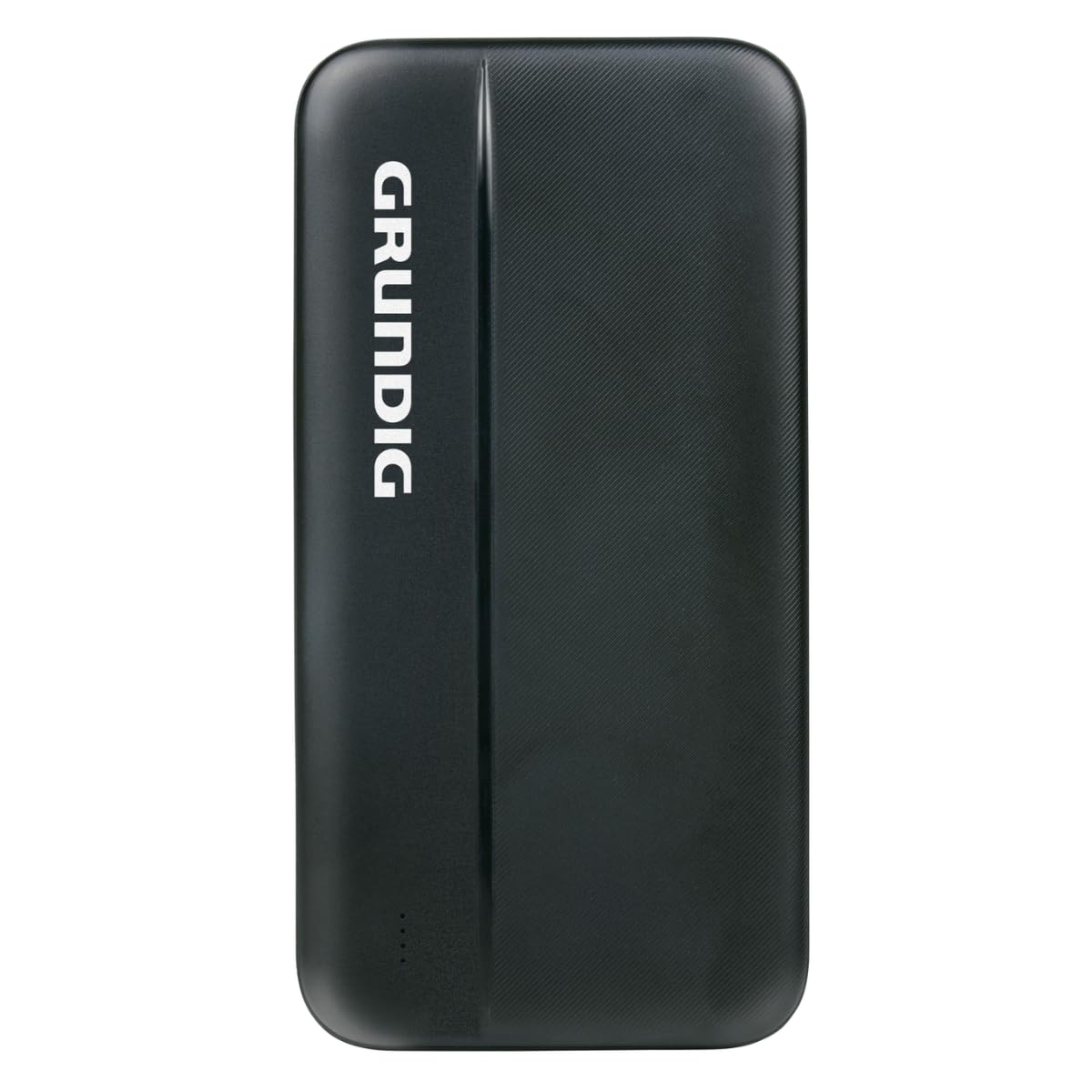
This image shows the Grundig Powerbank 10000 mAh, a compact black device designed for portable charging.
Safety Information
Please read and follow these safety instructions carefully to prevent damage to the power bank or injury to yourself:
- Do not expose the power bank to extreme temperatures (above 45°C or below 0°C), direct sunlight, or high humidity.
- Avoid dropping, hitting, or disassembling the device.
- Keep the power bank away from water and other liquids.
- Do not use the power bank if it is damaged, swollen, or leaking.
- Keep out of reach of children.
- Use only certified charging cables and adapters.
- Dispose of the power bank responsibly according to local regulations.
Package Contents
Ensure all items are present in the package:
- Grundig Powerbank 10000 mAh
- USB Charging Cable (Micro USB or USB-C, typically included for charging the power bank)
- Instruction Manual (this document)
Product Overview
Familiarize yourself with the ports and indicators on your Grundig Powerbank:

This image provides a detailed view of the power bank's connectivity options, featuring two standard USB-A output ports, a versatile USB-C port for both input and output, and a Micro USB input port for charging the power bank itself.
- USB-A Output Ports (x2): Used to charge your devices.
- USB-C Port: Functions as both an input to charge the power bank and an output to charge compatible devices.
- Micro USB Input Port: Used to charge the power bank.
- LED Indicators (not pictured): Typically, small LED lights indicate the remaining battery level of the power bank. Refer to the device itself for exact location and behavior.
Setup
Charging the Power Bank
- Connect the provided USB charging cable (or a compatible USB-C cable) to either the Micro USB input port or the USB-C input port on the power bank.
- Connect the other end of the cable to a USB wall adapter (not included), a computer's USB port, or another suitable USB power source.
- The LED indicators will illuminate to show the charging status. Allow the power bank to fully charge before its first use.
A full charge typically takes several hours, depending on the power source.
Operating
Charging Your Devices
- Ensure your power bank is sufficiently charged.
- Connect your device's charging cable to one of the USB-A output ports or the USB-C port on the power bank.
- Connect the other end of the cable to your mobile device (smartphone, tablet, etc.).
- Charging should begin automatically. If not, press the power button on the power bank (if present) to initiate charging.
You can charge up to three devices simultaneously using the two USB-A ports and the USB-C port, though charging speed may vary.
Maintenance
- Cleaning: Use a soft, dry cloth to clean the power bank. Do not use harsh chemicals or abrasive materials.
- Storage: Store the power bank in a cool, dry place away from direct sunlight and extreme temperatures. For long-term storage, charge the power bank to about 50-70% every three months to maintain battery health.
- Battery Care: Avoid fully discharging the power bank frequently, as this can reduce its lifespan.
Troubleshooting
- Power bank is not charging:
- Ensure the charging cable is securely connected to both the power bank and the power source. Try a different cable or wall adapter. Verify the power source is active.
- Device is not charging from the power bank:
- Check if the power bank has sufficient charge. Ensure the cable connecting your device to the power bank is functional and securely connected. Try a different output port or cable. Some devices may require pressing the power bank's button to start charging.
- Slow charging:
- Ensure you are using a high-quality cable. The charging speed can be affected by the number of devices connected simultaneously and the input capabilities of your device.
Specifications
| Brand | Grundig |
| Model | 10000 mAh Powerbank |
| Capacity | 10,000 mAh |
| Input Ports | Micro USB, USB-C |
| Output Ports | 2x USB-A, 1x USB-C |
| Color | Black |
| Weight | 266 g |
| ASIN | B0F9LH4RXB |
Warranty and Support
For warranty information and customer support, please refer to the documentation provided at the time of purchase or visit the official Grundig website. Keep your proof of purchase for warranty claims.


