
GODOX iT30Pro-S
Contents
Godox iT30Pro-S Pocket TTL Flash User Manual
Model: iT30Pro-S
Brand: GODOX
Product Overview
The Godox iT30Pro-S is a compact and powerful Pocket TTL Flash designed for Sony cameras. It features a built-in 2.4GHz X wireless system, a responsive touchscreen, and advanced functions like High-Speed Sync (HSS) and TTL auto-exposure, making it a versatile tool for various photography needs.

Image: The Godox iT30Pro-S flash unit, a USB-C charging cable, and a storage bag. The flash is also shown mounted on a camera.
Key Features
- Built-in 2.4GHz X Wireless + Touchscreen: Functions as an X3 Trigger, controlling up to 3 external flash groups. Offers 100m range and 32 channels.
- TTL Auto-Exposure: Automatically calculates optimal flash output by metering light through the lens in real-time, ensuring consistent exposure.
- Ultra-Compact Design: Weighs just 120g, making it highly portable for travel and on-location shoots.
- High-Speed Sync (1/8000s): Supports HSS for freezing motion, along with front/rear-curtain sync and Multi mode. Note: HSS caps at 1/200s with rear-curtain sync.
- Long Battery Life: 7.4V/900mAh battery provides approximately 560 full-power flashes with a 1.5s recycle time. Features USB-C fast charging.
- Built-in Diffuser: Integrated flip-out diffuser softens light for flattering portraits without additional modifiers.
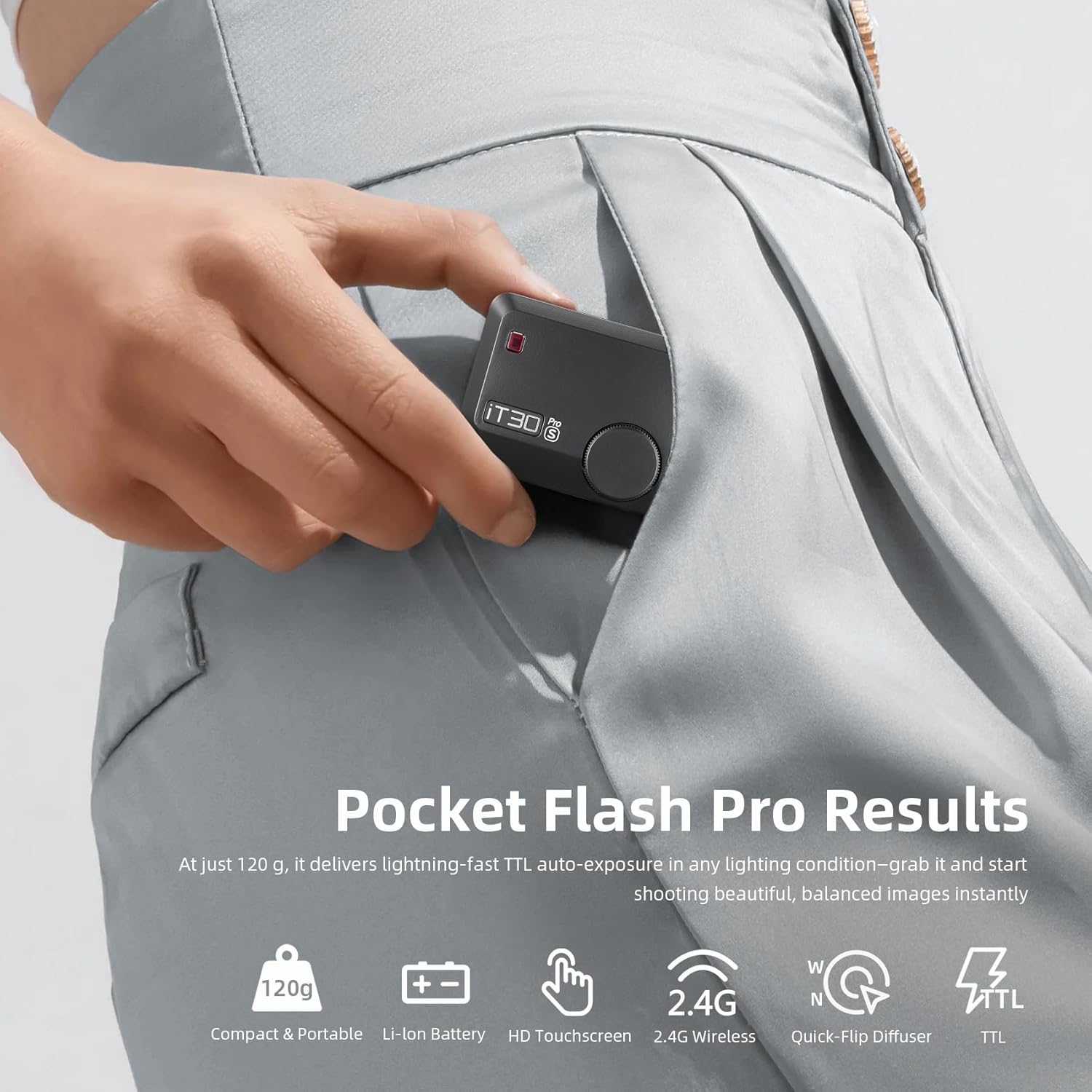
Image: The compact Godox iT30Pro-S flash unit easily fits into a pant pocket, highlighting its portability.

Image: The Godox iT30Pro-S flash mounted on a Sony camera, demonstrating its integration and use for TTL auto-exposure in a portrait setting.
What's in the Box
- Godox iT30 Pro Flash x1
- USB-C Charging Cable x1
- Storage Bag x1

Image: A visual representation of the items included in the product package: the Godox iT30 Pro flash unit, a USB-C charging cable, and a storage bag.
Setup
Charging the Battery
Before first use, fully charge the built-in Li-ion battery.
- Connect the supplied USB-C charging cable to the USB-C port on the flash unit.
- Connect the other end of the USB-C cable to a compatible USB power adapter (not included) or a computer's USB port.
- The charging indicator on the flash will show charging status. Once fully charged, the indicator will change.

Image: The Godox iT30Pro-S flash unit connected to a USB-C charging cable, illustrating the charging process.
Mounting on Camera
- Ensure the flash unit is powered off.
- Slide the flash's hotshoe foot into your Sony camera's hotshoe mount until it clicks into place.
- Secure the flash by tightening the locking mechanism (if present) on the flash unit.
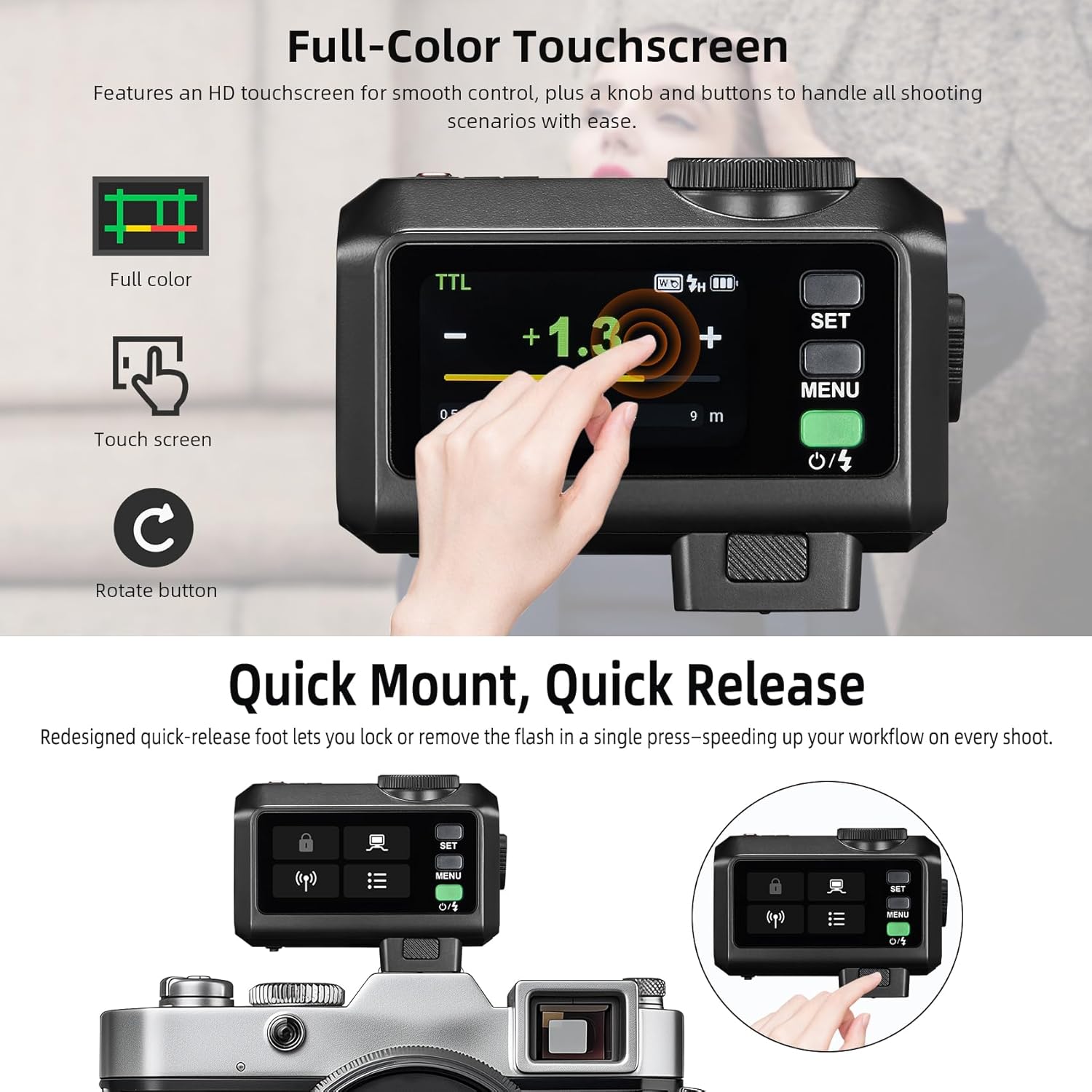
Image: A diagram showing the quick mount and quick release mechanism of the Godox iT30Pro-S flash on a camera hotshoe.
Operating Instructions
Powering On/Off
Press and hold the power button (usually located near the touchscreen) to turn the flash on or off.
Using the Touchscreen Interface
The iT30Pro-S features a full-color touchscreen for intuitive control.
- Tap: Select options or confirm settings.
- Swipe: Navigate through menus or adjust values.
- Rotate Button: Use the physical rotary knob for fine adjustments to exposure compensation or manual power.

Image: A close-up of the Godox iT30Pro-S's full-color touchscreen, showing a finger interacting with the display to adjust settings.
Flash Modes
The iT30Pro-S supports various flash modes:
- TTL (Through-The-Lens) Mode: Automatically adjusts flash output for optimal exposure. Ideal for quick shooting and changing light conditions.
- Manual Mode: Allows precise control over flash power (from 1/1 to 1/128). Adjust power levels via the touchscreen or rotary knob.
- Multi Mode (Stroboscopic Flash): Fires a series of rapid flashes during a single exposure to capture multiple movements of a subject.
High-Speed Sync (HSS)
HSS allows the flash to synchronize with shutter speeds up to 1/8000s, enabling you to use wider apertures in bright conditions or freeze fast motion.
- Activate HSS through the flash menu or camera settings.
- Note: When using rear-curtain sync, HSS is limited to 1/200s.

Image: Examples of high-speed flash photography, including a golfer hitting a ball and liquids splashing, demonstrating the iT30Pro-S's ability to freeze motion with global shutter sync.
Wireless Control (Master & Receiver)
The iT30Pro-S can act as both a master and receiver in the Godox 2.4GHz X wireless system.
- Master Mode: Control other Godox X-system flashes (e.g., V100, V860II, V1U, AD200ProII, AD600ProII) by setting them to receiver mode and assigning them to groups (A, B, C).
- Receiver Mode: Be triggered by another Godox X-system transmitter (e.g., X3 trigger or another iT30Pro unit).
- Set channels (CH1-CH32) and wireless IDs (OFF/01-99) for interference-free operation.

Image: A diagram illustrating the Godox 2.4GHz X wireless system, showing the iT30Pro-S as a sender controlling multiple receiver flashes (V100, AD200ProII) in a multi-light setup for a group photo.
Using the Built-in Diffuser
The iT30Pro-S includes a convenient flip-out diffuser to soften the flash light.
- Locate the lever on the side of the flash unit.
- Flip the lever to deploy the diffuser for softer, more even lighting, especially beneficial for portraits.
- Flip the lever back to retract the diffuser when direct flash is desired.
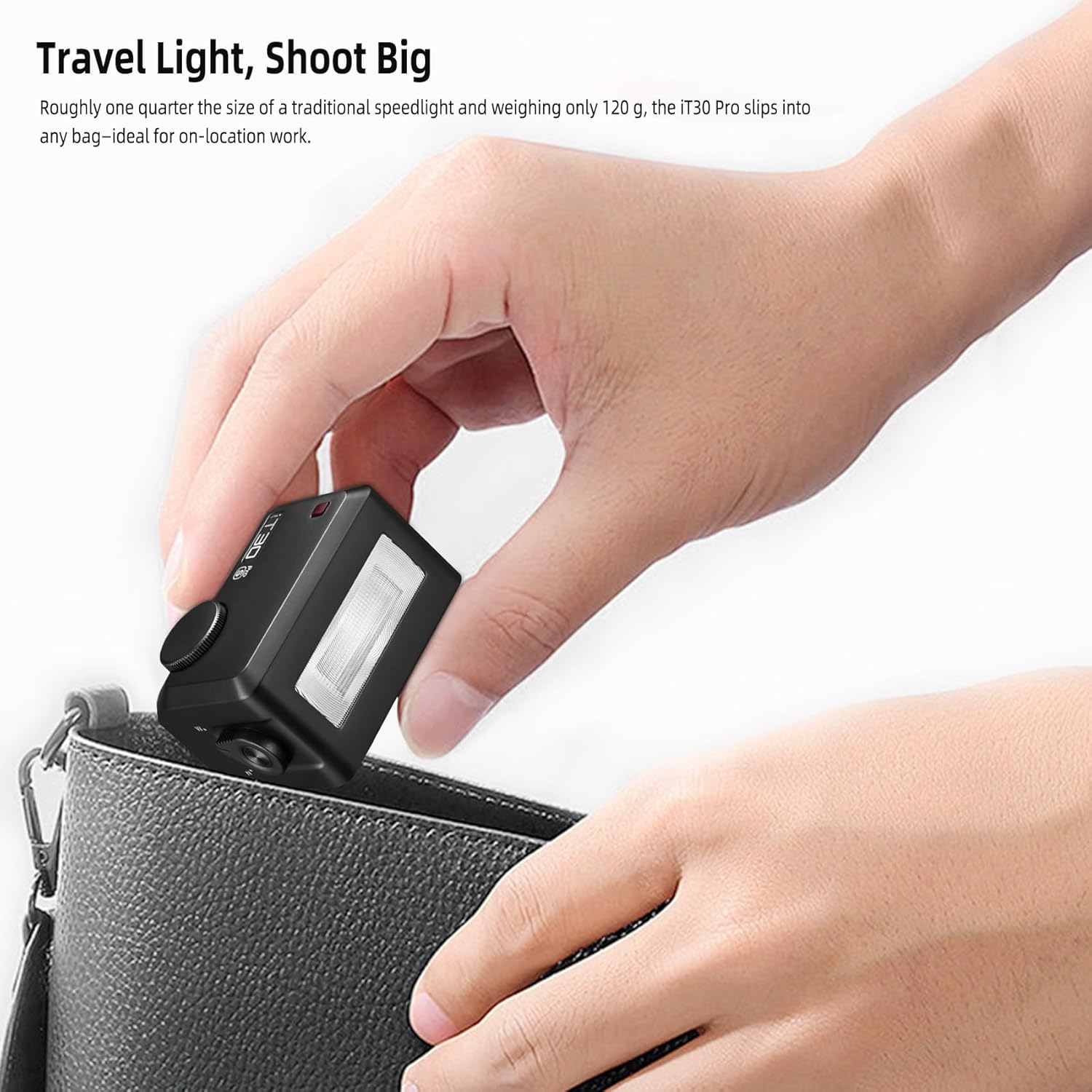
Image: Comparison photos showing the effect of the built-in diffuser: one portrait with direct flash (diffuser off) and another with softer light (diffuser on), demonstrating improved skin tones.
Maintenance
- Keep the flash unit clean by wiping it with a soft, dry cloth.
- Avoid exposing the flash to water, high humidity, or extreme temperatures.
- Store the flash in its provided storage bag when not in use to protect it from dust and scratches.
- Do not attempt to disassemble or repair the unit yourself. Contact authorized service personnel for repairs.
Troubleshooting
| Problem | Possible Cause | Solution |
|---|---|---|
| Flash does not fire | Low battery; Incorrect mode; Not properly mounted; Wireless interference | Charge battery; Check flash mode (TTL/Manual); Ensure secure hotshoe connection; Change wireless channel/ID |
| Flash output is inconsistent | TTL metering issues; Subject distance too far; Obstruction | Check camera's metering mode; Ensure subject is within flash range; Remove obstructions |
| Touchscreen unresponsive | Firmware issue; Temporary glitch | Restart the flash; Check for firmware updates (refer to Godox website) |
| Slow recycle time | Low battery; High power output | Recharge battery; Use lower power settings |
Specifications
| Feature | Detail |
|---|---|
| Model | iT30Pro-S |
| Brand | GODOX |
| Compatible Mountings | Sony Camera Hotshoe |
| Item Weight | 120g (approx. 0.26 lbs) |
| Battery | 7.4V/900mAh Li-ion Battery (included) |
| Full-Power Flashes | Approx. 560 |
| Recycle Time | Approx. 1.5s |
| Sync Speed | Up to 1/8000s (HSS) |
| Wireless System | Godox 2.4GHz X System |
| Wireless Range | Approx. 100m |
| Channels | 32 (CH1-CH32) |
| Wireless ID | OFF/01-99 |
| Dimensions (Package) | 5 x 4 x 2 inches |
Warranty and Support
For warranty information and technical support, please refer to the official GODOX website or contact your local distributor. Keep your purchase receipt as proof of purchase.
Additional protection plans may be available for purchase. Please check with your retailer for details.
Ask a question about this manual
Ask about setup, troubleshooting, compatibility, parts, safety, or missing instructions. Manuals+ will review the question and use this page’s manual context to help answer it.