
1. Introduction
This manual provides detailed instructions for the setup, operation, and maintenance of your BooaBei T56 Smart Watch. Please read this manual thoroughly to ensure proper use and to maximize the features of your device.

The BooaBei T56 Smart Watch, featuring a clear display of time, date, and health data.
2. What's in the Box
- BooaBei Smartwatch (1 unit)
- Comfortable Silicone Strap (1 unit)
- Magnetic Charging Cable (1 unit)
- User Manual (1 unit)
Official BooaBei Smart Watch Video Introduction, showcasing the product and its features.
3. Setup Guide
3.1 Charging the Device
Before first use, fully charge your smartwatch. Connect the magnetic charging cable to the charging points on the back of the watch and to a USB power source. The watch display will indicate charging status.
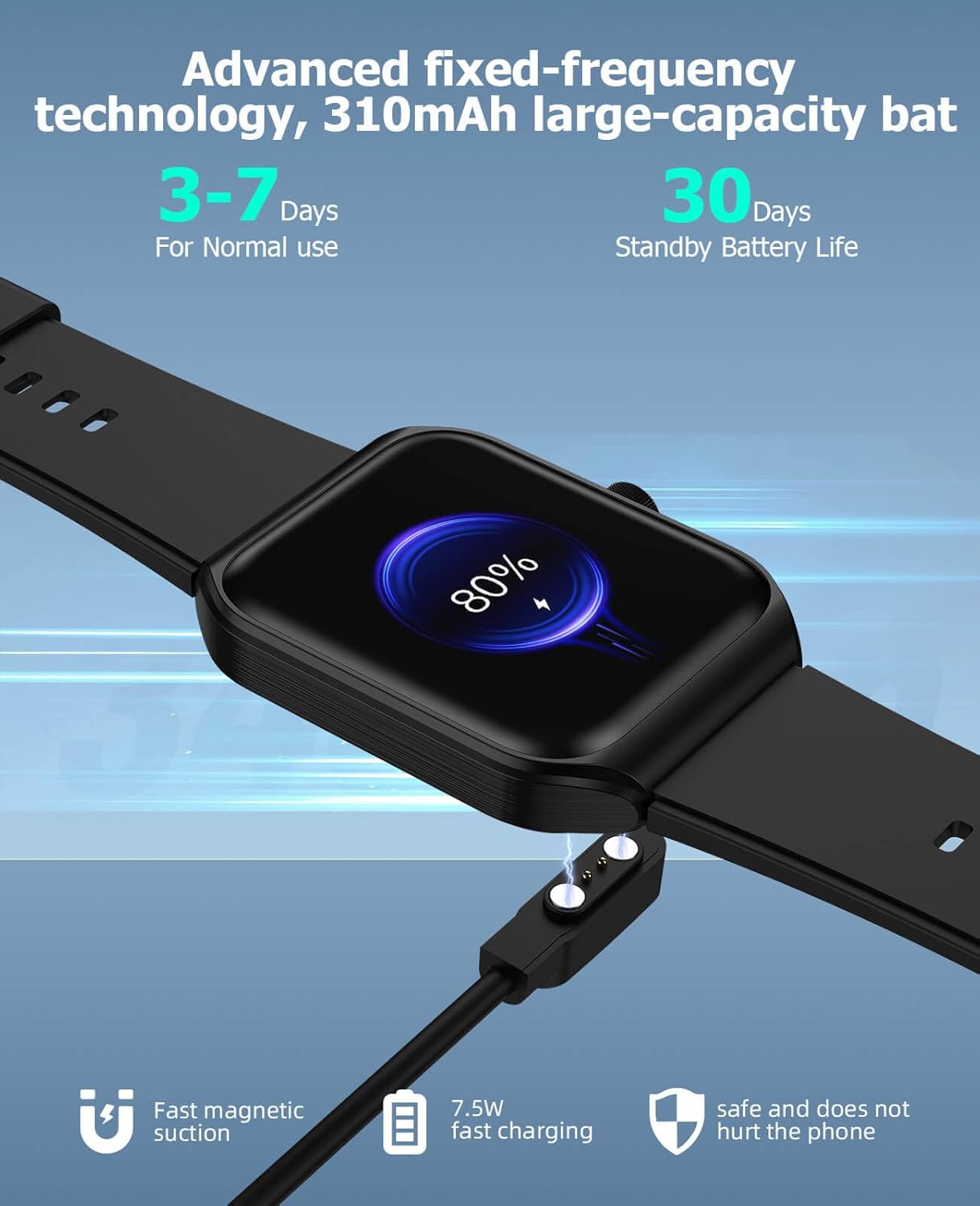
The smartwatch connected to its magnetic charging cable, displaying current battery percentage.
3.2 App Installation and Pairing
- Scan the QR code in the user manual or search for the companion app on your smartphone's app store.
- Install the app on your Android (4.4 and above) or iOS (9.0 and above) device.
- Open the app and follow the on-screen instructions to pair your smartwatch via Bluetooth. Ensure Bluetooth is enabled on your phone.
- Grant necessary permissions for the app to function correctly, including notifications and location services for GPS tracking.
4. Operating Instructions
4.1 Basic Navigation
The 1.91-inch HD touchscreen allows for intuitive navigation. Swipe left, right, up, or down to access different functions and menus. The side button typically serves as a power/wake button and a return-to-home screen function.
4.2 Bluetooth Calls and Voice Assistant
The dual-mode Bluetooth technology enables direct calls from your watch. Once paired with your phone, you can make and receive calls directly on your wrist. The smart voice assistant can be activated for hands-free control.
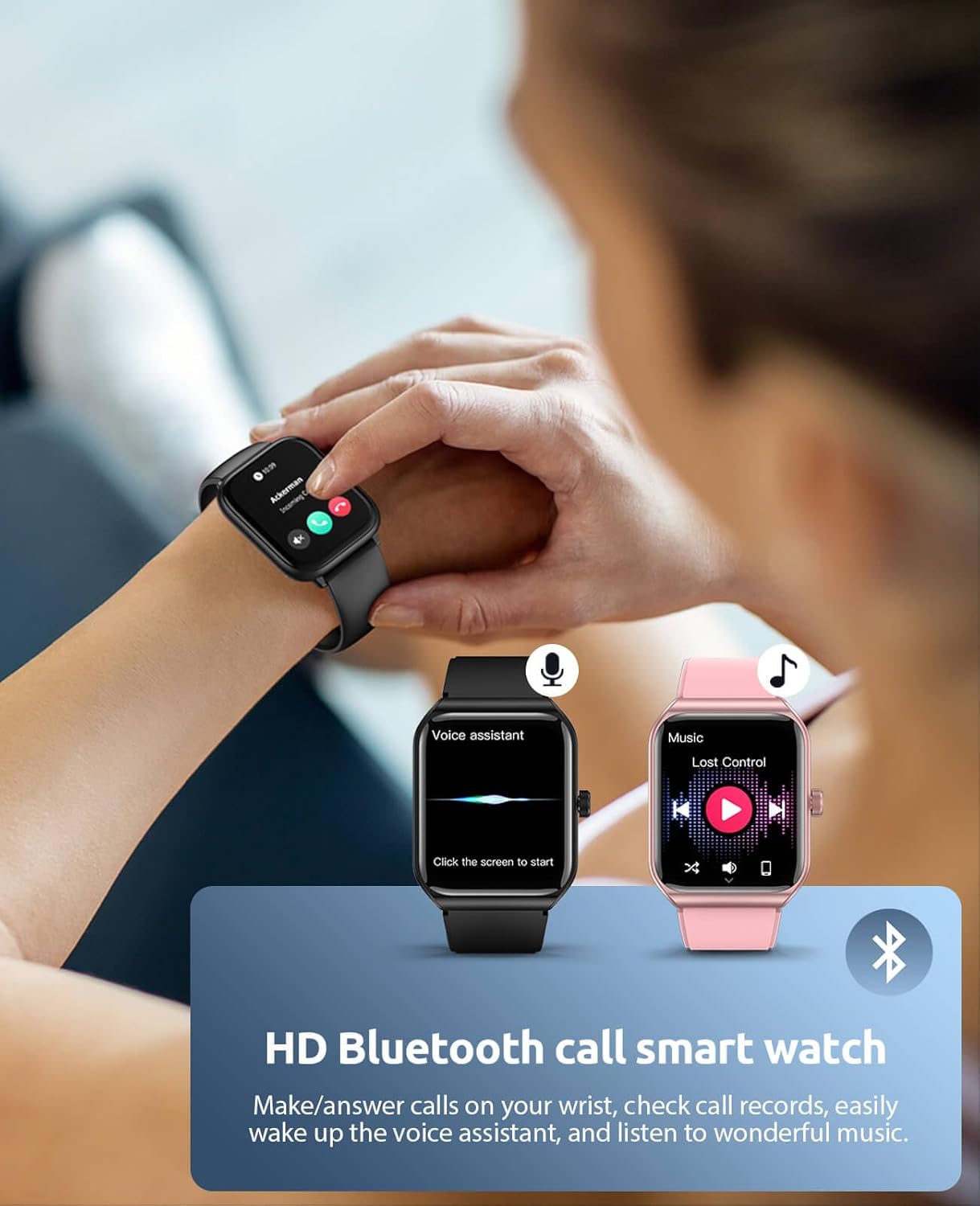
The smartwatch showing its Bluetooth call function and voice assistant interface.
4.3 Customizing Watch Faces
Personalize your watch with various artistic watch faces available through the companion app. You can also create custom designs using your own images.
4.4 Music Control
Control music playback on your smartphone directly from your watch. Play, pause, skip tracks, and adjust volume without needing to access your phone.
4.5 Weather Forecast
View real-time weather information and forecasts directly on your watch screen after syncing with the app.
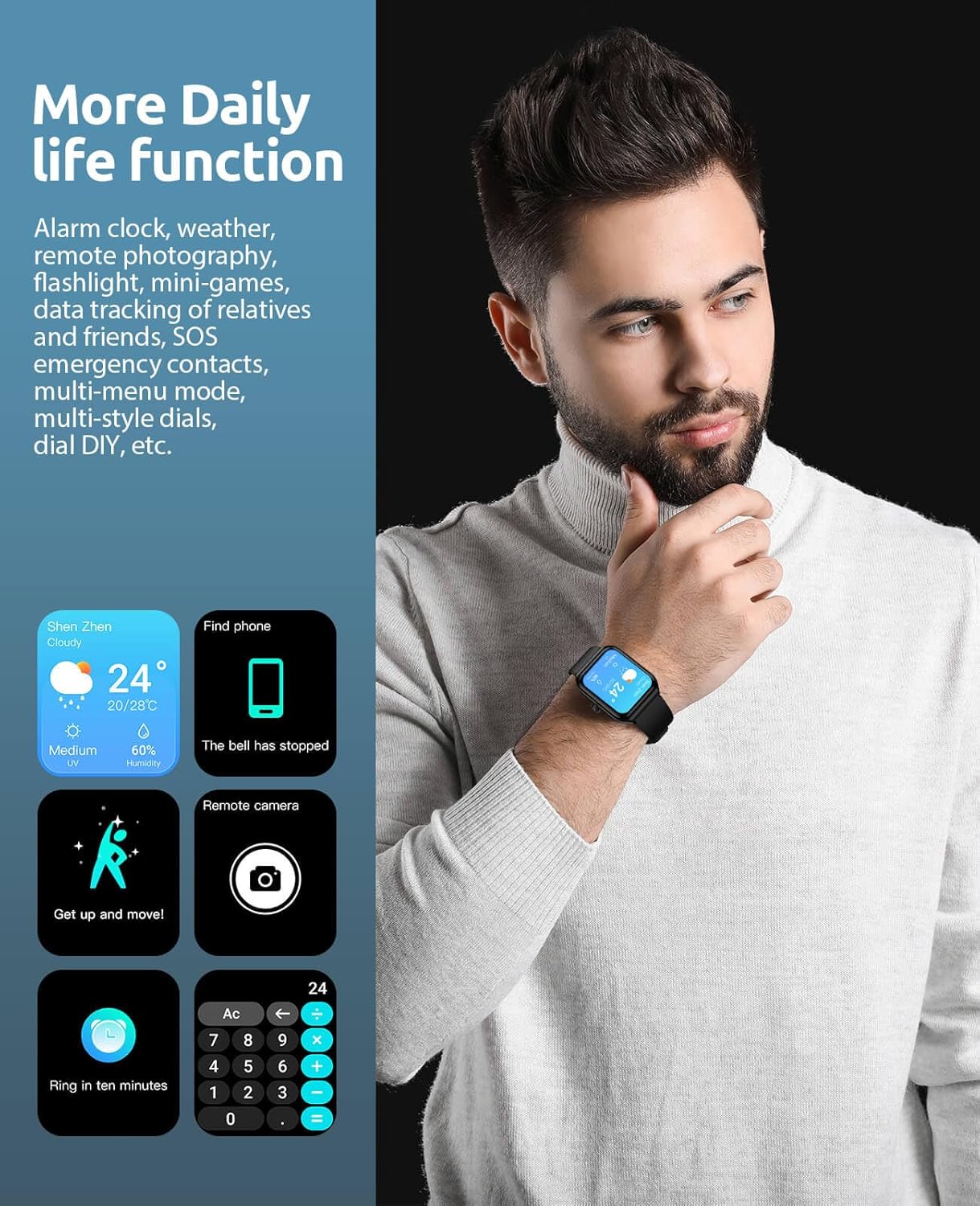
The smartwatch interface showing practical daily functions such as weather, find phone, and remote camera control.
5. Health Monitoring
The BooaBei T56 Smart Watch is equipped with advanced sensors to monitor various health metrics.
- Heart Rate Monitoring: Continuously tracks your heart rate to help you understand your cardiovascular health.
- Blood Oxygen Monitoring: Measures your blood oxygen saturation levels.
- Blood Pressure Monitoring: Provides estimates of your blood pressure.
- Sleep Monitoring: Analyzes your sleep patterns, including deep sleep, light sleep, and wake times, to help improve sleep quality.
- Breathing Training: Guided breathing exercises to help you relax and manage stress.
- Women's Health Management: Tracks menstrual cycles and provides reminders.

Detailed health data monitoring on the smartwatch, including heart rate, sleep, and blood oxygen levels.
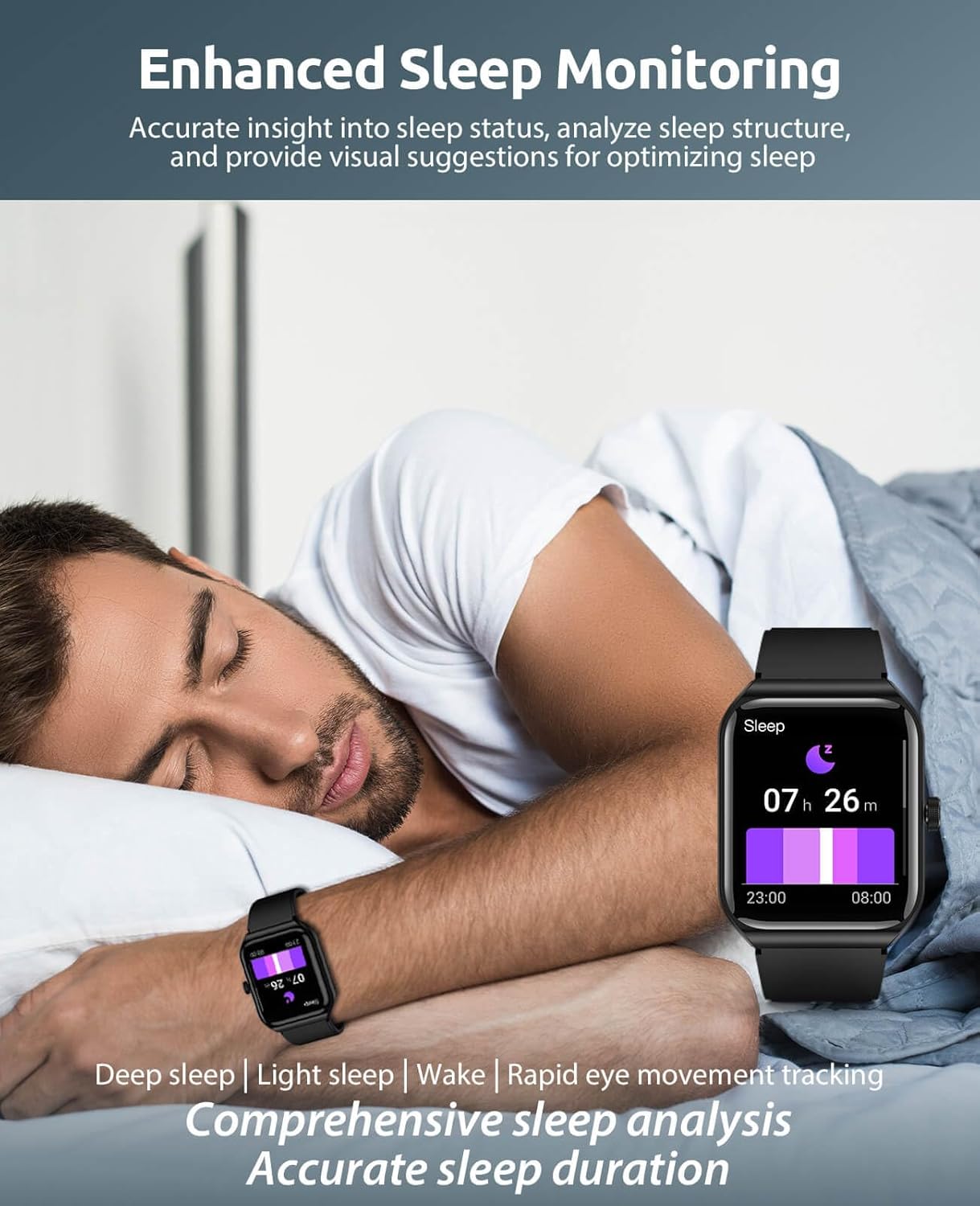
The smartwatch showing enhanced sleep monitoring features, analyzing sleep structure and duration.

The smartwatch highlighting its women's health management function, tracking menstrual cycles.
6. Sports Modes
The smartwatch offers over 100 built-in sports modes to accurately track your physical activities. It monitors steps, calories burned, and exercise duration. When connected to your phone, it leverages your phone's GPS for real-time guidance.

The smartwatch showing its extensive range of over 100 sports modes and detailed activity analysis.
7. Other Practical Functions
The BooaBei T56 Smart Watch includes several additional features to simplify your daily life:
- Alarm, Stopwatch, Timer
- Flashlight, Calculator, Games
- Message Reminders (for calls, texts, and app notifications)
- Remote Camera Control
- Find Phone function
8. Maintenance
8.1 Water Resistance (IP68)
The smartwatch is IP68 waterproof, suitable for gym workouts, outdoor running, and high-intensity training, handling sweat, rain, and post-exercise rinses. It is not designed for full immersion in water; avoid swimming, diving, or prolonged deep water immersion.
8.2 Battery Life and Care
The watch offers up to 30 days of standby mode and 3-5 days of continuous daily use. To prolong battery life, avoid extreme temperatures and use the provided magnetic charging cable.
8.3 Cleaning
Wipe the watch and strap regularly with a soft, dry cloth to remove sweat and dirt. Avoid using harsh chemicals.
9. Troubleshooting
If you encounter any issues with your BooaBei T56 Smart Watch, please try the following:
- Connectivity Issues: Ensure Bluetooth is enabled on your phone and the watch is within range. Try restarting both devices.
- App Sync Problems: Check if the app is updated to the latest version. Ensure all necessary permissions are granted.
- Inaccurate Readings: Ensure the watch is worn snugly on your wrist, not too tight or too loose. Clean the sensors regularly.
- Battery Draining Quickly: Reduce screen brightness, disable unnecessary notifications, and limit continuous heart rate monitoring if not needed.
For persistent issues, refer to the customer support information below.
10. Specifications
| Feature | Detail |
|---|---|
| Brand | BooaBei |
| Model Number | T56 |
| Screen Size | 1.91 Inches |
| Operating System Compatibility | Android 4.4 and above, iOS 9.0 and above |
| Special Features | Dual-Mode Smart Bluetooth Calls, Heart Rate Monitoring, Blood Pressure, SOS Emergency Alert, Blood Oxygen Monitoring, Stress Monitoring, Sleep Monitoring, Breathing Training, 100+ Sports Modes, Sports Records, Multiple Theme UIs, Smart Voice Assistant, Custom Watch Faces, Message Reminders, Weather Reminders |
| Battery Capacity | 310 Milliamp Hours |
| Battery Life (Normal Use) | 3-5 Days |
| Battery Life (Standby) | 30 Days |
| Water Resistance | IP68 |
| Connectivity Technology | Bluetooth |
| GPS | Via Smartphone |
| Item Weight | 1.41 ounces (0.04 Kilograms) |
11. Warranty and Support
BooaBei offers a 30-day hassle-free return and exchange policy, a 2-year warranty, and 24/7 customer support. If you have any questions or require assistance, please contact our support team. Your satisfaction is our priority.
