Introduction
The BooaBei Smart Watch is designed to enhance your daily life with advanced features for communication, health monitoring, and fitness tracking. This manual provides comprehensive instructions to help you set up, operate, and maintain your smartwatch.

Image: The BooaBei Smart Watch with a black strap, showcasing its round display with digital readouts for steps, heart rate, and the current date.
What's in the Box
- BooaBei Smartwatch x1
- Comfortable silicone strap x1
- Magnetic charging cable x1
- User manual x1
Setup
1. Strap Installation
The silicone strap can be easily installed and removed. Locate the spring bars on the strap and align them with the holes on the watch lugs. Push the spring bar inwards and slide the strap into place, then release to secure it.
Video: This video demonstrates the correct procedure for installing and removing the smart watch strap, showing how to align the spring bars and secure the strap to the watch body.
2. Charging the Smart Watch
Before first use, fully charge your smartwatch. Connect the magnetic charging cable to the charging points on the back of the watch. Connect the other end of the cable to a USB power adapter (not included) or a computer USB port. The watch display will show the charging status.

Image: A close-up of the smart watch connected to its magnetic charging cable, indicating the charging process.
A full charge provides approximately 3-6 days of typical use and up to 30 days in ultra-long standby mode.
3. App Download and Pairing
To unlock the full potential of your BooaBei Smart Watch, download the companion app on your smartphone. The watch is compatible with Android 4.4 and above, and iOS 9.0 and above. Follow the in-app instructions to pair your watch via Bluetooth.
Operating Instructions
1. Touch Screen and Navigation
The 1.32-inch HD full-circle touch screen allows for intuitive navigation. Swipe left/right or up/down to access different functions and menus. Press the side buttons for specific actions like returning to the home screen or accessing the app list.
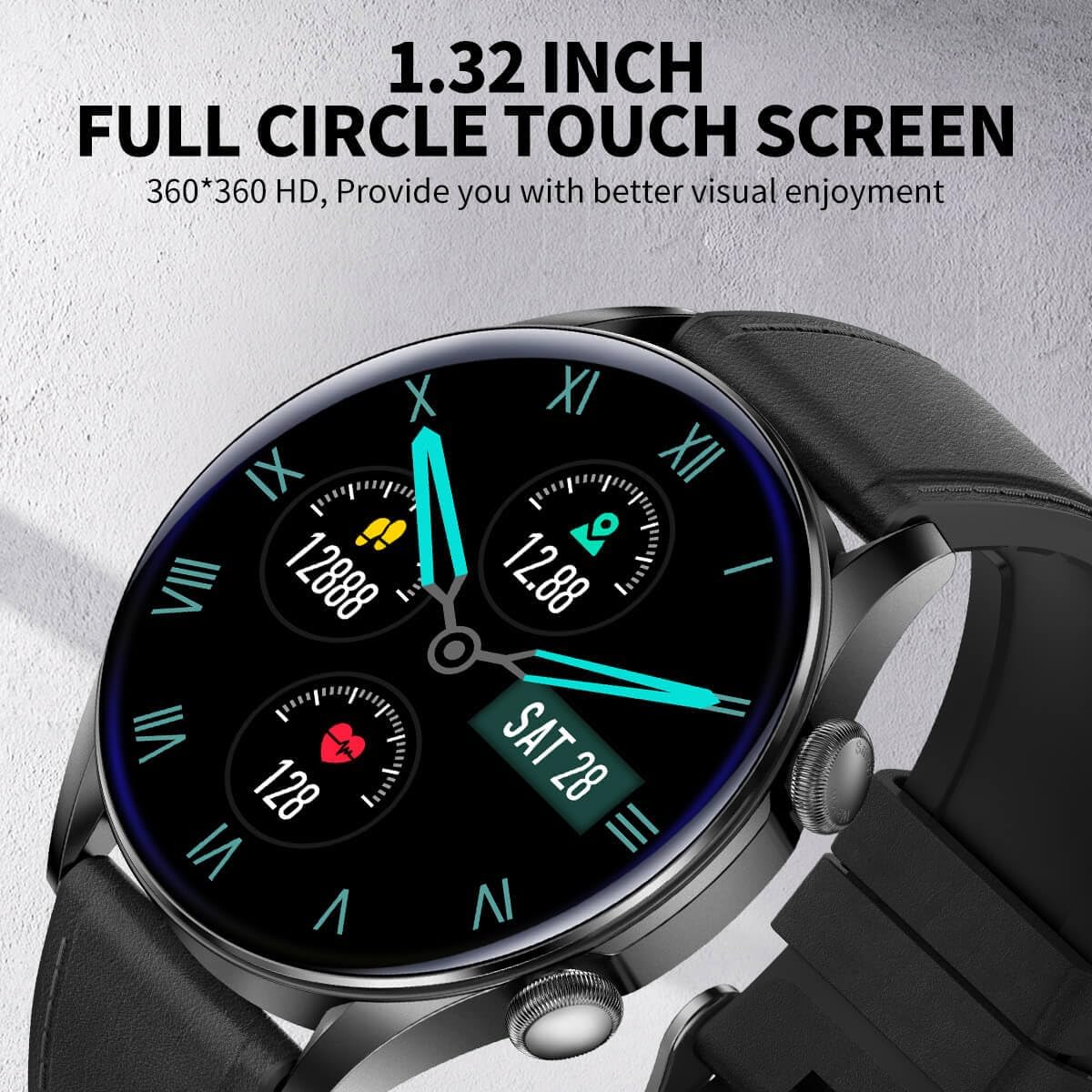
Image: The smart watch displaying its vibrant 1.32-inch full-circle touch screen, highlighting its high-definition display.
2. Bluetooth Calls and Voice Assistant
With dual-mode Bluetooth, you can make and answer calls directly from your wrist. The built-in voice assistant allows for hands-free control and commands.

Image: The smart watch screen displaying an incoming call, along with options for dial pad, recent calls, and contacts, demonstrating its HD Bluetooth voice call capability.

Image: Three smart watches illustrating key features: one showing a clear Bluetooth call interface, another displaying mobile phone music controls, and the third featuring the smart voice assistant interface.
3. Customizing Watch Faces
Personalize your watch with a variety of built-in artistic dial libraries. You can also use your own photos to create custom watch faces through the companion app.
4. Music Control
Control music playback on your connected smartphone directly from your watch. Play, pause, skip tracks, and adjust volume without needing to take out your phone.
5. Remote Camera Control
Use your smartwatch as a remote shutter for your smartphone camera, making it easier to capture group photos or selfies.

Image: The smart watch displaying a camera shutter icon, indicating its remote camera control function, alongside a smartphone showing its camera application.
6. Casual Games
The watch includes built-in casual games for entertainment during downtime.

Image: The smart watch screen showing a game, similar to Flappy Bird, demonstrating its casual gaming capability.
7. Other Practical Functions
The smartwatch offers additional features such as weather updates, stopwatch, alarm, timer, and brightness adjustment to meet your daily needs.

Image: A smart watch with various application icons, including weather, heart rate, sleep, blood oxygen, and messages, illustrating its comprehensive information reminder features.
Health Monitoring
The BooaBei Smart Watch provides comprehensive health monitoring features to help you stay informed about your well-being.
1. Heart Rate Monitoring
Monitor your heart rate in real-time. The watch provides alerts and insights into your heart health, helping you understand your body's response to activity and rest.

Image: The smart watch screen showing a heart rate reading of 80 BPM, with a heart rate zone indicator, demonstrating its 24/7 health monitoring capability.
2. Blood Oxygen Monitoring (SpO2)
The watch can detect subtle physiological changes by monitoring your blood oxygen levels (SpO2), providing insights for health risk prediction.
3. Blood Pressure Monitoring
Track your blood pressure readings to keep an eye on your cardiovascular health. Note that these readings are for reference and not for medical diagnosis.
4. Sleep Monitoring
Analyze your sleep cycle and patterns to help improve your sleep quality. The smart sleep analysis provides targeted recommendations.
5. Body Temperature Sensor
The high-precision temperature sensor allows for real-time sensing of your body temperature.

Image: A close-up of the back of the smart watch, highlighting the high-precision temperature detection point and other sensors.
6. Adaptive Breathing Training
Utilize the adaptive breathing training feature to visually adjust your stress index and improve cognitive efficiency.
Fitness Tracking
Your BooaBei Smart Watch is a multifunctional fitness companion, equipped to track your activities and help you achieve your fitness goals.
1. Pedometer System
The comprehensive pedometer system tracks your steps, calorie consumption, and distance traveled. You can customize daily step goals and view 7-day trend analysis data.
2. Multi-Sport Modes
The smart watch features 7 built-in professional sports modes. Sports data is automatically synchronized to the application, allowing you to view detailed statistics, customize fitness goals, and track progress.

Image: The smart watch screen showing activity tracking with metrics for steps, calories, and distance, alongside icons representing various sports modes like walking, running, cycling, basketball, soccer, badminton, and skipping.

Image: A man running, wearing the smart watch, with an overlay of icons representing various rich sports modes available on the device.
Maintenance
1. IP67 Waterproof Performance
The smartwatch boasts IP67-level waterproof and dustproof performance, making it suitable for daily activities like rainy commutes, sweating during exercise, and washing hands. It is not recommended for swimming or showering with hot water.
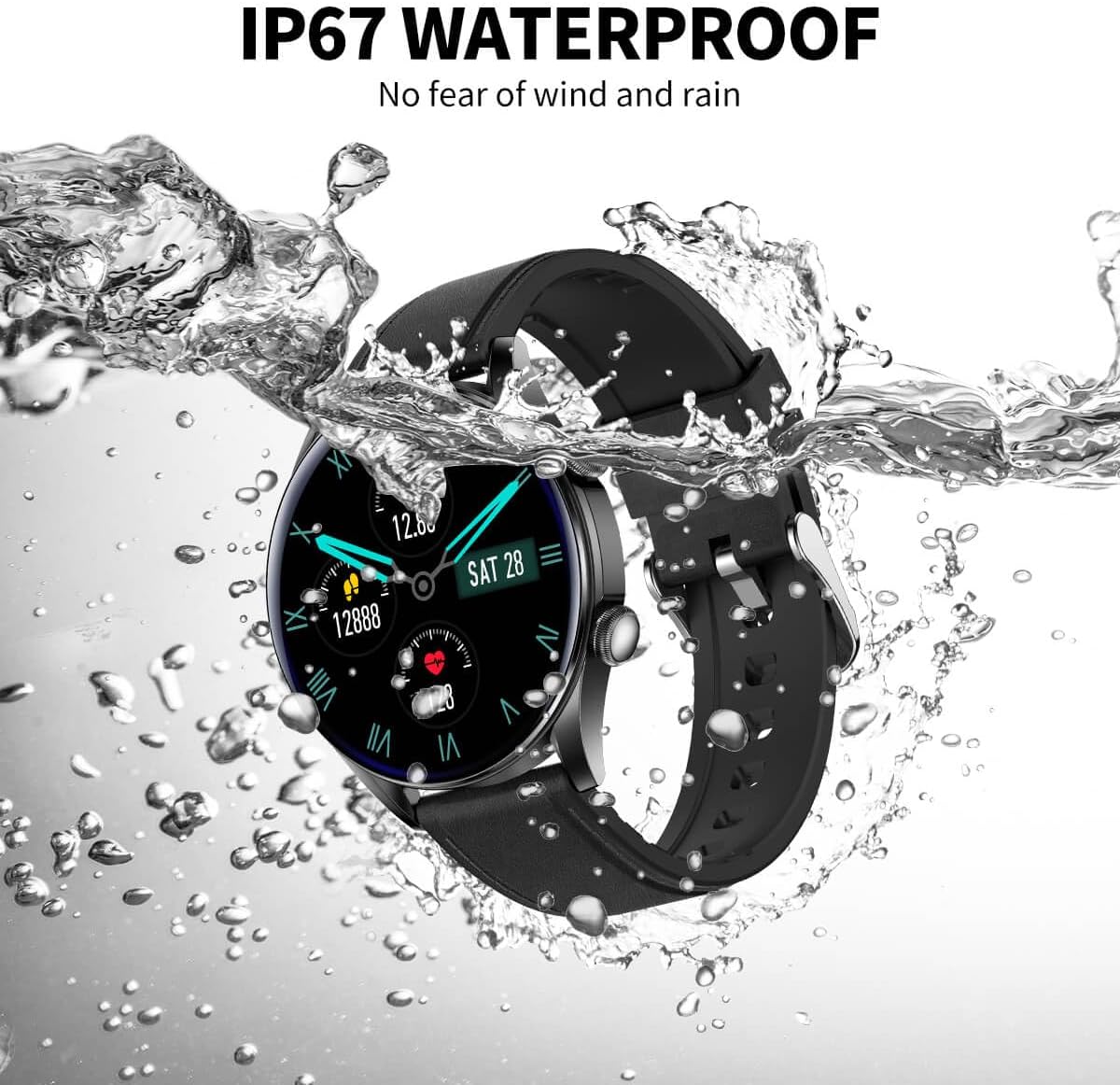
Image: The smart watch partially submerged in water, with water splashing around it, illustrating its IP67 waterproof capability.
Video: A comprehensive video introducing the BooaBei Smart Watch, showcasing its various features including its waterproof capabilities and user interface.
2. Cleaning
Wipe the watch and strap regularly with a soft, damp cloth. Avoid using harsh chemicals or abrasive materials that could damage the device.
Troubleshooting
If you encounter any issues with your BooaBei Smart Watch, please refer to the following common solutions:
- Watch not turning on: Ensure the watch is fully charged. Connect it to the magnetic charging cable and a power source.
- Bluetooth connection issues: Make sure Bluetooth is enabled on your smartphone and the watch. Restart both devices and try pairing again. Ensure the watch is within range of your phone.
- Inaccurate health readings: Ensure the watch is worn snugly on your wrist, not too tight or too loose. Clean the sensors on the back of the watch. Readings are for reference and not medical diagnosis.
- Notifications not appearing: Check app permissions on your smartphone to ensure the companion app has access to notifications. Verify notification settings within the watch app.
For further assistance, please contact customer support.
Specifications
| Feature | Detail |
|---|---|
| Model Number | T32S |
| Screen Size | 1.32 Inches |
| Operating System Compatibility | Android 4.4 and above, iOS 9.0 and above |
| Battery Capacity | 260 Milliamp Hours |
| Connectivity | Bluetooth |
| Waterproof Rating | IP67 |
| Item Weight | 1.76 ounces (0.05 Kilograms) |
| Package Dimensions | 6.3 x 4.5 x 1.5 inches |
| Manufacturer | BooaBei |
| Country of Origin | China |
Warranty and Support
BooaBei offers a 30-day hassle-free return and exchange policy, along with a 2-year warranty for your smartwatch. Our customer support team is available 24/7 to assist you with any questions or issues you may encounter.
Your satisfaction is our top priority. Please do not hesitate to reach out if you need assistance.


